

Ever notice how your videos sometimes jump around? A phone gimbal helps keep your phone steady when you’re on the move. It uses smart motors and sensors to fight off unwanted shakes so your footage stays clear and smooth. Whether you’re just capturing memories or making films, this tool can improve your video quality with little fuss. Here, we’ll show you how a phone gimbal turns everyday clips into smooth, pro-looking shots.
Why You Need a Phone Gimbal: Achieve Ultra-Smooth Mobile Video
Ever struggled with shaky videos when you’re out and about? A phone gimbal is a small handheld stabilizer that uses smart brushless motors and sensors to keep your phone steady across three directions (up/down, left/right, and side to side). This means you can record smooth, movie-like footage, no matter how much you move. Imagine running through the city and capturing clear, shake-free scenes, every shot feels more professional.
Many gimbals are built to support phone weights up to 500 grams and can handle phones up to 12.5 mm thick. This makes them a good fit for a range of devices, from slim smartphones to heavier models. In our tests, these stabilizers adjusted quickly when switching between horizontal and vertical modes. It ensures you never miss a moment, whether capturing wide landscapes or tight portraits.
A phone gimbal isn’t just for professionals. Casual users can improve their home videos, and content creators benefit from the quick balancing and responsive tracking. It’s like having a tiny cinema camera in your hand, smooth and reliable every time. This gadget bridges the gap between everyday smartphone recordings and high-quality production, making each video count.
Key Features to Look for in a Phone Gimbal
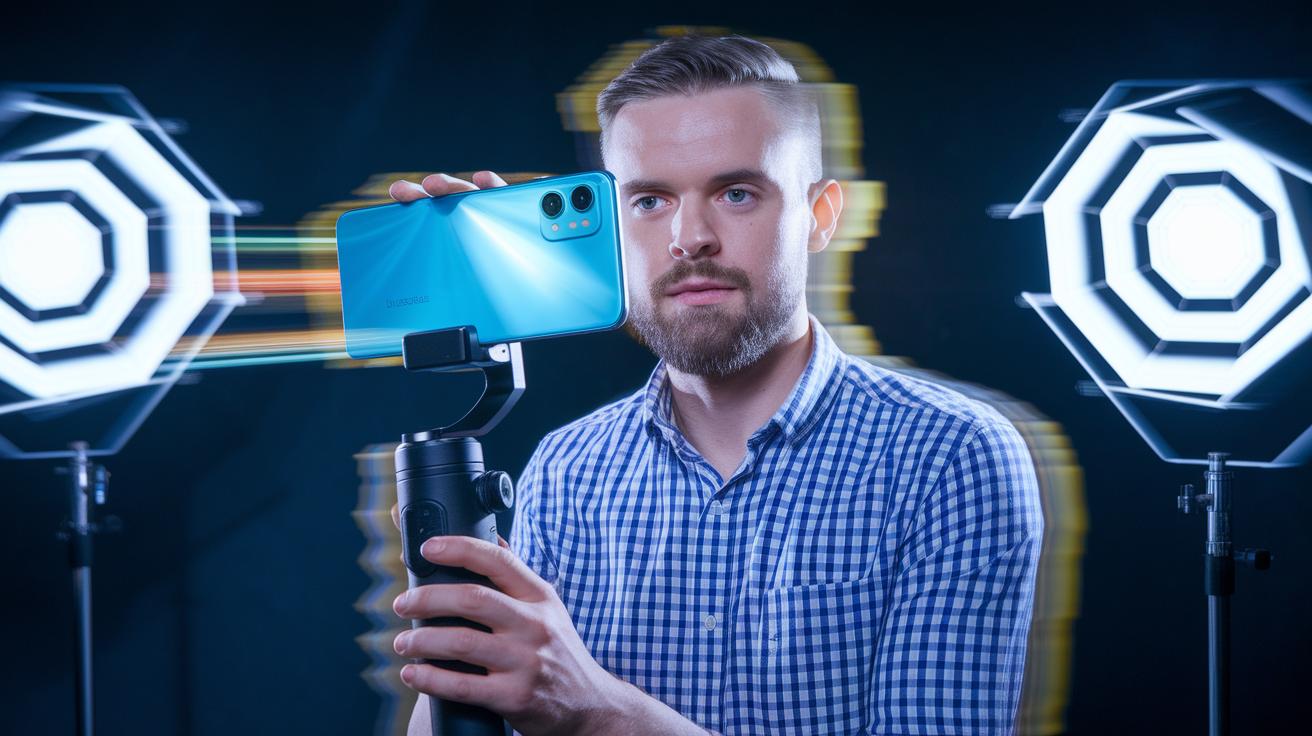
Top gimbals use a three-axis motion control system (which tracks movement in three directions) with brushless motors that keep your phone steady no matter how fast you move. They use built-in sensors and a smart stabilization algorithm (a set of rules to smooth out unwanted shakes) to counteract any sudden motions. Many new models even come with AI auto-tracking that follows your subject, so every move is captured clearly. One reviewer mentioned it felt like the gimbal understood his intentions perfectly.
Quality gimbals also offer an adjustable grip that holds your phone tightly during rapid movement. A magnetic quick-release system allows you to swap devices quickly and easily. For those who need more precise control, some models include analog zoom and focus wheels. Plus, foldable designs and built-in extension rods add to their portability, so you can travel light without losing performance. Companion apps make setup a breeze by letting you tweak settings or update firmware on the fly.
Here's what to look for:
| Feature | Benefit |
|---|---|
| Three-axis brushless motors | Keeps your phone steady in all directions |
| AI auto-tracking | Follows your subject smoothly |
| Adjustable grip with magnetic clamps | Holds your device securely and makes swapping easy |
| Analog zoom/focus wheels | Offers precise control while filming |
| Foldable design with extension rods | Enhances portability and provides extra reach |
| Companion apps | Simplify control, settings adjustments, and firmware updates |
Most gimbals offer a battery life of 12 to 18 hours, ensuring you can film for long periods without interruption.
Top Phone Gimbal Models Reviewed: DJI, Insta360, Hohem, and More
The DJI Osmo Mobile 7P is our top pick for those who need advanced features. It handles motion timelapse (a series of photos taken over time to make a video) and subject tracking with ease. The analog wheel gives you hands-on control to fine-tune your shots. One tester said it feels like a professional rig, though a few users dislike the cable that dangles.
The Insta360 Flow 2 Pro is great when you need something compact. It's light, foldable, and comes with a magnetic spring clamp for quick mounting. This makes it ideal for mobile video work where you want something portable without skimping on performance.
If you need professional control, check out the Zhiyun Smooth 5S AI. It offers precise balancing and robust manual settings for those tricky filming conditions. While it gives you top control, its new release price might be a bit higher than some other options.
For beginners, the Insta360 Flow 2 is a solid choice. It is easy to use and affordable, delivering steady footage without any fuss. It’s perfect for travelers who want a simple way to record their adventures without a steep learning curve.
The Hohem iSteady V3 Ultra stands out as a budget-friendly option. It is one of the least expensive yet lightweight and capable stabilizers you can find. It smooths out your shots even in active environments, making it a wise pick if you are watching your spending.
For those who need top-tier performance, the Hohem iSteady M7 offers excellent AI tracking. It’s designed for serious content creators ready to invest in a stabilizer that keeps up with fast-paced, creative filming.
| Model | Key Features | Pros | Cons |
|---|---|---|---|
| DJI Osmo Mobile 7P | Motion timelapse, analog wheel, subject tracking | Advanced features, professional feel | Cable can be annoying |
| Insta360 Flow 2 Pro | Compact, lightweight, foldable, magnetic clamp | Easy to carry, secure mounting | May feel bulkier than entry-level models |
| Zhiyun Smooth 5S AI | Precise balance, manual controls | Great for detailed adjustments | New release with a higher price |
| Insta360 Flow 2 | Portable, entry-level, budget-friendly | Simple to use, affordable | Fewer advanced features |
| Hohem iSteady V3 Ultra | Light, cost-effective, strong stabilization | Lowest cost, reliable performance | Basic features only |
| Hohem iSteady M7 | Premium AI tracking, advanced control | Top stabilization, excellent tracking | Expensive |
How to Choose the Best Phone Gimbal for Your Needs

When picking a phone gimbal, make sure it fits both your phone's size and weight. The gimbal's grip and motor power should work well with your device whether it is light or has a bit more heft. For example, check if it can secure phones up to 500 grams or thicker ones around a 12.5 mm profile.
Battery life is key if you're planning long shoots. Look for a gimbal that offers about 12 to 18 hours of power so you can film without interruptions. If you're a vlogger or work solo, a model with good auto-tracking (a feature that smoothly follows a moving subject) is a big plus. It keeps your shots steady, even when you move fast.
Portability is another important factor. A foldable design makes it easy to take your gear wherever you go. And don't forget to check the price-to-performance ratio. Even on a tight budget, you can find a stabilizer that gives solid performance without costing too much.
- Match your phone’s size and weight with the gimbal’s capacity
- Check battery life and auto-tracking features
Think about your shooting style and budget to pick the best mobile rig for you.
Phone Gimbal Setup and Calibration Guide
Start by mounting your phone on the gimbal. Open the quick-release clamp and slide your phone in until it sits snugly against the frame. Tighten the clamp so there’s no wobble. This strong hold keeps your shot steady, even if you move quickly.
Next, adjust the gimbal's tilt, pan, and roll axes. Loosen the adjustment screws just a bit and gently balance each axis until it stays still on its own. Think of it like balancing a seesaw, small changes can make a big difference.
Then, power up the gimbal and launch the auto-calibration feature in the companion app. This routine resets the sensor readings and realigns the motors. Follow the on-screen prompts, such as "hold still for 10 seconds," so the system can properly adjust.
Finally, switch between horizontal and vertical modes to check that the transitions are smooth. Also, look for any firmware updates in the app. Updating the firmware ensures you get the latest features and reliable performance when shooting on the move.
Phone Gimbal: Smooth Shots & Seamless Stability
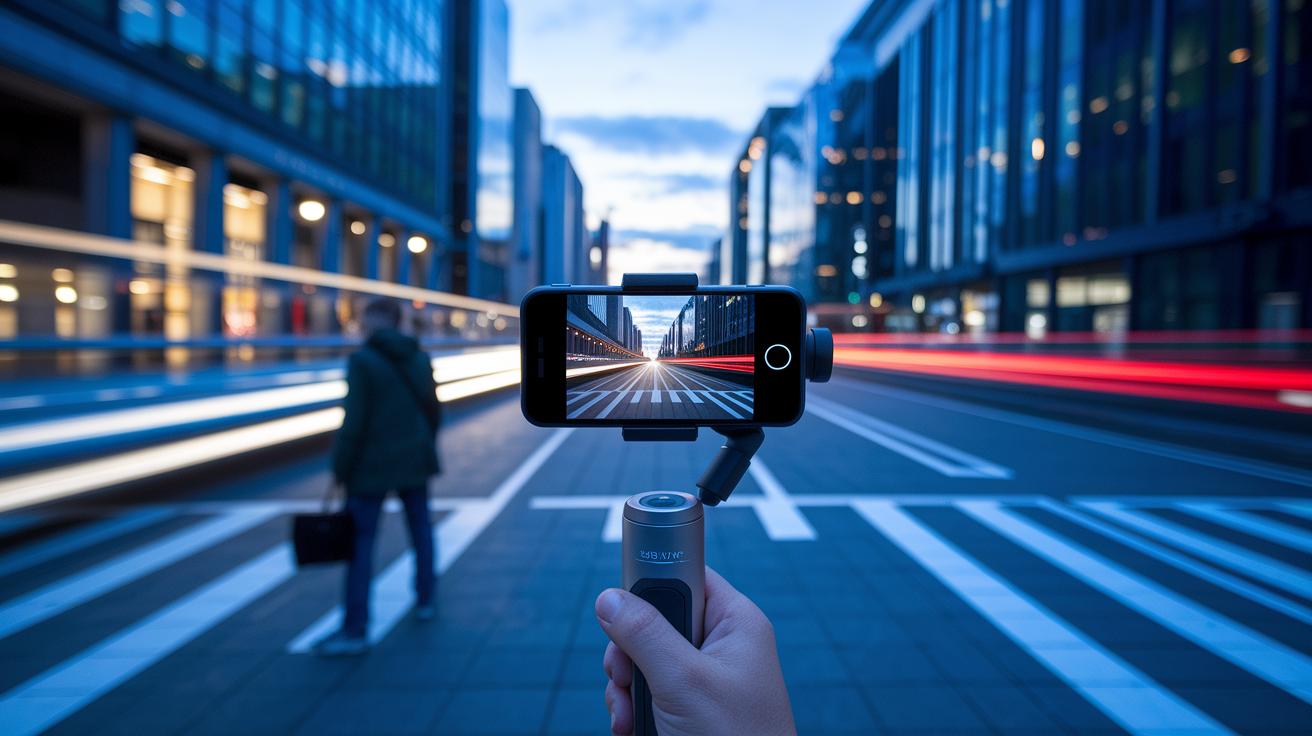
Modern phone gimbals do more than just steady your shot. They give you special modes like motion timelapse, time-lapse, hyper-lapse, and slow-motion to boost your video's style. Think of motion timelapse as a way to capture busy scenes that later blend into a smooth, flowing view.
Models like the DJI Osmo Mobile 7P and OM 8 offer three tracking modes so your subject stays sharp even if you move. They also come with analog zoom that lets you tweak your shot on the fly. One tester shared, "When I switched to slow-motion mode, every movement looked elegant and controlled. It was like watching life in slow dance." This kind of control lets you experiment with ideas that were once only for high-budget films.
Here are some advanced modes to explore:
| Mode | Description |
|---|---|
| Motion timelapse | Captures gradual movement over time |
| Time-lapse | Turns long scenes into quick clips |
| Hyper-lapse | Shows fast movement in an upbeat way |
| Slow-motion | Records high frame rates for slow playbacks |
These techniques help you get a professional look with tools you use every day.
Must-Have Accessories and Add-Ons for Phone Gimbals
Boost your gimbal’s performance with a few smart add-ons. For instance, many users attach built-in extension rods (like those on the Joby Smart Stabilizer) to reach new angles. Wireless remotes (found on setups like the Insta360 Flow 2 Pro) let you control your gimbal from afar so you never miss the perfect shot.
A small tabletop tripod works great for hands-free shooting, and counterweights help if you have a heavier phone or a more unique setup. When filming for long periods, an external battery pack can be a lifesaver. It keeps your gimbal working well past its usual 12 to 18 hours.
Think of pairing an external battery pack with your gimbal as adding an extra fuel tank. You get longer shooting times without worrying about sudden power loss. These add-ons not only stabilize your setup but also expand your creative options, making your gimbal a versatile tool for both casual shooters and serious content creators.
Phone Gimbal Price Comparison and Purchase Guide
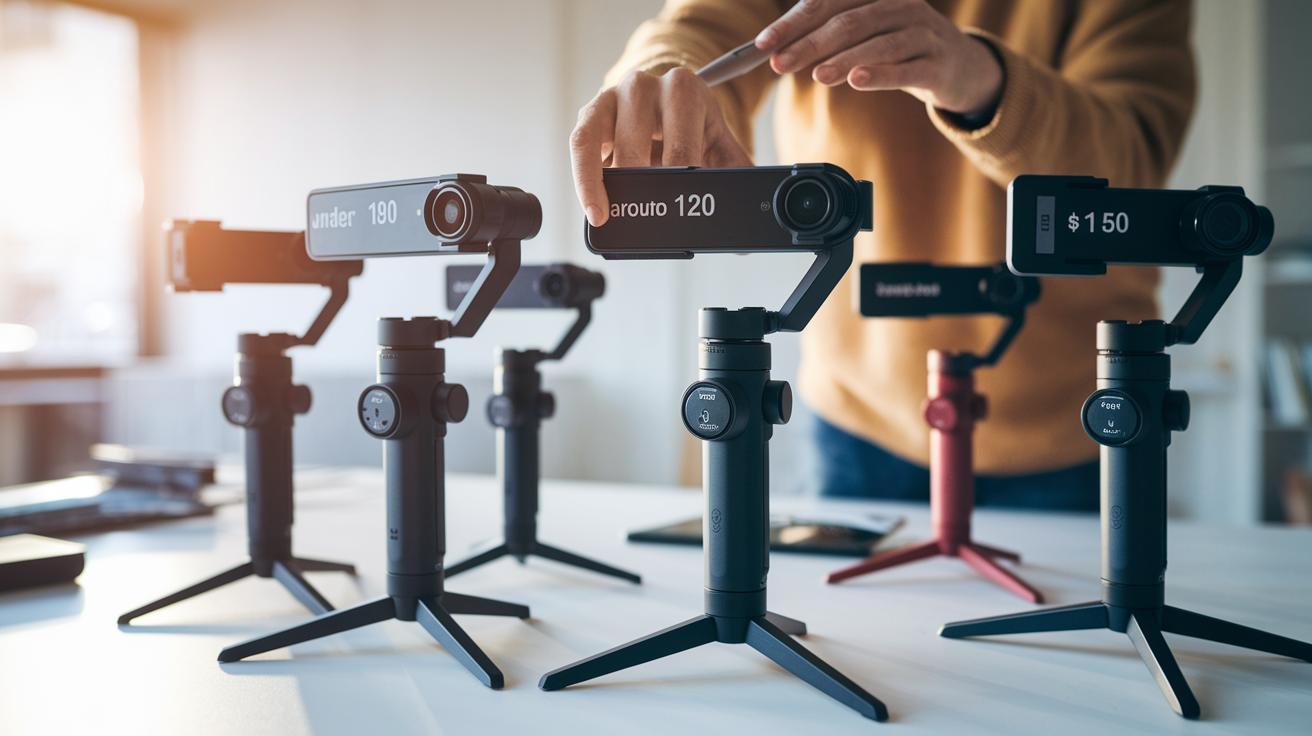
When you shop for a phone gimbal, knowing the price tiers and what they offer can help a lot. Low-cost options, such as the Hohem iSteady V3 Ultra and the Zhiyun Smooth Q4, are priced under $100. They give you basic stabilization and are perfect if you are just starting out or use gimbals casually.
Models like the Insta360 Flow 2 come in around $120 and offer a bit more in design and performance while still keeping the price low. For those who need a higher level of performance, premium models such as the DJI Osmo Mobile 7P and OM 8 range from $100 to $150. They include features like motion timelapse, analog controls, and stronger subject tracking, which are helpful for serious content creators.
| Price Range | Models | Target Users |
|---|---|---|
| Under $100 | Hohem iSteady V3 Ultra, Zhiyun Smooth Q4 | Beginners and casual creators |
| ~$120 | Insta360 Flow 2 | Everyday users seeking affordability |
| $100–$150 | DJI Osmo Mobile 7P, OM 8 | Serious content creators |
Keep an eye out at local stores and online shops. Seasonal deals can let you upgrade your mobile filming gear without stretching your budget.
Final Words
In the action, we broke down how a phone gimbal works and why its smooth, brushless motors set it apart. We covered key features like three-axis control, setup tips, and calibration to get the best mobile video. Real-world tests showed how top models tackle everyday challenges, from stabilizing quick movements to enhancing creative shooting modes.
We compared models, accessories, and prices to help guide your choice. The phone gimbal can boost your filming game and keep shooting fun. Enjoy capturing your moments!