

Ever feel burdened by carrying keys around? The Nuki smart lock lets your phone replace those old keys. Imagine walking up to your door and having it unlock without any fumbling or stress. It offers solid safety with secure codes and an easy setup that even beginners can do. With Nuki, protecting your home feels smart, simple, and a little less troublesome every day.
nuki smart lock simplifies modern home security
The nuki smart lock is a small device that upgrades how you enter your home while keeping it safe. You can lock and unlock your door using your smartphone, so there's no need for keys. It uses Bluetooth, meaning you have to be close (a few meters) for it to work smoothly. For instance, a property manager once mentioned how the lock activated the moment a guest neared the door, talk about convenience.
It runs on AA or AAA batteries that can last for many months, so you won’t be fiddling with it all the time. The design includes strong security measures to block unwanted access. While nothing is 100% foolproof, nuki uses tough encryption to make hacks very hard. It also lets you create guest-specific codes that work only during their stay, keeping access limited.
Plus, it easily connects with property management systems via Enso Connect. This means guest codes and check-in info move smoothly between systems, which helps busy hosts and boutique hotels. By linking the smart lock with management software, you can control it remotely even if you don’t have a physical key handy. In short, the nuki smart lock offers a smart mix of ease and robust security that fits modern living, whether you're a homeowner or a hotelier.
This small lock has changed the way many manage property access, making forgotten keys a thing of the past.
Nuki Smart Lock Installation and Quick Setup Guide

Physical mounting and battery insertion
Begin by attaching the lock housing to your door’s cylinder adapter. Make sure the housing fits correctly with how your door works. Then, put AA or AAA batteries into the compartment. These batteries will last for several months with regular use. Think of batteries as the fuel a car needs to run.
Bluetooth pairing via Nuki app
Once you have mounted the lock, open the Nuki app on your phone. The lock connects using Bluetooth, which works best when you are 1 to 2 meters away. Turn on the Bluetooth feature on your phone and stand close to the lock. The app will find the lock and start the pairing process. This ensures that the connection is steady, even when you use remote features.
Quick calibration and app configuration
After pairing, follow the instructions in the app to calibrate the lock. This step helps align the lock’s moving parts and sets your preferences for locking and unlocking. A proper calibration makes the lock work smoothly every time.
- Attach the lock housing to the cylinder adapter using the provided screws.
- Insert the AA or AAA batteries and securely close the battery compartment.
- Double-check that all screws are tightened just right.
- Open the Nuki app, enable Bluetooth, and stand 1–2 meters away to let the phone find the lock.
- Follow the in-app calibration steps to set your lock and unlock settings.
By following these steps, you complete the installation and setup of your Nuki Smart Lock. Enjoy a safer and smoother way to enter your home.
Nuki Smart Lock Secure Design and Encryption
The Nuki Smart Lock uses a secure link between your phone and the lock. It sends commands using Bluetooth and HTTPS with end-to-end encryption (data is scrambled from your device to the lock). This means when you lock or unlock your door, your command travels on a secure line so no one can sneak a peek. The lock even creates special guest keys that only work for a set time. Once a guest’s stay is over, the key stops working automatically.
The lock’s body is built to stand up against tampering and rough weather. Its solid cover guards the inner parts, even if someone tries to force it open. And if technology fails, you can still use a backup mechanical key to get in.
Security is a top deal here. The lock relies on strong encryption to block hackers while its tough design cuts down on weak spots. By mixing smart digital protection with a sturdy physical casing, the Nuki Smart Lock delivers reliable defense for homeowners and property managers alike.
Nuki Smart Lock App Integration and Remote Control

With the Nuki Smart Lock, you can control your door with a few taps on your phone. The Nuki app lets you lock or unlock your door from anywhere using an internet connection (or Bluetooth if your WiFi is down). This feature makes it easy to give guest access even when you are away. It’s a simple way to manage your home security.
Smartphone App Setup and Permissions
Start by downloading the Nuki app from your device’s app store. Once installed, open the app and follow a brief setup guide. The app will ask for key permissions like Bluetooth, location, and notifications. For example, allowing location permission helps the lock know when you are nearby. These settings also let the app warn you if the battery is low or if there’s another issue. With these permissions set, you can easily control your lock both near and far.
Enso Connect Property Management Integration
Link your Nuki account with Enso Connect for even more options. This integration syncs your digital guest keys with your property management system. You can create keys that work for a set time period, matched to a guest’s check-in schedule. For example, set a start and end time for a guest’s entry. This process cuts down on the work of changing codes manually and keeps your home secure by letting old keys expire automatically. With Enso Connect, you get a straightforward way to handle both your smart lock and guest access.
Nuki Smart Lock User Reviews and Expert Insights
Forbes writers praise the lock for letting you control your door from a smartphone. They call it a real game-changer, though it only works well with a stable internet connection. If the network drops, the lock might not respond right away.
Hospitality managers have seen benefits too. They say the time-bound digital keys speed up guest check-ins. One manager explained, "Our guests check in faster without needing a physical key. It really cuts down on busy-day delays." This shows that the system can streamline entry and improve operations.
User feedback is also strong. Many customers enjoy the ease of managing multiple check-ins from afar. However, experts recommend keeping a backup manual key handy. This added step helps overcome any surprise tech glitches.
Expert insights and online reviews highlight a few key points:
- Remote control is very handy, but it depends on reliable phone and internet connections.
- Time-limited digital keys mean faster guest check-ins in places like hotels.
- A backup manual key is a smart safeguard against technical issues.
While the Nuki Smart Lock brings modern security and cool features, being prepared for minor technical hiccups is important for constant access and peace of mind.
Nuki Smart Lock Pricing, Warranty, and Support Overview
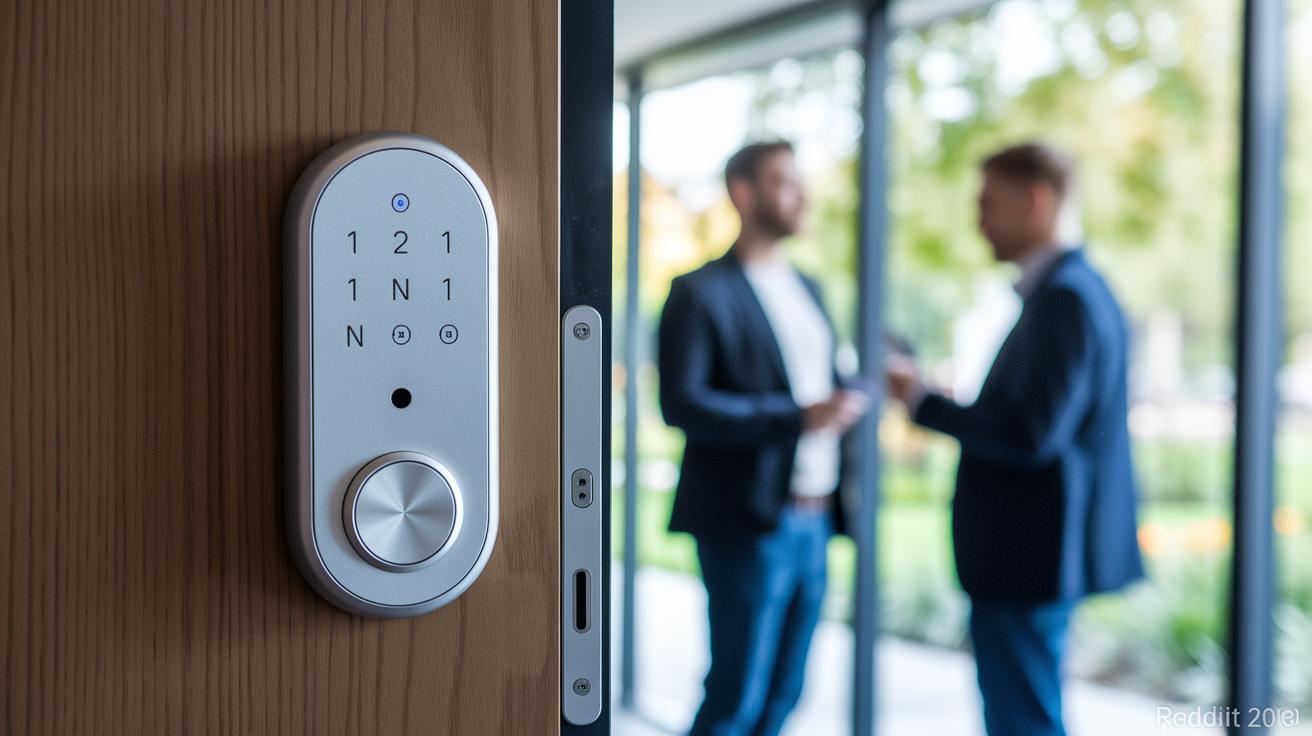
Prices for the Nuki Smart Lock aren’t fixed. Check the official retailers for the latest details. We usually see this lock priced in a mid-range bracket against other smart locks. Sales, deals, and time-sensitive promotions can shift the numbers, so always get the current figures from trusted sources.
Warranty details and support options can seem a bit vague. When you buy the Nuki Smart Lock, take some time to review the warranty period and any service plans included. Customer help is available through phone, email, or even professional installation partners if you need a hand getting it set up right.
For the most accurate information on pricing, warranty, and installation support, always look at Nuki’s official website or speak with an authorized retailer before you make your purchase.
Nuki Smart Lock Troubleshooting, Maintenance, and Battery Care
The Nuki Smart Lock is built to run smoothly, but you might face minor hiccups now and then. Its batteries last several months, and you'll get a low-power alert when it’s time to swap them. When you see this alert in the app, change the batteries right away. Always check that you're using the right voltage to keep the lock working well.
If your lock isn’t responding, start by checking your phone’s Bluetooth and move closer, about 1 meter from the device. An old firmware (the built-in software that controls the lock) can also cause issues. Run the latest upgrade in the Nuki app to fix any glitches. In busy spots like hotels, having a manual key handy can be a lifesaver if tech problems pop up.
| Issue | Symptom | Fix |
|---|---|---|
| Low battery | Lock shows a “Low power” alert | Replace batteries and check voltage in the app |
| Bluetooth issue | The app can’t find the lock | Restart Bluetooth on your phone and move within 1 m of the lock |
| Old firmware | Features don’t work or the lock won’t connect | Update firmware via Settings → Device Info in the Nuki app |
Regular upkeep and prompt firmware updates keep your smart lock reliable. By monitoring battery levels and troubleshooting connection issues using these steps, you'll help ensure safe and steady access to your home or property.
Final Words
In the action, we covered the nuki smart lock from installation to secure design and troubleshooting. We walked through mounting the device, pairing via the app, and managing remote control settings. The guide breaks down key features like digital key codes and backup mechanical access. It also highlights expert insights and real-world user experiences to help you make your next purchase with confidence. Enjoy exploring this smart lock and the ease it brings to everyday security!
FAQ
Frequently Asked Questions
How secure is a Nuki smart lock?
The Nuki smart lock is secure with strong end-to-end encryption over Bluetooth and HTTPS, plus physical safeguards. It issues time-limited digital keys and includes a backup manual key option.
Does Nuki require a subscription?
The Nuki smart lock does not force a subscription for its core functions. Basic locking, unlocking, and remote access work without monthly fees, though some additional features may need extra payment.
What are the disadvantages of smart locks?
Smart locks can be affected by low battery levels, connectivity issues, and reliance on smartphone or internet access. Users should keep a manual key as a backup to overcome potential technical hiccups.
How does the Nuki smart lock work?
The Nuki smart lock works by pairing with your smartphone via Bluetooth to set up secure access. It uses encrypted signals to lock or unlock doors remotely and issues digital keys for guests.
What features does the Nuki Smart Lock app offer?
The Nuki smart lock app provides keyless entry, remote control, in-app calibration, and the ability to generate guest-specific digital keys. It guides users through secure Bluetooth pairing and configuration.
What is the installation process for a Nuki smart lock?
The installation involves mounting the lock to your door’s cylinder, inserting batteries, and pairing with the smartphone app. In-app prompts lead you through Bluetooth pairing, calibration, and final setup.
What differentiates Nuki Smart Lock models like Pro, 5, and Ultra?
The Nuki Smart Lock models vary in features. The Pro series adds WiFi connectivity for better remote access, while the Ultra model offers enhanced connectivity. Each model caters to different remote access and integration needs.
How do Nuki keypads work?
The Nuki keypads let you unlock doors with a code or fingerprint. They complement the smart lock by offering a touch-free access method, providing extra security and convenience alongside the smartphone app.