

Have you ever imagined that a small speaker could change the feel of your room? The Nest Mini smart speaker delivers clean, clear sound and useful smart features, all in a tiny package. Its compact design makes it a great fit for kitchens, bedrooms, or offices. In our review, we break down its specs, design, and everyday features to show you how this little device can make a big impact.
Nest Mini Smart Speaker Overview: Specs, Price, and Design
The Nest Mini is a small smart speaker that fits easily into any room. It works with the Google ecosystem to give you quick access to Google Assistant at a price that won't break the bank. Its compact size makes it a great choice for kitchens, bedrooms, or offices where space is tight.
This speaker delivers clear sound even at moderate volumes (about 20–40%). You can boost the sound to full blast by saying "10" when you need extra volume. It picks up your voice well from various angles, making it reliable for playing music, setting alarms, or managing smart home gadgets. Our tests show that the audio performance is steady, day in and day out.
The Nest Mini also stands out with its modern, eco-friendly design. It features a chalk finish and uses recycled plastic bottles, which appeals to those who value sustainability. Its touch-sensitive controls feel responsive and simple to use. Overall, the Nest Mini offers a budget-friendly way into smart home tech without skimping on style or performance.
Technical Specifications and Design of the Nest Mini Smart Speaker
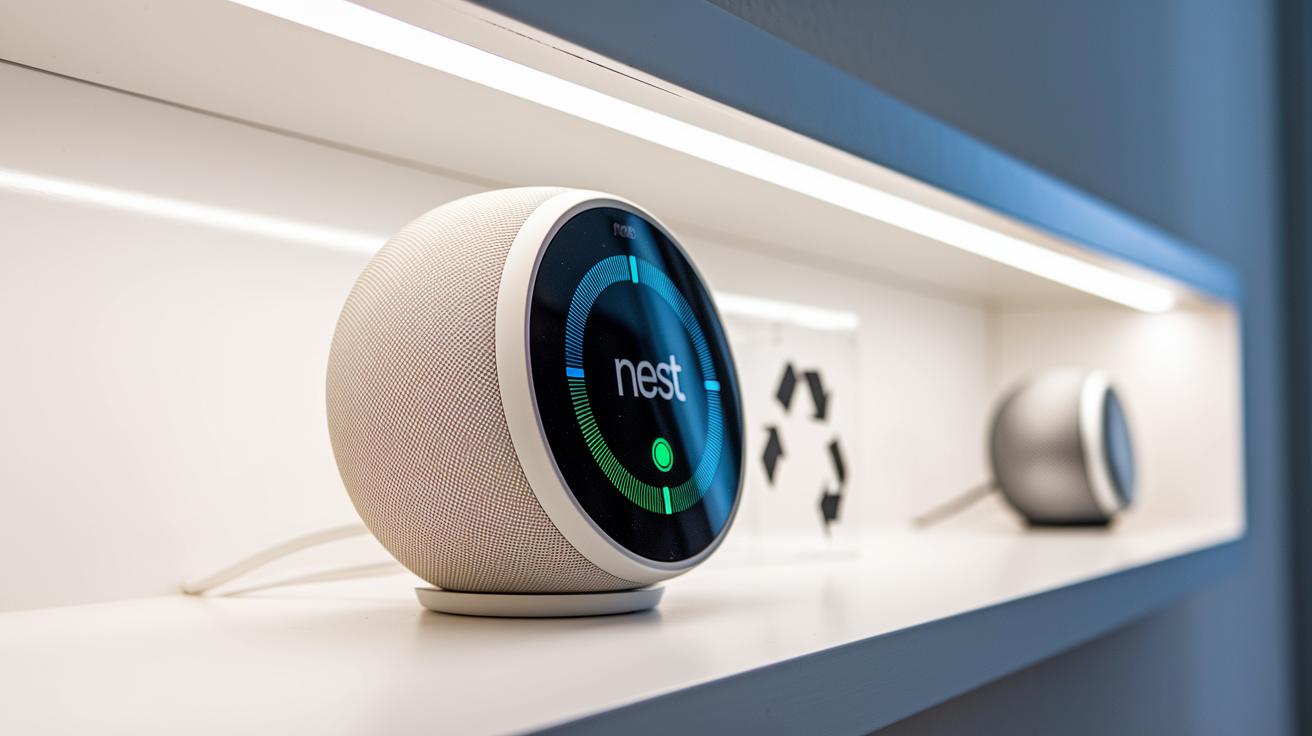
The Nest Mini is built with a compact, fabric-covered top that sports a chalk finish, making it easy to blend into any room. Its small, light design comes with touch controls for volume that respond quickly to your tap. This speaker is perfect when space is tight because it adds modern style without taking up too much room.
Built partly from recycled plastic bottles, the Nest Mini shows a strong focus on eco-friendly design while staying tough. It uses very little power, so you can keep it on all day without burning through your electricity. The second-generation model also ups the ante with better bass and a built-in spot to mount on a wall. These updates bring together green materials and smart hardware in one sleek package.
Nest Mini Smart Speaker Setup and Connectivity Guide
Start by plugging in your Nest Mini and wait until the LED light begins to pulse. Then open the Google Home App on your phone. Tap "Add" and choose to set up a new device, following the step-by-step guide on the screen.
Next, select your Wi-Fi network. Your Nest Mini works with both 2.4 GHz and 5 GHz signals. Enter your Wi-Fi password when prompted and let the device confirm the connection. If you want to connect a Bluetooth accessory, simply say, "Hey Google, pair Bluetooth" or follow the in-app Bluetooth pairing instructions.
If you experience connectivity issues, try these tips: move the Nest Mini closer to your router or restart your router to clear up any glitches. For the best performance, keep your speaker in an open area rather than a closed cabinet. This improves both the network strength and the voice recognition accuracy.
Finally, check that your device’s firmware is up to date through the app. The latest updates can provide useful connectivity improvements and more setup tips. With these simple steps and tips, your Nest Mini should be ready to handle your voice commands smoothly.
Audio Performance and Voice Control Features of the Nest Mini Smart Speaker
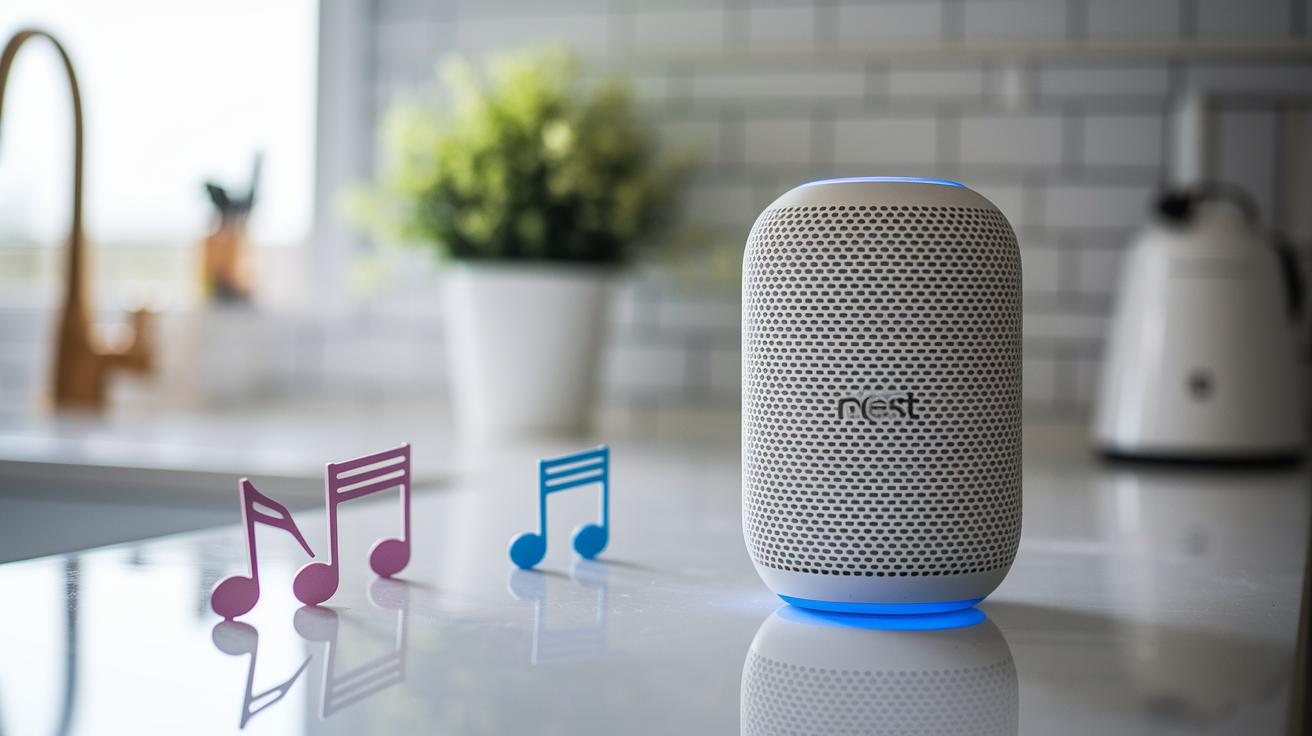
The Nest Mini delivers crisp sound without fuss. It fills your room with clear music even at volumes from 0 to 100%. In our tests, we found that keeping the speaker at 20-40% volume works great for everyday listening. At these levels, you get a balanced sound that shows every beat clearly without distortion. The bass stands out nicely too, so even at lower volumes, the music feels lively. It is a perfect companion in the kitchen, office, or when you just want some background tunes. Need more volume for a party? Just say "10" and it turns into a full-room sound system right away.
The built-in voice assistant is quick to respond when you say "Hey Google" or "Okay Google." It hears you well from anywhere in a small room and acts quickly on your requests. You can ask it to play music, check the news, set reminders, or control your smart devices with ease. The touch-sensitive top lets you adjust the volume on the fly, though it sometimes picks up touches when you move the device. Overall, the Nest Mini brings together clear sound and smart voice control, making it a solid choice for anyone who values easy, hands-free use.
| Volume Level (%) | Best Use Case |
|---|---|
| 20% | Voice commands & alarms |
| 40% | Everyday music in quiet rooms |
| 100% | Party mode & full-room playback |
Integrating the Nest Mini Smart Speaker into Your Smart Home
Google Home App Management
The Google Home App is your smart home's main control panel. It lets you handle volume, set schedules, and adjust playback with just a few taps. With it, you can create daily routines that turn on smart lights, start your favorite music, and even adjust your thermostat, all automatically. For example, you might set up a morning routine that slowly brightens the lights, plays soothing tunes, and warms up your room. The app also makes it easy to group your devices for a smooth, central control experience. I've seen routines that gently wake the household with synced smart lights and soft music, making mornings a bit easier.
Smart Device Compatibility
Nest Mini works well with a wide range of smart gadgets to boost your home automation. It listens for your voice with "Hey Google" to manage smart plugs, lights, locks, and more. It also connects smoothly with third-party products like Hue lights, TP-Link switches, Arlo cameras, and Ecobee thermostats. Think of it as the hub that links your smart devices together. With a simple voice command, you can adjust security cameras or change the lighting in a room. Users appreciate how easily it teams up with a variety of smart home devices to create a reliable, fast-responding system. Whether you're winding down for the night or gearing up for a busy day, Nest Mini helps keep your home smart and connected.
Privacy, Security, and Troubleshooting the Nest Mini Smart Speaker
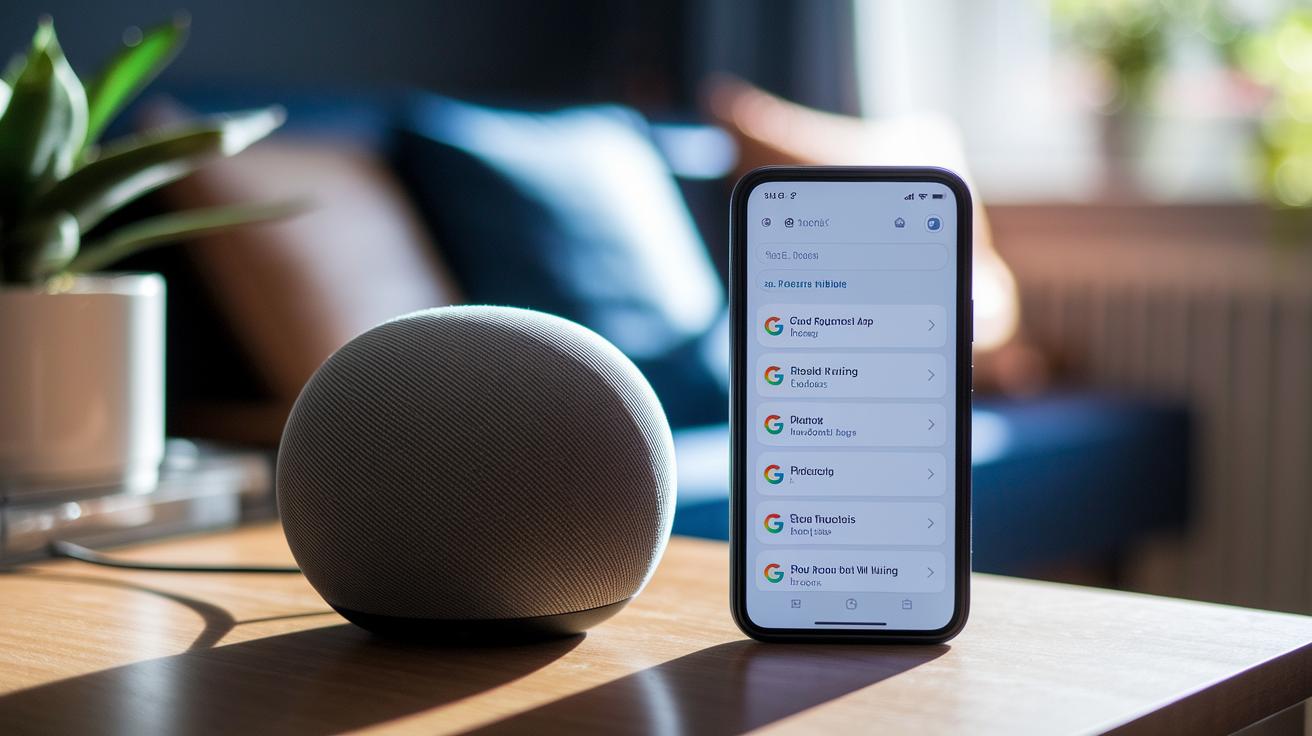
Your Nest Mini collects data like device type, IP or MAC address, location, and your voice commands. This data is saved under your Google Account so you can review or delete recordings when needed. Remember, anyone on your Wi-Fi can send commands to the device, so you might want to adjust your privacy settings in the Google Home App to control who can interact with the speaker.
The speaker's touch controls are very sensitive, and even a small touch can suddenly change the volume. You might also see network dropouts if your Wi-Fi signal is weak or overcrowded. If it doesn’t always respond to your voice, check your network strength or move the speaker to a spot with fewer obstacles. Keeping the software updated can also clear up these small issues.
If problems keep happening, a factory reset might be the best solution. To do this, press and hold the center of the top for 15 seconds until the LEDs start pulsing. Use the factory reset if nothing else fixes the issue or if you plan to give the device to someone else.
Comparing the Nest Mini Smart Speaker with Other Google Nest Devices
The Nest Mini stands strong against the Nest Audio. It delivers clear and punchy sound at higher volumes, which is great for small rooms or if you're watching your budget. However, the Nest Audio is built for those who need richer bass and a fuller sound through stereo pairing in larger spaces. Both work well with multi-room setups, but the Mini's compact size and lower price give it a unique edge.
When you compare the Mini with the Nest Hub (2nd Gen), the differences become clear. The Nest Hub sports a touchscreen that makes video calls and shows visual feedback, which gives it extra versatility. The Mini, meanwhile, is focused solely on audio and voice commands, making it a better option if you only need a tool for music and hands-free control.
A new model is set to launch in Spring 2026. Priced at $100, it will come with features like Gemini AI, a ring-light indicator for active listening, and 360° audio capabilities.
Final Words
In the action, this article broke down the nest mini smart speaker with clear details on specs, design, and audio performance. We compared its compact form, eco-friendly build, and modern controls with other Google Nest devices. You saw how simple setup, connectivity, and smart home integration work, along with privacy tips and troubleshooting steps. The review gives a real-world look at what to expect, making it easier to decide if this speaker fits your needs. Overall, the nest mini smart speaker shines as a solid, budget-friendly option.
FAQ
How do I pair my Nest Mini smart speaker?
The Nest Mini pairs easily using the Google Home app or voice command. After plugging it in, open the app and use the pairing option to connect to your Bluetooth device.
What is the price of the Nest Mini smart speaker?
The Nest Mini is priced as an affordable option within Google’s lineup. Its low cost makes it a solid choice for those wanting smart features without a high price tag.
What are the differences between Google Nest Mini generations and are any models discontinued?
The newer generation offers improved audio quality and smart features over the older version, while some earlier models have been phased out to focus on updated designs and enhancements.
What is the difference between the Google Home Mini and the Nest Mini speaker?
The Nest Mini upgrades sound quality and design, using eco-friendly materials and better voice recognition compared to the Google Home Mini, which has an older build.
How do I set up my Google Nest Mini speaker?
Setup is simple: plug in the Nest Mini, wait for the LED to pulse, open the Google Home app, add the device, and follow the on-screen instructions to connect to Wi-Fi and pair via Bluetooth.
What does the Google Nest Mini speaker do and can it be used as a speaker?
The Nest Mini delivers clear sound for music, news, and more while serving as a smart assistant. It plays audio well and responds to voice commands for smart home tasks.
Is the Google Nest Mini a good speaker?
The Nest Mini offers clear audio at everyday volumes and handles smart commands well. It works best for home use, though those seeking deep bass might prefer a larger speaker.