

Ever wonder if your computer could run smoother? Some users say that a liquid cooling system can drop temperatures by up to 10°C while keeping noise low. At the same time, air coolers offer solid performance and usually cost less.
When you power high-end chips like the Intel Core i9-14900K or AMD Ryzen 9 9950X, even small gains can make a difference. In this review, we share real-world test data on both liquid and air cooling. Our goal is to help you decide which cooling setup fits your build best.
Performance Comparison of Liquid vs Air Cooling Solutions
High-end AIO coolers can drop full load temperatures by up to 10°C, ensuring optimal performance during intense computing sessions. Liquid coolers often shave off 5–10°C from CPU temperatures compared to top air coolers like the Noctua NH-D15. This cooling boost matters a lot when you push high-power chips such as the Intel Core i9-14900K or AMD Ryzen 9 9950X, especially if you like to overclock.
Air coolers still hold their ground. For example, top models like the Thermalright Peerless Assassin 120 SE ARGB are built to handle up to 265 W. While liquid solutions can edge ahead in peak performance, both systems show similar temperature differences of about 5°C under everyday gaming loads (65–125 W TDP). What’s more, liquid setups often let the fans run at lower speeds, which helps keep the system quieter.
Our head-to-head tests show that liquid cooling creates lower operating temperatures and helps cut down noise due to better heat management. Yet, premium air coolers continue to offer solid performance and can be a wallet-friendly choice for many builds.
| Metric | Liquid Cooling (AIO) | Air Cooling (Premium Air) |
|---|---|---|
| Operating Temp @100% Load | 5–10 °C lower | Standard temperature range |
| Noise Level @Load | Lower RPM required | Higher due to increased fan speeds |
| Max Supported TDP | Suited for high-TDP CPUs with proper radiator sizing | Up to 265 W |
| Typical Price Range | $50 to $200+ | $50 to $150 |
- Liquid cooling offers better temperatures and quieter operation.
- Air cooling delivers strong performance at a lower cost.
Efficiency and Noise Level Analysis in Liquid vs Air Cooling
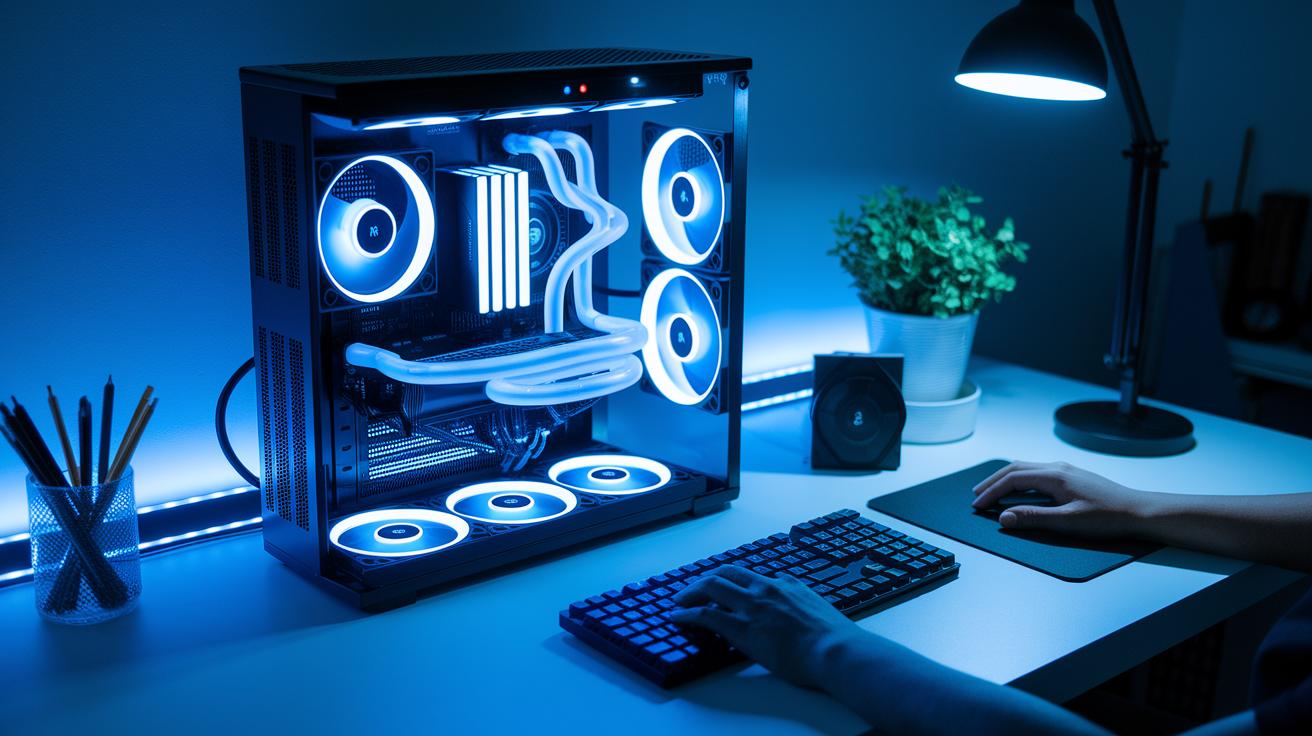
Liquid cooling systems with closed-loop designs use bigger radiators so the fans can run at slower speeds. This lets the fans run almost 10 dBA quieter than air coolers during heavy use. Quieter fans mean fewer distractions whether you're working long hours or gaming.
These systems also move heat about 5–7% better than just using air alone. In simple terms, that efficiency means your computer saves energy and stays cooler without stressing the fans.
A pump in a liquid cooler uses only 3 to 5 watts, which is very low. In comparison, a single 120 mm fan uses around 2 to 5 watts, but two fast fans in an air cooler can use 10 to 15 watts. Saving power helps lower your energy bill and means the cooling system itself produces less extra heat. This can be key in small builds or workstations that run non-stop.
- Liquid cooling is quieter and moves heat more efficiently with low power use.
- Air cooling can use more power with high-speed dual fans and tends to be louder.
- Even though liquid coolers use a bit more power for the pump, the overall noise reduction and efficiency gains make up for it.
Liquid cooling vs air cooling: Maximized Performance
When choosing cooling options, your spending now and later really matters. Liquid coolers, known as AIO units, come with a pump, radiator, and fans all sealed together. Prices start near $50 for a basic 120 mm model and can go past $200 for a 360 mm setup. Meanwhile, good air coolers usually run between $50 and $100, and basic heatsinks with a fan start at around $20. Many CPUs even include a stock air cooler that works well for everyday use.
The cost differences go beyond the sticker price. Liquid cooling costs more upfront but gives you a neat design and extra cooling power for high-end processors. Air coolers, on the other hand, save you money while still handling overclocking and moderate heat well.
| Cooling Type | Price Range |
|---|---|
| Liquid Cooling | $50 to $200+ |
| Air Cooling | $20 to $100 |
Liquid cooling systems bundle pumps, radiators, and fans in one package. Air cooling generally uses a heatsink with one or two fans. For many light to mid-range systems, the lower cost air cooler works just fine.
Installation Complexity and Maintenance Requirements for Liquid vs Air Cooling
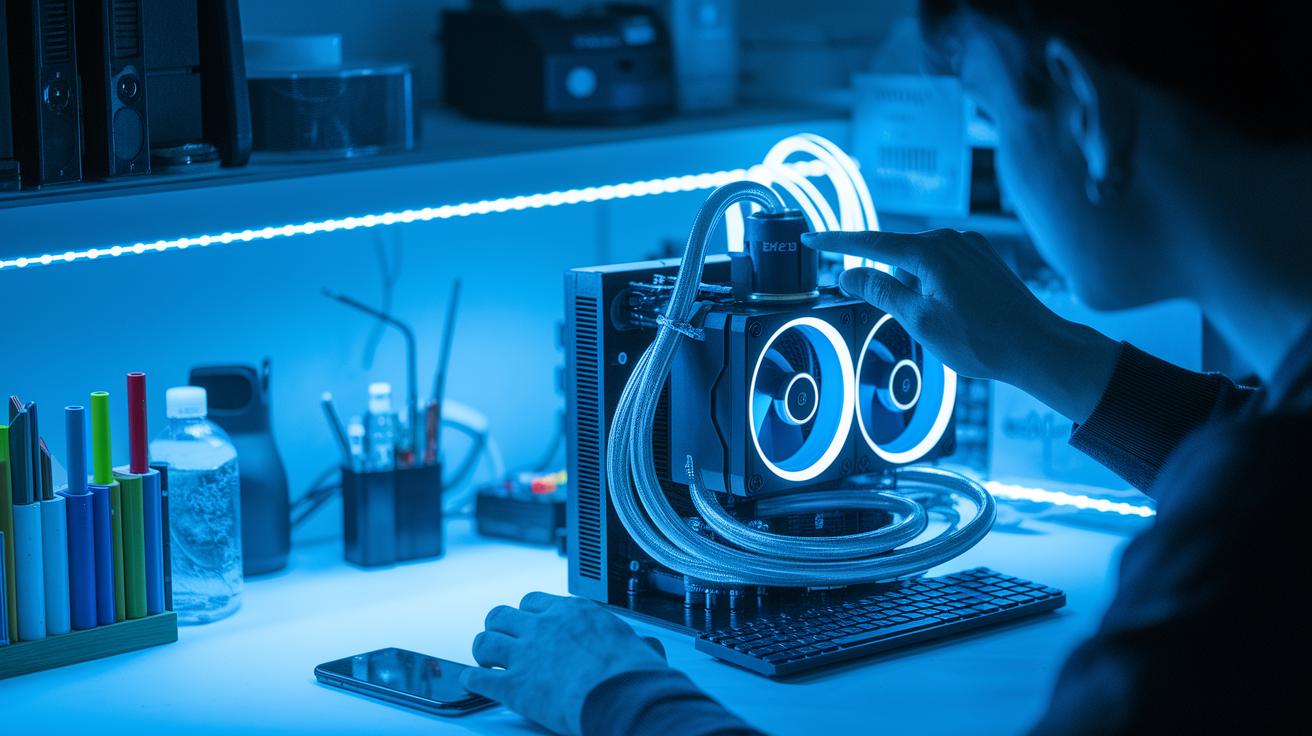
Liquid cooling systems (all-in-one or AIO) need a few extra steps during setup. You install a backplate, pump block, radiator, and tubing. Every connection can lead to leaks or pump issues later if not set up carefully. For example, the pump block must fit tightly to avoid problems like coolant wear or performance hiccups.
Air coolers are much simpler. They use a basic bracket and heatsink. This easy design means fewer steps and a lower risk of error, which is great for beginners or anyone who prefers a simple build.
Liquid coolers also require regular upkeep. You need to check the pump and coolant levels periodically. Even small signs of wear can lower performance, so a monthly inspection of the tubing can help prevent sudden overheating.
In contrast, air coolers need minimal maintenance. A quick dusting and an occasional fan replacement are usually enough to keep them running well. Their straightforward design makes them reliable for everyday tasks without much extra work.
- Liquid cooling needs extra attention to avoid leaks and pump issues.
- Air cooling is easier to install and maintain with less technical effort.
Use Case Comparisons: Gaming, Overclocking, and Workstation Cooling in Liquid vs Air Systems
Gaming PC Cooling Scenarios
Most modern games run on systems with 6-8 CPU cores and use between 65 and 125 watts of power (TDP). Both high-quality air coolers and basic all-in-one (AIO) liquid coolers can handle these loads well. We tested both methods and found that they keep the CPU temperatures safe during play. For example, in a game loop test, the temperature difference stayed within about 5 °C. In short, for everyday gaming, either cooler performs reliably.
Overclocked System Thermal Needs
Overclocking pushes your CPU harder and can raise the TDP to around 300 watts. This means extra cooling is needed to keep the system stable. In our tests, larger AIO coolers with 240 mm or bigger radiators gave extra cooling capacity. The extra surface area of these coolers helps bring down the CPU temperature better than most air coolers when every degree counts.
Workstation Thermal Management Strategies
Workstations that run all day, every day, need a cooling solution that is both efficient and reliable. Liquid coolers can save space in tight builds while still offering good cooling. However, air coolers often prove to be more reliable over the long term as they have fewer parts that can wear out. For continuous workloads, the steady performance of air cooling often means less maintenance and more peace of mind.
Final Words
In the action, we compared how well both systems cool CPUs, looked at noise and power draws, and broke down the costs. We also covered setup steps and maintenance tasks for each option. Our tests highlighted clear differences in performance and simplicity across gaming, overclocked, and workstation setups. With the numbers in hand, the choice between liquid cooling vs air cooling comes down to your build needs and budget. Both paths deliver real performance, making it easy to pick the right one for you.
FAQ
What does liquid cooling vs air cooling reddit indicate?
Discussions on Reddit show that liquid cooling can drop CPU temperatures 5–10°C lower under load, while air cooling is praised for its simplicity, reliability, and lower maintenance risk.
How do air-cooled versus liquid-cooled motorcycles compare?
Feedback on motorcycles notes that air-cooled systems offer simpler design and easier upkeep, while liquid-cooled bikes may provide steadier engine temperatures at the cost of added complexity and maintenance.
How do water cooling vs air cooling benchmarks compare?
Benchmark tests reveal that water (liquid) cooling systems often lower operating temperatures by 5–10°C under heavy loads, though both methods usually keep temperatures within a safe range during typical gaming.
What are the pros and cons of liquid cooling vs air cooling?
Liquid cooling offers tighter thermal control and compact system design, whereas air cooling scores for easier installation, minimal upkeep, and lower risk of leaks.
How are liquid and air cooling used in data centers?
Data centers may favor liquid cooling for its efficiency and quiet operation in dense environments, while air cooling remains popular for its straightforward installation and cost-effectiveness.
How do liquid cooling and air cooling impact power consumption?
Liquid systems benefit from lower-speed fans that reduce power draw, though their pumps add a small load; in contrast, high-speed dual-fan air coolers can consume more power overall.
How does water cooling compare to liquid cooling?
Water cooling and liquid cooling refer to the same basic idea—using a coolant to absorb heat—with performance largely depending on the design quality and radiator size.
How does liquid cooling perform for gaming PCs?
In gaming builds, both liquid and premium air coolers handle typical loads well, but liquid coolers can provide extra headroom for overclocked CPUs when tighter thermal control is needed.
Is air cooling better than liquid cooling?
Air cooling excels in ease of use and low maintenance, making it ideal for most users, while liquid cooling offers improved temperature management for high-performance or overclocked systems.
Is liquid cooling necessary in 2025 and what are its disadvantages?
By 2025, liquid cooling might not be essential for everyday users since quality air coolers suffice; its disadvantages include added installation complexity, potential pump failures, and leak risks.