

Are your data center cooling methods ready for an upgrade? Air cooling can work, but it often struggles when the workload is heavy. Liquid cooling uses a cold liquid (a coolant) to pull heat away from your servers so they run at full speed. This change lets you pack more servers into the same space and can cut energy use by up to 30%. Here, we explain how liquid cooling works and how it can help your data center run efficiently while saving on costs.
How Liquid Cooling Systems Transform Data Center Operations
Liquid cooling is a smart switch from old air-cooling methods. With air cooling, fans blow room-temperature air through server racks. But when heat hits high levels, up to 20 kW per rack, fans just can't keep up. Liquid cooling uses a cold liquid to soak up and move heat away from key parts, hitting hot spots straight on while keeping temperatures even. This method helps handle high-power GPUs, which can pull between 300 and 1,500 W, so the gear runs right within its thermal limits.
In tests, air-cooled centers usually score a power usage effectiveness (PUE, which shows how much extra energy is used) of about 1.6 to 1.8. Liquid cooling, on the other hand, can cut that number to around 1.2–1.3 and drop energy use by as much as 30%. It also lets you pack in more servers per rack and keeps inlet temperatures near 40 °C, crucial for busy setups.
Key benefits of liquid cooling include:
- Better energy efficiency (improved PUE)
- More servers per rack
- Lower energy bills
- Smaller physical footprint
- Quieter operation
In short, more data center operators now choose liquid cooling. It saves energy and lets facilities cram more computing power into a tight space. Have you ever noticed how a cooler room works better during a heatwave? Liquid cooling does that for servers. This practical method keeps the heat in check and ensures smooth performance under heavy loads while also lowering environmental impact.
Core Components of a Data Center Liquid Cooling System
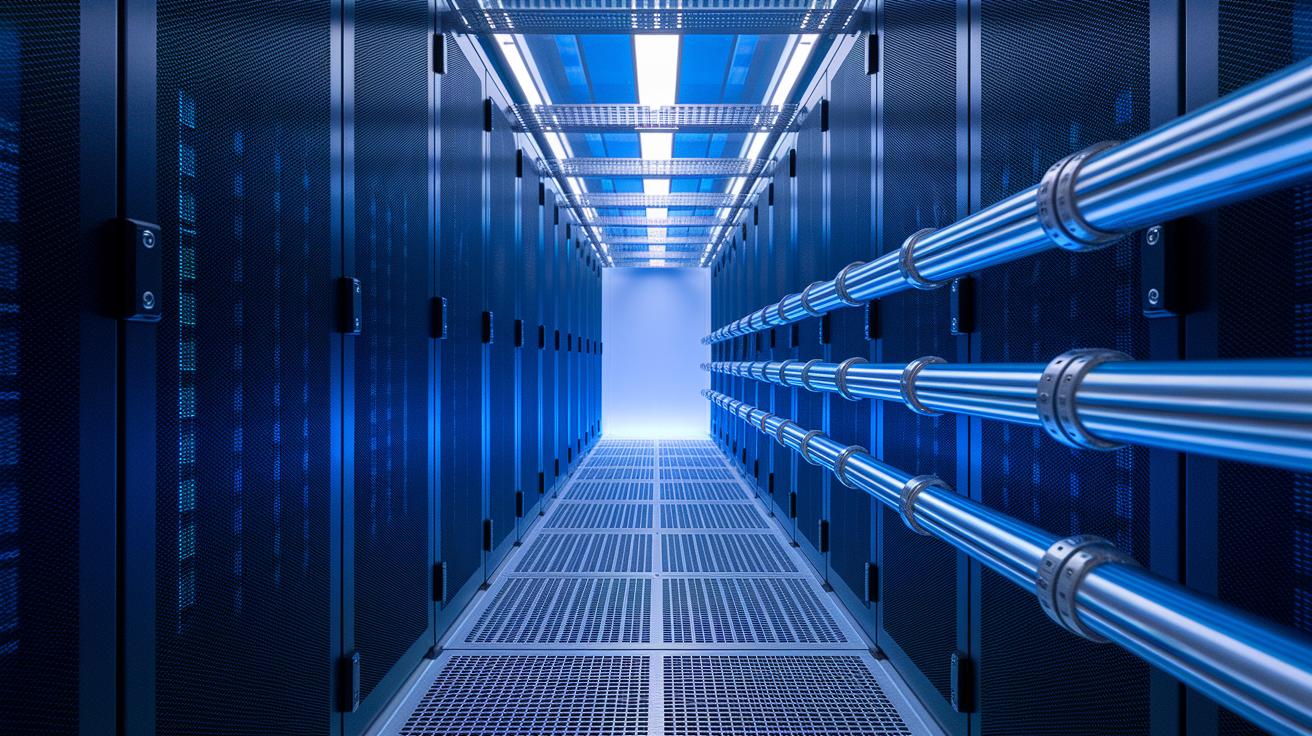
A liquid cooling system keeps data center equipment from overheating by moving heat away from high-performance parts. Each component has a clear role in making sure servers and dense electronics run safely and smoothly.
| Component | Function | Typical Spec |
|---|---|---|
| Cold Plate | Pulls heat directly from chips | Aluminum or copper |
| Pump | Drives coolant through the system | 50–150 L/min |
| CDU | Manages and spreads coolant flow | 100–500 kW |
| Piping | Moves coolant between parts | 10-bar rating |
| Heat Exchanger | Disperses heat using chilled-water loops or dry coolers | ~7 °C rejection |
Fitting these parts into one system has its challenges. Matching coolant flow, pressure limits, and heat transfer needs careful planning and precise assembly. This attention to detail is key to keeping the cooling efficient and the equipment reliable.
liquid cooling system for data center propels efficiency
Direct-to-Chip Liquid Cooling
We mount cold plates directly onto CPUs and GPUs. These plates press firmly against the chips, letting a coolant come in at about 18–22 °C. The liquid then leaves after absorbing roughly 200–500 watts from each chip. This design brings cooling right to the heat source, reducing hot spots and keeping processors cool even when they work hard.
Rear Door Heat Exchanger
In this setup, cooling units attach to the back of server racks. Water flows into the exchanger at around 35 °C and uses the natural airflow from the rack exhausts to remove nearly 90% of the heat. Because it fits neatly into current equipment, this design makes upgrades easier without major changes.
Immersion Cooling
This method submerges the entire server in a non-conductive liquid (a fluid that does not carry electricity). There are two modes: single-phase, where the fluid stays at about 40 °C, and two-phase, where the fluid boils between 50–60 °C. These systems can handle heat levels of up to 50 kW per rack. The choice between them depends on whether you value a simpler setup or need the highest energy efficiency in tight spaces.
Immersion Cooling Performance and Fluid Selection
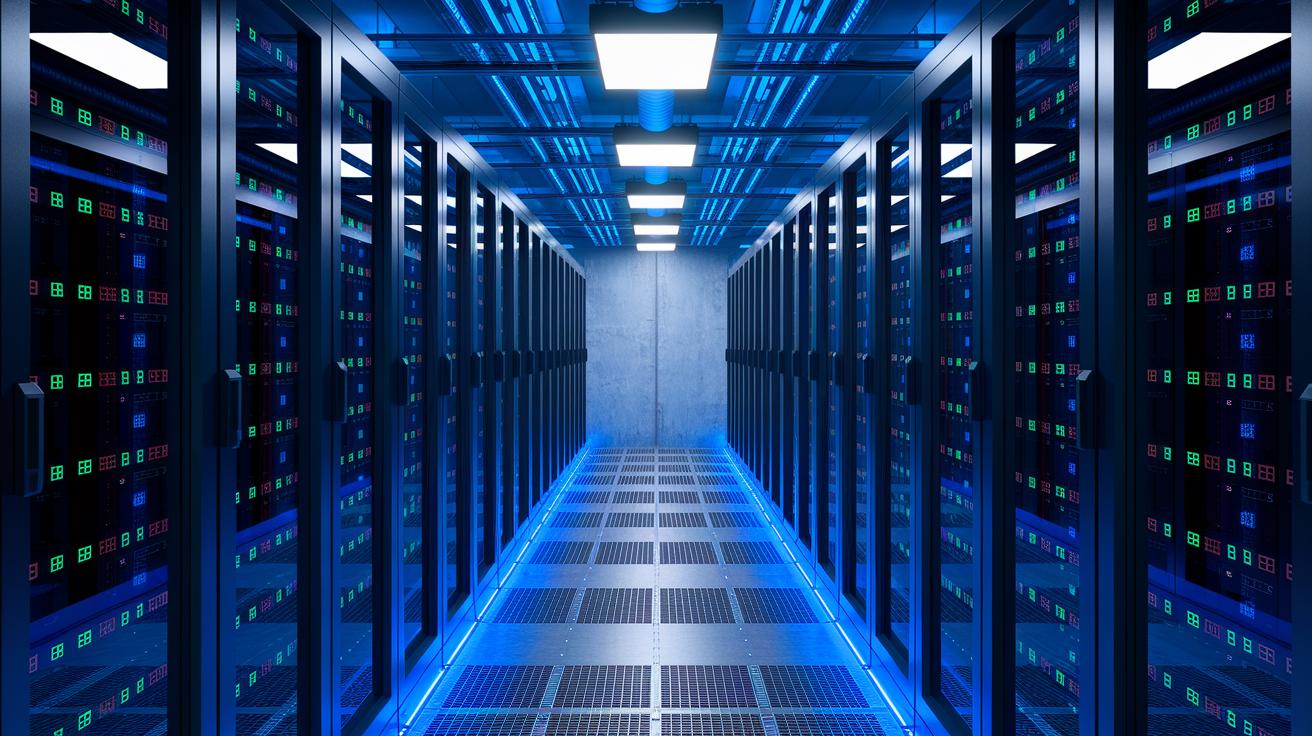
Single-phase immersion systems can reach a performance level (COP) of up to 10 while cutting coolant flow by 50% compared to direct-to-chip methods. Two-phase systems push performance even higher, with a COP around 15 and the ability to handle over 50 kW per rack. This boost in efficiency saves energy and lowers cooling costs, making data centers more sustainable.
Choosing the right fluid is key for peak performance. For example, 3M Novec 7100 boils at about 61 °C, setting safe operating limits. It also has a dielectric constant above 1.8, which means it insulates electrical parts well, and a thermal conductivity around 0.06 W/m·K to transfer heat swiftly from hot areas. These traits help data centers run efficiently.
Keeping the system at the right temperature is critical for reliable operation. Single-phase systems usually run around 40 °C, while two-phase setups might run a bit higher. Regular checks on fluid quality and the circulation parts help maintain steady performance. This routine maintenance reduces wear and keeps cooling steady even under heavy load.
Planning and Deploying Liquid Cooling in Data Centers
Setting up a liquid cooling system in a data center takes about 4-6 months and is done in clear steps. Each step builds on the last to make sure there is enough power, proper cooling (thermal management), and long-term energy savings. The goal is to see a return on investment in 2-3 years while cutting energy use by roughly 20-30% every year.
Phase 1: Site and Power Assessment
We start by checking the site. We look at the building's power capacity, how much weight the floors can hold, and how the chilled water will tie in. This step makes sure the structure can support extra equipment and helps set the right budget for the project.
Phase 2: Thermal Modeling
Next, we use thermal modeling software (that uses computational fluid dynamics, a method to see how liquids move and carry heat) to set the right coolant flow and to spot heat hotspots. This simulation guides the design and keeps every rack at a safe temperature, even during the busiest times.
Phase 3: Equipment Procurement
Then we gather the necessary parts. We purchase items like cold plates (which help remove heat), pumps, and cooling distribution units (devices that spread cooled liquid) to meet our power needs. Since these parts can cost 15-25% more than usual, we check every specification and vendor carefully to get the performance we need.
Phase 4: Rack Retrofit and Plumbing
Next, we retrofit the racks by mounting cold plates, connecting tubing, and installing leak trays. This step fits the new cooling system into the existing setup and ensures everything works together before we run pressure tests.
Phase 5: Testing and Leak Detection
We then put the system through its paces by running pressure tests at 5 bars (a measure of pressure) and inspecting all the seals for leaks. This careful testing catches any issues early, helping the system stay efficient and reliable.
Phase 6: Commissioning and Monitoring
Finally, we commission the system by setting the inlet temperature at 20 °C and recording a baseline PUE (Power Usage Effectiveness, which measures how efficiently a data center uses energy). Continuous monitoring lets us know that the system meets our efficiency targets, paving the way for energy savings and a solid return on investment.
Monitoring and Maintaining Data Center Liquid Cooling Systems
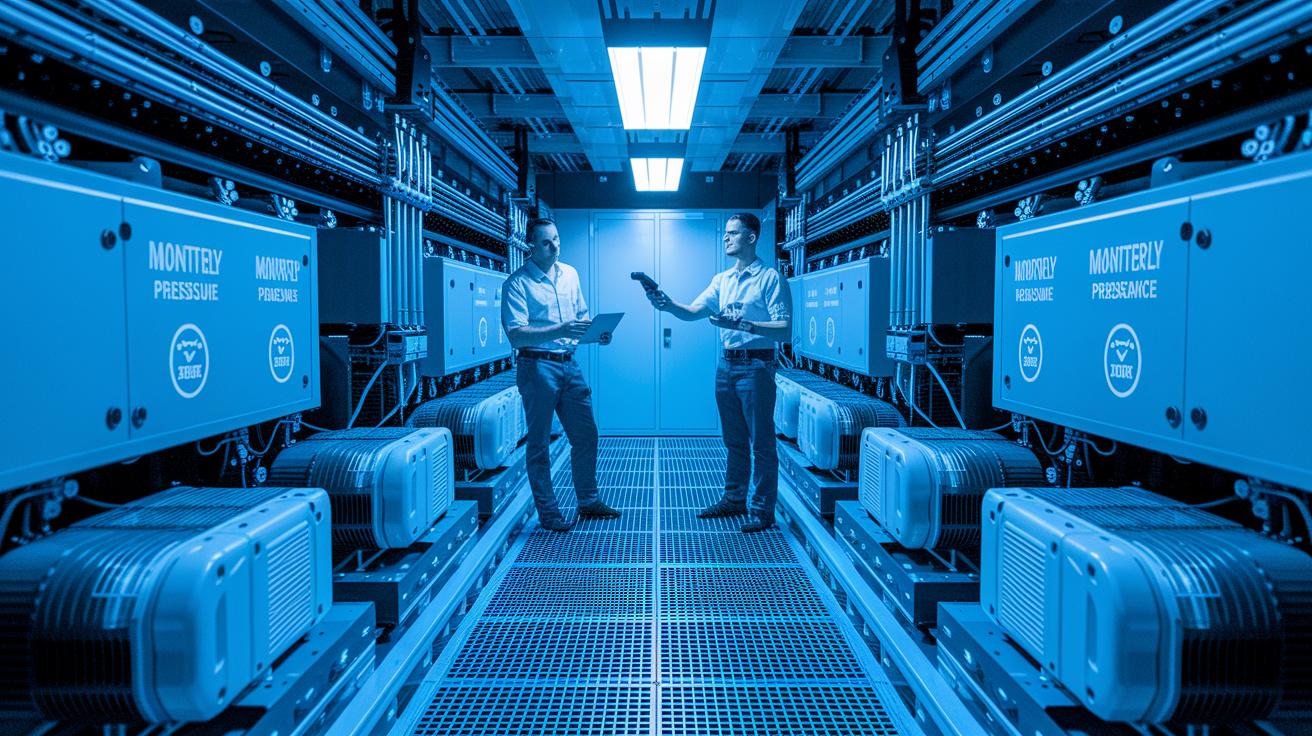
Regular checks are key to keeping liquid cooling systems on track. Data centers push these systems hard, and even a small fault can drop performance. Routine inspections help catch issues early so the cooling keeps working and protects your sensitive hardware from overheating.
Every day, teams check for tiny leaks by watching for small drops in pressure. Every six months, technicians test the fluid's purity, and every three months, service crews clean the heat exchangers to keep the coolant flowing smoothly. Pumps get a full overhaul every 12,000 hours to prevent wear, and operators aim to keep the temperature difference between the cooler inlet and outlet to about 10–15 °C. These scheduled checks build a clear picture of how well each part is doing.
Today, remote sensors and analytics work together to collect live data on temperature, pressure, and flow. This real-time information notifies operators about early-stage issues before they turn into expensive failures. With predictive maintenance based on continuous monitoring, data centers can run cooling systems more efficiently and avoid nasty surprises.
Overcoming Challenges in Implementing Liquid Cooling
Liquid cooling in data centers can be a smart way to handle heat. But it comes with risks like corrosion in mixed metals, pump cavitation, and small leaks. This is even more tricky when working with a building’s chilled-water loop that runs between 4 and 7 bar (a measure of pressure).
Controlling corrosion is key. When you mix metals, corrosion can wear down parts by up to 0.3 mm a year. To slow this, operators add phosphate-based inhibitors to the coolant. These chemicals help keep metal degradation low and maintain a steady pH level. Without these steps, corrosion can cause leaks and poor heat transfer. Regular checks and chemical tests are a must.
Pump cavitation is another worry. When the pump operates above a 2 bar vacuum, vapor bubbles can form. These bubbles can harm the pump over time, cutting down efficiency and causing extra downtime. Plus, there can be bumps when the cooling system joins the existing chilled-water loop in a building. Using double-seal pumps and modular leak-containment trays helps keep the fluid in check and smooths out sudden pressure changes.
Following best practices and sticking to design standards are essential. With careful maintenance and monitoring, your liquid cooling system can run safely and efficiently.
Future Trends in Data Center Liquid Cooling Technologies
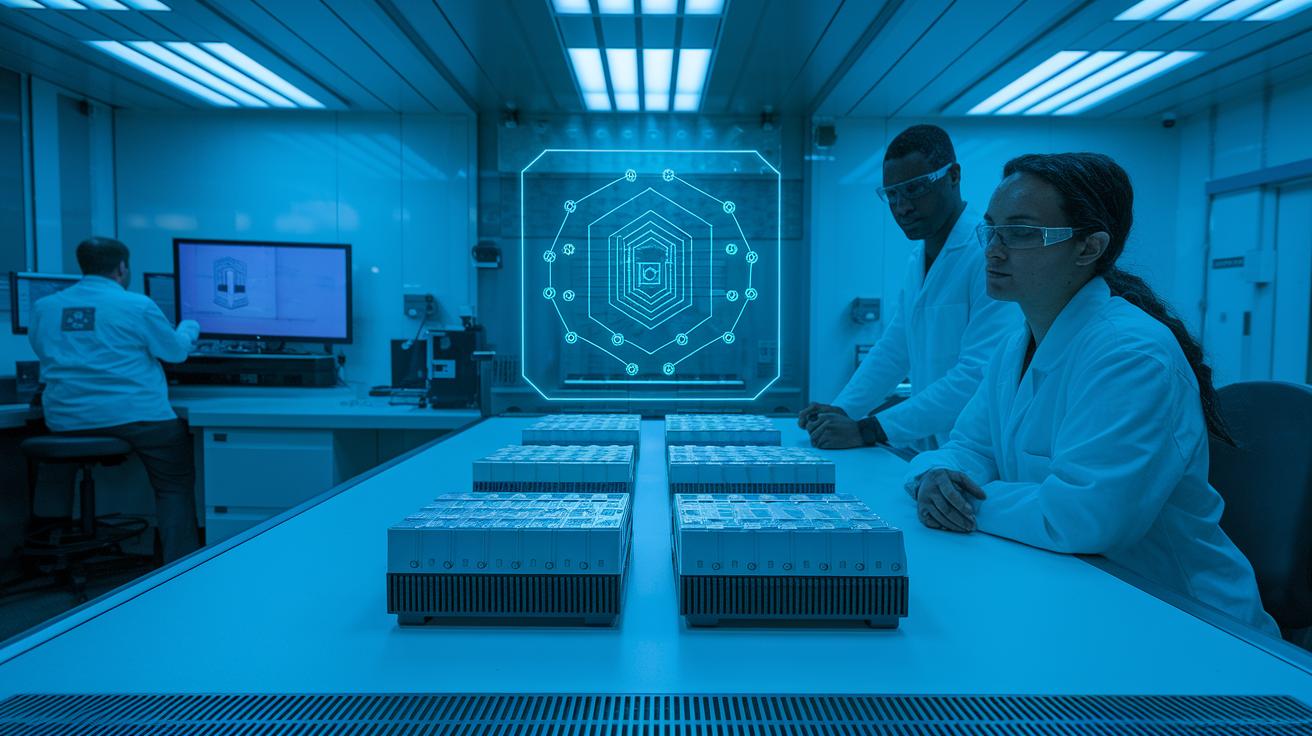
We now see microchannel cold plates coming in a much smaller size. They are 80% smaller than older models, making setups more compact and efficient. Smart AI helps control the coolant flow and saves pump power by about 5%. It does so by fine-tuning the flow in real time.
There are also new hybrid systems that mix two types of cooling. They blend two-phase cooling (using coolant that changes from liquid to gas) with direct-to-chip cooling. This mix keeps temperatures low and cools chips right where they sit. Edge sites, where space is tight, now enjoy effective cooling with compact liquid modules.
In 2023, pilot projects showed a 10-15% gain in power usage effectiveness. These tests give solid proof that operators will likely adopt these systems soon as they gain more trust in emerging cooling methods.
Final Words
In the action, we broke down liquid cooling systems versus air cooling, detailed core components, and compared various cooling types to reveal measurable benefits. We highlighted key points like improved PUE, higher rack density, lower energy cost, reduced footprint, and quieter operation.
Our guide walked through planning, deploying, monitoring, and overcoming common challenges. With a liquid cooling system for data center, operators can boost efficiency and lower energy use. The future looks bright for those ready to adopt these practical innovations.
FAQ
How do liquid cooling systems compare to traditional air cooling in data centers?
The liquid cooling system outperforms traditional air cooling by lowering PUE from around 1.6–1.8 to 1.2–1.3, cutting energy use nearly 30% and supporting high-power components more effectively.
What are the core components of a data center liquid cooling system?
The liquid cooling system comprises cold plates on chips, pumps to circulate coolant, cooling distribution units (CDUs) for heat management, piping for fluid transfer, and heat exchangers to reject excess heat from the system.
How do liquid cooling methods like direct-to-chip, rear door heat exchanger, and immersion cooling differ?
The different methods vary as direct-to-chip mounts cold plates on processors, rear door exchangers remove most heat via rack exhaust, and immersion cooling submerges whole servers in dielectric fluid for efficient heat removal.
What factors affect immersion cooling performance in data centers?
The immersion cooling performance depends on its coefficient of performance (COP), properties of the dielectric fluid such as boiling point and thermal conductivity, and the operating temperature range, influencing its heat removal capacity per rack.
What are the key phases in planning and deploying a liquid cooling system?
The deployment phases include site and power assessment, computational fluid dynamics (CFD) thermal modeling, equipment procurement, rack retrofit and plumbing installation, rigorous leak testing, and final commissioning with monitoring.
What maintenance tasks ensure efficient operation of liquid cooling systems?
Efficient operation requires daily pressure-drop checks for leak detection, periodic dielectric-fluid purity tests, regular heat exchanger cleaning, pump overhauls at set intervals, and maintaining a proper temperature difference between inlet and outlet.
What common challenges arise when implementing liquid cooling in data centers?
Common challenges include managing corrosion rates, preventing pump cavitation, integrating with existing chilled-water systems, and ensuring leak prevention; these are managed with inhibitors, double-seal pumps, and modular leak-containment measures.
What future trends can be expected in data center liquid cooling technologies?
Future trends are steering toward microchannel cold plates with smaller designs, AI-driven flow control for pump efficiency, hybrid cooling systems that blend methods, and compact liquid modules for edge data centers.