

Have you ever wondered if using water to cool your PC can boost its performance? Liquid cooling is popular among gamers and overclockers (people who push their computers beyond typical limits). In our tests, PCs with liquid cooling stayed cooler and ran more quietly even under heavy use. It does cost more and takes extra work to set up, though. So, is the better performance really worth the added effort? We break down the clear benefits and possible risks to help you decide.
Liquid Cooling: Is It Worth the Investment?
Liquid cooling uses a mix of water block, radiator, pump, and tubing to carry heat away from a processor. In our tests, we saw that this mix helps keep higher clock speeds stable when the processor runs above stock settings. All-in-one (AIO) units cost between $80 and $200, while custom setups can go over $300. This setup is great if you push your system hard during gaming or overclocking.
This cooling method also runs quietly. Instead of several fast-spinning fans, the lower-speed pump and radiator do the work, making for a setup that looks neat and sounds calm. But be aware: leaks can happen, and a leak might harm your hardware. Custom loops also mean more work, such as draining and refilling when you upgrade.
For most users, high-end air coolers do a job very close to liquid cooling. So if you need top performance, low noise, and a striking look, liquid cooling could be right for you. But if you just need a solid cooler for everyday use, an air cooler might do the trick without the extra cost and maintenance.
Comparing Liquid Cooling Performance to Air Cooling
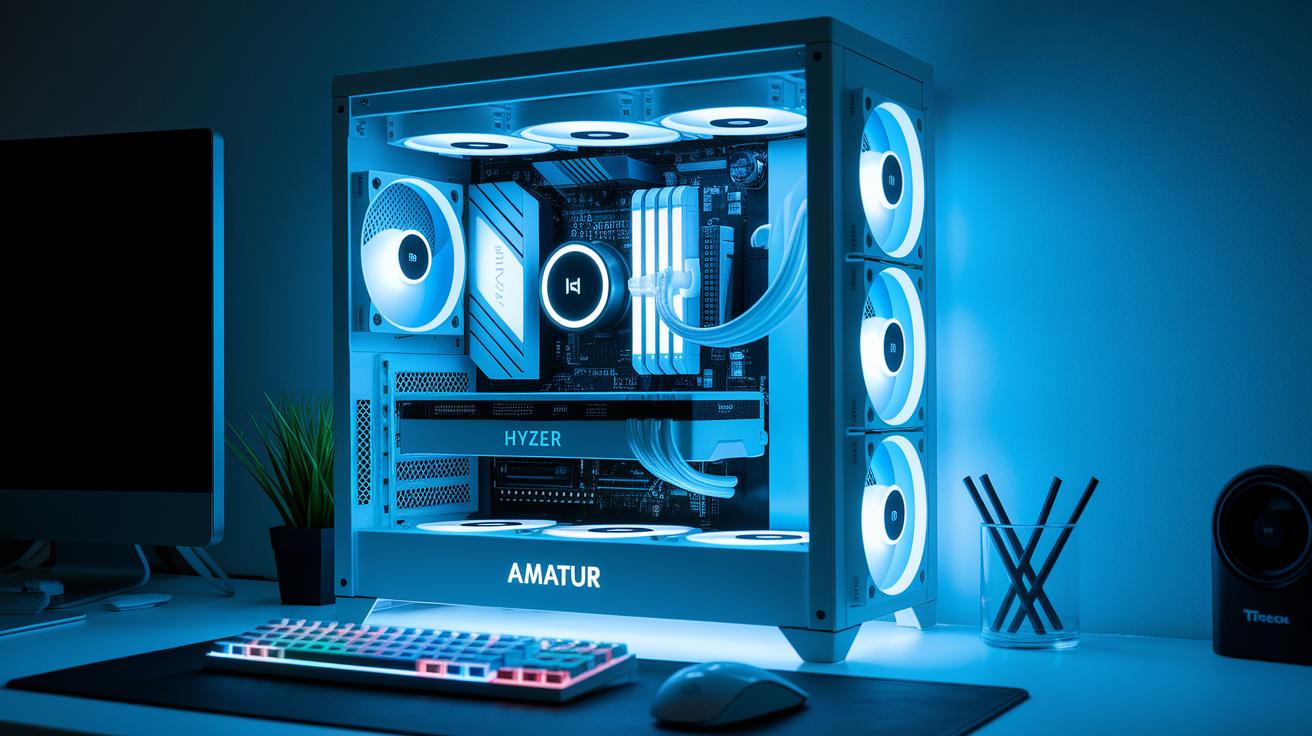
When we tested a Ryzen 7 7800X3D, the numbers showed clear differences in temperatures. With the Hyte Thicc Q60 AIO (an all-in-one liquid cooler), the idle temperature was around 40 °C and climbed to about 70 °C under heavy load. In comparison, a 55 mm low-profile air cooler registered roughly 50 °C at idle and reached near 75 °C when stressed. This tells us that liquid cooling, thanks to its faster heat transfer, keeps things cooler during tough tasks.
Even small temperature drops can be a big deal. When you're pushing your system hard or tweaking settings to run it faster (overclocking), every degree counts to prevent thermal throttling (when heat causes the system to slow down). Custom liquid loops, for example, drop ambient temps to about 38 °C and load temps to around 68 °C. While high-end air coolers can do a good job too, liquid setups still have an edge when it comes to tighter temperature control.
Both cooling systems use metal fins to carry heat away from the CPU. But liquid coolers shine because the liquid moves heat faster than air. This extra boost matters during long gaming sessions or when juggling many apps, helping your system stay cool and reliable.
| Cooling Method | Ambient Temperature | Load Temperature |
|---|---|---|
| Liquid Cooling (AIO / Custom) | ~40 °C / ~38 °C | ~70 °C / ~68 °C |
| Air Cooling (55 mm Low-Profile) | ~50 °C | ~75 °C |
These results show that while both methods are effective, liquid cooling offers a clear benefit by keeping temperatures lower when your system is under load.
Cost Considerations for Liquid Cooling Upgrades
When you compare liquid cooling to air cooling, price and long-term costs matter a lot. AIO coolers cost around $80 to $200, making them a mid-level investment for improved temperature control. Custom loops cost over $300 when you add a pump, radiator, fittings, and tubing. That extra money might be worth it if you push your system hard during overclocking or long gaming sessions.
Quality air coolers usually run between $30 and $50. They work well with little extra cost over time. Liquid cooling not only costs more upfront but also requires regular upkeep. You’ll need specialty coolant costing about $10 to $20 per refill, and it should be replaced every 12 to 24 months.
If you like tuning your system for maximum performance, spending a bit more on a liquid solution can lower temperatures and boost overclocking headroom. But if you’re building a mainstream rig or have a tight budget, air cooling gives you nearly the same performance for everyday tasks and gaming.
Liquid cooling makes sense when you need thermal stability and you’re okay with some routine maintenance. For most users, affordable air coolers can meet your cooling needs without the extra lifetime costs.
Noise Reduction and Maintenance Challenges of Liquid Cooling

Liquid cooling systems are built to run quietly. The pump spins slower than most high-RPM fans, so you get fewer distractions while you play. Even with newer fans that work hard to cut noise, many of us still prefer liquid cooling for its calm operation.
On the other hand, these setups need more attention. Custom loops, for example, must be taken apart and drained if you upgrade parts or deep clean. A leak can put other components at risk. Routine maintenance is key, especially when you push your system hard over long periods.
Essential maintenance tasks for liquid cooling systems:
- Inspect and tighten fittings every month
- Check coolant levels every few months
- Clean radiator fins every six months
- Replace coolant once a year
- Monitor pump function and noise on a weekly basis
For extra tips, check out CircuitCritics' "desktop maintenance best practices." Regular upkeep helps keep your system quiet and running at its best.
Installation Complexity and Custom Liquid Cooling Configurations
All-In-One (AIO) Installation
AIO coolers come pre-filled and only need a few connections for an easy setup. The radiator and water block are made to mount simply so you can get your system running with minimal hassle. After mounting, a quick leak test ensures the coolant stays in place. For example, I secured the radiator and ran a fast pressure check to make sure nothing leaked.
Building a Custom Loop
Building a custom loop takes more work. You choose every part – water blocks, radiators, pump, reservoir, tubing, and fittings – which lets you control how everything fits together. Precise tube cutting is key. If the tubing is not measured and trimmed correctly, air pockets may form and hinder performance. Planning the order of parts is also critical since clearance issues with components like RAM or GPU can occur. Once assembled, a leak test is essential to catch any weak spots. Upgrading later means draining, taking apart, and refilling the loop, which adds extra downtime. Think of it as a hands-on DIY project where careful planning and thorough leak checks save you from potential headaches.
Real-World Insights: Expert and Gamer Feedback on Liquid Cooling Value
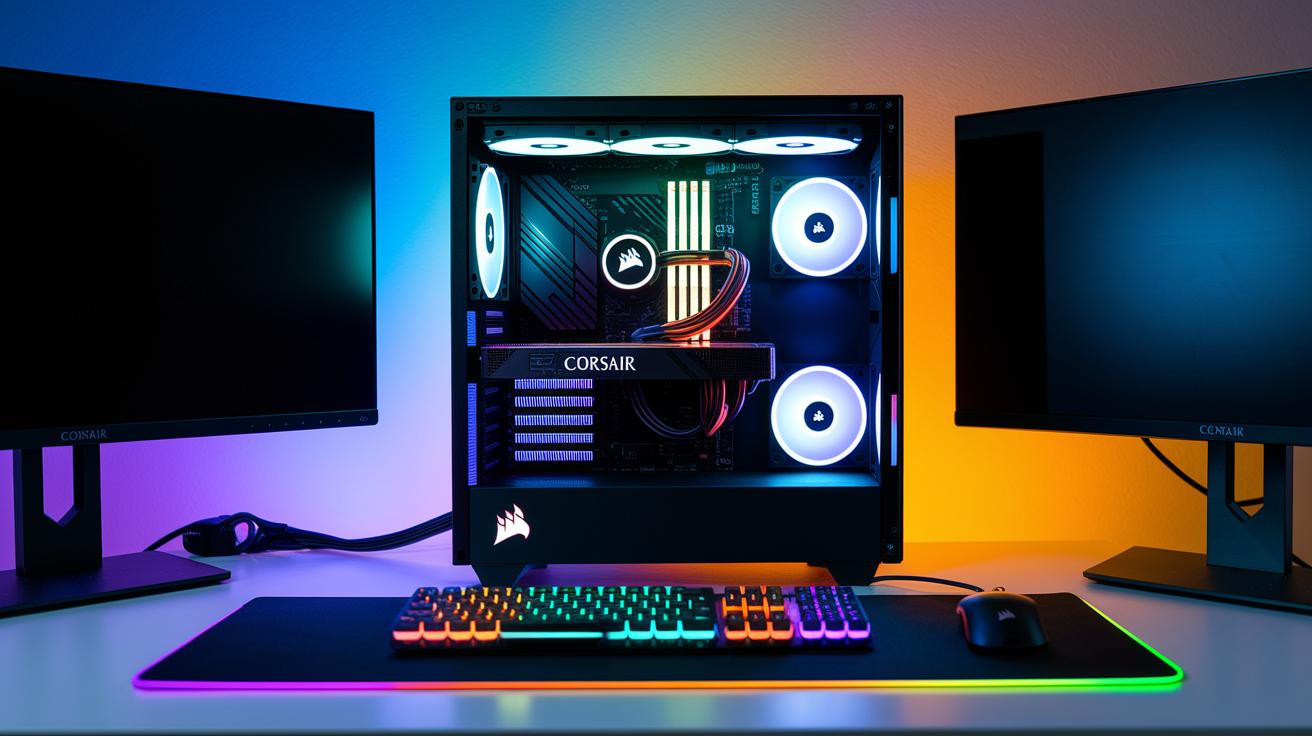
Gamers have shared that switching to a liquid cooling solution, like an AIO (all-in-one) cooler such as the Corsair H100, really makes a difference. They say overclocking feels steadier and the system runs cooler during long gaming sessions. One user even reported that moving from a low-profile air cooler to liquid cooling dropped temperatures from around 50 °C down to 40 °C, which helped keep the system stable through long play sessions.
Tech forums back this up. Many users note that while high-end air coolers work well with mid-range rigs, liquid cooling really shines in high-performance builds. They praise advanced coolant systems for handling extended overclocking sessions without hitting thermal limits. Experts tend to recommend AIO solutions for their simplicity and solid warranty support, although some enthusiasts still prefer custom loops for extra cooling headroom and a sleek look.
Both expert and gamer insights point to liquid cooling as a smart choice when you need stable performance and lower temperatures. Its efficient cooling paired with quiet operation boosts overall system stability, especially important if you're into heavy gaming or long performance tasks.
Final Words
In the action, we explored how liquid cooling delivers lower temperatures and quieter operation compared to air cooling. We broke down the cost trade-offs, maintenance demands, and installation challenges of both AIO and custom setups. Testing data showed that performance gains can be significant for high-end rigs, while average setups might not need the extra expense. Considering these practical details, you now have the facts to decide if liquid cooling worth it for your build. Positive gains and improved stability are possible when you choose the right cooling strategy.
FAQ
Is liquid cooling worth it for gaming?
The value of liquid cooling for gaming shows in better performance and lower temperatures. Many Reddit users back it for quieter operation and enhanced overclocking, making it ideal for high-end and enthusiast systems.
How does a liquid cooling PC work?
The process of liquid cooling a PC uses a liquid that flows through a block on the CPU or GPU, carries heat via tubing to a radiator, and uses a pump to dissipate that heat in a closed loop.
How much is liquid cooling for a PC?
The cost of liquid cooling ranges from about $80 to $200 for AIO units, with custom loop systems often exceeding $300. Ongoing expenses for coolant refills usually range around $10–$20.
How does PC liquid cooling compare to fan cooling?
The comparison between liquid cooling and fan cooling shows that liquid systems often maintain lower temperatures and quieter operation under heavy loads, while air cooling remains more affordable and easier to install for everyday use.
What does a liquid cooling kit for a PC include?
A liquid cooling kit typically comes with a radiator, water block, pump, tubing, and fittings. These kits simplify the setup process compared to custom loops, offering a mix of performance and ease of installation.
How does liquid cooling work for submerged PCs?
The approach for submerged PCs uses water itself as the cooling medium, where specially designed components and coatings work together with pumps to safely lower temperatures even when the system is fully immersed.
How does liquid cooling differ from water cooling?
The difference between liquid cooling and water cooling is subtle; water is the most common liquid used. The term “liquid cooling” may also cover systems using alternative coolants, but both methods aim to efficiently move heat from components.
What are the disadvantages of a liquid cooling system?
The downsides of a liquid cooling system include a higher upfront cost, leak risks, and added maintenance like coolant refills and fittings checks. These factors can lessen its appeal for less performance-intensive setups.
How long will liquid cooling last?
The lifespan of a liquid cooling system depends on build quality and upkeep. Typically, AIO units last several years, while custom loops might need coolant replacement or part updates every 12–24 months.
Are there downsides to liquid-cooled bikes?
The downsides for liquid-cooled bikes include extra weight and complexity, plus the need for more frequent maintenance compared to air-cooled bikes. These factors can impact overall simplicity and reliability.
How often should you replace liquid cooling components?
Replacement frequency depends on the system type. Many setups require a coolant change every 12–24 months, and custom loops need periodic checks on fittings and parts to prevent leaks and maintain efficient cooling.