

Have you ever wondered how your computer stays cool when it's running hard? Liquid cooling does more than just stop overheating, it moves heat 30 times faster than air. Here's how it works: a liquid travels through a copper water block (a metal piece that touches key parts) to pull heat away, then carries that heat to a radiator. Fans at the radiator help lower the temperature. This process mixes conduction (heat moving through a solid) and convection (heat moving through a liquid) in a cycle that keeps your system running smoother and quieter.
how does liquid cooling work: Efficient, sleek tech
Liquid cooling uses a liquid like distilled water or a special coolant to pull heat away from important parts such as CPUs and GPUs. First, heat moves from the processor to a water block through conduction (heat moving through a solid). This water block is usually made of copper or nickel-plated copper. Its fins or micro channels boost contact with the liquid. Fun fact: water transfers heat 30 times faster than air, which is why liquid cooling is so effective.
Then, convection steps in. The warmed liquid leaves the water block and goes to a radiator. Fans push air over the radiator to cool the liquid down. This two-step process, first absorbing heat, then releasing it, helps keep modern processors cool.
Coolant properties matter too. For instance, distilled water has a specific heat capacity of 4.186 J/g°C and a thermal conductivity of 0.624 W/mK. In simple terms, these numbers show that water can store and move heat very well.
Key points of liquid cooling include:
- The liquid is always cycling through the system.
- It soaks up heat right from the source.
- Conduction carries heat to the water block while convection moves it away.
- Good flow, helped by pumps and tubing, keeps the system running efficiently.
Together, these steps stop overheating and let high-performance systems run cooler and quieter, even under heavy use.
Core Components of Liquid Cooling Loops
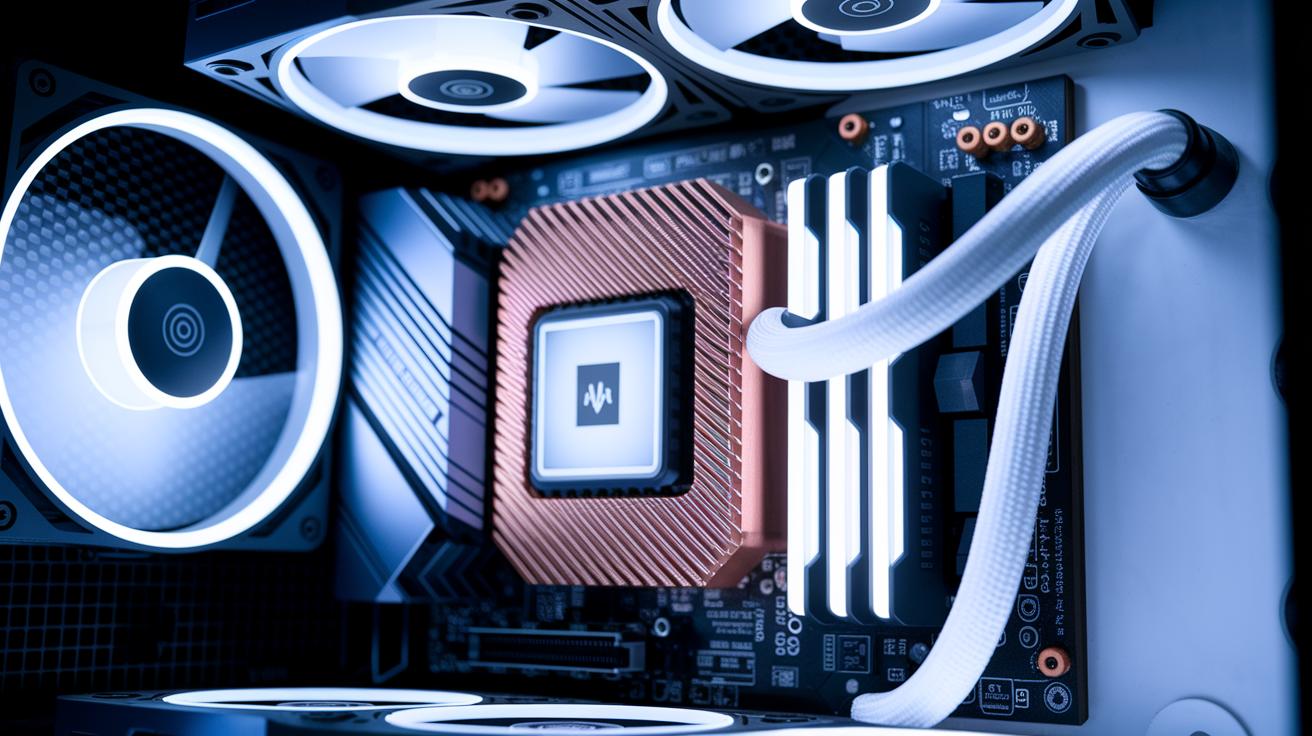
Liquid cooling loops use a few key parts that work together to keep your system cool. The water block, usually made of copper or nickel-plated copper, has tiny fins or channels that boost contact with a CPU or GPU. This design pulls heat away quickly by touching the chip directly.
A strong centrifugal pump moves the coolant around the loop. It is built to run for tens of thousands of hours, giving the liquid a steady push. In real-world tests, we noticed that its constant flow really helped under heavy use.
Radiators come in several sizes, like 120 mm, 240 mm, or 360 mm. They are made from copper (with a thermal conductivity of 398 W/mK, which is a measure of how well heat moves through a material) or aluminum (237 W/mK). The fins, measured in fins per inch (FPI), add extra surface area so fans can blow away the heat more effectively.
Tubing and fittings, often made of PVC, EPDM rubber, or silicone, complete the loop. Compression fittings and quick-disconnects keep the liquid in place and stop leaks, which makes sure the coolant always flows smoothly.
| Component | Material/Function |
|---|---|
| Water Block | Copper/nickel-plated; absorbs heat |
| Pump | Centrifugal; maintains flow |
| Radiator | Copper or aluminum; dissipates heat |
| Tubing & Fittings | PVC, EPDM, silicone; secure fluid path |
Common Liquid Cooling Configurations in PCs
Closed-loop cooling systems, or AIO units, offer a simple plug-and-play way to cool your PC. They arrive with a pre-assembled base that attaches to your CPU using thermal paste (a substance that helps move heat). With fewer parts to manage, they need little maintenance and fit neatly in most cases. Many gamers choose AIO coolers for their quiet operation and strong heat removal, even in smaller builds.
Custom loop setups let you choose every part, from the pump and reservoir to water blocks, tubing, and radiators. This method allows you to fine-tune cooling and add a personal touch with colorful tubing and RGB lighting. However, it requires technical know-how, careful planning, and extra space, making it best for enthusiasts looking for peak performance and a unique look.
Both AIO and custom loops use liquid to move heat away from key components like CPUs and graphics cards. They work on basic principles: conduction (direct heat transfer) and convection (heat moved by liquid flow). Ultimately, the choice depends on whether you prefer simple, reliable ease or a custom solution that mixes performance with style.
Comparing Liquid Cooling and Air Cooling Performance
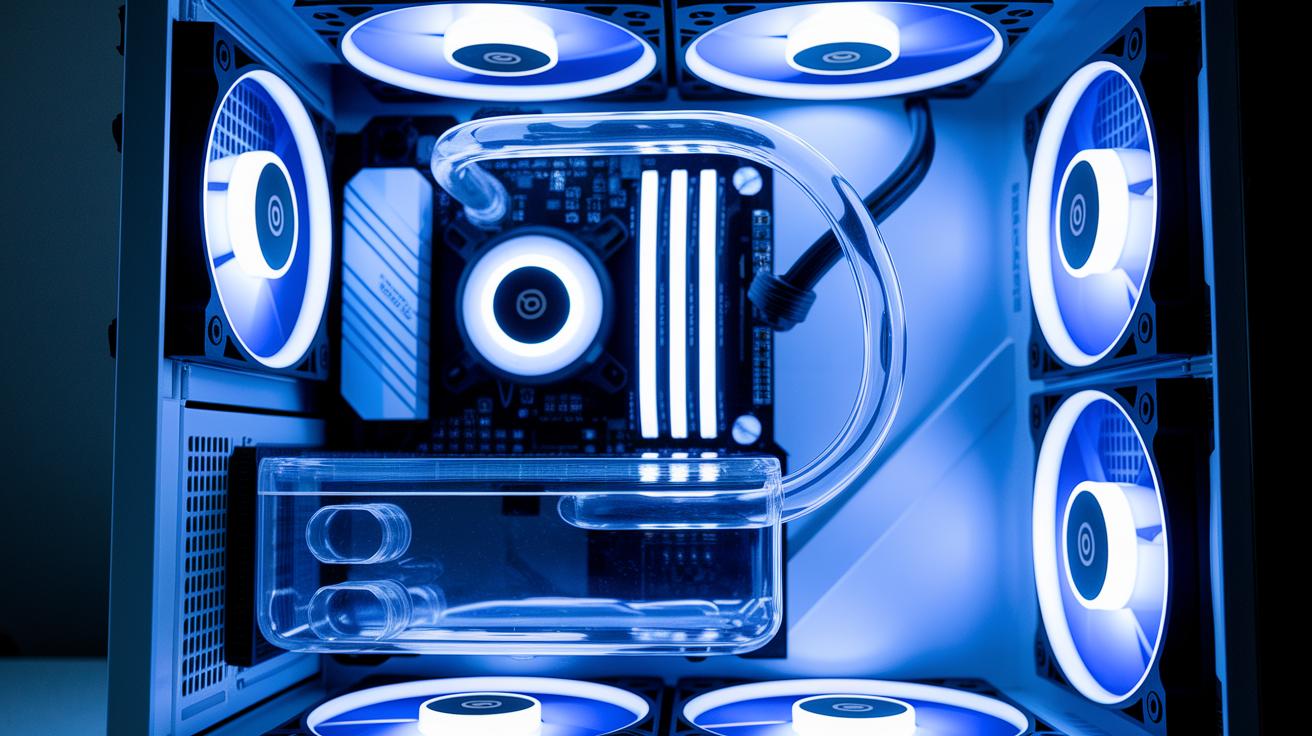
Water cooling moves heat much faster than air cooling. Liquids pull heat away quickly because they have high thermal conductivity (the ability to transfer heat). This lets liquid setups run their fans at slower speeds, which cuts down on noise. For example, a liquid cooling system can stay nearly silent even when the computer is working hard.
Air coolers push heat with stacks of metal fins and fast-spinning fans. That often means the fans must work harder, which raises noise levels. Also, the smaller surface area of fin stacks can lead to hot spots, making the system slow down during heavy tasks.
Key differences include:
- Water cooling transfers heat faster because liquids conduct better.
- Liquid cooling systems stay quiet with slower, softer fans.
- Air cooling can get noisy and may struggle with high loads.
These factors show why many high-performance setups tend to choose liquid cooling over traditional air cooling.
Maintenance Practices for Liquid Cooling Systems
Keeping your liquid cooling system clean is key to smooth performance. For closed-loop units, dust on the radiator and fans can block airflow. We suggest wiping off any dust you see when you clean your PC. Think of it as letting your cooling system breathe easier every month.
Custom loops need a bit more work. Check your coolant level every week and look over each connection for leaks. If the coolant looks dull or is lower than usual, add more or flush the system completely. Also, keep an eye on the pH (a measure of acidity) since a balanced pH stops corrosion. Even though many coolants have anti-corrosion and antimicrobial additives, you should still test them regularly.
Here are some tips to help maintain your system:
- Dust off the radiator and fans every few weeks.
- Check coolant levels frequently and top up when needed.
- Flush and clean the radiator every 12–24 months.
- Look at tubing and fittings for signs of leaks.
- Test the pH regularly to keep it stable.
By taking these simple steps, you can extend the life of your cooling system and keep it performing at its best, even during heavy use.
Liquid Cooling Applications and Benefits in High-Performance Computing
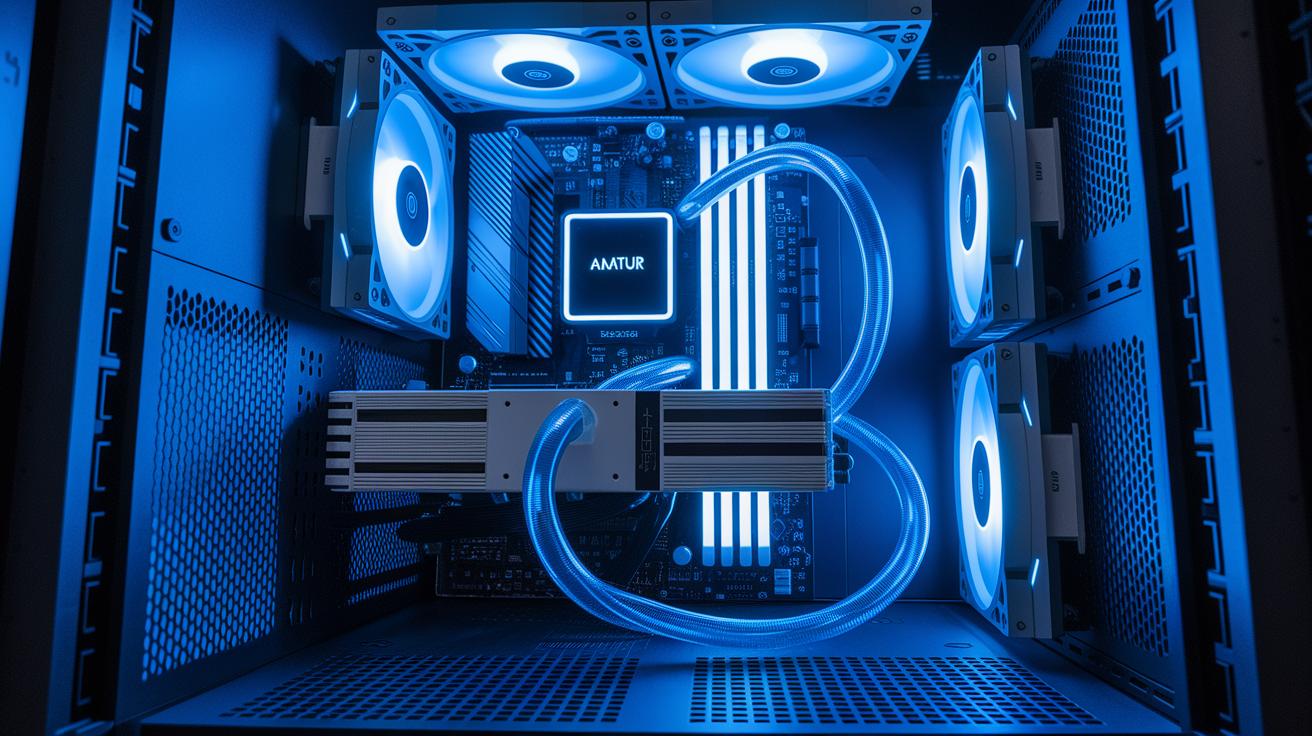
Liquid cooling keeps your computer parts safe from heat and helps boost performance in demanding tasks. In gaming PCs and workstations, cold plates that touch the CPU or GPU (the main chips) keep clock speeds steady. This lets you push your system hard, even when overclocking for extra speed. For example, when a gaming rig works to its limit, a liquid cooling loop keeps the processor performing at a steady rate. Early testers noticed that systems with liquid cooling ran about 20% cooler than those using air, which meant smoother frame rates.
In data centers, special cooling setups like rack-based and immersion cooling handle heavy heat loads. Some centers deal with as much as 50 kW (kilowatts) of heat per rack using liquid solutions. These methods can be 50 to 1,000 times more efficient than air cooling, making them a smart choice for servers and AI accelerators in tight spaces.
For professionals building high-performance computers, using liquid cooling with GPUs is a game changer. It lets the fans run slower for quieter operation and provides tight temperature control. This is vital when several GPUs work together on tasks like rendering.
RGB water blocks and colored tubing give systems a modern, stylish look. But they don’t sacrifice performance. These components still deliver the cool temperatures needed for overclocked, high-end machines.
Immersion cooling is also gaining ground in cluster setups. By letting the coolant contact parts directly, it reduces thermal resistance. This not only keeps things cooler but can also lower energy bills, a win for both tech fans and large-scale operators.
Final Words
In the action, we examined how does liquid cooling work by following fluid circulation, conduction, and convection to keep systems cool. We broke down the key components, differences between liquid and air cooling, and common setups for PCs. We also covered regular maintenance tips and benefits for high-performance computing. Each point shows real steps and challenges that buyers face. The guide cuts out the fluff and gives you clear insights for smart purchase decisions. Enjoy the refreshing boost of reliable cooling.