

Ever wonder if your smart speaker might be eavesdropping on you? It may sound strange, but these gadgets use sturdy parts and smart coding to turn your words into actions. They pick up your voice even in busy rooms thanks to clever mics and strong cloud support. In this piece, we explain how smart speakers mix on-device listening with cloud processing to handle daily tasks easily. Read on to see how simple tech turns your commands into instant results.
how do smart speakers work: Simple Tech Magic
Smart speakers are always listening for a wake word. When you say, “Hey, Speaker,” they jump into action using built-in microphone arrays that pick up sound from far away. This setup helps them catch your command quickly, even if you're on the other side of the room.
When they hear your voice, the speaker sends the audio over WiFi to a cloud server. There, smart AI (artificial intelligence) converts your words into text and figures out what you want to do. For example, if you say, “Play my favorite song,” the system decodes your request and plays the right tune. In fact, some devices can pick out even a whisper in a noisy room thanks to noise-cancelling tech.
Some smart devices, like smart displays, come with a touchscreen and a camera. This means they can show images as well as play sound. It’s a handy option if you prefer tapping or seeing images instead of just listening.
Under the hood, these speakers combine solid voice command systems with clever audio hardware. They use advanced digital signal processing chips to cut out background noise and keep your voice clear. By mixing local wake-word detection with cloud processing, smart speakers handle everyday tasks with ease and help turn your home into a connected hub for managing lights, music, and more.
Smart Speaker Hardware and Acoustic Engineering

Smart speakers now do much more than just pick up sound with basic microphones and simple tech. They face challenges like echoes in a room and noise from multiple sources. To overcome these, engineers use beamforming (a method where each microphone tunes in like a well-tuned instrument) so the speaker knows exactly where your voice is coming from.
Hardware improvements also make a big difference. Designers use special cases that cut down on unwanted vibrations and add heat control features to keep parts stable even when the speaker is working hard. This means the speaker works reliably whether it's in a quiet study or a noisy kitchen.
These advances help the speaker catch your voice clearly and deliver smooth, consistent sound every time you speak.
Smart Speakers Software Workflow and Cloud Integration
When your smart speaker hears its wake word, its built-in program quickly checks the command. The speaker makes sure the trigger is real before moving on.
Once verified, your recorded audio is sent securely via encrypted WiFi to a cloud server. There, special tools change your voice into text and decide what you meant. The server then sends back a reply in text-to-speech form, which the speaker turns into clear sound for you.
Here's how it works:
- Wake-word activation: The speaker listens for a phrase like "Hey, Speaker."
- Local check: The built-in program confirms the wake word using fast voice processing.
- Secure send: The confirmed audio is encrypted and sent to the cloud.
- Cloud work: Special tools convert your speech to text, understand your intent, and run the command.
- Text-to-speech reply: The cloud sends back a computer-made audio reply.
- Local playback: The speaker converts this reply into audible sound.
For instance, saying "Hey, Speaker, play my favorite song" makes the speaker verify your voice and quickly sends the command to the cloud, where it is turned into a spoken reply.
Smart Speaker Network Connectivity and Protocols

Smart speakers connect via WiFi to a cloud service all the time. This steady link ensures your voice commands, like turning on lights or playing music, get processed immediately. The speaker sends your words over WiFi so your home devices work together in real time. For example, when you say, "Turn off the kitchen lights," the command travels securely through the cloud to your system.
Bluetooth also plays a key role during setup and updates. It lets your phone connect quickly to the speaker without using the full WiFi connection. This feature is handy when you first set up the speaker and need to configure it.
Below are a few tasks these connections handle:
| Task | What it does |
|---|---|
| WiFi connection | Maintains a constant link for cloud access and voice-controlled control of devices. |
| Bluetooth use | Enables quick setup, firmware updates, and streaming audio from your phone. |
| Secure setup | Guides you to configure privacy and safety options for the speaker. |
Smart speakers now combine these wireless methods to work smoothly. The setup tools keep your network secure while making sure your voice commands are handled fast.
Smart Speakers in the Smart Home Ecosystem
Smart speakers act as your home's main control point. They play music, answer your questions, and manage devices like lights, kitchen gadgets, and security systems. With a simple command, you can turn on a lamp, adjust the thermostat, or start your coffee maker. For instance, saying "Turn on the living room lights" makes the smart bulbs light up right away.
These speakers bring regular devices into the digital age. Lights, kitchen appliances, and security systems now connect over WiFi (wireless internet), which makes them easier to manage. They work with platforms like Amazon Alexa and Google Home. Whether you use Alexa routines or Google voice commands, your speaker handles everything from lighting controls (smart home automation) to appliance management.
Home automation guides can help you connect your devices with the smart speaker. Once everything is linked, one command can set off several actions at once. A "good night" command might dim the lights, lock the doors, and lower the thermostat. Some devices even work with different makers, so you can set up a system that fits your needs.
We test these speakers to see how they perform in real life. Reviews show which models work best for tasks like security or smart lighting. For more details on building a connected home, check out simple guides (what is a smart home).
Smart speakers make your daily routine easier by mixing voice commands with smart home control. They offer a straightforward way to keep your house running smoothly and make everyday tasks feel effortless.
Voice Recognition and Accessibility in Smart Speakers
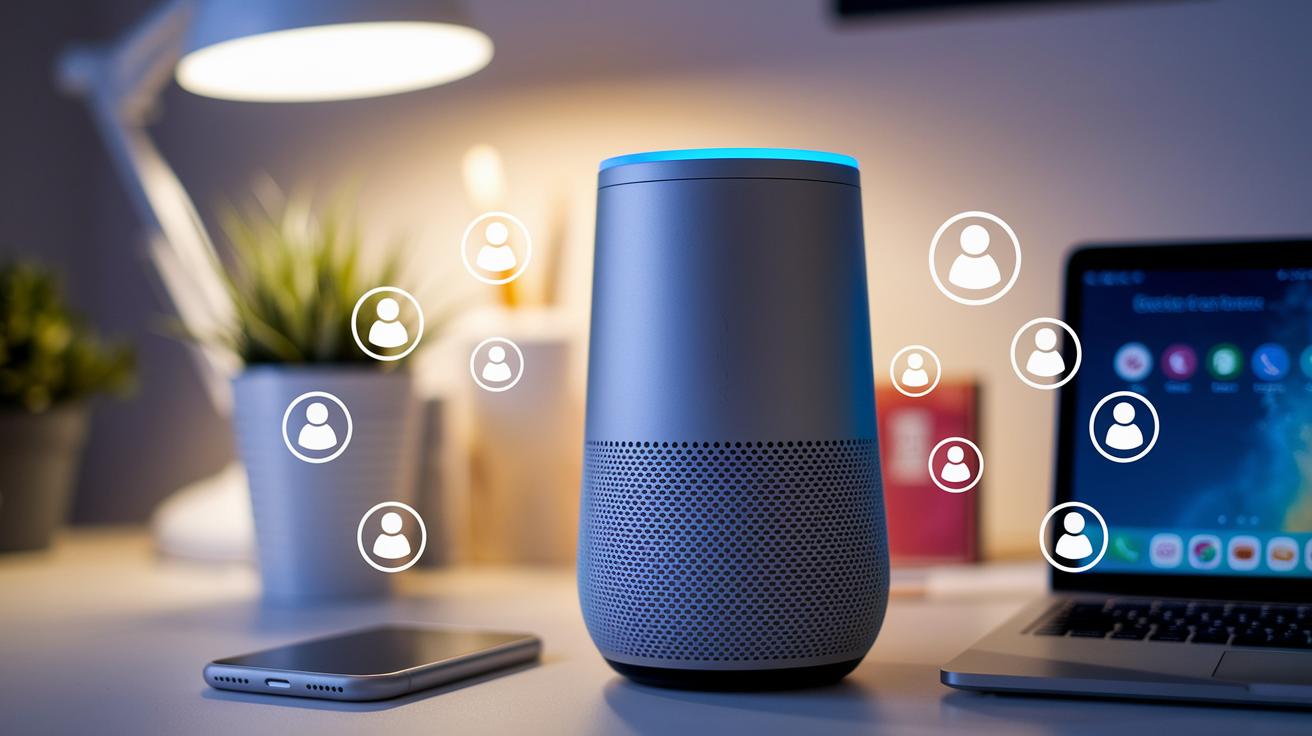
Smart speakers use advanced voice recognition so they catch every command correctly. They listen for the wake word and then quickly check it. They have smart tools that can tell one voice from another. If several people speak, each voice gets its own set of commands. This way, one person can ask for the weather while another sets a reminder without any mix-ups.
These devices also support users who do not rely on talking. Some speakers let you send commands through a connected app or by touching a button. This extra option works well with assistive technology. Setup guides and tools help you use these features easily. For example, if someone has trouble speaking, they can tap or type commands to control home functions.
The system also makes sure your commands are secure. It checks your voice to verify instructions and takes good care of your data to keep it private. This design boosts accuracy and makes the speaker a safe and handy hub for everyone at home regardless of how they communicate.
Future Trends in Smart Speaker Technology
Smart speakers are changing how we run our homes. They now use on-device AI (artificial intelligence built into the device) to work faster without always needing the cloud. This means quicker replies and smoother actions.
Smart speakers are also getting better at understanding what we say. One simple voice command might now adjust your lights, play music, and even set your thermostat. This makes everyday tasks feel more natural.
Another trend is improved IoT (Internet of Things) connection. As more of your home gadgets connect through WiFi, your smart speaker can link with kitchen appliances, security systems, and home entertainment gear.
We’re also seeing deeper home automation. Traditional devices like lights, ovens, and cameras can all be managed from one spot. This helps make your home easier to control.
All these advances are set to create smarter, more efficient homes. Imagine a setup where your smart speaker learns your habits and adjusts everything for you with simple, clear voice commands. A new era in smart home tech is just around the corner.
Final Words
In the action, we broke down smart speakers from their core mechanics to how they plug into a smart home setup. We showed how integrated microphones pick up voice commands, how digital signal processing clears the noise, and how cloud AI turns our words into actions. We also touched on network features and accessibility options for varied users.
The steps explain the key aspects of the devices, making it easier to understand how do smart speakers work and fit into your daily routine. Enjoy using your smart home tools!
FAQ
How do smart speakers work reddit
The question asks how smart speakers work. They listen after a wake word, send your voice to cloud servers for processing, and then deliver audio or visual responses back to you.
Do smart speakers require a subscription
The question asks if smart speakers need a subscription. Most basic functions work without fees, though certain premium features or services might require an extra subscription.
Examples of smart speakers
The question asks for examples of smart speakers. Devices like Amazon Echo, Google Nest Audio, and Apple HomePod serve as common examples that offer voice control and home automation functions.
Is Alexa a smart speaker
The question asks if Alexa is a smart speaker. In fact, Alexa is Amazon’s voice assistant that runs on smart speakers like the Echo rather than being a standalone speaker itself.
Smart speakers for home
The question asks about smart speakers designed for home use. These devices act as hubs that let you control lighting, appliances, music, and more using simple voice commands.
Google smart speakers
The question asks about Google smart speakers. Models like Google Nest Audio feature Google Assistant, offering smooth integration with smart home services and reliable voice interactions.
How to use a smart speaker
The question asks how to use a smart speaker. Start by saying its wake word, then issue your command, such as playing music, setting reminders, or controlling smart home functions.
What is the best smart speaker
The question asks which smart speaker is best. The ideal choice depends on your needs; for instance, Amazon Echo offers flexibility while Google Nest suits those tied to Google services.
What is needed to use and set up a smart speaker
The question asks what you need for a smart speaker setup. Typically, you need a stable WiFi connection, a compatible mobile device to install its app, and possibly a subscription for extra features.
What are the disadvantages of smart speakers
The question asks about the downsides of smart speakers. Users may face privacy concerns, reliance on cloud connectivity, and occasional misunderstandings of voice commands.
How to play music on a smart speaker
The question asks how to play music on a smart speaker. Simply say the wake word followed by a music command like “play jazz” and the speaker will stream the track from its linked service.