Ever notice your movie nights don't quite hit the mark? It might not be your fault or your gear. A smart setup can change everything. This guide walks you through planning your layout, tucking away cables, and placing speakers for clear sound. Follow these simple steps to create a living room that feels like your own personal theater.
A smart layout can mean the difference between a messy setup and a room that really feels made for you. A clear plan makes sure every step, from planning your space to final tweaks, works together.
A good blueprint keeps the project simple and easy to manage. When every part is placed with care, you can enjoy movies, TV, and games without any surprises.
Stick to these six steps and you'll cover all the bases for a top-notch home theater experience. With a clear plan, you can confidently set up each component to work together, turning your space into your very own theater.
Building your home theater means choosing gear that works well together. Every part should click with the next, so you get a smooth, unified performance. Check the specs carefully. For instance, make sure each speaker and receiver meets standards for frequency response (the range of sound it can produce, usually 20–20 kHz), sensitivity (how loud it gets, measured in dB), and impedance (its resistance, measured in ohms Ω). When everything matches, your system works like one unit. Whether you're watching Blu-rays, streaming your favorite shows, or gaming, every component needs to sync perfectly.
| Speaker Type |
Role |
| Tower |
Delivers front stereo sound and full-range audio |
| Bookshelf |
Great for smaller spaces or secondary audio areas |
| Center |
Focuses on clear dialogue and on-screen action |
| Surround |
Creates an immersive, ambient sound experience |
| Dolby Atmos |
Adds 3D sound layers for a lifelike audio feel |
Speaker Placement and Acoustic Calibration Tips for Home Theater Installations
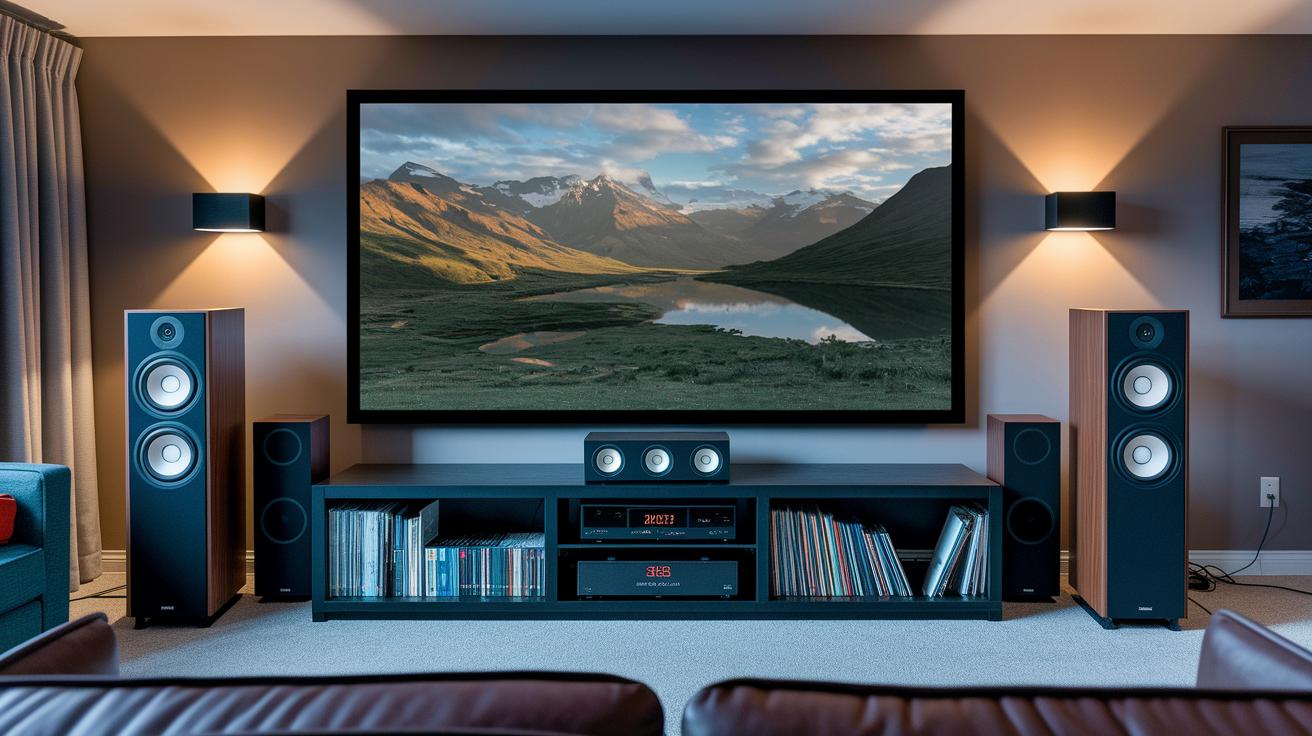
For best results, set your front left and right speakers so they create an equal triangle with your seat. Keep each speaker about 1.15 times the distance from your seat as the screen is. Place the center speaker close to the screen with the tweeters lined up with your ears, ensuring clear and bright dialogue. We recommend using your receiver's calibration features to keep the sound and picture in sync.
For a smooth surround sound experience, aim the side speakers between 90° and 110° from where you're seated. The rear speakers work well when they are set between 135° and 150° to help build an immersive sound stage. Use your receiver's auto-calibration or manual adjustments to balance out all the speaker outputs.
Position your subwoofer where the bass feels natural without overwhelming the room, steering clear of tight corners to avoid boomy sounds. Run test tones and adjust your receiver’s equalizer to fine-tune the bass response. With these simple tweaks, you can enjoy a home theater that sounds as good as it looks.
Cable Management and Wiring Tactics for Home Theater Setup Tips
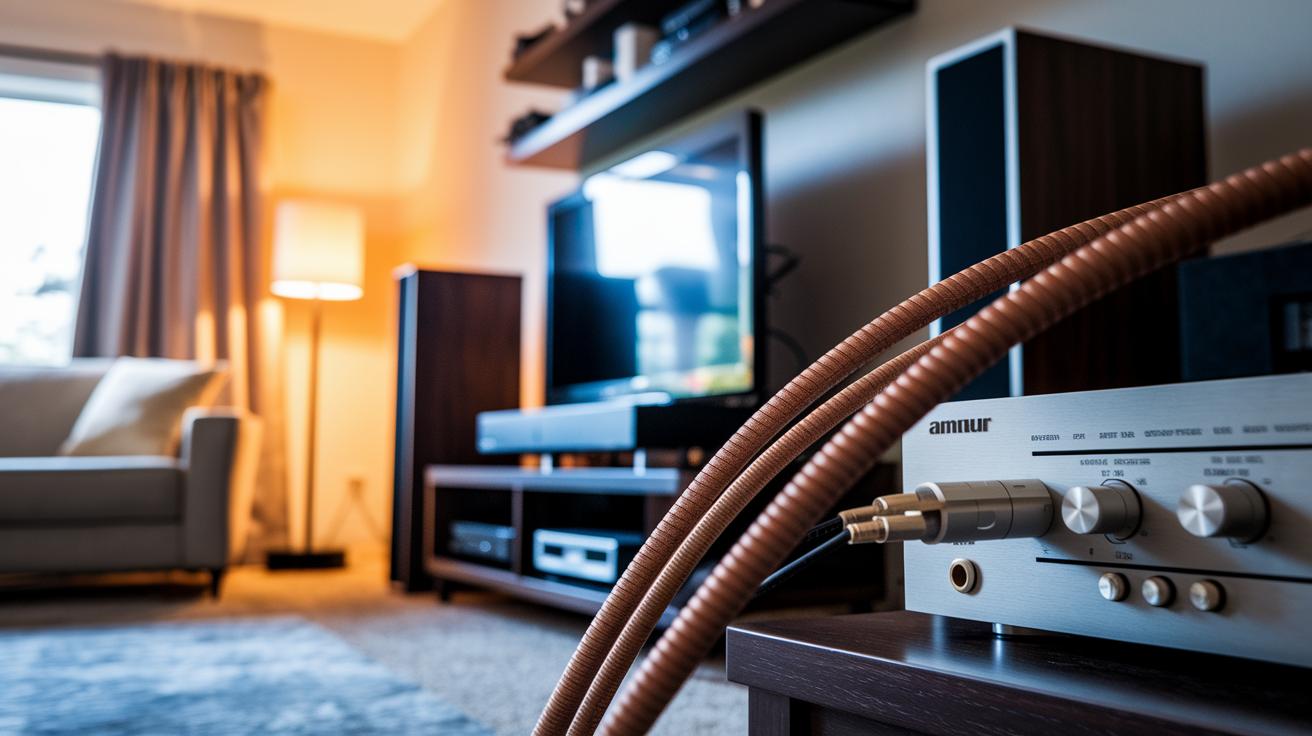
Choosing the right cables matters most for a solid home theater system. Lower AWG wires (thicker cables that cut resistance) help keep your signal strong. Copper cables, which let electricity flow well, also make sure your power and signal stay clear.
Plan your cable routes carefully. Decide if you want to run them inside the wall or outside. In-wall conduits keep things looking tidy, let heat escape safely, and make upgrades easier later without a big mess.
When it comes to connectors, pick what works best for your gear. Options like binding posts and spring clips lock in your connections securely. If your equipment allows it, bi-wiring (using two wires for different sound ranges) can clear up the audio by letting each part of your system work harder.
Safety and ease of access are key. Draw a clear path for your cables to stop the wires from tangling or overheating. A smart, neat layout will make it simpler to fix problems later and keeps your home theater looking clean and organized.
Calibration and Troubleshooting Self-Guidance for Home Theater Installation Tips
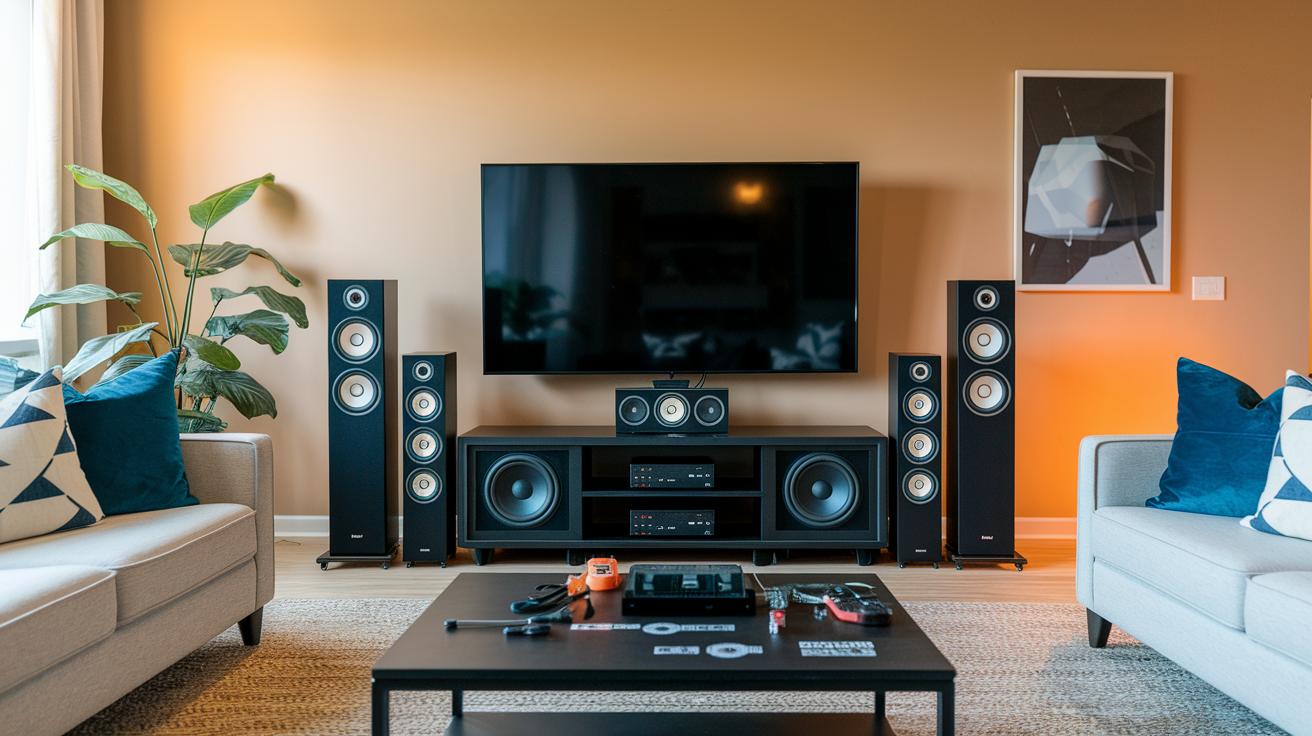
When setting up your home theater, start with simple calibration tools. Auto-EQ systems (like Audyssey or THX) and manual channel level trim help you quickly balance the sound. Play test tones and use an SPL meter (a tool that measures sound levels) to check how each speaker performs. Adjust your audio levels so that all channels match nicely.
Next, check your speaker impedance (how much electricity the speaker uses) against your receiver’s load. This small test ensures that your gear works well together. It sets up a solid base for clear and balanced sound.
Many home theaters face issues like ground hum. Ground hum is a low buzzing noise that can muddy the audio. Overloaded breakers might stop power flow, or channels can interfere with each other, causing crosstalk. Try adjusting your crossover settings (controls that divide sound frequencies) or move your equipment around to reduce interference. Always check that each component stays within its right range for a cleaner signal.
Sometimes the sound doesn’t match what you expect. Using both auto-EQ and manual tweaks can fix these problems. Run extra test tones to make sure every channel is equal. This way, issues like ground hum and circuit overloads are minimized, helping you enjoy a more immersive sound experience.
Finishing Touches: Lighting, Acoustic Treatments, and Control Integration for Home Theater Installation Tips
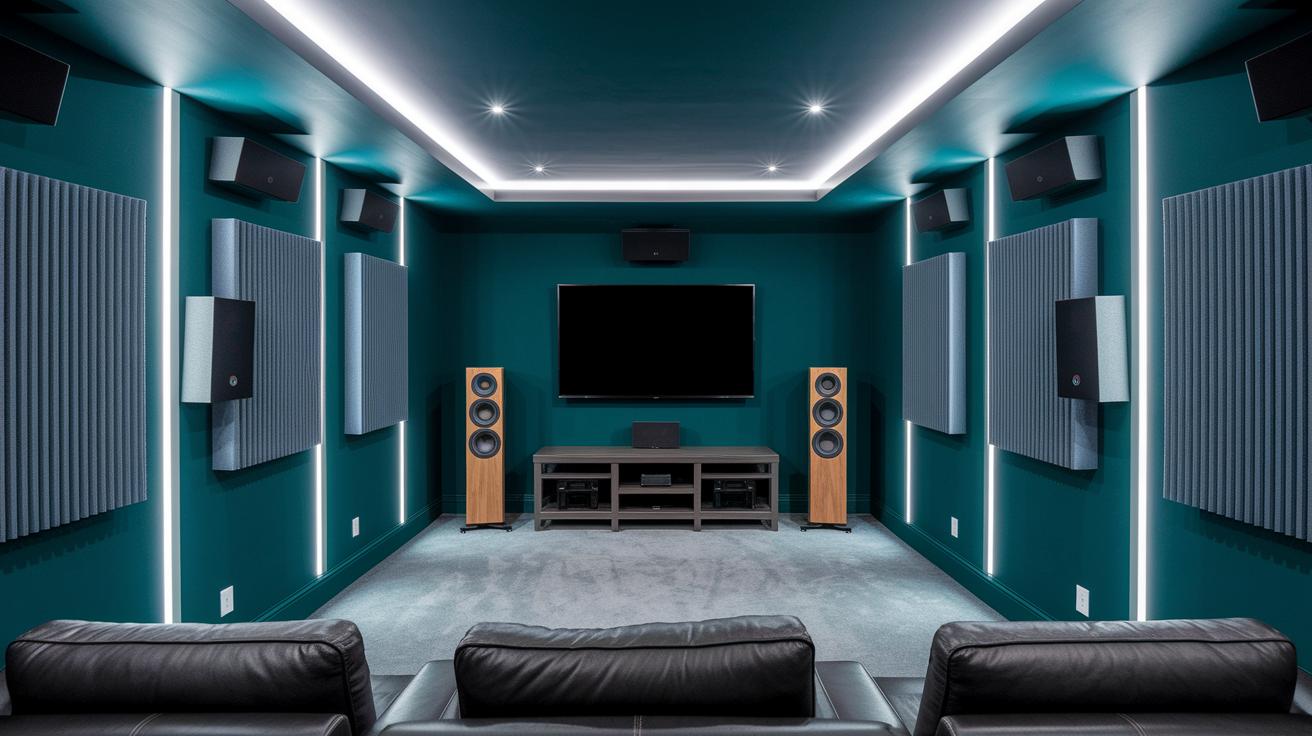
Acoustic treatments are essential for a clean, clear sound in your home theater. We use panels that soak up sound (absorption), spread it evenly (diffusion), and tame low-end rumble (bass traps) to reduce echoes. These steps keep dialogue sharp and enhance every detail, from soft background noises to thrilling action scenes. A few final EQ adjustments help control the room's overall liveliness.
Heavy-duty wall mounts keep your screens and speakers secure. Choose mounts that follow proper fixture rules, like anchoring into solid wood studs, offering precise tilt options, and using reliable anti-tamper screws. This careful setup not only boosts safety but also makes your viewing experience more comfortable and your theater look more polished.
Finish off your setup with smart control integration. Use features like HDMI-CEC (which lets devices control one another), universal remotes, or smartphone apps to manage your system and adjust lights. With dimmable and bias lighting, you can set the perfect mood without glare. Smart controls make it easy to fine-tune every part of your theater, ensuring a smooth, user-friendly experience.
Final Words
In the action, we walked through each step, from planning your layout and selecting gear to routing cables, calibrating speakers, and adding finishing touches. We broke down essential tasks to help you set up a solid home theater experience while avoiding common pitfalls.
These home theater system installation tips offer a clear guide to turning a room into your personal cinema. Keep tweaking until every detail works for you, and enjoy a setup that truly fits your space.
FAQ
What are some top home theater system installation tips from Reddit, YouTube, and DIY guides?
The home theater system installation tips from Reddit, YouTube, and DIY guides emphasize planning your room layout, routing cables safely, and positioning speakers to achieve balanced sound.
How do I design a home theater setup diagram, especially for a small room?
The home theater setup diagram shows where to place the screen, speakers, and seating. For a small room, it suggests compact layouts that maximize view and sound performance.
How do I set up a home theater sound system with a TV or a projector?
Setting up a home theater sound system with a TV or projector means matching audio components to your display, ensuring proper speaker placement, secure cable management, and fine-tuning audio levels.
How can I set up a complete home theater system?
Setting up a complete home theater system involves planning your room’s layout, selecting the right components, managing cables effectively, and calibrating both audio and visuals for an optimal experience.
What is the golden rule, ratio, or optimal viewing angle for home theaters?
The golden rule for home theaters stresses balanced sound and visuals. It means placing speakers evenly from the seating and setting the screen at an angle that gives clear visuals and smooth audio.
What are some key features of popular Bose home theater systems?
Popular Bose home theater systems, such as the Lifestyle 650 and Surround Speakers 700, offer clear dialogue, robust bass, and wireless options, providing a user-friendly and immersive audio experience.



