

Ever wonder if your home could work like clockwork? Home automation makes daily tasks simple and stress free. Smart hubs link your appliances, sensors, and controllers so your space is set up even before you walk in. In this blog, we show how these systems work together to bring comfort and timely alerts to your lifestyle. Ready to see how living can be as easy as a tap?
Home Automation Systems: Core Capabilities and Benefits
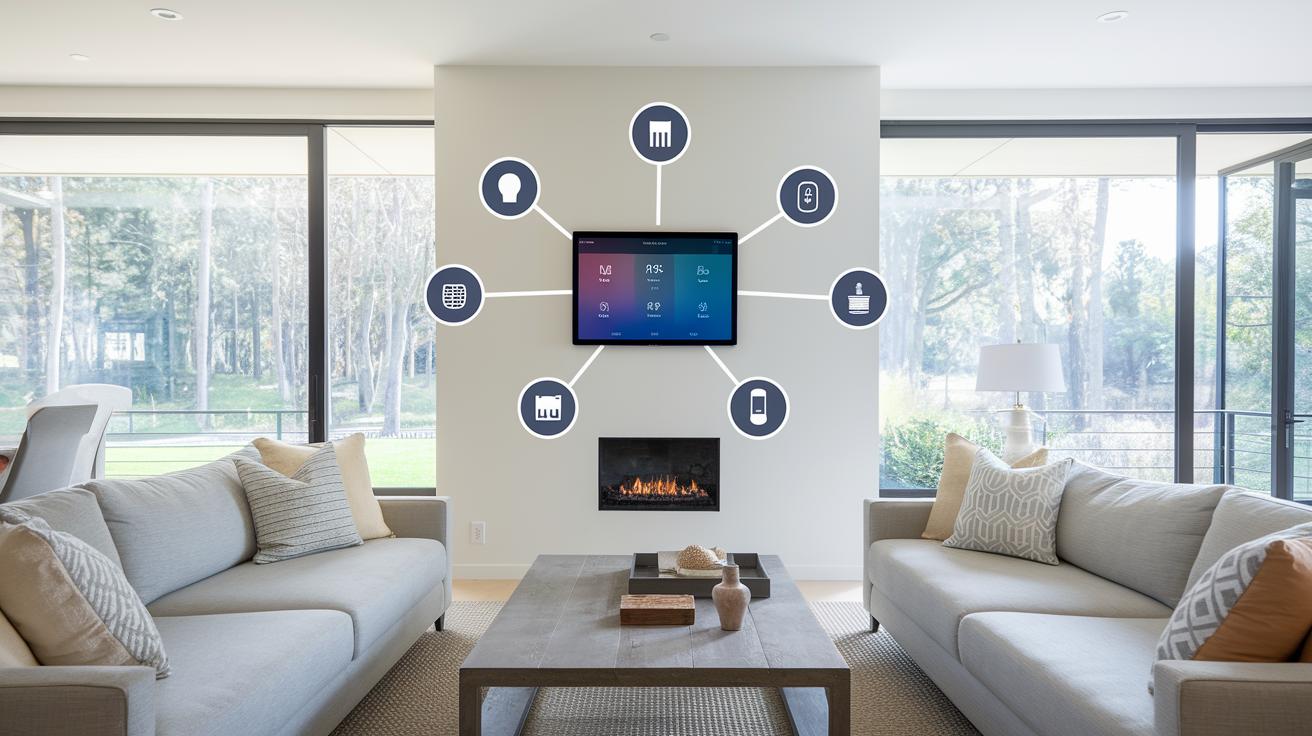
A home automation system acts as the central hub that ties your gadgets together. It connects appliances, switches, and sensors so you can control them easily with your phone. For example, when your front door opens, a group of lights can brighten up to welcome you.
These systems keep you in the loop. They send alerts if they detect a leak to help prevent water damage. Thermostats work with fans and air conditioners to adjust the temperature automatically. Imagine arriving home on a warm day and finding your home already cooling down for you.
Many parts work together to create a connected home. Controllers, lights, thermostats, sensors, intercoms, and even music systems all play a role. Wireless controls help these devices talk to one another, making your whole space work smoothly.
You can manage everything from your mobile app, whether you're in bed or on the move. The design makes daily routines simpler, and regular updates, like the one on May 29, 2025, ensure the system stays reliable as your needs grow.
Comparing Leading Assistant Platforms for Home Automation Systems

Home Assistant is a great choice if you care about open source software and keeping your data local. It works with over 1,000 integrations and supports Matter (a standard that lets devices work together). Think of it as your smart home's control hub that manages everything quietly without using the cloud.
Apple HomeKit runs on devices like the HomePod mini and Apple TV 4K. Its mobile app is designed with privacy in mind and is easy to use. It lets you control your lights, locks, and sensors from one clean interface that feels familiar and secure.
Amazon Alexa offers voice control that many users find both simple and dependable. It works with Wi-Fi, Bluetooth, Zigbee, and Matter, so your gadgets can talk to each other smoothly. Plus, its wide range of routines and skills means you can set it up your way. One tester said, "Setting up routines with Alexa felt like programming my own mini robot to handle daily tasks," which shows just how flexible it can be.
Google Home shines with an Android-first design and broad device compatibility, including Matter support. Its simple app makes it easy to manage your devices, whether you're new to smart home tech or already comfy with it.
Each of these platforms brings its own strengths. Home Assistant is best if you want local control and a high level of customization. HomeKit stands out for its clean, privacy-focused experience. Alexa is ideal if you want intuitive voice control, while Google Home is perfect for those who value simplicity. This guide should help you decide which system fits your smart home needs.
DIY vs Professional Installation Paths for Home Automation Systems

Many smart home devices are built for self-installation. DIY kits let you set up your own system without paying for professional help. For example, you might pair a Raspberry Pi with Home Assistant (a program for running your smart home) to create a cost-effective, hub-free setup. This is great for folks who enjoy a little tinkering and have some technical know-how. Plus, you can avoid recurring fees, and there are plenty of free guides and online communities to help out.
On the flip side, professional installers come in when the job needs proper wiring or extra features like high-level security or built-in central vacuum systems. Services like Vivint Smart Home start at about $39.99 a month, offering expert setup and continuous monitoring. This option suits those who prefer a hands-off approach and want a system where everything works together smoothly. Professionals are ideal when you have a larger home or a more custom installation that may need long-term support.
Before making a decision, think about the cost, complexity, and ongoing support you need. DIY kits can save money upfront and give you flexibility, while professional help ensures a hassle-free setup with expert advice. Ultimately, your choice should match your comfort with technical work and the scale of your smart home needs.
So, consider your budget and how much you want to customize your system when choosing between DIY and professional help.
Device Ecosystem and Compatibility in Home Automation Systems
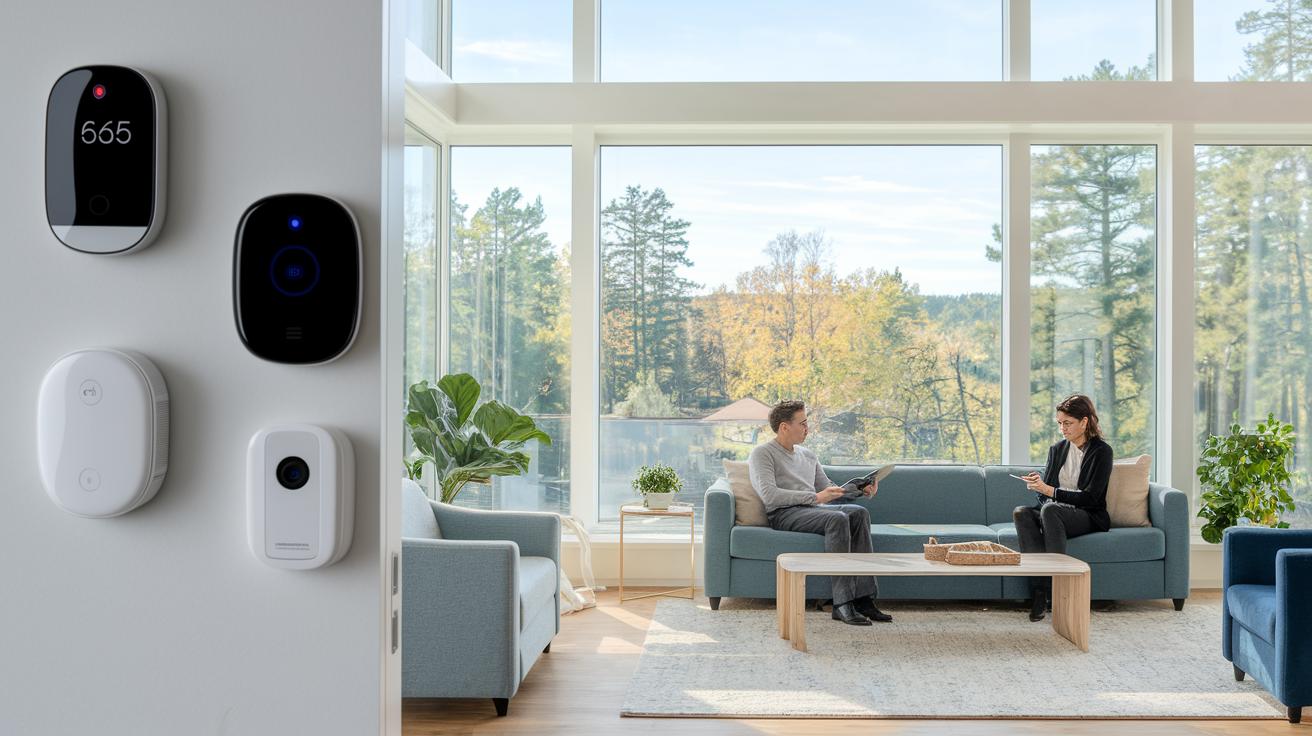
When building a smart home, start by choosing devices that easily talk to each other. Think of smart door locks, security systems, and DIY kits that work in sync with cameras, access controls, and even light and appliance controls. For example, a sensor that spots movement can quickly trigger your lights while your smart door lock checks your identity.
A complete smart home usually has smart thermostats and ventilation systems to keep your indoor climate just right. Sensors around your space can catch leaks early and help manage your appliances better. Look for devices that support Matter, Thread, or Zigbee (wireless standards that let different brands work together).
Other gadgets like intercom systems, whole-home music setups, structured wiring parts, and even central vacuum systems are key pieces of the puzzle. Every device plays a role in making sure your home reacts reliably whether you’re turning on a light, starting your music, or keeping an eye on security.
Imagine it's a hot day outside and your smart thermostat kicks the AC into gear while a sensor in your living room adjusts the lights to match the natural brightness. This smooth teamwork boosts your comfort, adds extra security, and even helps save energy.
For a quick look at top smart home picks, check out our best smart home devices. This connected approach makes modern living flexible, well integrated, and a breeze to use.
Security and Monitoring Features in Home Automation Systems

Home security automation gives you a smart way to watch over your space. Indoor cameras like the Eufy E220 record clear video so you can see every detail. Outdoor hubs such as the Aqara G5 Pro use color night vision and AI motion detection (a tool that spots movement on its own) even when it’s dark. You can choose to install a DIY system with cameras and sensors to save money, or go for a professional setup with extra wiring and support if your needs are more complex.
Automated alerts are a key benefit. Leak and smoke sensors send quick notifications to your mobile app, so you can act fast to prevent damage. This means you can keep an eye on your home no matter where you are. Plus, end-to-end encryption (data scrambled so no one unauthorized can see it) helps keep your information safe.
These systems mix self-install options with expert setups. Intrusion detection triggers alerts when something unusual occurs, and real-time surveillance lets you watch events as they happen. In short, this smart approach turns your home into a secure space that protects your data while giving you peace of mind.
Energy Management and Climate Control in Home Automation Systems
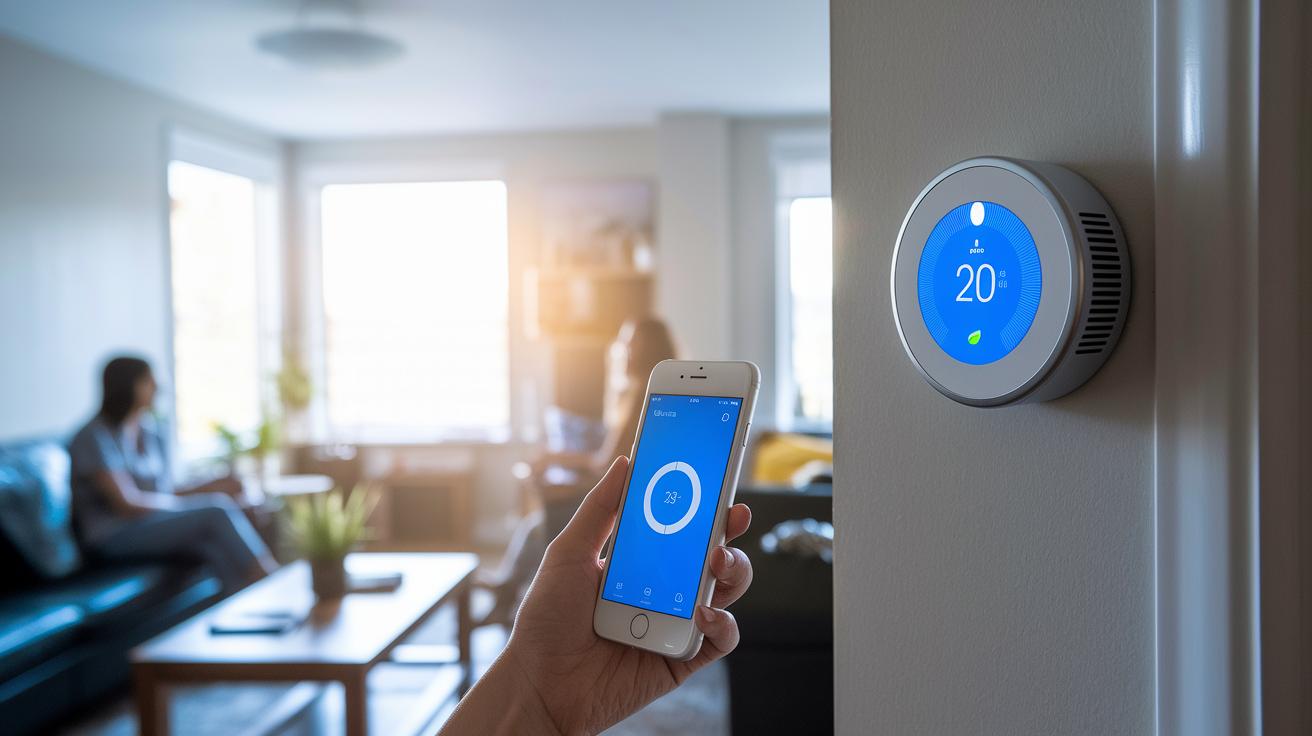
Smart thermostats such as the Ecobee Smart Thermostat Premium and the Amazon Smart Thermostat help cut energy costs. They let you control your heating, cooling, and air flow right from your phone. With set schedules and sensor triggers, the system adjusts the HVAC and fans when a room heats up. For example, when temperatures climb, the fan speeds up automatically to cool the room without wasting power.
Ambient automation works hand in hand with these thermostats. It connects to lighting schedules and smart plugs to reduce power use when rooms are empty. By syncing with your daily routine, it turns off lights and appliances at the right time. Imagine your lights dimming as you leave a room, saving energy with every step. Small actions like these add up to significant savings.
Remote climate control via mobile apps makes quick adjustments easy, no matter where you are. This eco-friendly setup not only lowers your utility bills but also reduces your home’s carbon footprint. With ongoing sensor inputs and tweaks, the system keeps your environment just right.
Benefits include:
- Reduced energy consumption
- Lower utility bills
- Seamless integration of HVAC, lighting, and smart plugs
These energy-efficient strategies let your home adjust in real time, blending comfort with sustainability for a smarter, greener living experience.
Scalability and Future Trends of Home Automation Systems
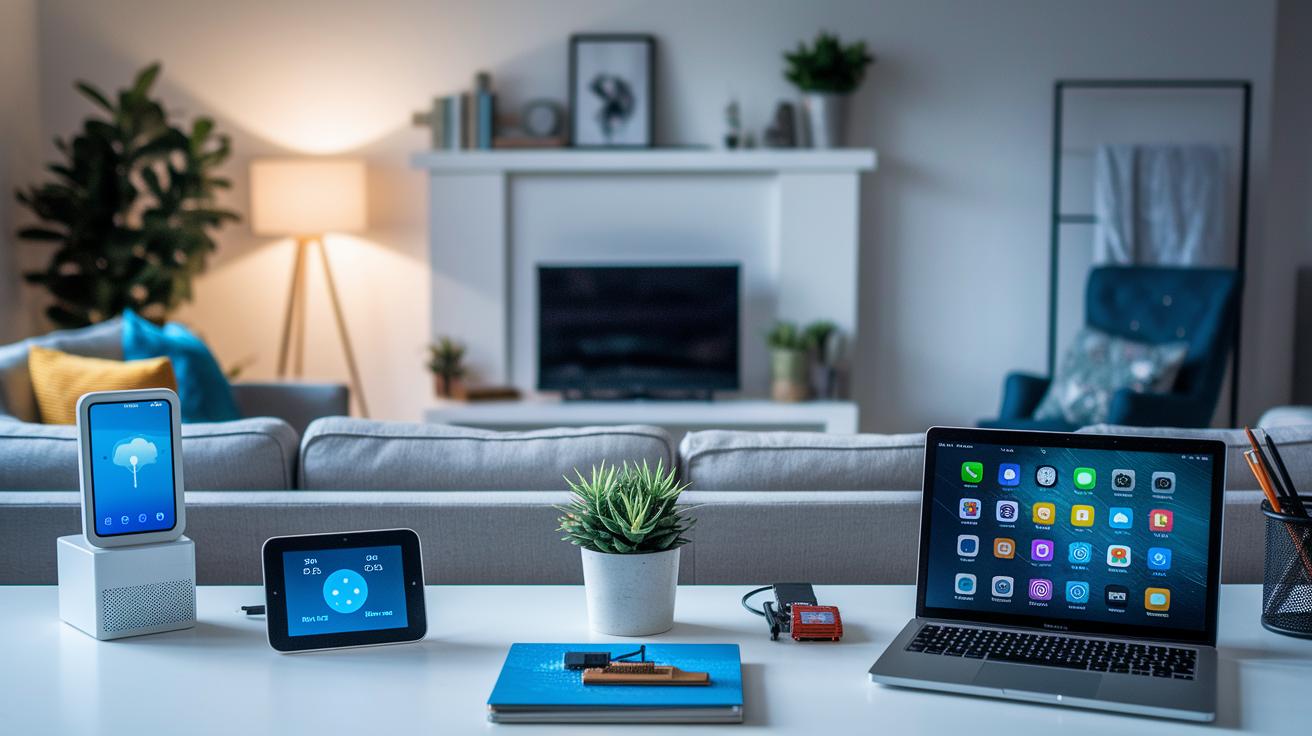
Home automation systems are getting a lot smarter and built to grow with your needs. The Matter standard (rules that let devices from different brands work together) makes sure your gadgets can talk to each other easily. With more than 1,000 integration options, these systems are ready for future upgrades. You can even keep costs low by using devices like the Raspberry Pi along with IFTTT (a tool that creates custom triggers) to boost functionality without spending a lot.
Predictive maintenance is another exciting trend. It keeps an eye on your devices and lets you know when something needs fixing, cutting down on wasted time. Adaptive dashboards and routine builders let you set up everyday tasks just the way you like them. We are also seeing unified platforms and AI-powered controls that bring all your smart devices into one easy-to-use system.
Open source options are on the rise too. They give you more control and let you see exactly how things work inside your system. With smart, flexible interfaces and adaptive system management, your home can become both simpler to run and ready for future technology. This constant innovation helps keep homes efficient, smart, and prepared for what comes next.
Final Words
In the action overview, we broke down home automation systems by explaining each core component and use case. We compared leading assistant platforms, weighed DIY against professional setups, and explored device ecosystem compatibility. The discussion also touched on security, energy management, and emerging trends that make a difference in everyday use. Our hands-on evaluation shows what matters when picking the right system. Each section helps you zero in on the features that fit real needs while keeping budgets in check. Enjoy setting up your smart connected home!
FAQ
What do open source home automation systems offer?
Open source home automation systems offer customizable control software and a community-driven approach that lets you modify, integrate, and expand your smart home with over 1,000 supported devices.
What are the best home automation systems and which companies lead the market?
The best home automation systems balance local control, ease of use, and broad device support, with companies like Control4, Crestron, and others leading in robust, feature-rich solutions.
What home automation systems examples are available from brands like Crestron?
Home automation systems like Crestron provide high-end integrated solutions that control lighting, climate, security, and more, often requiring professional installation for a truly tailored smart home experience.
How can I find home automation systems near me and what is their installation process?
Local home automation systems connect you with certified installers who offer full system setup, integration of smart devices, and ongoing support to ensure your connected home runs smoothly.
What is the best home automation system for beginners or DIY setups?
Beginner-friendly home automation systems emphasize plug-and-play devices with simple mobile apps, making DIY installation straightforward and eliminating the need for complex professional setups.
What are the four types of automation systems?
Home automation typically divides into four types: appliance controls, lighting systems, climate management devices, and security or surveillance setups, each designed to handle specific aspects of home control.
How much does a full home automation system cost?
The cost of a complete home automation system varies widely, ranging from a few hundred dollars for DIY kits to several thousand dollars for professionally installed, custom-designed systems.
What is included in a home automation kit?
A home automation kit generally includes a central control hub, sensors, smart thermostats, lighting controllers, and connectivity modules that work together to create a unified, smart home network.
Which home automation protocol is best?
The best home automation protocol is Matter, as it supports cross-brand compatibility, reliable local processing, and seamless integration between a wide range of smart devices.
What is the Control4 system price and is it worth the cost?
The Control4 system typically comes at a higher price point due to its professional-grade integration and extensive feature set, delivering quality performance and long-term value for smart home management.