

Ever thought about a home that looks after itself? Home automation links your lights, locks, and thermostat so you can manage everything from one spot, even when you're not there. Imagine pulling up to a house that lights and warms up as you approach. In this post, we show how these systems work in real life and point out why they make living easier and safer. We compare setups that work locally with those that use the cloud, helping you decide which is best for your needs.
Home automation software overview: features, benefits, and integration
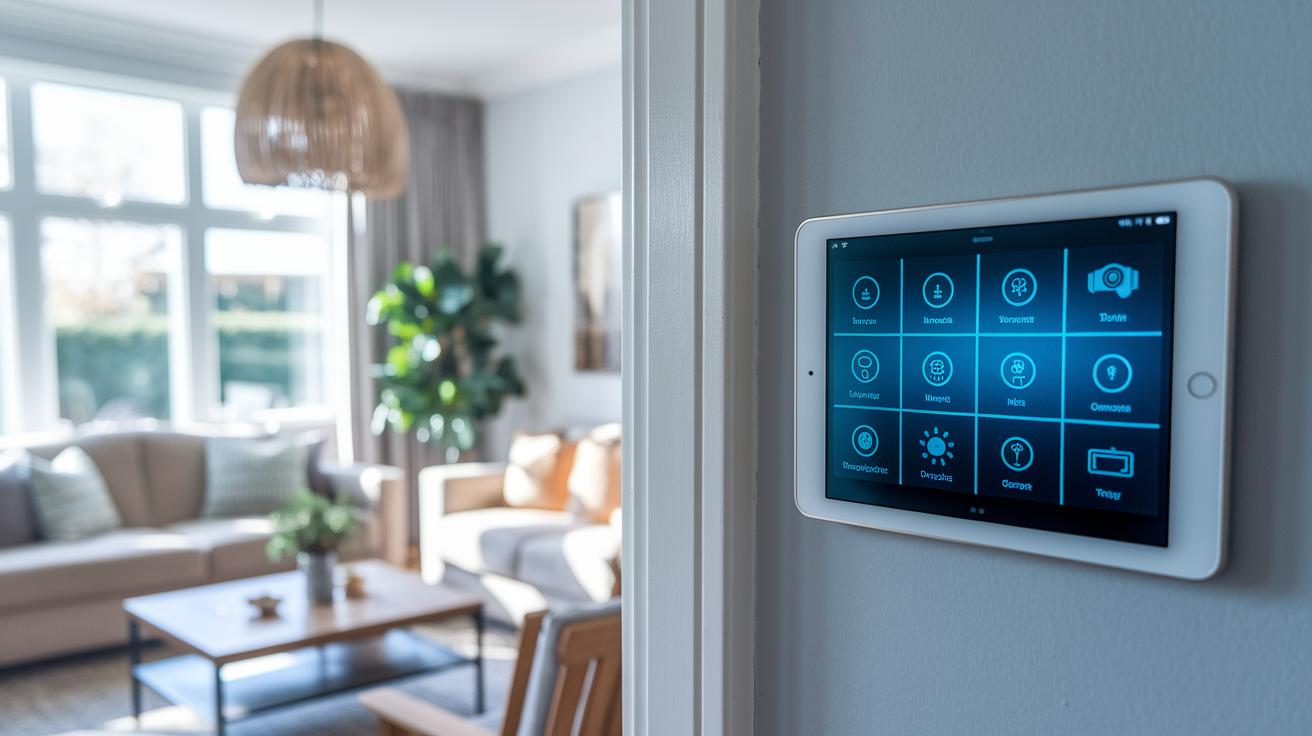
Home automation software acts as a control center for your smart devices. It connects lights, thermostats, security cameras, and appliances so you can manage everything from one place. Some systems run locally, meaning they can handle tasks like scheduling and routines even if your internet goes down. Others use the cloud, which lets you control devices remotely and use voice commands with smart assistants.
Take Home Assistant as an example. It runs on your local network and supports over 1,000 integrations, including Matter (a standard for device communication). This means you can manage many devices without needing a continuous internet connection. On the other hand, platforms like Google Home depend on the cloud and also support Matter, so you can control your devices from anywhere you have an internet connection.
This kind of software makes life easier and can help save energy. Picture coming home to a warm house with the lights automatically turning on as you approach the door. Plus, it boosts your home's security by linking sensors, cameras, and alarms into one system. And with voice command support, you can simply speak to adjust the lights or temperature.
If you like to tweak settings, open source options like Home Assistant offer plenty of customization without recurring subscription fees. You have the choice between local control, which gives you more privacy, and cloud-based options for extra convenience. This mix of features makes home automation software a smart choice to tie together your IoT (Internet of Things) devices and create a seamless smart home experience.
Home automation software elevates smart living
Smart home setups work best when devices talk easily to each other. There are six platforms to choose from. Some let you control things in your home directly, while others use a simple app or voice commands. Each system mixes flexibility and ease of use so you can set up your home just the way you like.
Home Assistant
Home Assistant runs tasks right in your home. Being open source means anyone can help make it better. It works with over 1,000 devices, including Matter devices (a new way to connect smart gadgets). Many users use a Raspberry Pi (a small computer) with it to lower cloud use and boost control.
Apple HomeKit
Apple HomeKit is great if you live in the iPhone world. It runs on devices like the HomePod mini or Apple TV 4K. The app is simple to use and keeps your data safe. It makes managing your smart devices feel natural and secure.
Amazon Alexa
Amazon Alexa is handy if you like voice commands. It connects with many devices using Wi-Fi, Bluetooth, Zigbee, and Matter. You can set up routines to run your home on autopilot with a simple command, no hands needed.
Google Home
Google Home offers a clear, easy-to-use dashboard. It works smoothly with many third-party devices, including those that use Matter. This makes it a strong pick if you want a simple yet flexible way to control your home.
Samsung SmartThings
Samsung SmartThings is built into many Galaxy phones and supports many connection types like Zigbee and Z-Wave. It uses both local and cloud processing to give you a balanced control experience. It’s a solid option if you want many devices to work together easily.
IFTTT
IFTTT makes automating your home simple and flexible. With a setup based on applets (small, task-based actions), you can create easy triggers that link your devices. This platform is ideal when you want straightforward integration without extra steps.
| Software | Best for | Integration type |
|---|---|---|
| Home Assistant | Local control and DIY flexibility | Local processing, open source |
| Apple HomeKit | iPhone ecosystem | iOS-first, privacy-focused |
| Amazon Alexa | Voice command efficiency | Wi-Fi, Bluetooth, Zigbee, Matter |
| Google Home | Simple dashboard users | Third-party device integration |
| Samsung SmartThings | Android and multi-protocol needs | Zigbee/Z-Wave bridging |
| IFTTT | Easy automation setup | Applet-based integration |
Key features of home automation software
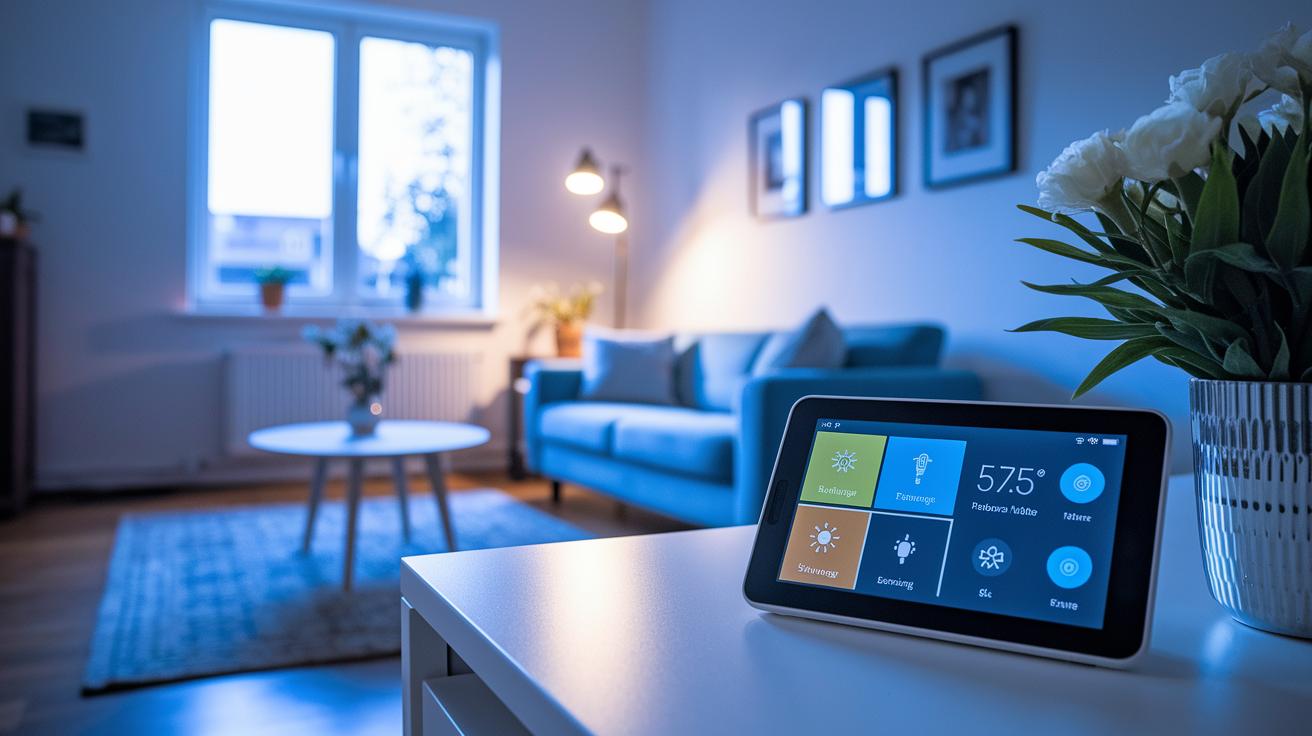
Home automation software ties your gadgets together so daily tasks run smoother. It links your lights, thermostats, and more with voice-friendly tools like Alexa, Siri, and Google Assistant. This makes your home smarter and helps you watch energy use and security at the same time.
Here's what to look for:
- Scheduling and routines: Set timers and let the system handle tasks automatically.
- Custom scenes: Create special setups for different times or events.
- Energy tracking: Monitor your power use to help lower your bills.
- Voice control: Use voice commands to manage your devices hands-free.
- Mobile control and alerts: Check what’s going on at home from your phone in real time.
- Firmware updates: Keep your devices up to date with automatic update features.
- Open API: Add or swap features with extra app extensions as needed.
- Multi-device sync: Ensure all your smart gadgets work together without a hitch.
These features work together to create a system that fits your way of life. With a simple dashboard and solid voice support, you can control your home from anywhere. Custom setups, automated tasks, and energy monitoring all combine to give you a more efficient and secure smart home experience.
Installing home automation software: step-by-step guide

Step 1: Gather your hardware.
Start with a Raspberry Pi 4 (use the 8 GB model if you need extra memory) alongside a proper power supply, a sturdy microSD card, and a network connection via Ethernet or Wi-Fi. This set of gear forms the core of your DIY automation hub.
Step 2: Flash the image.
Download a tool like Balena Etcher. Use it to put your home automation software onto the microSD card. Then, insert the card into your Raspberry Pi and power it up. This first boot kick-starts the installation process.
Step 3: Log in to the web interface.
After booting, open the web interface and log in with the default credentials. Change these credentials and add basic security settings to protect your system. This step makes sure your devices stay safe as you set things up.
Step 4: Connect your devices.
Begin device discovery by choosing auto-scan or manual pairing for Zigbee, Z-Wave, and Wi-Fi devices. This step links your devices together, creating a unified smart home network.
Step 5: Safeguard your setup.
Set up backup and restore procedures and schedule regular snapshots. If you have a complex wiring setup or a high-end security system, consider hiring a professional. This helps ensure your system remains reliable and ready for future use.
Integrating smart devices with home automation software
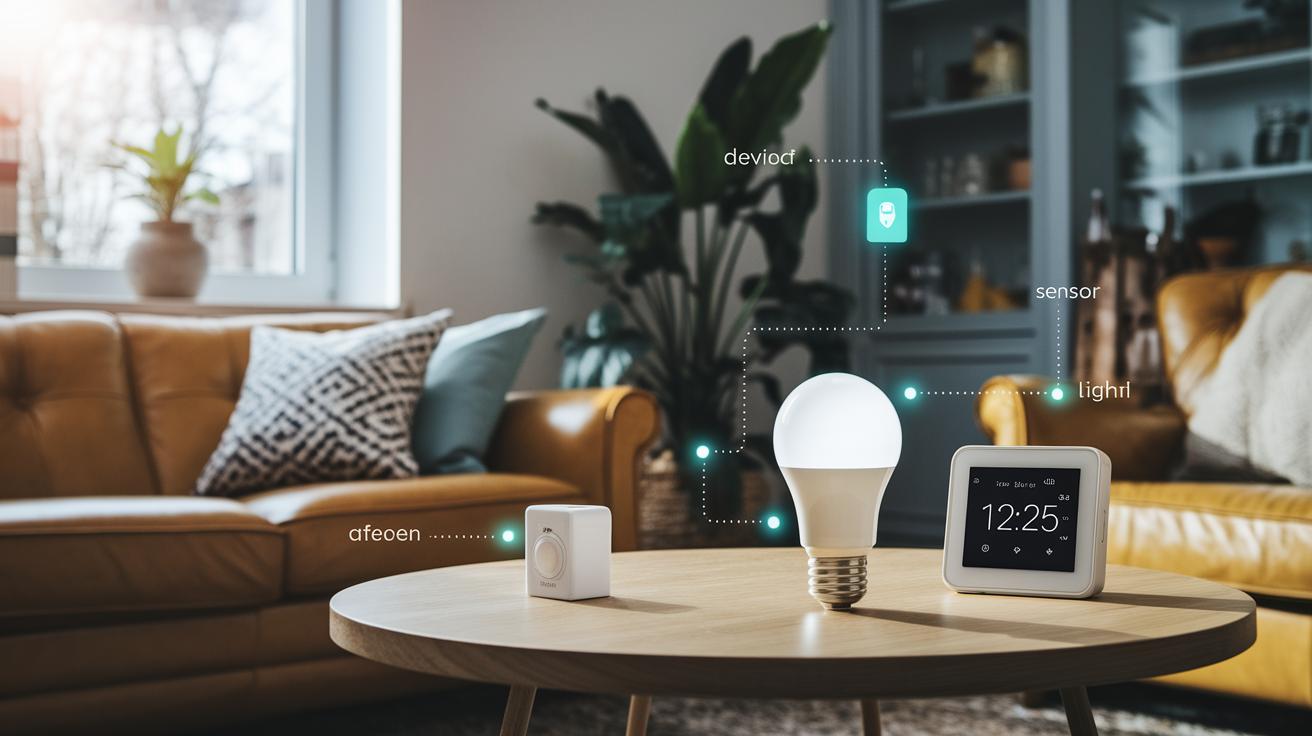
Getting your gadgets to talk to each other starts with solid device communication. Most devices use common protocols like Zigbee, Z-Wave, Wi‑Fi, Bluetooth, and Matter (rules that let devices exchange info). These rules help lights, thermostats, and sensors all understand each other without missing a beat.
Pairing items like Philips Hue, Nest, Ecobee, and Ring can be simple if you follow a few clear steps. First, set your device to pairing mode, and then check that your software uses its protocol. A bridge, or a dedicated hub, acts like a translator between devices, making it easier for them to work together.
For a smooth setup, also look at how the system handles unique cloud settings and API tokens (digital keys for online access). Some devices need extra tweaks to bypass issues with their cloud services, so updating settings often is key. Simple network tweaks, such as setting a fixed IP, port forwarding, and clear firewall rules, help keep your devices connected with fewer hiccups.
Lastly, choose a solid central hub to manage everything. A good smart home hub, like the ones noted on our smart home hub page (https://circuitcritics.com?p=209), brings both direct and hub-based integration together, making your entire smart home work as one coordinated unit.
Home automation software pricing and licensing models
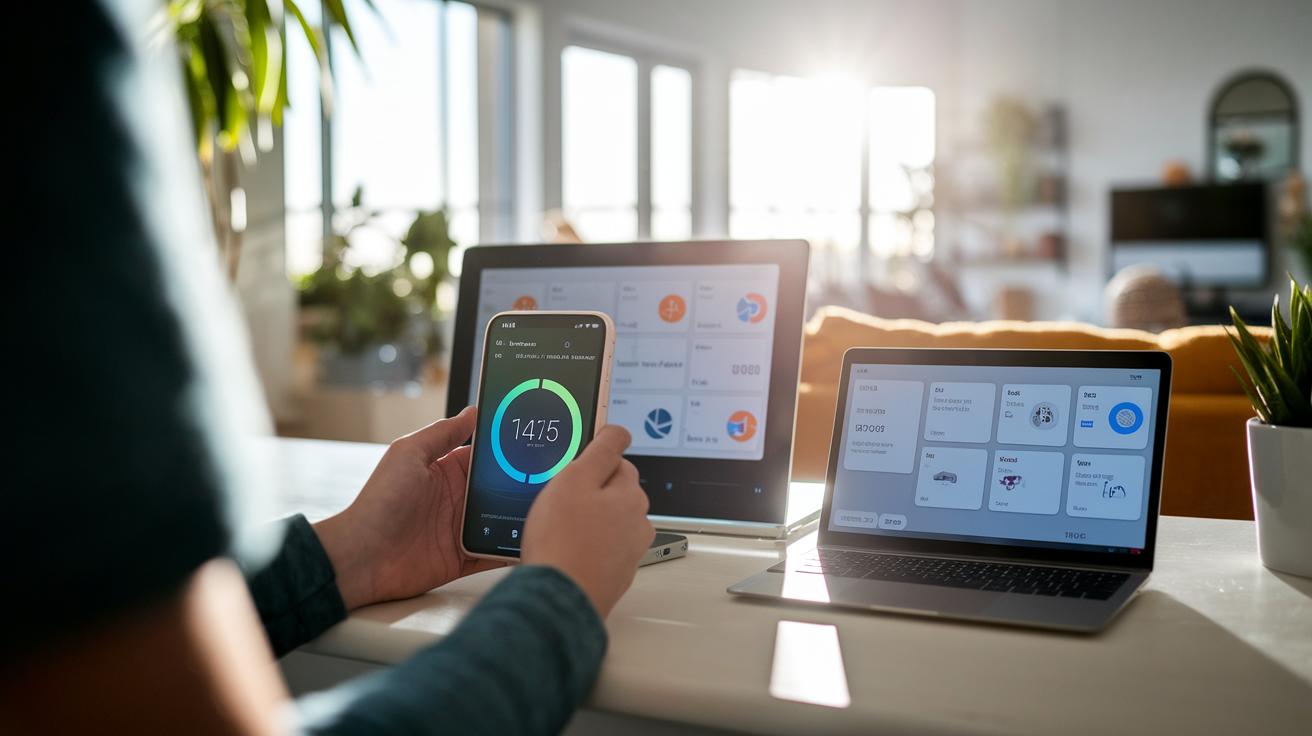
Many people kick off their smart home projects with free options like Home Assistant, openHAB, and Domoticz. These open source platforms let you build a home automation system with no license fees up front. They give you the freedom to tweak your setup and benefit from community support. This makes them a great fit if you're a DIY builder looking to save money.
If you prefer a ready-to-go solution, you can opt for one-time purchase licenses for proprietary suites. These typically cost between $50 and $200. They offer a smoother user experience and easier support, though you may find they give you less control than open source systems. Some platforms also offer cloud services on a subscription model, usually for $5 to $20 a month. With these, you get remote management and automatic updates as part of the deal.
When planning your smart home setup, think about both equipment and labor costs. DIY builds might set you back another $50 to $200 for items like smart hubs or sensors. On the other hand, a professional installation may cost anywhere from $500 to $2,000. Remember to factor in possible ongoing costs such as cloud add-ons, premium integrations, or support contracts when setting your long-term budget.
Security and troubleshooting for home automation software
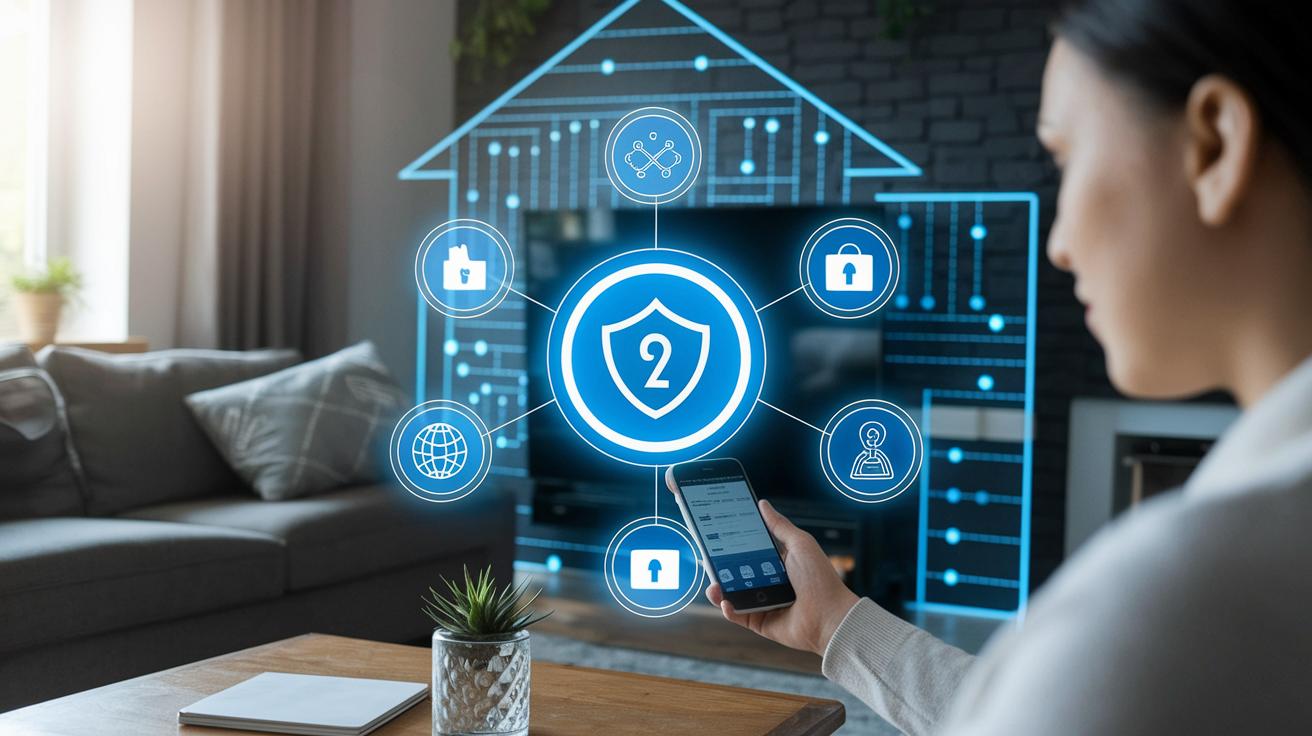
Home automation systems use strong encryption for both data in transit (when it’s moving from one place to another) and at rest (when it’s stored). Many of these systems come with a local-only mode that keeps your data inside your home network, reducing cloud exposure. This way, your sensitive information stays safe. A solid security setup builds on encryption and local processing to cut down potential vulnerabilities.
Good user authentication and role-based access controls are important to stop unauthorized changes and track who is accessing the system. Even with these in place, you might still run into common hiccups like devices going offline, network drops, or firmware clashes. We need to be ready to tackle these issues quickly.
A reliable diagnostics system is key to spotting and fixing problems. Real-time loggers and dashboards show detailed system performance and alert you when something’s off. This quick detection helps you address small glitches before they turn into bigger outages or security risks.
Regular maintenance helps keep everything running smoothly. It’s smart to schedule backups, set update alerts, and have fail-safe routines in place. Routine checks using built-in diagnostic tools catch issues like firmware mismatches or network interruptions early, ensuring your smart home stays secure and operates without a hitch.
Home automation software elevates smart living
We combined this section with other parts of the article. Now, you’ll find user reviews, expert picks, and platform comparisons all in one place. This way, we avoid repeating the same info and keep things simple and clear.
Final Words
In the action, we broke down key features and smart choices. We looked at how to set up systems, integrate devices, and manage pricing and security. Each section offered clear insights into what makes a system work. You now have a solid guide to help you avoid costly missteps. With test-driven advice, home automation software shows its value for a connected home. Stay confident and enjoy a smooth, streamlined smart setup.
FAQ
Home automation software free
The question about free home automation software refers to options like Home Assistant and openHAB, which let users manage smart devices without recurring subscription fees, though hardware and setup costs are separate.
Best home automation software
The question about the best home automation software points to platforms such as Home Assistant, Amazon Alexa, and Google Home, each offering intuitive interfaces, broad device integrations, and voice command support to suit different needs.
Home automation devices
The question on home automation devices covers items like smart lights, thermostats, security cameras, and appliances, which integrate with software to enable scheduling routines, energy monitoring, and enhanced home security.
Home automation open source
The question regarding open source home automation looks at platforms like Home Assistant and openHAB, which provide customization, community support, and local control without depending on proprietary cloud services.
Home automation companies
The question about home automation companies refers to providers that offer integrated smart device solutions and support services, helping users install, manage, and maintain connected home systems through both hardware and software.
Home automation app
The question about a home automation app centers on mobile interfaces that let you remotely control smart devices, set up routines, and manage systems via voice commands, ensuring convenient, hands-on control from anywhere.
Home automation hub
The query regarding a home automation hub focuses on devices that act as central controllers, connecting and managing various smart devices to offer a unified interface for easier automation and enhanced compatibility.
OpenHAB vs Home Assistant
The question comparing OpenHAB and Home Assistant highlights that Home Assistant is known for ease of use and extensive integrations, while OpenHAB provides deep customization and strong community support, catering to different user preferences.
What is the best home automation system for beginners?
The query about the best home automation system for beginners favors platforms with simple setups and user-friendly designs, such as Apple HomeKit or beginner-friendly versions of Home Assistant that provide clear documentation and guided installations.
What is the best open source home automation software?
The question on the best open source home automation software points to solutions like Home Assistant and OpenHAB, which both offer robust integrations, local control, and flexible customization without subscription fees.
What is the best software for automation?
The question regarding the best software for automation generally addresses platforms that streamline device scheduling and routine creation, with options like Home Assistant or IFTTT offering reliable setup and cross-platform functionality.
How much does whole home automation cost?
The query about whole home automation cost indicates that expenses vary widely; DIY setups may cost a few hundred dollars, while comprehensive professional installations can run into thousands depending on device quantity and integration complexity.