

Ever thought a smart speaker could add energy to your home? Google Nest speakers do more than just play music. They fill a room with warmth and light. We found a Nest option for every space and budget. The little Nest Mini works great in tight spots, while Nest Audio fills bigger rooms with fuller sound.
In this post, we break down each model with clear facts and real-world tests. We checked how each speaker behaves in everyday settings so you know which one fits your needs.
google nest smart speakers brighten your home

Google Nest has a range of smart speakers that work in many rooms and fit different budgets. The Nest Mini (2nd Gen) is a great low-cost option at $49. It comes in a small size with eco-friendly fabric made from recycled bottles. With clear voice control using “Hey Google,” it is perfect for small spaces or for newcomers.
If you need a speaker with deeper bass and fuller sound, Nest Audio is a solid choice. It plays smoother music and easily pairs with other speakers for a whole-home sound system. For those who want a touch screen to view recipes or control smart devices, the Nest Hub (2nd Gen) offers a simple 7-inch display. The Nest Hub Max ups the game with a 10-inch screen and a built-in camera, which is handy for video calls and visual control.
A new model is coming in Spring 2026 for about $100. It will feature Gemini Live and 360° audio, offering even more interactive features.
When choosing a device, think about the room size and how you want to use it. The Nest Mini works well in bedrooms or offices, while Nest Audio is better for larger spaces like living rooms. The Hub fits nicely in a kitchen, and the Hub Max is great if you want a strong display and video call options.
All the models run Google Assistant. Just say “Hey Google” or “Ok Google” and manage your tasks with ease. For more tips and accessories, check out the best smart home devices resource.
google nest smart speakers model breakdown: Nest Mini, Audio, Hub, and Hub Max specs
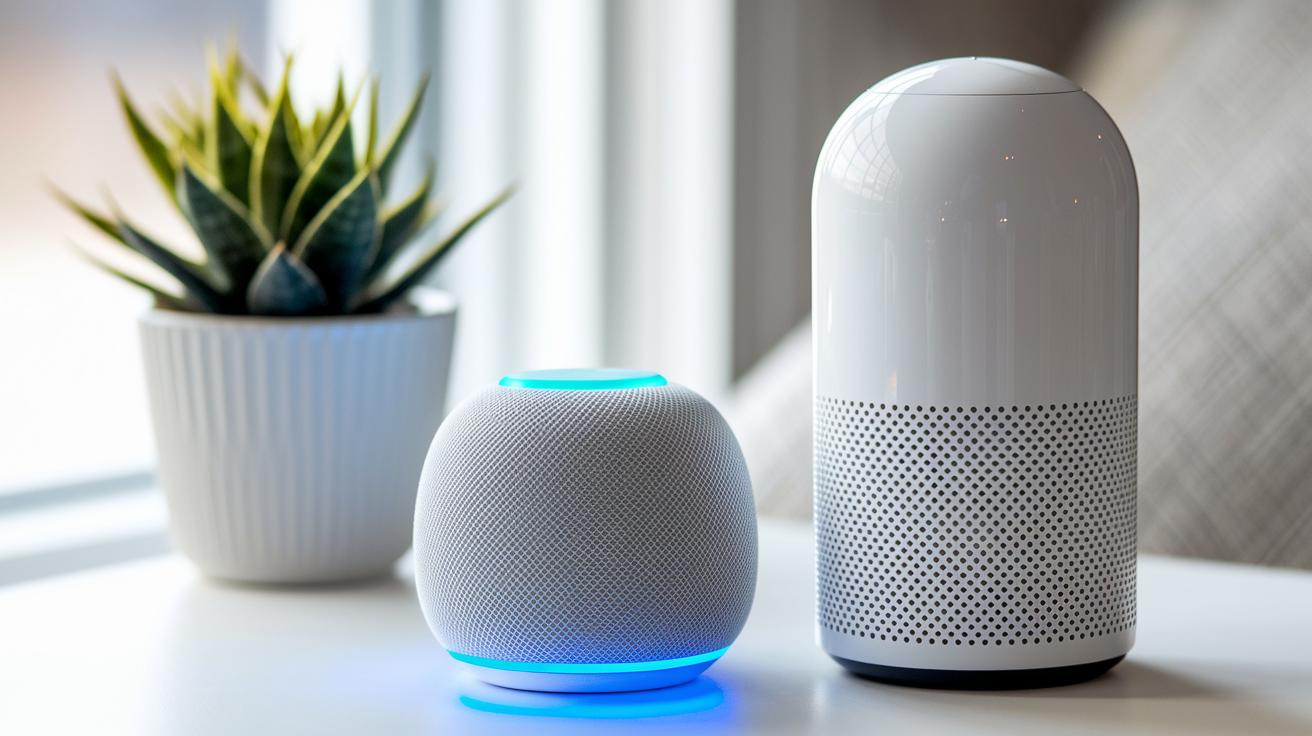
Below is a clear table that sums up the main details for each device. It shows pricing, standout features, and who might like each speaker. We pulled together earlier points so every fact is handy and easy to compare.
| Model | Price | Key Features | Best For |
|---|---|---|---|
| Nest Mini | $49 | Recycled-fabric body, neutral colors, small size | New users, small rooms, eco-friendly buyers |
| Nest Audio | Varies | Better bass, stereo pairing, multiroom group play | Living areas, multi-device setups, richer sound |
| Nest Hub (2nd Gen) | Varies | 7″ touchscreen, visual controls, no camera | Kitchens, bedrooms, spaces needing a display |
| Nest Hub Max | Varies | 10″ display, built-in camera, gesture control, video calling | Large rooms, family hubs, those who want video chat or home monitoring |
Each model meets different needs. The Nest Mini is great for basic sound and a green design. Nest Audio boosts overall sound quality for richer listening. If you need a screen without a camera, the Nest Hub (2nd Gen) fits the bill. And if you want a large display with video features, the Nest Hub Max is your pick.
Setting up google nest smart speakers: Step-by-Step Guide

Getting your Google Nest speaker ready is simple. In a few minutes, you can have it all set up to answer your voice commands. Just follow these steps and you'll be enjoying hands-free control in no time.
- Plug in your speaker and wait about 30 seconds while it boots up.
- Open the Google Home app, tap the "+" icon, and choose "Set up device."
- Pick a Home for your speaker, run the sound test, and give it a name.
- Connect your speaker to Wi-Fi and link your music services.
- Put the speaker where you want to use it and set up voice match.
- Create custom alarms and timers that suit your daily routine.
Once everything is set up, try saying, "Hey Google, play music" to test the voice activation. For a complete walkthrough, check out the getting started guide.
google nest smart speakers integration: Multi-Room Audio, Pairing, and Smart Home Compatibility

Google Nest speakers deliver clear sound and work well together. They let you create speaker groups for synced playback, pair two matching speakers for a richer stereo effect, and connect to many smart home devices. This means you can control lights, plugs, cameras, and even Matter-enabled gadgets using Google Home. For more on hub setups, check out smart home hub.
Multi-Room Distribution
You can link several speakers to play the same tune at once. This setup works great across different rooms, giving you a steady flow of sound throughout your home. Whether you’re hosting a dinner party or just enjoying background music every day, grouping your speakers keeps the sound synced and consistent.
Stereo Pairing
Pair two identical speakers, like a set of Nest Minis or Nest Audios, to expand the sound stage. This simple trick creates a wider stereo effect that fills the room. It’s an easy way to boost your audio without having to buy extra equipment.
Smart Home Device Integration
Nest speakers connect with smart bulbs, plugs, cameras, and more through the Google Home system. With just your voice, you can adjust the lights or check on your security cameras. They work smoothly with both Google devices and third-party Matter products, making unified home control a breeze.
google nest smart speakers audio performance: Bass, Clarity, and Testing Insights
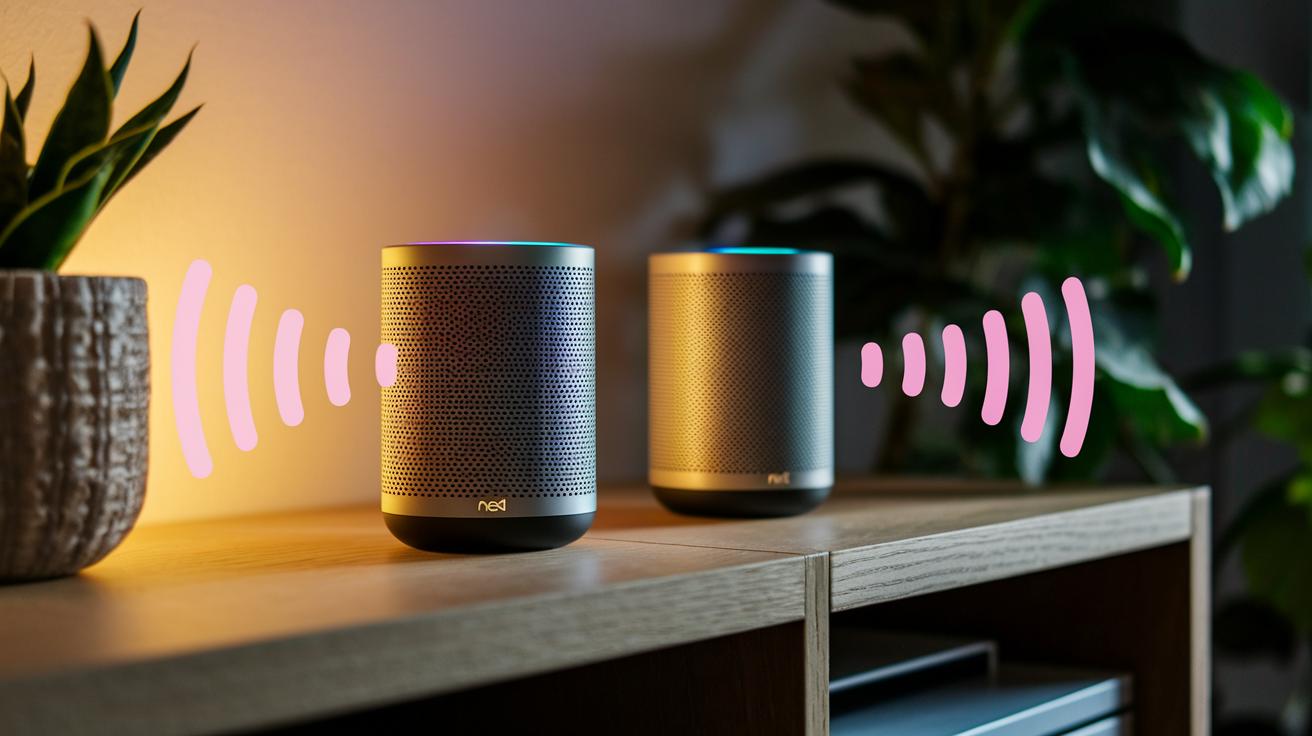
Nest Audio grabs your attention with a strong bass that fills the room. In our tests, we found the low-end sounds are rich and the mids stay clear and balanced. Even without a built-in subwoofer, the speaker delivers deep bass like many higher-priced systems.
Clear, crisp sound is another strong point. The Nest Mini may be small, but its volume surprises us. Its setup includes automatic tuning that adjusts for background noise, so you get a well-balanced sound without any extra effort.
Pairing two of these speakers creates an even fuller stereo experience. For rooms that need more depth and even sound distribution, setting up a stereo pair makes music and voices feel more alive.
google nest smart speakers privacy and security: Data Handling and Controls
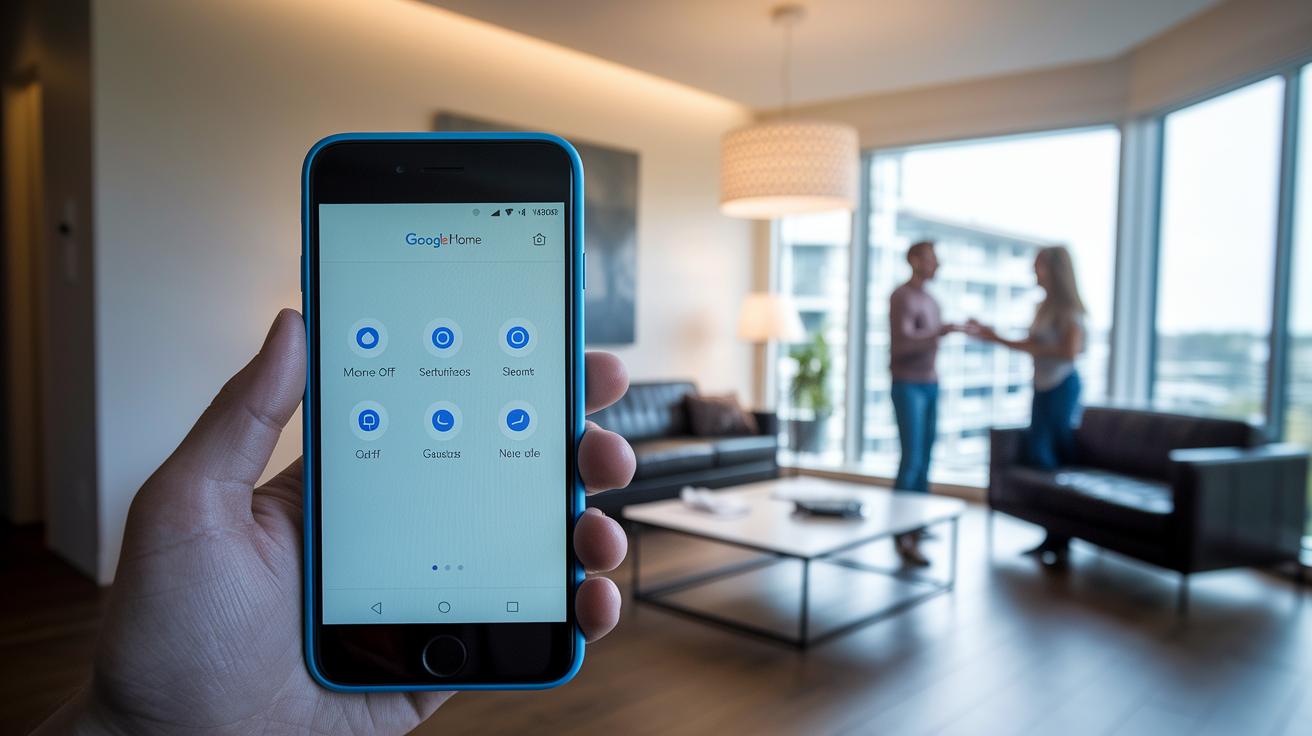
The Google Home app gathers a range of data to help your smart home run smoothly. It keeps track of things like device types, locations, IP and MAC addresses, Wi-Fi status, sensor readings, and even your voice queries. This info helps the system learn who’s using it and makes sure it responds properly to your commands.
You can control what gets recorded with several easy-to-use settings. There’s a physical switch that lets you mute the microphone, stopping audio capture immediately. You can also review and delete past voice recordings right in the app. And when you activate Guest Mode, the app limits the data it logs while visitors use your device. These steps give you clear control over your data.
It’s a good idea to check your privacy settings often. Updating the app and firmware and being mindful of the data you share during voice searches can make your smart home even more secure.
google nest smart speakers troubleshooting and support: Firmware Updates & Customer Service
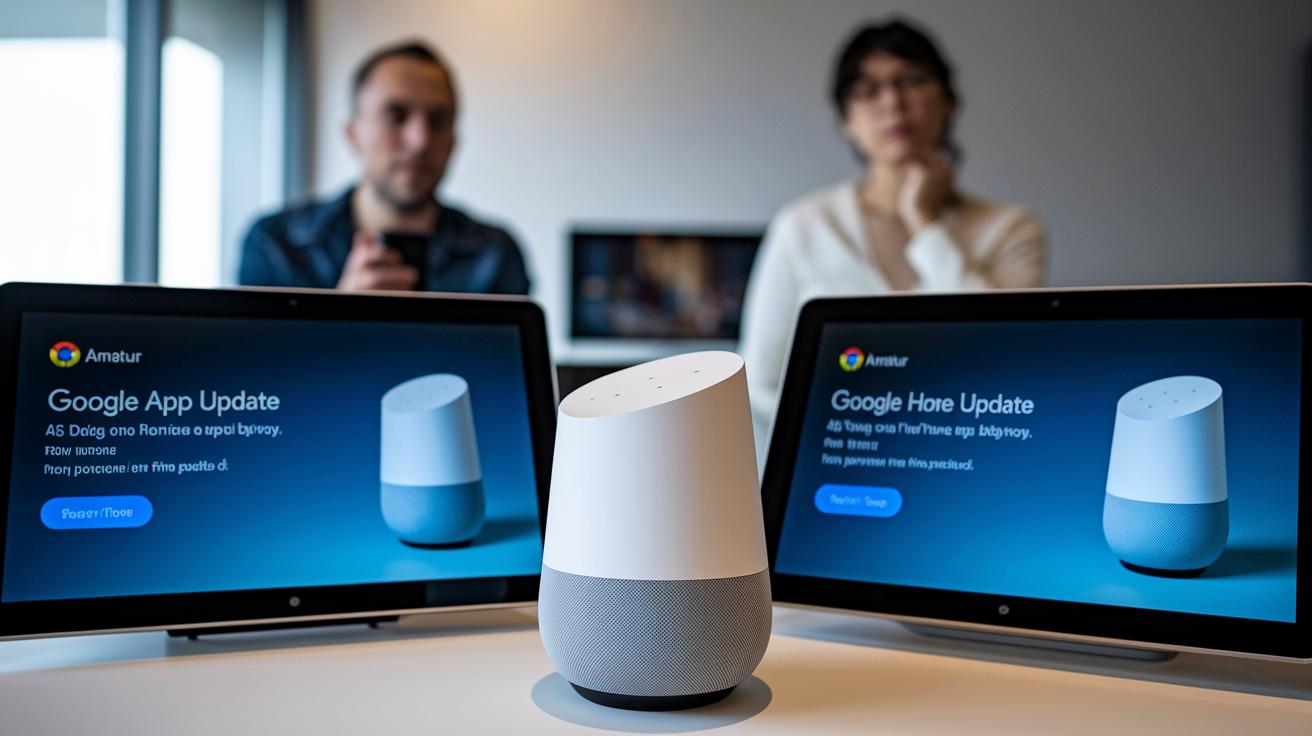
Firmware updates install automatically using the Google Home app. They help your speaker run at its best by fixing bugs, improving device connections, and even adding new features. If your speaker feels slow or has connection issues, an update might quickly sort it out.
When you run into trouble, a few simple steps usually work well. Try rebooting your speaker if it stops responding. Also, check that your Wi-Fi signal is strong if voice commands seem off. If needed, use the reset button for a factory reset to clear up stubborn glitches.
Google offers help 24/7 through phone, chat, and an online help center. Plus, they back up their support with warranty coverage. This means if a hardware or software problem sticks around, help is just a call or click away.
Final Words
In the action, we broke down everything from pricing tiers and key specs to easy setup and smart home integration. We checked audio performance and privacy controls, offered step-by-step guidance, and tackled troubleshooting tips.
This guide gives a solid overview of google nest smart speakers and helps you compare models based on room size, display needs, and audio priorities. With practical tips and clear advice, you can feel confident in choosing the right device that brings real value to your space.
FAQ
What does a Google Nest smart speaker do?
The Google Nest smart speaker functions as an interactive hub that uses Google Assistant to control smart home devices, play music, manage timers and reminders, answer questions, and enable hands-free voice commands.
How do I set up a Google Nest Audio smart speaker?
The Google Nest Audio smart speaker setup starts by plugging in the device and waiting for it to boot, then using the Google Home app to add, test, name, and connect the speaker to your Wi-Fi and music services.
Are Nest Audio speakers good?
The Nest Audio speakers offer a richer bass response, clear mids, and multiroom pairing support, making them effective for home audio setups with well-balanced sound for daily listening and media playback.
How much do Google Nest smart speakers cost?
The price for Google Nest smart speakers varies by model. For example, the Nest Mini starts at $49, while models with displays or enhanced audio features are priced higher, reflecting extra functionality and design quality.
Is Google Nest connectivity based on Wi-Fi or Bluetooth?
The Google Nest smart speakers mainly use Wi-Fi connectivity through the Google Home ecosystem rather than Bluetooth for everyday operations, ensuring reliable device communication and voice command responses across your network.
What are the differences between the Google Nest Mini and Google Home Mini?
The difference between the Google Nest Mini and Google Home Mini is that the Mini features an eco-friendly design with improved sound output, while the Home Mini offers similar functions with an earlier design iteration.
Which Google Nest speaker is best for my needs?
The best Google Nest speaker depends on your requirements. For richer audio, choose Nest Audio; for compact living, select Nest Mini; and for visual controls, the Nest Hub or Hub Max offer display features plus video call options.
How do the Nest Hub and Nest Hub Max differ?
The Nest Hub offers a 7″ touchscreen for recipes and home controls, while the Nest Hub Max adds a 10″ display and built-in camera for video calls, making it ideal for larger spaces and family interactions.
How does the Sonos Era 100 compare with Google Nest speakers?
The Sonos Era 100 Wireless Speaker is designed for high-quality sound in a different ecosystem, while Google Nest speakers integrate with Google Assistant and smart home controls, offering broader voice command functionalities.
What improvements does Google Nest Audio 2 offer?
The updated Google Nest Audio 2 builds on its predecessor with enhanced low-end performance and clearer sound dynamics, providing an even more immersive audio experience for music streaming and smart home tasks.