

Wondering if your graphics card really has what it takes? You can put your GPU to the test for free. Free benchmark tools help you check if your system can handle heavy work and spot issues early. In this guide, we look at a few reliable, hands-on tools that show real-world performance without costing you a cent. Get ready to see how your setup compares to others.
Top Free GPU Benchmark Tools to Try Today
Free GPU tests let you check your graphics card without spending a dime. They show you how your system handles heavy tasks and let you compare it with other setups. Plus, these tests can catch problems early on before you put your machine to real use. Here are some free GPU testing tools you can try:
- StressMyGPU (runs a WebGL demo in your browser)
- FurMark 2.10.2 (released Oct 27, 2025)
- GravityMark v1.72 (released Sep 29, 2022)
- Basemark GPU 1.2.3 (released Dec 21, 2020)
- Unigine Superposition 1.1 (released Apr 12, 2019)
- Tropics Demo v1.2 (released Jul 14, 2009)
- Final Fantasy XIV: Dawn Trail 1.1 (released Jun 11, 2024)
- Final Fantasy XV Benchmark (released Nov 15, 2018)
- MSI Kombustor
- 3DMark Basic Edition
| Tool Name | Version | Release Date | Platform |
|---|---|---|---|
| FurMark | 2.10.2 | Oct 27, 2025 | Windows |
| GravityMark | v1.72 | Sep 29, 2022 | Windows |
| Basemark GPU | 1.2.3 | Dec 21, 2020 | Windows |
| Unigine Superposition | 1.1 | Apr 12, 2019 | Windows/Linux |
| Tropics Demo | 1.2 | Jul 14, 2009 | Windows |
How to Run a Free GPU Benchmark Test

Before you begin, save your work and close any apps you don't need. This helps keep the test focused on your GPU and minimizes unexpected lags.
- Pick a benchmarking tool. Open StressMyGPU in your browser, or use our quick-access link.
- Set the resolution and quality settings to match your everyday use.
- Start the test and let it run its course.
- Watch the temperatures and clock speeds as the test runs.
- Save the results so you can compare them later.
Selecting the right benchmark tool
Choosing the proper tool is key. For example, StressMyGPU runs right in your browser with JavaScript and WebGL. This means you don't need to install anything extra, making it simple to run both stress tests and benchmarks.
Configuring test settings
Make sure you adjust the resolution and quality to match your normal setup. Testing under your usual conditions gives you results that matter for real-life usage.
Launching the test scenario
Once your settings are set, start the test. The tool will stress your GPU (and even your CPU) with math-intensive tasks. Keep in mind that the test might slow down your system or make your browser freeze briefly.
Monitoring performance
While the test runs, keep an eye on temperatures, clock speeds, and other stats. This monitoring helps you spot any heat issues or drops in performance, so you can tell if your hardware is stable.
Understanding Free GPU Benchmark Metrics

Free GPU benchmarks give you a quick look at how your computer performs in real time. They show scores that help you see how well your graphics card handles 3D tasks and how strong your processor is for both single and multi-task jobs. You'll also see a score that tests just one CPU core along with the total time the test took.
Other details are available too. For example, frames per second tell you how many images are shown each second, and frame time variance shows how steady those frames are. Plus, you get useful readings on temperature, clock speeds, and even power usage. Some browser-based tests also note down your operating system and browser version since they can affect the results.
When you dig into these tests, knowing what each number means makes comparing hardware a lot easier. The GPU and CPU scores give a simple snapshot of your system’s power for tasks like gaming or 3D rendering. Watching the frame rate numbers helps you decide if gameplay or video will look smooth. And by keeping an eye on temperature and clock speed, you can tell if your system is ready to handle heavy tasks without slowing down or overheating.
free gpu benchmark: Fast and Reliable Results
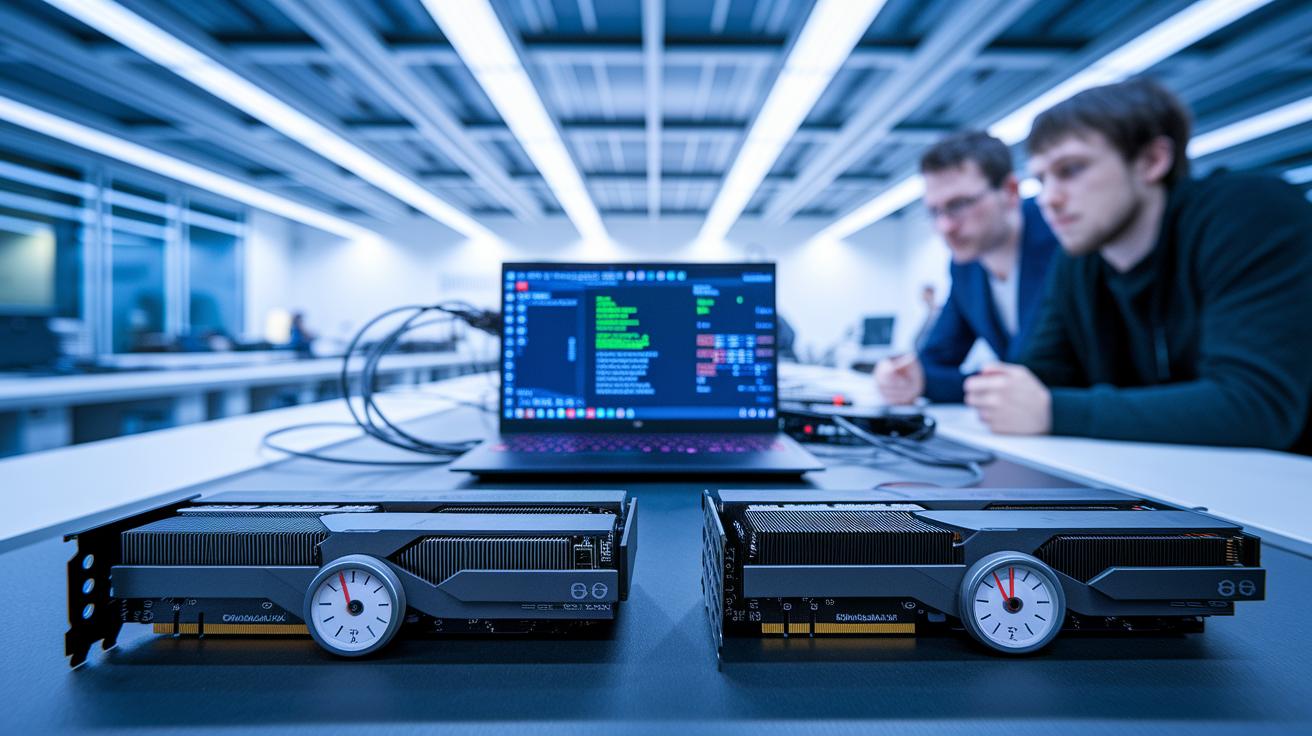
When testing GPUs with free benchmarks, it's important to keep the setup the same. That means using the same resolution, quality settings, and room temperature. This way, any differences in scores or heat come from the GPUs, not from how the test was set up.
We use tools like FurMark, which pushes the GPU hard, and 3DMark, which shows how the card performs for gaming and work. Unigine Heaven puts the card under stress with a detailed 3D scene using DirectX or OpenGL, and MSI Kombustor can load both the GPU and CPU at once. Meanwhile, GPU-Z gives real-time data on clock speeds, temperatures, and fan speeds. These consistent conditions help us see how each GPU handles tasks, and give us fast, reliable results.
A side-by-side test can be very useful. For instance, if you test an RTX 3060, RX 6600, and Arc A750 with the same settings, you might see clear differences. The RTX 3060 could show higher frames per second and lower temperatures. The RX 6600 might hit similar frame rates but run hotter. And the Arc A750 may lag in single-thread performance according to GPU-Z. These findings help gamers and professionals decide which GPU handles long loads better.
System Requirements for Free GPU Benchmark Tools

Most free GPU benchmark tools are easy on your system. They usually need at least 4GB of RAM, a midrange CPU (the processor that runs your computer) that won’t slow things down, and about 2GB of free disk space if you download the tool. You also need up-to-date GPU drivers, like NVIDIA GeForce 591.44 WHQL, to keep things running as expected. A solid graphics card and good cooling mean you get steady, reliable test results. Even older hardware might work, but a stable setup makes a big difference in accuracy.
On the software side, these tools run best on modern operating systems. They work well with Windows 10 or 11 and popular Linux distributions. For browser-based tests such as StressMyGPU, you need a browser that supports WebGL (a tool for rendering graphics) and DirectX 11. Meeting these requirements helps you trust the data you get. It means you can compare scores and clock speeds in a consistent way, keeping your testing both accurate and repeatable.
Free GPU Benchmark Video Guides & Tutorials

These video guides show you how to run free GPU benchmark tests, step by step. They work well for both beginners and those with more experience. You don’t need to worry about installing extra software. Instead, you can follow along in your web browser.
Popular YouTube channels, like TPU, offer StressMyGPU demos that explain each part of the test. You learn how to run the test and read the results in a simple way. There are also official 3DMark videos that cover settings and test steps using plain language.
Some channels use FurMark tests to show you how to push your GPU close to its heat limit safely. These guides also help you see how high-quality visuals are made using Unigine Heaven walkthroughs, which explain key details in DirectX (a graphics API) and OpenGL (another graphics API).
If you are curious about overall system strength, you can watch OCCT (OverClock Checking Tool) videos. These tests show how to keep an eye on your CPU, RAM, and power supply when you run heavy tests.
These guides make it simple to follow along and try the tests on your own hardware, giving you clear and real benchmark results.
Final Words
In the action, we explored top free GPU benchmark tools, dug into how to run a test, broke down benchmark metrics, and even showed ways to compare GPUs. We took a hands-on look at everything from browser-based tests to downloadable software to help you avoid pitfalls. We also discussed system requirements and shared video guides for extra help. With these insights, you can confidently run a free gpu benchmark and pick the right tool for your needs. Keep testing, stay informed, and enjoy the process of finding the best fit for your hardware.
FAQ
What does Free GPU benchmark Reddit refer to?
The Free GPU benchmark Reddit refers to online community threads where users discuss and share their no-cost GPU testing experiences and tips, helping each other choose and use benchmarking tools.
What is the best free GPU benchmark?
The best free GPU benchmark can vary by need, but tools like 3DMark Basic Edition and Unigine Superposition offer reliable tests that provide detailed performance scores without any cost.
What is 3DMark?
The 3DMark benchmark is a popular tool that tests gaming performance by stressing your GPU with demanding visuals, returning scores that help compare different graphics cards.
What is a free benchmark test for GPUs?
A free GPU benchmark test means using no-cost software to evaluate your graphics card. These tests stress the GPU to measure frame rates, temperatures, and clock speeds for effective performance comparisons.
What does Heaven Benchmark measure?
The Heaven Benchmark measures GPU performance by running complex 3D scenes. It shows how well your card handles high-detail rendering, providing scores and smoothness indicators.
What is GPU benchmark software?
GPU benchmark software is designed to examine a card’s performance. It runs tests to capture metrics like scores, temperatures, and clock speeds, helping you assess and compare different GPUs.
What is the Superposition benchmark?
The Superposition benchmark is a tool that tests a GPU’s ability by driving it through high-intensity 3D scenes. It details rendering performance and thermal behavior, making it useful for serious comparisons.