

Has your home been left behind? Imagine a house where your lights, heating, and security work on their own. Control4 home automation brings comfort and cuts energy costs in one simple move. You get to control everything from one panel, which means no more juggling multiple devices. In this guide, we show you how Control4 simplifies your day, helps lower your bills, and turns your home into a smart, streamlined space. Have you ever thought about how an upgrade like this could change your everyday life?
Control4 Home Automation System Overview
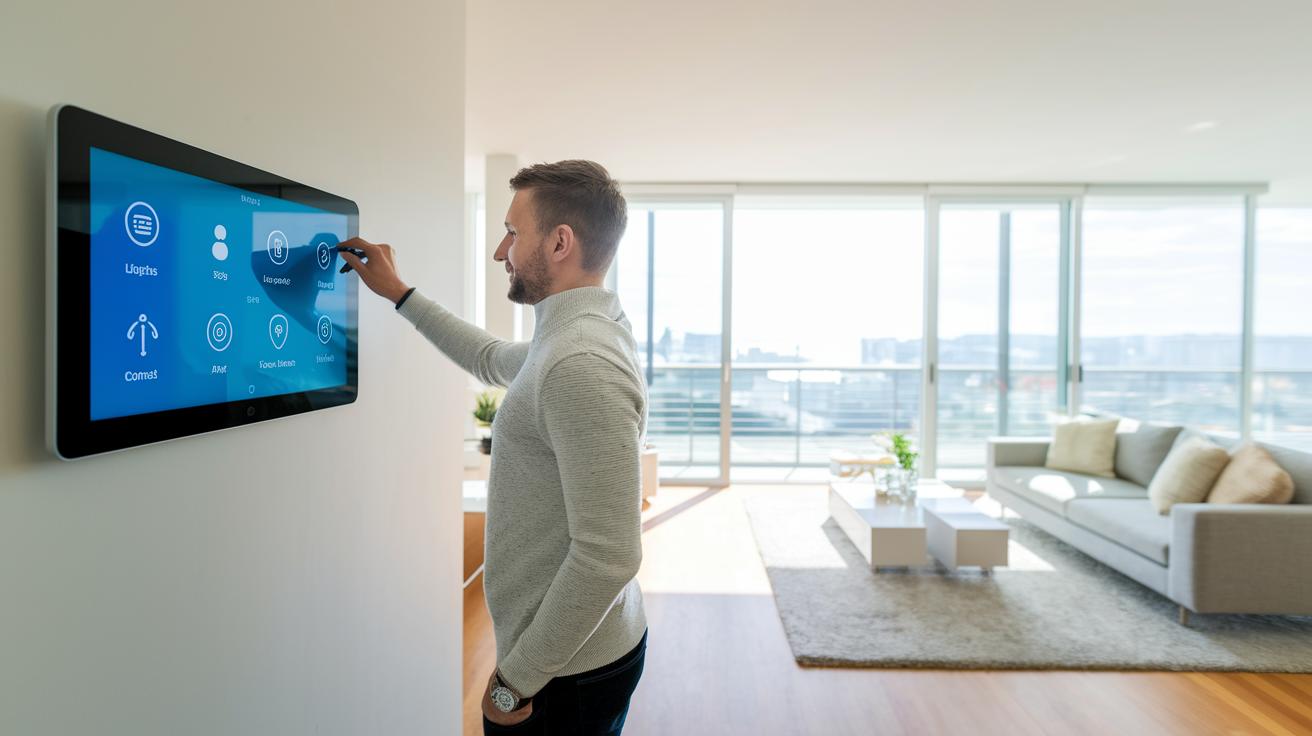
Control4 home automation blends energy management, comfort, fun, and security so your home runs smoothly. It automatically adjusts lights, HVAC (heating, ventilation, and air conditioning) and other devices to save energy and lower your bills. That means your home adapts its settings based on the time of day without any extra work from you.
Instead of juggling many remotes, you use one simple control panel to handle everything from security cameras and smart locks to audio systems and window shades. You can even set custom scenes for movie nights or quiet evenings. In a quirky twist, consider this fun fact: before she became famous, Marie Curie once carried test tubes of radioactive material in her pockets. It’s a reminder that innovation often comes from unexpected moments.
The system works with over 35,000 devices from many trusted brands, plus its own modules. This means it can grow with you, whether you have a small home or a large estate. It scales to fit different lifestyles and budgets, making it a flexible choice for modern living.
Since Control4 units need expert setup, an authorized dealer handles the installation. They start with a site survey, run low-voltage wiring, install Cat-6 cabling (a type of cable used for fast data transfer) and then test everything with tools like Composer Pro. A basic system might include an EA-3 controller, priced at about £730, and an official remote costing around £140. This hands-on setup ensures all parts work in sync, giving you a reliable and complete smart home experience.
Control4 Controller Hardware and Network Architecture
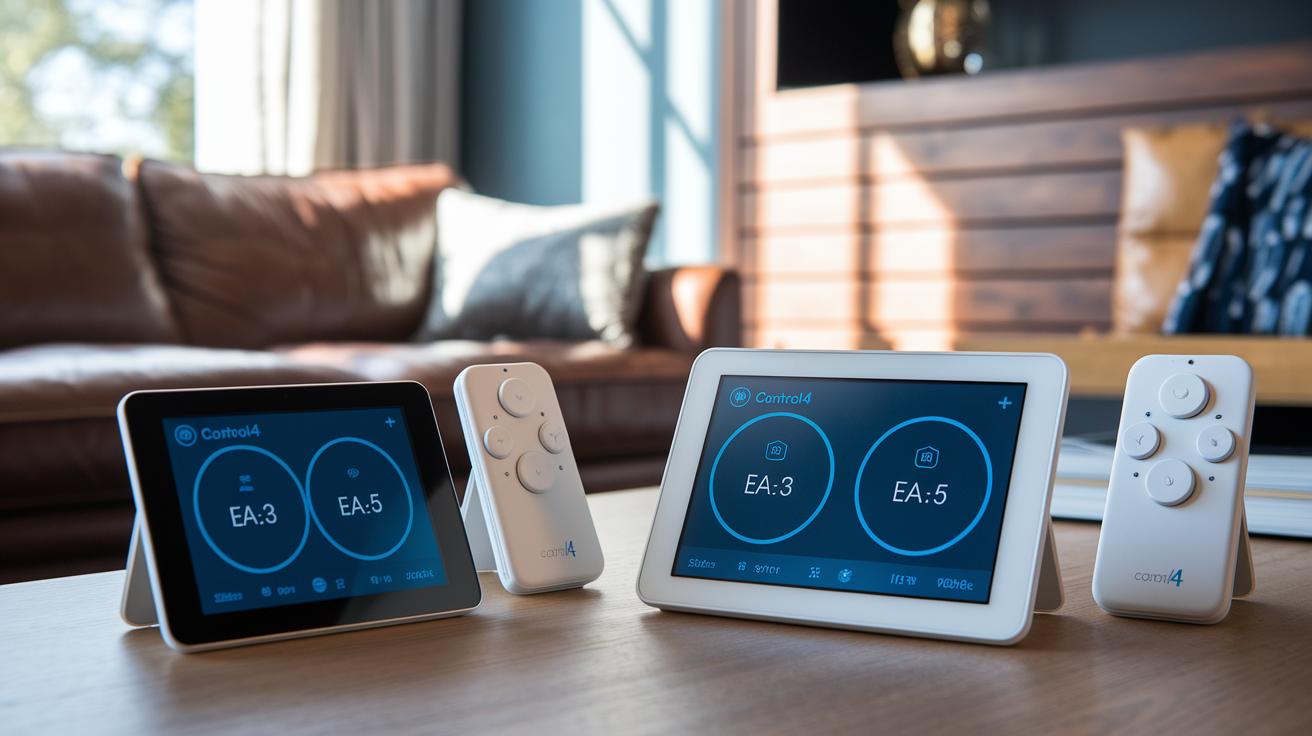
Control4 makes a range of controllers for any home size. The EA-3 runs on a dual-core processor and works well for single-zone setups, while the EA-5 steps it up with a quad-core design that can handle up to five zones. For larger or more demanding systems, the HC series (HC-300, HC-400, and HC-800) brings extra memory and power for complex environments.
Each controller links smart devices using several wireless protocols. Whether you use Wi-Fi, Zigbee, Z-Wave, or EnOcean (a low-power, wireless protocol), these controllers help your devices talk easily with one another. This mix is important when you need to connect lights, thermostats, sensors, and audio/video gear across your home.
Firmware updates run over the air and are pushed safely by authorized dealers. This means that as new features or fixes come out, your controller gets updated automatically. It helps keep your system stable and secure while adding the latest tech.
For example, when we tested the EA-5 with smart sensors, dimmers, and media hubs, one user said the over-the-air updates kept everything fresh and running consistently across all zones. In short, strong hardware, flexible zone control, and multiple connectivity options make Control4 a solid backbone for any smart home.
Control4 Home Automation Empowers Smart Living

Control4 links more than 35,000 smart devices from top brands and its own modules. You can easily mix Philips Hue lights, Lutron dimmers, Sonos speakers, Yale locks, Nest thermostats, and Ecobee sensors into one system. The Control4 hub acts as your smart home's brain. Check it out here: smart home hub. It lets you control your lights, temperature, sound, security, shades, and sensors on one screen.
Working with a knowledgeable installer makes setup a breeze. Pairing devices is simple, and once they’re set, you can run them on timers or use real-time commands. Whether you want a soft lighting scene for a quiet evening or a quick thermostat change when you get home, Control4 keeps everything in sync.
Another win is its flexible design. You can add or upgrade devices easily, so your system grows with new tech or changing needs. This smooth integration simplifies daily tasks, and checking your smart bulbs or security cameras is always right at hand.
| Device Category | Examples | Connection Protocol |
|---|---|---|
| Lighting | Philips Hue, Lutron dimmers | Zigbee, Z-Wave |
| Climate | Nest, Ecobee thermostats | Wi-Fi |
| Audio/Video | Sonos speakers, AV controllers | Wi-Fi, Ethernet |
| Security | Yale smart locks, IP cameras | Z-Wave, Wi-Fi |
| Shades | Motorized window shades | Zigbee |
| Sensors | Motion sensors, contact sensors | Z-Wave, Zigbee |
Control4 Installation Process and Professional Setup

The process kicks off with a full site survey and design consultation. This step helps plan the best spots for each device to make sure everything stays connected. An authorized dealer takes care of the low-voltage wiring and Cat-6 network cabling (a type of cable that supports fast data transfer). Good wiring means your devices talk to each other quickly and helps keep future issues at bay.
After the wiring is done, the dealer secures the racks and hardware. Then they pair each device using Composer Pro software, which links everything from smart lights to security cameras so they work together seamlessly. One user even said, "I was amazed at how quickly my system came to life," during a live demo. Once pairing is complete, the system undergoes a full quality check to catch any problems. Homeowners also receive training so they can easily use their new setup. Typically, the entire process takes about 1 to 3 days, based on the design. Working with a professional dealer ensures your smart home runs smoothly and securely from day one.
Control4 User Experience: Mobile App, Interface, and Voice Control
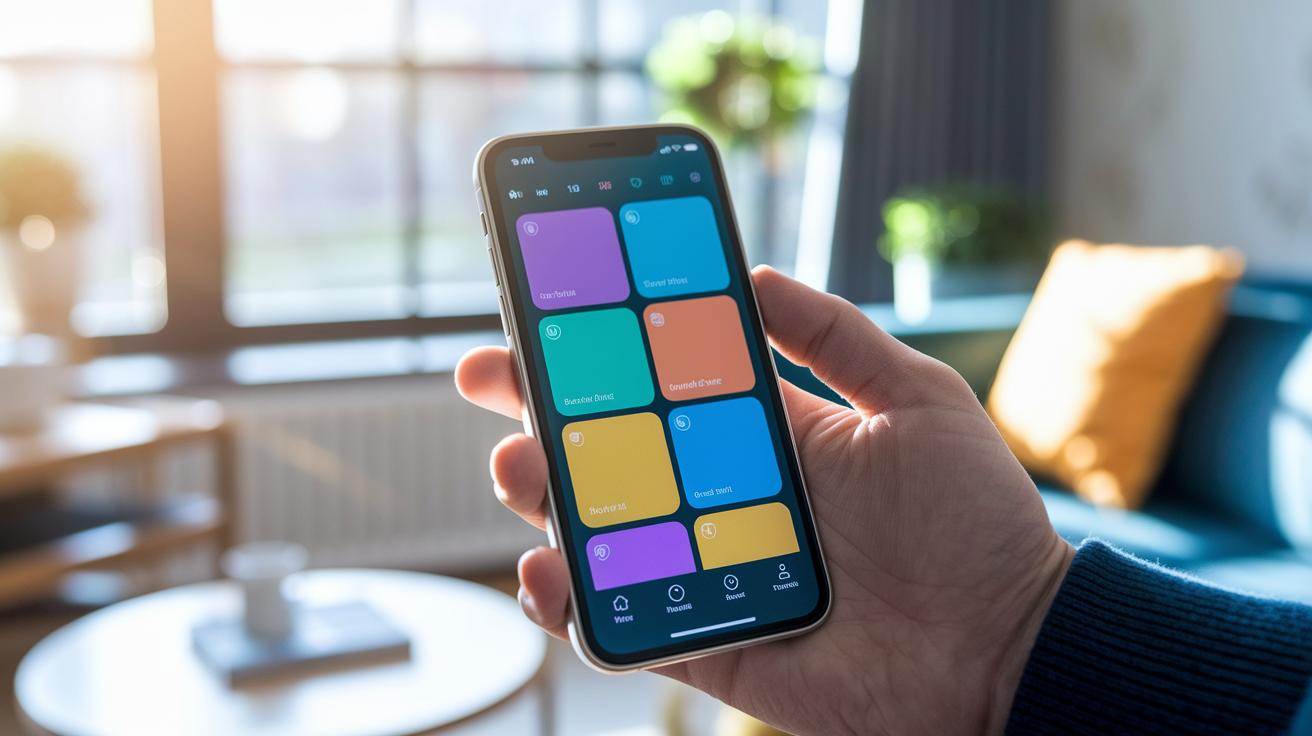
Control4’s mobile app is available on both iOS and Android. It offers a simple touch-screen dashboard that you can set up just the way you like. You can place your device controls and favorite actions anywhere, making everyday tasks like turning on lights or adjusting the thermostat feel easy. For example, you could add a quick button that dims the lights and plays soft music for a relaxing evening.
Another handy feature is the remote access via the 4Sight service. This secure link lets you control your home from anywhere. Picture checking your system at work, getting an alert on your phone if a door sensor is triggered, or even starting your HVAC system remotely so your home is cozy when you return.
Voice control is built right in and works with assistants like Alexa, Google Assistant, and Siri. Just speaking a command like “set movie time” can lower shades, dim lights, and power on your home theater. Plus, the app lets you group devices together, so you can launch entire scenes with a single tap.
Control4 Pricing Packages and Detailed Cost Breakdown
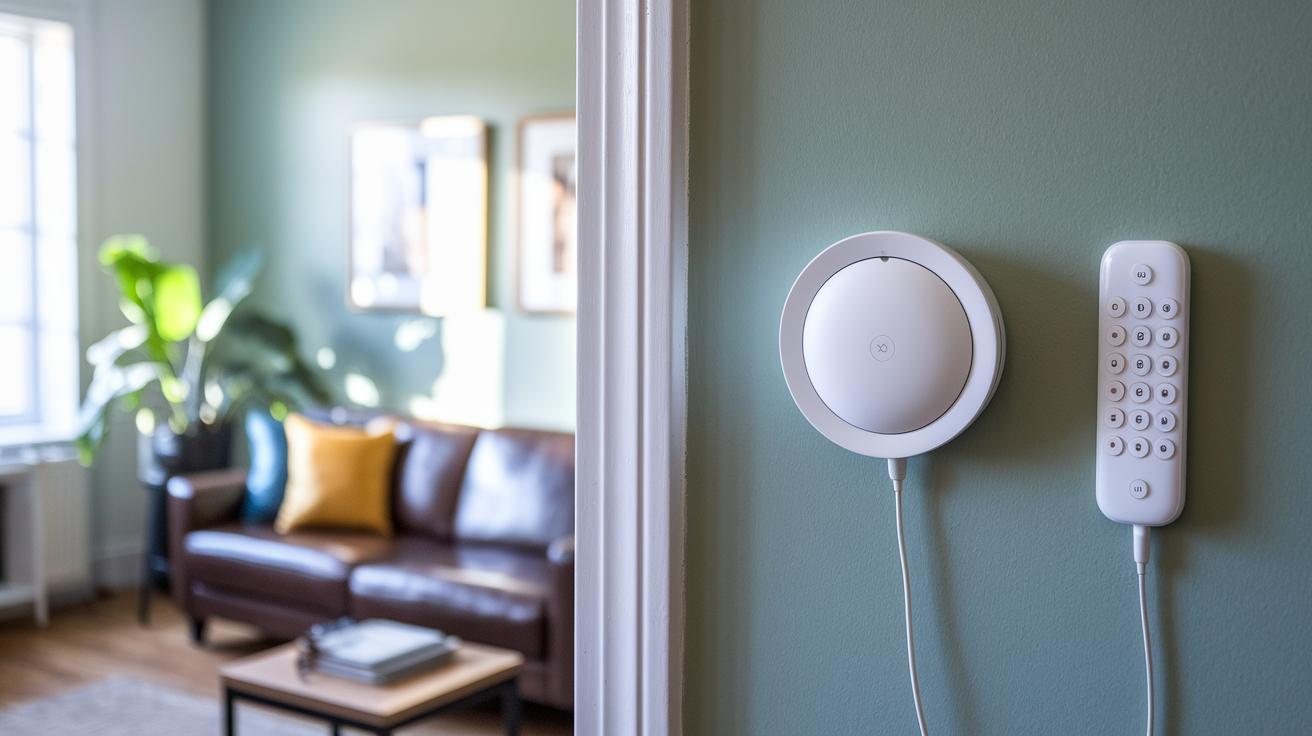
Control4 comes with options that match different smart home needs. If you are just starting out, you can opt for the EA-3 controller, which goes for about £730, and add an official remote for roughly £140. These pieces form the Starter package, giving you basic control for your lights and simple scene setups. Keep in mind that dealer setup and programming can add another 20–30% to the cost. The driver software is free, but if you want extra features like security monitoring or streaming, you may need subscriptions.
If you need more control, the EA-5 controller is a good next step. Priced at around £1,200, it supports multiple zones, making it handy for larger homes. And for a full home integration with advanced audio/video and lighting options, the HC-400 comes in at roughly £1,800. These choices let you pick a setup that fits your needs, whether you want something simple or a system that covers security and entertainment too.
Each package is designed to match specific smart home goals. They cover the hardware, installation fees, and dealer expertise so every part works smoothly together.
| Package Name | Controller(s) | Estimated Cost | Key Features |
|---|---|---|---|
| Starter | EA-3 | ~£1,200 | Basic lighting control and limited automation |
| Premiere | EA-5 | ~£5,000 | Multi-zone audio, advanced lighting, security integration |
| Enterprise | HC-400 | >£10,000 | Whole-home integration, commercial-grade AV |
Advanced Customization and Scene Programming with Control4
Composer Pro software makes it simple to set up custom scenes like Movie Night or Wake Up. With one scene, you can change your lights, blinds, thermostat, and audio zones all at once. For example, a Movie Night scene will dim the lights, lower the blinds, and start your playlist with a single tap.
Event triggers add smart scheduling to your home. You can set scenes to start by time, sensor activity, or even by geo-fencing (when your phone gets close to home). Imagine coming in and having your favorite scene start on its own. One user shared, "I set my Wake Up scene to start 10 minutes before my alarm once my sensors confirmed I was in the room."
Following best practices is key. Give your devices clear names so the system knows exactly which light or thermostat to adjust. Test your scenes step-by-step to catch any glitches before you fully roll them out. And always back up your project file before making big changes.
Here's a fun fact: before I set up a custom scene, I spent 15 minutes adjusting each device by hand. Now, everything runs with a single tap. This approach makes your home feel truly personal as it responds just the way you want it to.
Comparative Analysis of Control4 Home Automation Versus Alternatives
Control4 shines because it is easy to use and costs less upfront compared to systems like Crestron. Many users like that its setup is simple, even though Crestron allows for deeper custom coding if you need it. With Savant, Control4 sticks to a focused range of custom programming, while Savant connects to more third-party devices. And while DIY options such as Home Assistant offer flexibility at a low cost, they often require more technical know-how. Our tests show that Control4’s professional support and reliable performance mean fewer headaches and better stability over time.
Scaling a Control4 network is simple when you follow a few clear tips. For best results, consider:
- Network segmentation using VLANs (virtual local area networks) to keep traffic apart.
- Installing separate controllers for different zones.
- Keeping firmware updated so all devices talk to each other smoothly.
These practices help avoid conflicts and keep your system running efficiently. Overall, Control4 proves to be a solid choice for smart home setups that need both quality and the ability to grow.
Real-World Case Studies and Community Insights in Control4
At one New Orleans home, automated lighting and HVAC scenes cut energy waste by about 15%. This shows that Control4 does more than just simplify daily tasks, it can also help lower your utility bills. In another example, a luxury hotel used synchronized audio-visual and lighting systems to improve guest experiences in every room. One user even said, "Control4 made our home intuitive and secure," which captures the satisfaction many real users have felt.
Community help is key to keeping these systems working well. Active forums let users share custom drivers and programming tips from their own experiences. Dealers also hold workshops for both installers and homeowners, providing hands-on advice and live demos. These gatherings promote new ideas and help everyone fine-tune their smart home setups.
Final Words
In the action, we broke down the ins and outs of control4 home automation. We looked at how the system blends energy management, entertainment, and security into a unified smart hub. We also covered the controller hardware details, device compatibility, and the professional installation process. Plus, we compared costs and set real-world case studies to show its value. This review gives you a clear view of the system's strengths and trade-offs. The excitement of smart home control is real and within reach.
FAQ
What do Control4 home automation reviews say?
Reviews indicate that Control4 offers a solid, integrated solution with professional installation, praised for its ease of use and extensive device compatibility.
What is a Control4 home automation course?
A Control4 home automation course teaches users how to configure and manage the system, covering design, programming with Composer Pro, and smart home best practices.
Which system is considered the best professional home automation system?
Many experts view Control4 as a top choice due to its reliable integration, comprehensive device support, and professional dealer-led setup, making it ideal for sophisticated installations.
How does Control4 compare to Home Assistant?
Control4 delivers professional support and reliable performance with dealer installation, while Home Assistant offers a DIY approach that allows high customization but may lack dedicated support.
What Control4 products and home automation devices are available?
Control4 products include controllers, remotes, and native modules that integrate with over 35,000 third-party devices, creating a centralized hub for lighting, climate, audio/video, security, and more.
How do home automation companies work with Control4?
Authorized home automation companies and dealers install and program Control4 systems, ensuring proper device pairing, network integration, and end-user training for a seamless experience.
What are the top 3 home automation companies?
The leading companies in the field are often Control4, Crestron, and Savant, each offering unique strengths across user experience, integration capabilities, and system scalability.
How much does Control4 home automation cost?
Costs vary, with base controllers starting around £730 and complete setups ranging from approximately £1,200 to over £10,000, including professional installation and programming fees.
What are the disadvantages of Control4?
Control4 can be costly and requires professional installation, meaning you cannot simply purchase and set it up on your own, and it may offer less flexibility for extreme custom coding.
Does Control4 have a monthly fee?
Control4 systems do not impose a monthly fee for basic operations, though additional services like security monitoring or streaming might need subscription payments.