

Ever imagine your home could think on its own? Smart gadgets are already making life easier and homes safer. We tested more than 30 devices, from smart alarms to locks and cameras, and they really help simplify daily routines.
Our favorite picks stood out because they’re easy to use and reliable when you need them most. Today, we share our top smart home choices, ones that work well and don’t break the bank.
Keep reading to see which devices earned a spot on our Radiant Picks list.
Smart Home Devices: Top-Rated Picks & Quick Comparison

The smart home scene in 2025 now covers more than 30 types of devices. We tested a range of products, from smart smoke alarms that send alerts to your phone to security cameras built to handle rain or shine. We also checked smart plugs, locks, thermostats, lighting, and even home entertainment systems to see how they really perform.
- Aqara Camera Hub G5 Pro – This AI-driven camera works with Matter (a smart home standard), Thread (a wireless network), and Zigbee (another wireless system).
- Eufy S220 Indoor Cam – A budget-friendly indoor camera that delivers clear, high-resolution video.
- Vivint Smart Home service – A full smart home system that starts at $39.99 per month.
- Smart smoke alarm – Alerts your phone quickly if there's a fire risk.
- Outdoor security camera – Built to withstand the weather and gives a clear view at night.
- Smart doorbell camera – Detects movement and can even recognize faces.
- Ultraloq U-Bolt Pro Wi-Fi – A secure door lock that connects easily.
- Smart thermostat – Helps manage energy use with smart scheduling and remote sensors.
- Energy-monitoring smart plug – Lets you see power use while keeping your devices in check.
- Integrated smart lighting – Adjusts to your routines and sets the perfect mood with a simple setup.
Each device was tried out in everyday conditions so you can see how it balances cost with performance. We looked at how easy it is to install each product, how stable the connection is, and how well it fits with other gadgets in your home. Next up, we'll dive deeper into special areas like home security, climate control, and smart kitchen devices, where we'll break down the key numbers, list the pros and cons, and share real advice that fits your needs.
Smart Home Security Devices: Cameras, Doorbells & Alarms

Security is the heart of any smart home setup. Keeping your home safe with trusted devices gives you peace of mind. These devices spot unusual events and send alerts straight to your phone.
We tested cameras like the Eufy S220 Indoor Cam and the Aqara Camera Hub G5 Pro. The Eufy S220 shows clear, high-resolution images for indoor monitoring. The Aqara Camera Hub G5 Pro stands out outdoors with tough weather resistance and smart features like AI-powered motion detection (software that automatically identifies movement).
Smart doorbell cameras boost your front-porch security. Many models offer high-definition video, can recognize faces, and even note when a delivery is missed. They send real-time alerts to your phone so you always know what’s happening at home.
Smart smoke alarms and systems such as the Ring Alarm Security System complete the setup. They sound local alarms and alert your phone if smoke or fire is detected. Their connected design helps you keep a complete watch on home safety.
Key factors to consider include:
- Coverage: The area each device can monitor inside or around your home.
- Power source: Options vary between battery-powered and plugged-in units.
- Resolution: High image quality matters, especially in low light.
- Subscription cost: Some features need a monthly fee for cloud storage or extra services.
These devices work smoothly with other smart home hubs, giving you a full view of your home's security.
Smart Home Control Systems: Hubs & Voice Assistants

Hubs link your smart gadgets together in one place, giving you a single control center. For instance, the Aqara G5 Pro supports Matter (a standard that lets different devices talk to each other), which makes it great for setups that mix brands. Meanwhile, smart speakers like the Echo Show 11 or Nest Hub Max let you use voice commands for quick tasks. They work well for getting media or simple info, but they might fall short on handling more complex routines.
When it comes to choosing a system, hubs offer a wider range of integration. Amazon’s Echo Dot Max and Echo Show 11 work with many devices, while Google Nest Audio and Nest Hub Max perform well with search queries and visual tasks. If you use Apple products, the HomePod (2nd Gen) and HomePod mini are best paired with HomeKit. Each system has its own strong points and quirks, so it’s important to match your choice with your current setup and future plans.
| Assistant | Pros | Cons |
|---|---|---|
| Alexa | Works with many smart devices; robust routines and automation | Sometimes experiences delays and software hiccups |
| Great voice recognition; easy, intuitive setup | Some limitations with non-Google accessories | |
| Siri | Seamless with Apple devices; smooth integration in HomeKit | Fewer compatible smart home products compared to others |
Choosing the right system means matching the assistant’s strengths with your own smart home devices and plans. Look closely at the options to see which one offers the flexibility and integration you need for a truly connected home.
Smart Home Climate Control & Energy Management

Smart home climate control systems mix comfort with savings. Smart thermostats learn your daily routine and adjust your home's temperature accordingly. Energy monitors and smart outlets help cut down on waste by tracking your energy use in real time. These devices even work with extra sensors, and sometimes solar panels, to lower your monthly energy bills.
| Device | Standout Feature |
|---|---|
| EcoTemp Pro Thermostat | Adaptive scheduling with remote sensor control |
| WattWatch 360 Energy Monitor | Real-time tracking with solar integration |
| SparkPlug X Outlet | Smart scheduling with energy use insights |
We saw that these systems really pay off by slashing energy waste and lowering bills. Automated settings adjust to your routine and the weather, which leads to clear savings over the year. Test results showed real drops in power use, making these devices smart picks for both comfort and cost efficiency.
Automated Lighting, Sensors & Smart Outlets

Smart lighting and power gadgets do much more than just light up a room or track energy use. They set a warm, safe mood and help you save money by adjusting to your daily routine. For instance, motion-triggered nightlights light your path gently at night, while in-wall outlets with energy tracking keep an eye on power use so you don’t waste a watt.
| Device | Type | Key Feature |
|---|---|---|
| SnapPower Guidelight 2 | Nightlight | Turns on eco-friendly light when it senses movement |
| In-wall Smart Outlet | Smart Outlet | Tracks energy and manages power automatically |
| Smart LED Bulb | LED Bulb | Adjusts brightness with set routines |
These devices work smoothly with your home setup. You can easily program timers, change light levels, or check energy use without any hassle.
Smart Kitchen & Bathroom Devices for Daily Convenience
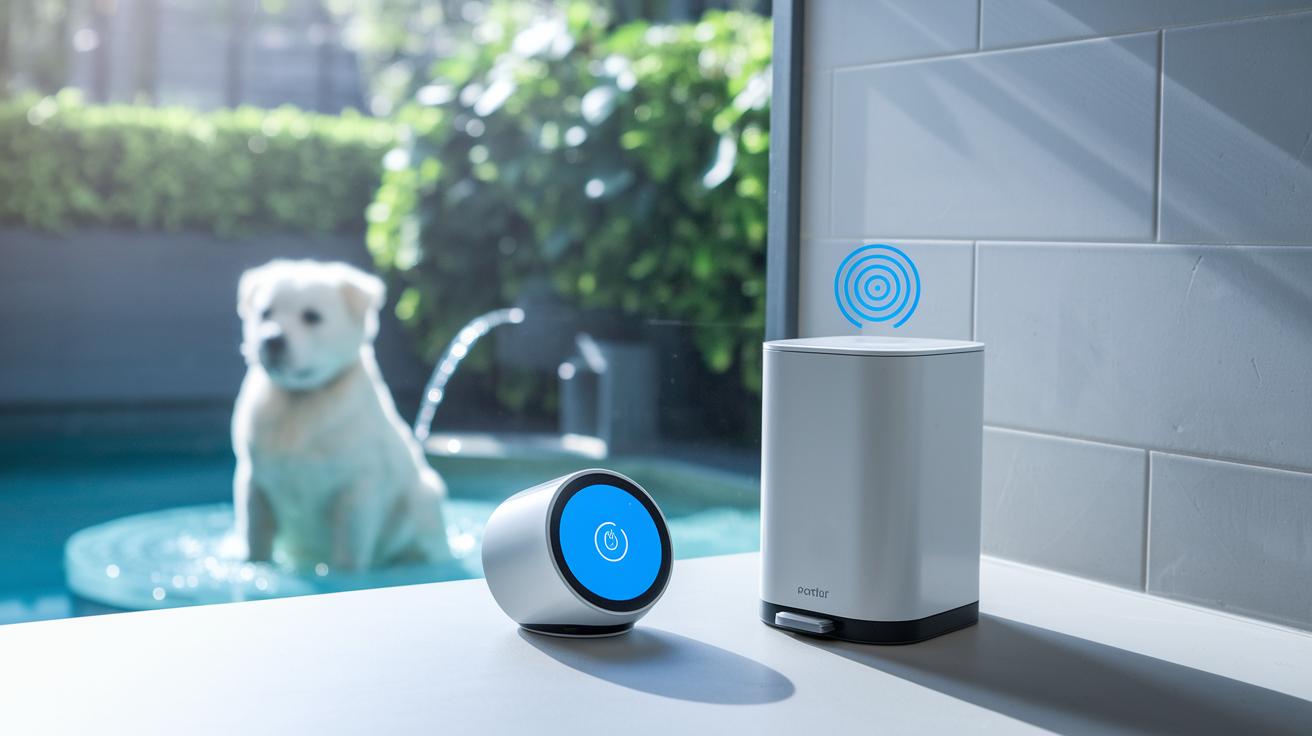
Kitchen tasks become easier with smart tools that help you cut down on extra work. The Simplehuman Dual-Compartment Sensor Can listens to your voice so you can open it even when your hands are busy. This sensor-driven design means you no longer need to fumble with lids during busy meal prep. For those with pets, the Petcube Wireless Pet Fountain automatically gives fresh water while you cook, letting you focus on your meal.
In the bathroom, smart tech makes cleanliness simpler. The Kohler Veil Smart Toilet uses hands-free controls, UV light to clean itself, and a built-in deodorizer to keep the area fresh. The U by Moen Smart Shower Controller connects with Alexa, HomeKit, and Google Assistant so you can set water flow and temperature with a command. Its scheduling option also helps manage water use efficiently.
- Use voice commands for quick control.
- Set up schedules for regular routines.
- Track water use easily.
- Get maintenance reminders to keep devices running well.
Best Smart Home Devices: Radiant Picks

When you’re ready to launch your smart home, start with a clear plan. Here are five key steps to follow:
- Begin by setting up your hub so all your devices can connect.
- Hook up your router and make sure your network stays steady.
- Pair your smart devices one at a time.
- Create simple routines to automate your setup.
- Test the whole system to ensure everything runs smoothly.
For network safety, think about where you place your router. A central spot works best so devices can easily connect. Also, use strong and unique passwords for your Wi-Fi and device accounts. This simple step helps keep away unwanted visitors and ensures your gadgets talk to each other reliably. For a detailed walkthrough, check our starter guide at https://circuitcritics.com?p=.
Finally, keep your smart home performing at its peak by updating firmware and backing up your settings regularly. Routine checks help fend off new threats and make it easier to recover if you ever need to reset or expand your system. Regular maintenance means you enjoy a smooth and secure smart home without any surprises.
Budgeting & Subscription Costs for Smart Home Devices
Smart home devices can come with a one-time cost or a monthly fee. It helps to know which setup fits your plans. Some devices only need you to pay once for the hardware. Others offer extra features like cloud storage or detailed monitoring that need a monthly fee.
Many smart doorbells and alarm systems start with a free service. But if you want extras like longer video recording or real-time alerts, you’ll need a subscription. For example, Nest Aware subscriptions have different levels, each with its own monthly cost. Meanwhile, options like Vivint Smart Home start at about $39.99 per month, covering both the device and the service.
- Nest Aware subscriptions typically start at around $6 per month for basic coverage.
- Vivint Smart Home service offers a starter plan at $39.99 per month.
- Many smart doorbells and alarm systems include free basic services, with premium upgrades costing between $10 and $15 per month.
Keep in mind that while the hardware might seem affordable at first, the ongoing subscription fees add up over time.
Final Words
In the action, we covered smart device reviews, from security and control systems to climate, lighting, and kitchen gadgets. We broke down key categories and run comparisons to help you make a smart choice, whether you’re setting up a connected home or weighing costs.
We shared step-by-step setup advice and clear cost breakdowns so every detail counts. Enjoy exploring the best smart home devices and building a home that works for you.
FAQ
Q: What are the best smart home devices?
A: The best smart home devices include top‑rated models in security, climate control, and daily convenience. Our tests highlight options like the Aqara Camera Hub G5 Pro and Eufy S220 Indoor Cam that work well with popular platforms.
Q: Which brand is best for smart homes?
A: The best smart home brand depends on your needs. Brands such as Amazon, Google, and Apple are often noted for their reliability and smooth integration across a range of devices in a connected home.
Q: What smart home hub is the best?
A: The best smart home hub offers easy integration and wide compatibility. Testing shows that hubs like the Aqara G5 Pro, with Matter, Thread, and Zigbee support, deliver strong performance for cross-platform connections.
Q: What is the best smart home assistant?
A: The best smart home assistant depends on your ecosystem. Our findings point to Amazon Alexa, Google Assistant, and Siri as strong choices, each offering responsive voice control and seamless device management.
Q: What is the most unnecessary smart device ever invented?
A: The most unnecessary smart device is typically one that duplicates basic functions without adding true benefits. Such gadgets often offer little more than what can be easily done with non‑connected, traditional alternatives.