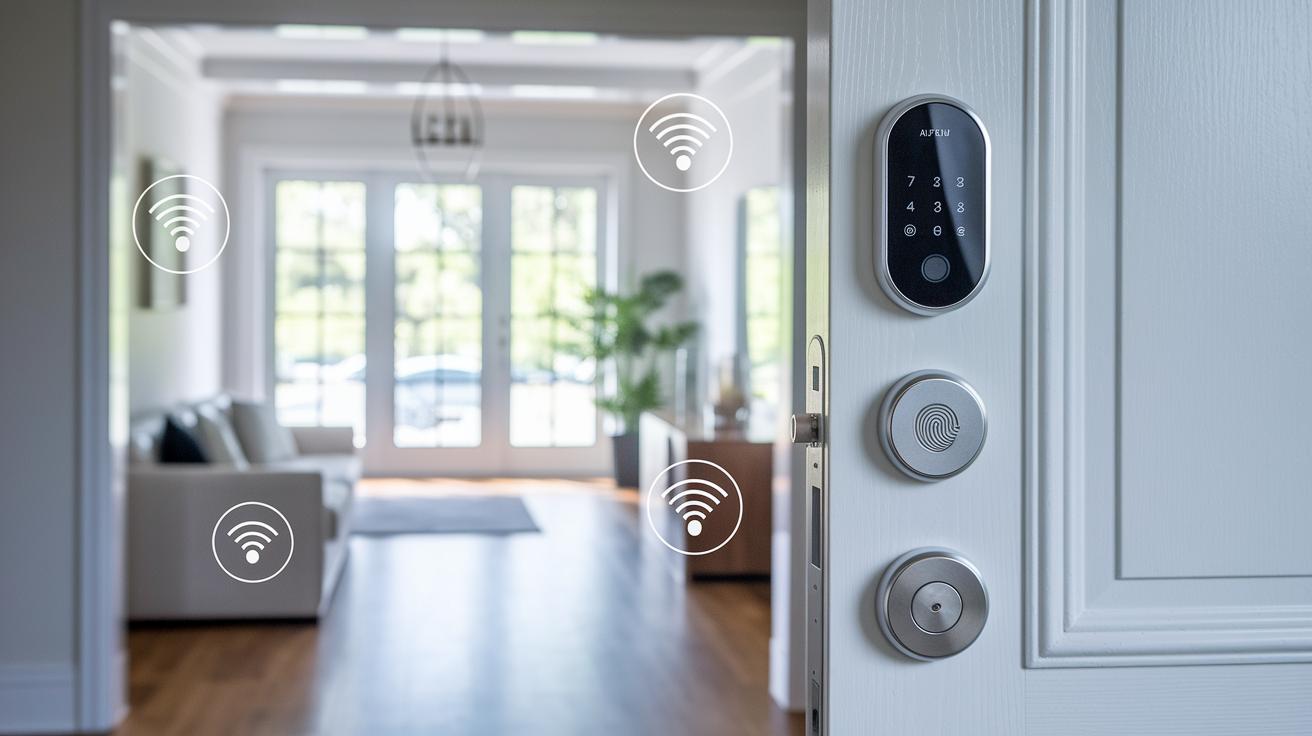
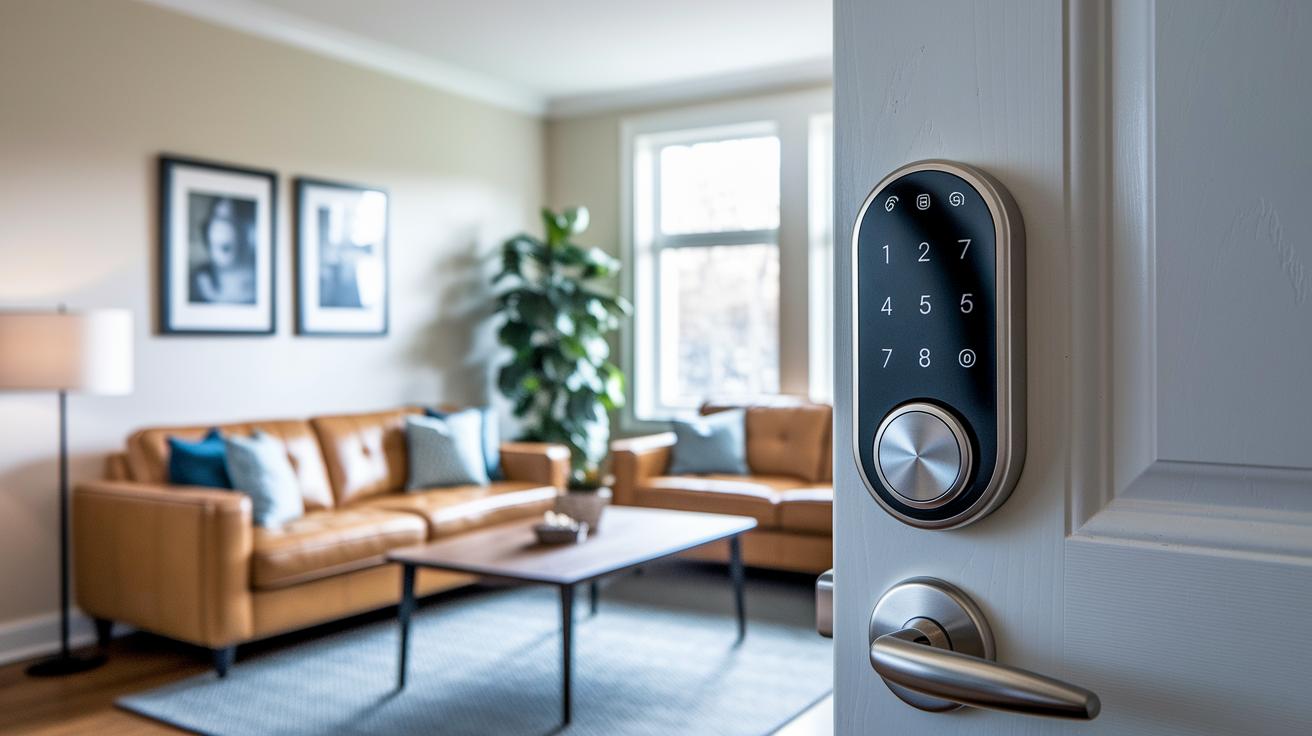
Ever thought a door lock could be both tough and attractive? Modern smart door locks do just that. They use strong encryption (a method to keep your data safe) and link up easily with popular smart home systems. We checked out models that set up fast while giving you smooth, reliable access. A quick update to your front door can boost your home’s security and freshen up its style.
Top Rated Best Smart Door Lock Models for Security and Value
We chose these smart door locks because they offer solid security, quick setup, and great overall value. Each lock uses strong encryption (a way to keep your data safe) and easy-to-use access options. Best of all, they work with popular smart-home systems, giving you a safe and smart entry solution that matches your needs.
| Model | Main feature | Access options | Price | Setup time | Rating |
|---|---|---|---|---|---|
| August Wi-Fi Smart Lock | Works with Alexa/Google Home; sends door alerts | Passcode, App, Physical key | $150-$200 | About 10 minutes | 9.0 |
| Yale Assure Lock 2 | Touchscreen control with Apple Key support | Touch, Apple Key, Passcode | $200-$300 | About 10 minutes | 8.5 |
| Schlage Encode Wi-Fi Lever | Easy install with smooth unlocking | Passcode, App, Physical key | $200-$300 | About 15 minutes | 8.7 |
| Kwikset Halo Touch Fingerprint | Lifetime warranty with break-in alerts | Fingerprint, Passcode, App | $200-$300 | About 5 minutes | 8.3 |
| Sesame Retrofit | Easy on the wallet and adds facial recognition | Facial recognition, Passcode | $30-$100 | About 5 minutes | 8.0 |
| Danalock V3 | Long battery life with AES-256 encryption (top security) | Passcode, App, Physical key | $180-$250 | Standard time | 8.2 |
UL
Essential Features of the Best Smart Door Lock
Smart door locks let you choose how to access your home. You can use a passcode, a mobile app, or even a physical key. Some locks add fingerprint or palm scans for quick access. This means you can open your door fast without fumbling for keys. Many smart locks work with Alexa, Google Home, and Apple Key. They also use Z-Wave (a wireless tech standard) and work well in places like Airbnb. This makes remote control and smart home integration simple and clear. Safety is a top priority. Most locks use AES-256 encryption (a strong way to protect data) to keep your info safe. They also include intrusion detection that warns you if someone tampers with the lock. Some even have sensors that alert you when the door is left open. Battery life is built for everyday use. Many smart locks run on batteries for 6 to 12 months. Low-power alerts let you know it’s time for a change so you never get caught off guard. Installation Guide for Best Smart Door Lock SystemsBefore you start, check if your door works with your new smart lock. Some locks, like the Schlage Encode, can take about 15 minutes to set up, which is a bit more time than the usual 5-10 minutes for a typical handle. Preparing for installationGather these tools: a screwdriver, a drill (if you need new holes), a level, and a measuring tape. Make sure your door can support the lock and backplate. If you're using a Sesame retrofit, it simply clips onto an existing deadbolt without any drilling. For models like ULTRALOQ and August, get ready to line up the backplate properly and tune the lock with the app. We double-checked these steps to give you a hassle-free DIY setup. Step-by-step installation process
After you're done, check the alignment one more time and test all the access methods to make sure the lock is working correctly. Pros and Cons of Leading Best Smart Door Lock Brands
August delivers solid smart home integration and smooth operation at a mid-range price. It works well with most devices but lacks strong onboard biometric features like fingerprint recognition. Yale features a durable touchscreen and supports Apple Key, giving many users a great unlocking experience. However, its added features come with a higher price that might not fit every budget. Schlage makes installation fast and offers reliable Z-Wave connectivity (a common wireless communication method). Still, it has fewer style options if you are looking for a modern design. Kwikset boosts its appeal with a lifetime mechanical warranty and handy intrusion alerts. Yet, its design tends to be bulkier than some would like. Sesame is an ultra-affordable choice that fits over your existing deadbolt for an easy upgrade. On the downside, it only supports basic features on its platform. Danalock stands out with long battery life and strong AES-256 encryption (a top-level security standard). It can sometimes lag in its app performance. ULTRALOQ provides versatile access methods and several unlocking options. Its higher cost and occasional firmware updates may be a drawback for some users. Igloohome wraps up the list with an intuitive app and multiple lock types. However, it supports fewer third-party add-ons than some of its competitors. How to Choose the Best Smart Door Lock for Your HomeWhen picking a smart lock, start by making sure it fits your door. If your door has a regular handle or a particular deadbolt, look for a model built for that style. This way, your door still looks good and works smoothly, just like a hand-fitted glove. Next, check if the lock works with your home automation system. Look for options that support Alexa, Google Home, Apple Key, or Z-Wave. Whether it uses Wi-Fi, Bluetooth, or Zigbee (a wireless tech that helps devices talk to each other), good connectivity lets you control and watch over your lock with your phone, keeping your entry modern and smart. If your household is busy or you often have visitors, choose a lock that allows multiple users. A smart lock with temporary codes and scheduled access is a handy tool for families, Airbnb spots, or shared living spaces. It gives you the freedom to decide who can enter and when, without cutting corners on security. Finally, consider the risks around your front door. With about 30% of break-ins happening at the main entrance, a lock with strong encryption (a way to scramble data for safety) and alert systems is a smart pick. Real-time notifications and tight data security help keep your home protected while making your entry more user-friendly. Cost and Value Comparison of Best Smart Door Lock Models
When you compare smart door locks, both price and features are key. The Sesame lock hits the market at about $30 and covers the basics. If you need more bells and whistles, the Ultraloq line offers a nice mid-range choice. We even saw deals dropping the price by roughly $75.50, which makes it a strong pick for those wanting extra functions without a high cost. August locks usually run between $150 and $200. They work well with many home systems and provide reliable alerts. For those who want touchscreen controls and top-notch security, Yale and Schlage locks, priced around $200 to $300, fit the bill. Some users may need even more specialized features. In that case, Danalock and certain Ultraloq models, costing between $180 and $250, deliver longer battery life and stronger encryption (a method to protect data). Each choice targets a different need. Whether you want a budget-friendly option or a high-tech keyless entry system, there's a smart lock that matches your budget and security demands. Maintenance and Troubleshooting for Best Smart Door Lock ProductsKeeping your smart door lock in good shape helps its security and makes life easier. We recommend a routine check-up to stop any small issues before they turn big. Routine maintenance is simple. Check the battery every 6 to 12 months. Replace it with the alkaline cells the lock suggests. Update the firmware through the lock’s companion app when new versions come out. A bit of lubrication on moving parts can do wonders. For instance, if the door handle feels stiff from long use, a little spray can make it smooth again. If you notice problems like a weak app connection or an unresponsive keypad, start by rebooting the app. Try re-pairing the device if the connection drops. If delays persist, resetting the lock settings might help. Sometimes a sensor can go off because it needs a quick realignment. We once saw a sensor lose alignment after a few knocks, and a fast recalibration fixed it. These steps keep your entry secure and working right. Final WordsIn the action, we broke down top models by security, ease of installation, value, and extra features. We ran through key specs and installation steps, compared brands, and weighed cost against innovation. Each section offered clear data on access options, biometric trends, and everyday upkeep tips. The detailed rundown helps you pick the best smart door lock for your home with confidence. Enjoy the improved safety and peace of mind that comes from making a well-informed choice. FAQWhat is the best smart door lock to buy?The best smart door lock offers a mix of security, ease of access, and smooth installation. Models like August, Yale, and Schlage provide practical features and reliable performance based on real-world tests. Which company’s smart door lock is best?The top smart door lock brand depends on your needs. Yale stands out with durable touchscreen options, while Schlage impresses with fast setup and robust connectivity. User priorities drive the best choice. Which digital door lock is the best?A standout digital door lock combines modern controls with solid encryption and ease of use. Schlage Encode WiFi and Yale SL Key Free Assure deliver dependable digital features suited for many homes. Is Schlage or Yale better?Schlage and Yale each offer distinct advantages. Schlage is noted for its quick installation and seamless smart home integration, while Yale features a durable touchscreen design. The best choice depends on your specific needs. What are the key features in smart door locks with handles, keys, cameras, fingerprint, or Ring compatibility?Smart door locks are designed with multiple access options. Models with handles or keys offer alternative entry methods, while those with cameras or fingerprint scanning ensure quick and secure access. Ring-compatible locks integrate well with existing setups. What is the Schlage Encode WiFi Deadbolt?The Schlage Encode WiFi Deadbolt is a digital entry system with fast installation, offering passcode, app, and key access. It integrates smoothly with smart home setups to provide reliable, on-demand security. What is the Lockly Visage Zeno Series Facial Recognition Deadbolt?The Lockly Visage Zeno Series Deadbolt uses facial recognition for fast, secure access. Its innovative design provides a modern twist on home security, backed by our practical test data for effective performance. How does the Wyze Smart Lock Bolt with fingerprint keyless entry and auto lock perform?The Wyze Smart Lock Bolt features fingerprint scanning and automatic locking for enhanced security. It demonstrates smooth keyless entry and solid design, making it a practical choice for everyday home use. What distinguishes the Yale SL Key Free Assure Lock Touchscreen Deadbolt?The Yale SL Key Free Assure Lock uses a touchscreen for easy operation and includes Apple Key support. Its robust build and dependable performance make it a top contender for secure, key-free home entry. How do the Schlage Keypad Electronic Deadbolt and Schlage Connect Camelot Alarm Smart Deadbolt compare?Both Schlage models offer electronic entry and built-in alarm features. The keypad deadbolt emphasizes fast, code-based access, while the Connect Camelot model integrates with home networks to enhance overall security. Related articles |