

Ever wondered if your phone could be quicker? Android benchmark apps can help, but with so many choices, it might feel overwhelming. We tested a few apps to check how fast your phone’s brain (CPU) is, how smooth its graphics are during games, and how well it handles storage tasks. We looked at features like graphics tests that push your phone during gameplay and everyday performance checks. Our guide compares apps from older versions to today’s latest tools, making it easier for you to pick the right one for your needs.
Essential Android Benchmark Apps to Evaluate Device Performance
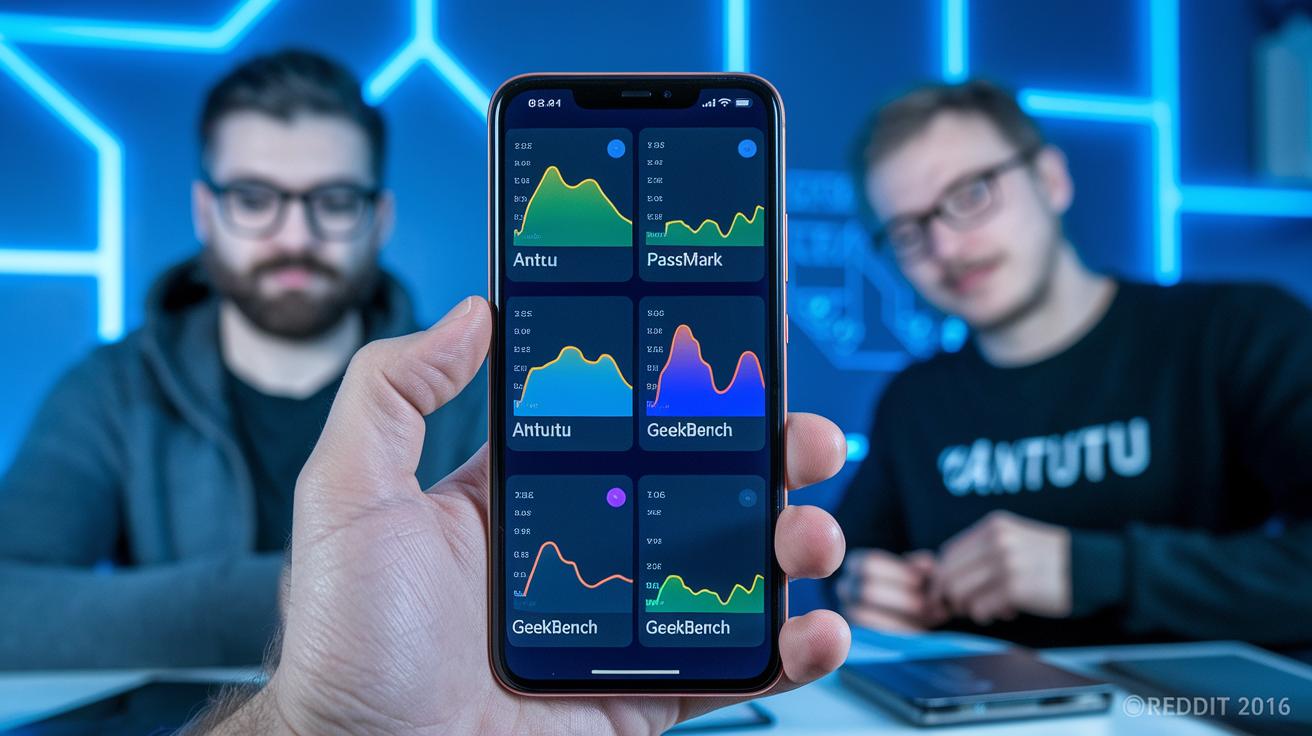
Below is a quick snapshot that compares the top Android benchmark apps. Each of these apps measures key parts of your device like processing speed, graphics, memory, and storage. This guide helps you see how different tests work on devices running older versions (like Android 4.1) up to the latest systems.
AnTuTu runs a full set of tests. It checks your device’s user experience and measures the CPU with both single-core and multi-core tests. PassMark takes a simpler route and tests the CPU, disk, memory, and even 2D and 3D graphics. If you are a gamer, 3DMark stresses the graphics to push rendering performance to its limit. Geekbench 5 focuses on the processor by checking both single-core and multi-core speeds during heavy tasks and when apps run in the background. Disk Speed figures out your device’s storage type and benchmarks how fast data is read and written, whether in order or at random. PCMark mimics everyday app use and battery drain to show you real-world performance. Lastly, GFXBench tests graphics using Vulkan and OpenGL (two common programming interfaces for graphics) to offer detailed feedback on how well your device renders images, stays stable, and uses power.
| App Name | Main Tests | Cost | Android Version Needed |
|---|---|---|---|
| AnTuTu | User experience, CPU (single & multi-core), RAM, GPU, Storage IO | Free | 5.1+ |
| PassMark | CPU, Disk, Memory, 2D/3D graphics | Free | 5.0+ |
| 3DMark | Gaming and graphics-intensive tests | Free/Paid | 7.0+ |
| Geekbench 5 | CPU (single-core and multi-core) | Paid | 5.1+ |
| Disk Speed | Internal and external storage IO | Free | 4.1+ |
| PCMark | Simulated app tasks and battery tests | Free | 4.1+ |
| GFXBench | Vulkan/OpenGL graphics, stability, power use | Free | 7.0+ |
AnTuTu Benchmark: Comprehensive CPU, GPU, and UX Testing on Android
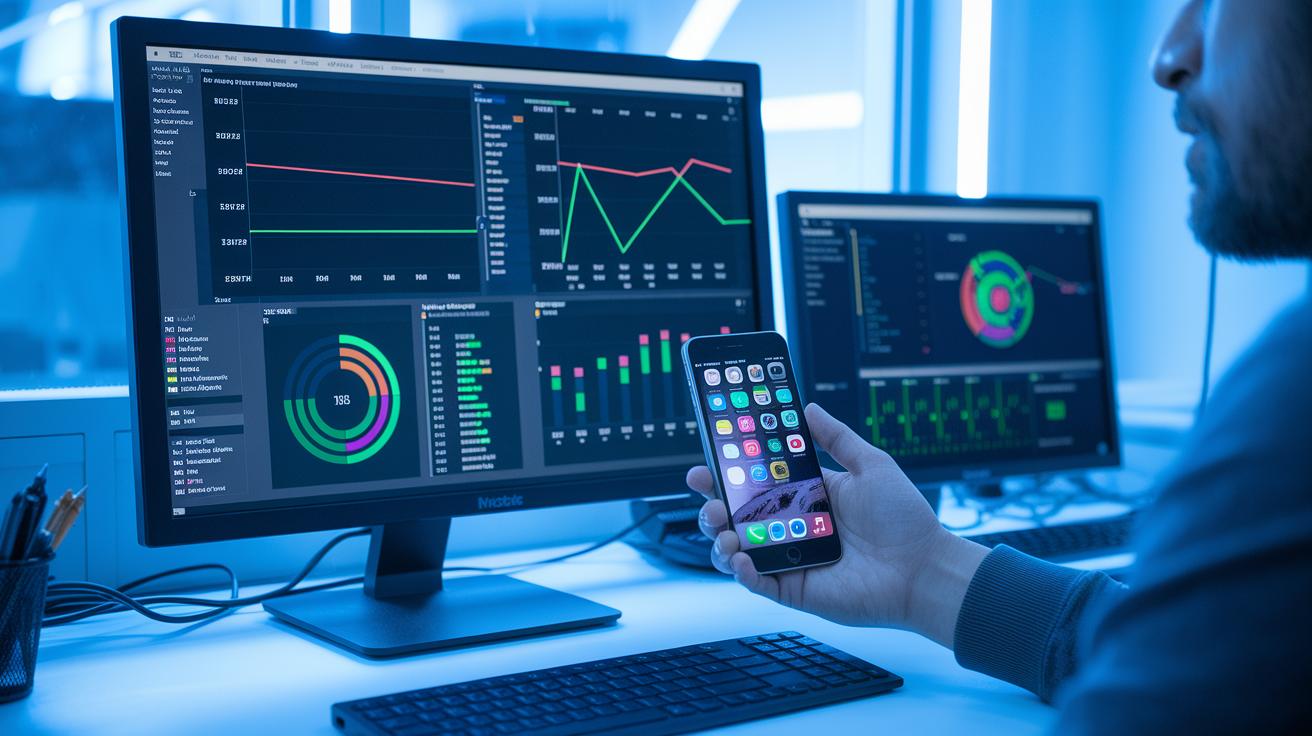
AnTuTu gives you a full toolset to check how a smartphone really performs. It runs a mix of full and custom tests. These cover things like user experience (UX), single-core and multi-core CPU power, memory speed (RAM throughput), graphics (GPU) strength, and storage speed (I/O rates). Each test adds up to a final score that highlights four main areas. For example, in one test, a phone with even scores in CPU, RAM, and graphics felt smoother overall.
Custom tests let you focus on specific performance parts. You can check tough CPU tasks or see how lighter background jobs run. You can also see if the graphics engine can handle high-action games. This detailed look helps both tech pros and enthusiasts understand a device’s true power.
Keep in mind that some makers may tweak CPU speeds to boost benchmark results. So while AnTuTu gives clear insights into a phone’s performance and user experience, be careful when you compare scores between devices. All in all, its mix of detailed tests and clear scoring makes it a trusty tool for measuring Android performance.
Geekbench 5: The Standard for Android CPU Performance Assessment
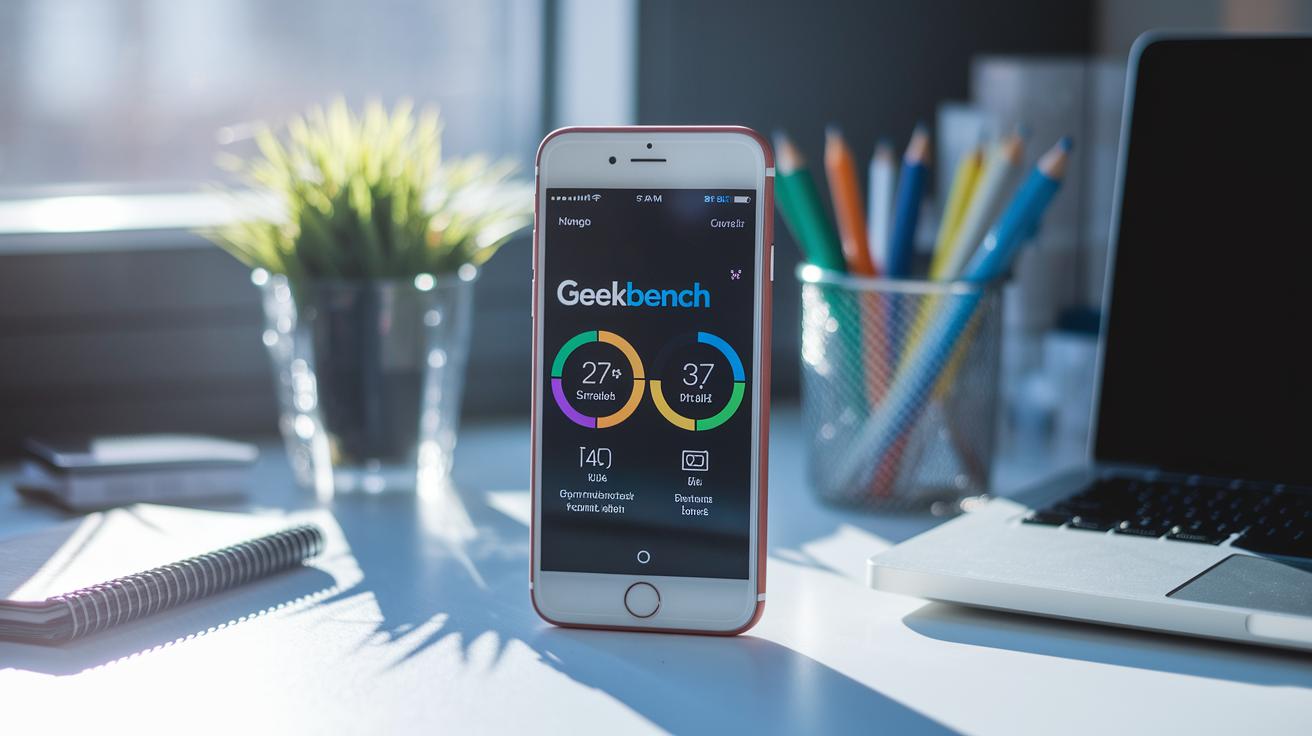
Geekbench 5 is a well-known tool that measures CPU performance on Android devices. It tests both single-core and multi-core tasks by running heavy applications along with simple background jobs. Think of it like this: you're playing a game or editing photos while another app updates in the background. Geekbench 5 shows you how the CPU handles both at the same time.
It measures the chip's performance when it's under stress and when it's idle. I ran it on my phone and saw two clear scores, one for single-core work and another for multi-core tasks. This split made it easy for me to tell which part of the processor did more work. This clarity is very useful when comparing different models and brands.
Geekbench 5 works on both Android and desktop computers. That means you can compare CPUs from a wide range of devices. The tool breaks the numbers down so you can see exactly where a device shines and where it might struggle in everyday use.
Graphics Performance Tests: 3DMark and GFXBench on Android
3DMark puts Android devices through tough gaming tests. It includes tests like Ice Storm and Sling Shot that really push your device’s graphics chip (GPU) to work hard. Ice Storm shows how well your device handles fast movement and heavy loads, while Sling Shot focuses on busy, graphics-heavy scenes. Imagine a car racing through a high-tech city with bright, burning lights, that’s a peek at your GPU under pressure.
GFXBench, meanwhile, uses OpenGL and Vulkan (tools that help render images) to check if the render quality stays clear over time. It runs tests to see how stable the device is and how much power it uses during long gaming sessions. This test lets you know whether the graphics keep their smooth look or if they start dropping frames as the game goes on.
Both apps are great for checking graphics performance, but they answer different questions. Consider these points:
- 3DMark is best if you need a quick test that mimics real gaming stress.
- GFXBench works well if you want to see how the device manages heat, battery, and steady performance over time.
Ask yourself: Do you need a snapshot of peak gaming performance or a detailed look at render quality over time? 3DMark shows you what happens under high load, while GFXBench gives insights into consistent performance and energy use. This side-by-side view helps you decide which tool fits your Android gaming needs.
PCMark and Disk Speed: Real-World Workloads and Storage Benchmarks

PCMark for Android shows how your device performs in everyday tasks. It simulates common activities like video editing and web browsing rather than using heavy, fake tests. This approach gives you clear battery life numbers and shows how apps work with regular data and energy use.
PCMark also acts as a tool to check battery life and energy use. For example, when it runs real-world tasks, you see how a device manages multiple apps while keeping energy balanced. This gives you a true look at daily phone use.
Disk Speed works hand in hand with PCMark to give you a full view of your device’s storage. It automatically spots internal, external, and extra storage. Its built-in Storage 2.0 module tests read and write speeds during steady transfers as well as quick bursts of data. Think of it as checking both smooth data flow and sudden data spikes.
Together, PCMark and Disk Speed offer a smart way to evaluate your device. They show not only how well your apps run, but also how efficiently the storage keeps up with these tasks.
User Feedback, App Pros & Cons, and Android Version Compatibility

User reviews show both ups and downs for these benchmark apps. Most scores fall between 4.0 and 4.5 stars. For example, PassMark gets kudos for being simple to use, while PCMark earns praise for its clear, easy-to-read dashboards. Some users point out that AnTuTu has a big APK size and can drain the battery during heavy tests. These real-life insights help you trust these apps to give a true picture of device performance.
When it comes to compatibility, Geekbench 5 and AnTuTu need Android 5.1 or later. This helps get accurate CPU and overall performance numbers. Meanwhile, 3DMark and GFXBench require Android 7.0 or above to handle more advanced graphics. PCMark and Disk Speed work with Android 4.1 and up, which is great for older devices.
Users also like that Geekbench 5 breaks down single-core and multi-core performance clearly. Every app is built to help check how your device really does. This kind of feedback makes it easier to pick the right benchmarking tool for your Android version and testing needs.
Additional comments mention that these apps deliver detailed analytics quickly. Some say 3DMark and GFXBench push graphics hard on high-end devices, but budget phones may not be as consistent. Always check your device's compatibility first. This user feedback helps you quickly find the ideal benchmarking app for your needs.
Best Practices for Accurate Android Mobile Benchmarking

To get reliable numbers from your tests, start by closing any apps running in the background and turning off notifications so nothing interferes. Test your phone when it is cool because overheating can slow performance. Also, make sure your battery is above 50% so power-saving mode does not affect the results.
Try running the same test several times to see if the numbers are steady. For example, run a CPU test three times to check stability. Keep settings like screen brightness and network conditions the same each time so the results are fair.
Before you begin, take these quick steps:
- Turn off auto-updates and sync.
- Close apps you aren’t using and clear out temporary files.
- Use airplane mode if you’re not testing network performance.
Lastly, compare your final scores with data from earlier tests. This helps you see if your device’s performance lines up with others in real-world use.
Final Words
In the action, we reviewed top apps that put your Android device to the test. We covered tools that measure CPU, graphics, storage, and real-world app performance. Our look at AnTuTu, Geekbench 5, 3DMark, GFXBench, PCMark, and Disk Speed showed the strengths and limits of each.
These insights help you spot the best mobile benchmark apps for Android for reliable, practical testing. Enjoy testing and choose the app that best meets your needs.
FAQ
Q: What are some of the best mobile benchmark apps for Android?
A: The best mobile benchmark apps for Android include AnTuTu, Geekbench, 3DMark, PCMark, and GFXBench. They test CPU, GPU, storage, and real-world tasks to help gauge device performance.
Q: Where can I download free benchmark apps or APKs for Android?
A: Free benchmark apps and APKs can be downloaded from trusted sources like the Google Play Store or reputable third-party sites. Always check reviews and permissions before installing for safety.
Q: What does AnTuTu benchmark test for on Android?
A: The AnTuTu benchmark tests overall device performance by measuring CPU (single-core and multi-core), GPU, RAM throughput, storage speed, and user experience, giving an overall performance score.
Q: How does Geekbench assess CPU performance on Android?
A: Geekbench assesses CPU performance by running separate single-core and multi-core tests. It simulates common tasks to compare processing efficiency across various devices.
Q: How do I run a benchmark test on an Android phone?
A: To run a benchmark test, download a trusted benchmarking app, close all background apps, and follow the app’s instructions. This ensures you get consistent and accurate performance data.
Q: Which is better for benchmarking on Android: AnTuTu or Geekbench?
A: AnTuTu offers a comprehensive test including graphics and storage in addition to CPU, while Geekbench focuses solely on detailed CPU analysis. Your choice depends on whether you need an all-round performance score or specific processor insights.
Q: What is 3DMark used for in Android benchmarking?
A: 3DMark is used to evaluate graphics performance on Android devices. It runs tests like Ice Storm and Sling Shot to simulate gaming conditions and assess rendering quality and stability.
Q: What does PCMark measure on Android devices?
A: PCMark measures real-world application performance and battery life on Android by simulating common tasks like browsing and video editing, providing insights into everyday usability.
Q: Are there benchmark tests available to run online for phones?
A: Yes, some benchmark tests can be run online, offering a quick way to compare device performance without installing dedicated apps. Check reputable websites that offer cross-device performance assessments.
Q: What do Heaven and Superposition benchmarks measure on Android?
A: Heaven and Superposition benchmarks challenge a device’s graphics performance by using intensive visual scenes. They evaluate rendering capability, stability, and overall graphics handling, especially for gaming.