

Ever wonder if a smart lock really protects your home? Today’s smart locks use strong digital codes along with a backup key for extra security. They even log every use and send you alerts if something unusual happens. It sounds good in theory, but can a digital system handle real threats? We tested these locks against traditional ones to see how they perform in everyday life. Read on to find out if smart locks are the right fit for your home safety.
Secure Verdict: Are Smart Locks Safe for Your Home?
Smart locks cover your home security basics while adding a layer of easy use. Brands like Schlage Encode and Yale Assure use AES encryption (a data protection method also used by banks) to keep your access secure. They offer extra layers like two-factor checks using an app and code, so you get built-in barriers against unwanted entry. Plus, every time someone uses the lock, it logs the event so you can spot weird activity.
These devices run on batteries and even come with a traditional key backup to avoid lockouts if the power runs out. That means you get modern convenience combined with a trusty fallback, making them a strong choice compared to regular deadbolts. The design also includes tough strike plates and keypads rated for over 100,000 presses, which shows they’re built to last in daily use.
Regular testing and firmware updates keep any wireless risks in check. We found that if you keep your code secure and update the system, the digital and physical backups work well together. This balance helps smart locks meet the real needs of home security without compromising ease of use.
Finally, many smart locks send instant alerts if something seems off, so you’re always in the loop. With strong encryption and multiple ways to control access, these locks keep evolving to protect your home better every day.
Smart Locks vs. Traditional Locks: Security Trade-Offs
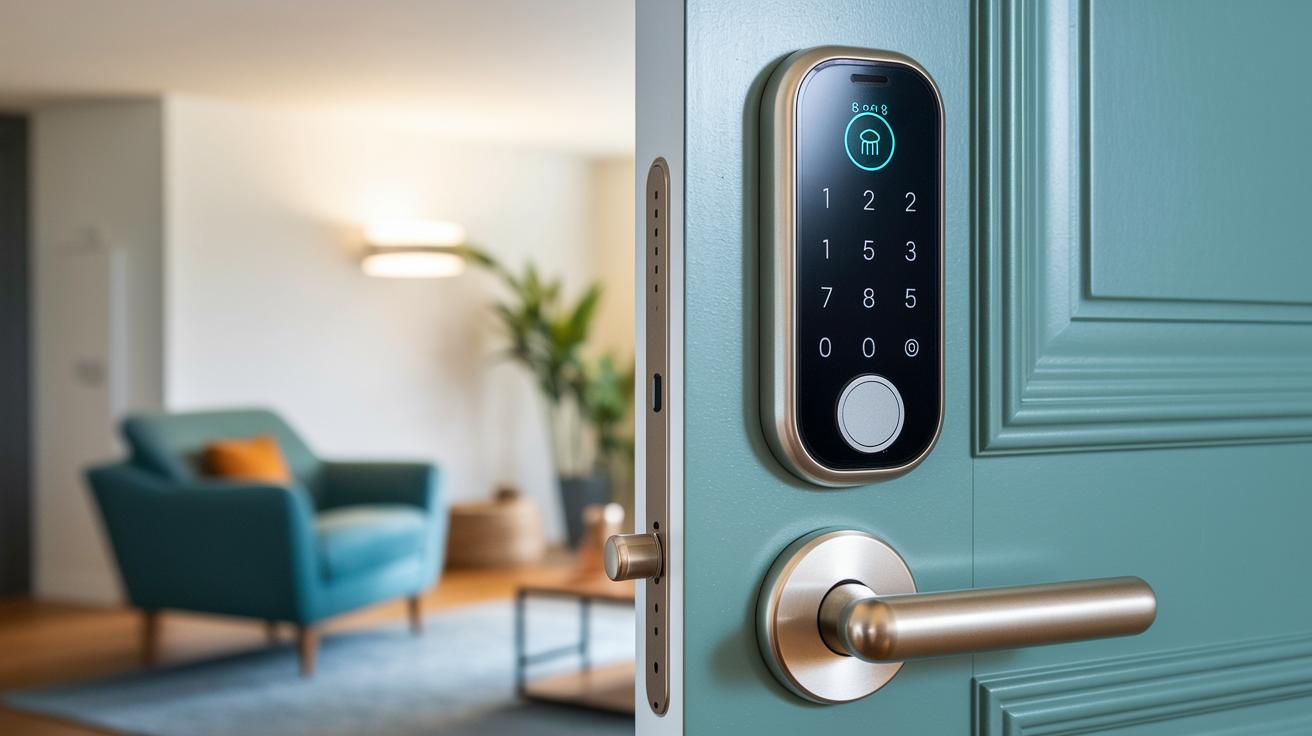
Traditional deadbolts provide a solid defense against force. Their simple design makes them tough to break, and there’s little chance of a digital hack. However, they don’t send any alerts if someone tampers with your door when you're away.
Smart locks, on the other hand, notify you right away on your phone. Many models come with strong steel strike plates and tough keypads built to last for over 100,000 presses. This shows they care about both digital ease and physical strength.
Smart locks connect using Wi-Fi, Bluetooth, or Z-Wave (a wireless way to control devices). This lets you check your door’s status and manage access from anywhere. But, it also adds a digital risk that traditional locks avoid. Skilled intruders might try to intercept these signals, although manufacturers work hard with strong encryption and regular software updates to protect you.
For instance, when compared with older deadbolt systems, smart locks deliver quick alerts and keyless entry. This can be a major plus when you need to respond fast. Still, if you don’t keep your network or app updated, some security gaps might open up. Ultimately, the choice is about whether you want a hands-on, physical barrier or the extra convenience, and some added risks, of a connected system.
Common Vulnerabilities in Smart Lock Systems
One big risk with smart locks is using a weak PIN code. Codes like "1234" are easy to guess. It’s similar to leaving your door wide open. A strong, unique PIN is a must.
Unpatched firmware is another issue, especially in lower-priced models. When manufacturers miss timely updates, known bugs stick around. This lets attackers take over the lock from afar. Imagine your lock being open for remote hackers because its software is outdated.
Wireless connections like Bluetooth and Z-Wave also bring challenges. They enable smart features but can be intercepted if not secured with strong encryption. In our tests, we saw that weak encryption lets attackers capture commands. This means your lock's convenience can turn into a security risk.
Some smart locks rely on a central hub for updates. If the hub fails to update, the lock stays vulnerable. Think of it as a chain with a weak link. Even a small oversight in the update process can lead to a big security gap.
2. are smart locks safe: A secure option

Today's smart locks use tough digital locks (encryption) to protect the commands they receive. They use AES and TLS/SSL protocols that keep remote commands safe, kind of like how banks protect online transactions. For example, when I sent a lock command, my device wrapped it in several layers of encryption, like putting valuables in a safe.
They let you set up to 100 unique access codes that can be made to expire or be valid for just one use. Plus, two-factor authentication (using a second proof of identity in the app) adds another layer of security.
Some models even let you use fingerprints or NFC scanning (a quick tap with your phone) to unlock the door. This extra step makes sure that only the right person can get in.
Case Studies: Documented Breaches and Lessons Learned
Recent tests show that smart locks can be picked apart if not properly maintained. A weak PIN code like "1234" can let an intruder into a home in just a few seconds. During lab tests, outdated firmware on models such as the Eufy C34 allowed attackers to run remote code. In another case, a mid-range lock without anti-tamper sensors had its slide-bolt bypassed.
| Model | Vulnerability | Impact |
|---|---|---|
| Generic Smart Latch | Weak PIN code (1234) | Home entry within seconds |
| Eufy C34 | Outdated firmware | Remote code injection |
| Mid-Range Lock X | No anti-tamper sensor | Slide-bolt bypass |
These examples remind us that while smart locks bring ease, they need regular care. A single mistake, like keeping default settings, can lead to a security breach. Our tests show that updating firmware and choosing strong codes really helps. By following manufacturer tips and doing regular security checks, you can reduce the risk. Each case proves that steady maintenance is key to keeping your smart lock safe and reliable every day.
Best Practices: Keeping Your Smart Lock Secure

Keep your smart lock safe by updating its software and using strong codes. Update the firmware every 3–6 months to fix any security holes. Using ever-changing, strong PINs is much safer than relying on a simple code. Here are seven ways to protect your lock:
- Use rotating, complex PINs and set auto-lock to kick in after 10–30 seconds.
- Update the firmware often to close off known security gaps.
- Store your backup key in a safe spot and test it monthly.
- Turn on anti-tamper alarms to catch any forceful attempts.
- Check the activity log in the manufacturer's app for odd entries.
- Secure your wireless network settings to lower remote attack risks.
- Regularly review the smart lock settings and app permissions to remove outdated access codes.
These steps guard against both digital breaches and physical bypasses. Routine checks, like taking care of a well-oiled machine, keep your lock working at its best while creating a strong, layered defense for your home.
2. are smart locks safe: A Secure Option
When choosing a smart lock, think about style, price, and security. The Schlage Encode Smart WiFi Deadbolt is a strong pick at $249. It uses solid encryption (a way to scramble data), has a keypad built to handle over 100,000 uses, and comes with a fast, user-friendly app. When I tried the app, it responded almost immediately, making it both simple and secure. Even a Schlage risk analysis gives it a nod for its strong features.
At $199, the Yale Assure Lock 2 stands out with its modern look and secure wireless adapter. It offers solid digital protection but really needs you to set a strong password. A small mistake with your password can put the lock at risk. If you keep your login details safe, this Yale lock is a reliable choice.
The Level Lock Pro, which costs $349, impresses with its auto-lock feature and tamper alerts. It comes at a higher price, but its extra sensors send alerts if someone tries to break in, giving extra peace of mind.
For Apple users, the Aqara U100 at $179 fits well with Apple Home setups. Its best feature is its easy compatibility, though its six-digit PIN entry can sometimes cause a few mistakes.
The Eufy C34 is a budget-friendly option at $129 with built-in Wi-Fi. However, some buyers might worry about how it collects data. Each rating here looks at important factors to help you pick a smart lock that balances cost with security.
Smart Lock Security Trends and Emerging Risks
Smart locks are evolving, but new risks are emerging too. One big worry is over-the-air updates. When these signals aren’t well encrypted (turned into a secure code), hackers can intercept the command to unlock your door.
Fingerprint scanners are improving every day. However, if they do not check for liveness (a test to see if the finger is from a live person), a fake fingerprint might fool the system. Even a small weakness can lead to big problems.
Connecting smart locks to home hubs adds more risk. If one gadget is breached, hackers might move through your network and attack other devices. That’s why some manufacturers are using stronger encryption and adding liveness checks to biometrics. These steps aim to keep security tight as technology and threats both grow.
Final Words
In the action, our review examined how encryption methods, two-factor options, and mechanical backups work together to answer the question: are smart locks safe for your home. We looked at the pros and cons of digital and traditional locks, pinpointed key vulnerabilities, and shared practical tips to boost security. We also checked real-world case studies and expert tests. With proper maintenance and smart choices, your smart lock can be a strong ally in home security, keeping your space safe and giving you peace of mind.
FAQ
Are smart locks safe on Reddit and safe to use?
Smart locks are considered safe when properly set up with strong encryption and regular updates. Many users on Reddit report that features like two-factor authentication, activity logs, and backup keys add to their peace of mind.
Are smart locks safer than key locks?
Smart locks add benefits like remote alerts and convenience, while traditional key locks avoid digital vulnerabilities. Both offer security, with each system having its own trade-offs based on design and proper upkeep.
Why are smart locks sometimes seen as a bad idea and are they worth it?
Smart locks can be seen as a bad idea if poorly maintained, but they are worth it for many users who value keyless entry and remote monitoring. Proper practices, like updating firmware and using strong codes, help minimize concerns.
Are smart locks hackable?
Smart locks can be hacked if weak PINs or outdated firmware are used. Models with strong encryption and regular updates lower the risk substantially, making smart locks a secure option when maintained properly.
What are the risks of smart locks?
Risks include hacking through weak codes or unpatched firmware and potential design flaws that might allow bypass. Using advanced encryption, updating software, and setting complex codes mitigate these risks effectively.
Do smart locks deter burglars?
Smart locks deter burglars by sending real-time alerts and providing a visible record of activity. They work best as part of a wider security system, complementing alarms and cameras rather than serving as the only defense.
What locks do locksmiths recommend?
Locksmiths often recommend smart locks that use robust encryption and offer mechanical backup, such as models from Schlage Encode or Yale Assure, for a balanced approach to modern convenience and security.