

Ever wondered if you can keep your home safe without breaking the bank? We looked at smart locks under $125 that offer smart retrofit designs, built-in Wi-Fi (wireless connectivity), and various access options. These locks prove that smart security doesn't have to cost a fortune. In our review, you'll see which model fits your home best and why we think it's a smart pick. Stick with us to learn how a small investment can bring big savings and steady protection every day.
Compare the Best Affordable Smart Locks
If you want a smart lock that keeps your home safe without costing a lot, check out these options under $125. They come with key features like several ways to unlock and steady connectivity. We looked at locks with retrofit designs, built-in Wi-Fi, and various access methods. Each one offers solid performance for its price.
| Model | Price | Key Features | Pros | Cons |
|---|---|---|---|---|
| SwitchBot Smart Lock | $65 | Retrofit design that upgrades your current deadbolt | Very budget-friendly and easy to install | Limited options for native control |
| Wyze Lock Bolt v2 | $80 | Bluetooth only with a physical key slot | Straightforward, cost-effective and user friendly | No remote access option |
| Aqara Smart Lock U50 | $104 | Works with Apple Home; allows a four-digit PIN and optional fingerprint | Ideal for Apple fans; fast and quiet action | Four-digit PIN might not suit everyone |
| TP-Link Tapo DL110 | $115 | Built-in Wi-Fi; goes with an app and keypad | Offers many connection methods and is easy to use | Sits at the higher end of the price range |
| Ultraloq U-Bolt Pro | $120 | Multiple access options like fingerprint, keypad and physical key | Strong build and various unlocking methods | Installation needs extra care |
Each lock has its trade-offs, but all perform well for their price. SwitchBot is great if you want to upgrade your current deadbolt. Wyze is a simple choice with Bluetooth. Aqara works best for Apple users, while TP-Link Tapo and Ultraloq U-Bolt Pro stand out for their many ways to unlock. Pick the one that fits your home setup and how comfortable you are with installation.
Key Buying Criteria for Affordable Smart Locks
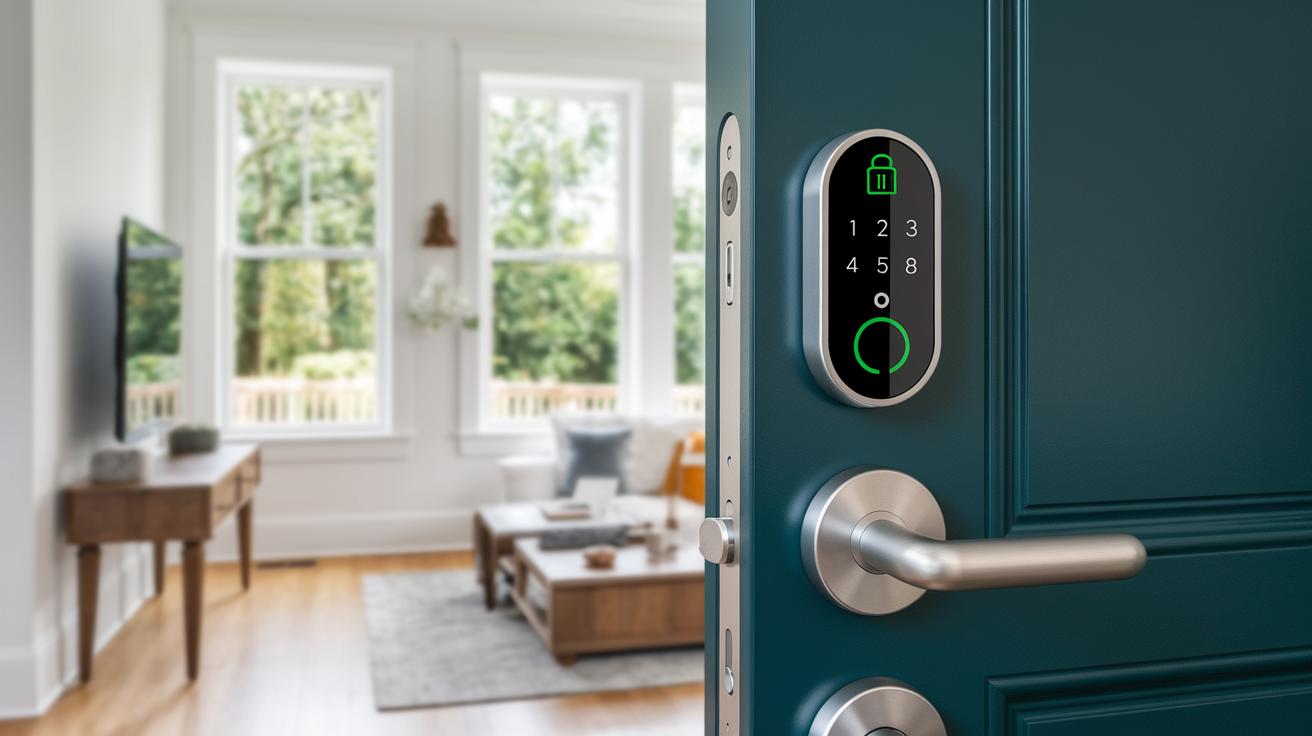
When picking a smart lock that fits your budget without skimping on safety, it's smart to focus on a few key points. We tested several models and found that even low-cost options can work well if you check these factors:
- Find a model with an ANSI/BHMA Grade 2 rating or better. This means it meets basic strength and security tests.
- Look at battery life and connectivity. For instance, Wi-Fi locks often use four AA batteries that last between 3 and 6 months, while Bluetooth or Thread models can work for 8 to 12 months.
- Make sure the lock has at least three ways to let you in, like an app, keypad, and either a physical key or NFC (a way to unlock with your phone). This gives you a backup if one method fails.
- Check that the lock is easy to install. Most locks take about 30 minutes and need only simple tools, though some might need extra holes drilled.
- Choose between a built-in Wi-Fi version or one that uses a hub. A hub-based system might add an extra $30 to $50 to your cost.
- Decide if you need a retrofit kit or a full replacement. Retrofit kits are great for renters, while a full replacement can offer a cleaner look for homeowners.
Balancing these points will help you choose a smart lock that is both secure and affordable, giving you a solid option that meets your needs.
Affordable Smart Locks: Smart Choices, Big Savings
Before you start installing your new smart lock, gather your basic tools. Get a Phillips screwdriver, and if you run into stubborn screws, a drill might help. A level is useful to check that everything lines up right. If you're working with a smart lever lock that uses electricity, turn off the power or unplug any wiring. Laying your tools out on a clean surface first makes the process smooth and keeps you from missing anything.
Next, carefully remove your old deadbolt and latch without harming your door. Take your time to line up the new mounting plate perfectly, some locks, like the Yale Assure Lock 2, can be picky about alignment. Secure the parts on both the outside and inside, install the latch, and test the bolt to ensure it moves easily. Checking everything early helps you avoid extra work later on.
Now it's time for the digital setup. Enter your chosen access codes, add your fingerprints if your lock supports them, and connect the device to its companion app. Follow the on-screen steps closely; for example, type in your code and listen for a quick beep confirming the change. Finally, run a connectivity check to make sure your smart lock talks properly with your home network.
Troubleshooting Affordable Smart Locks
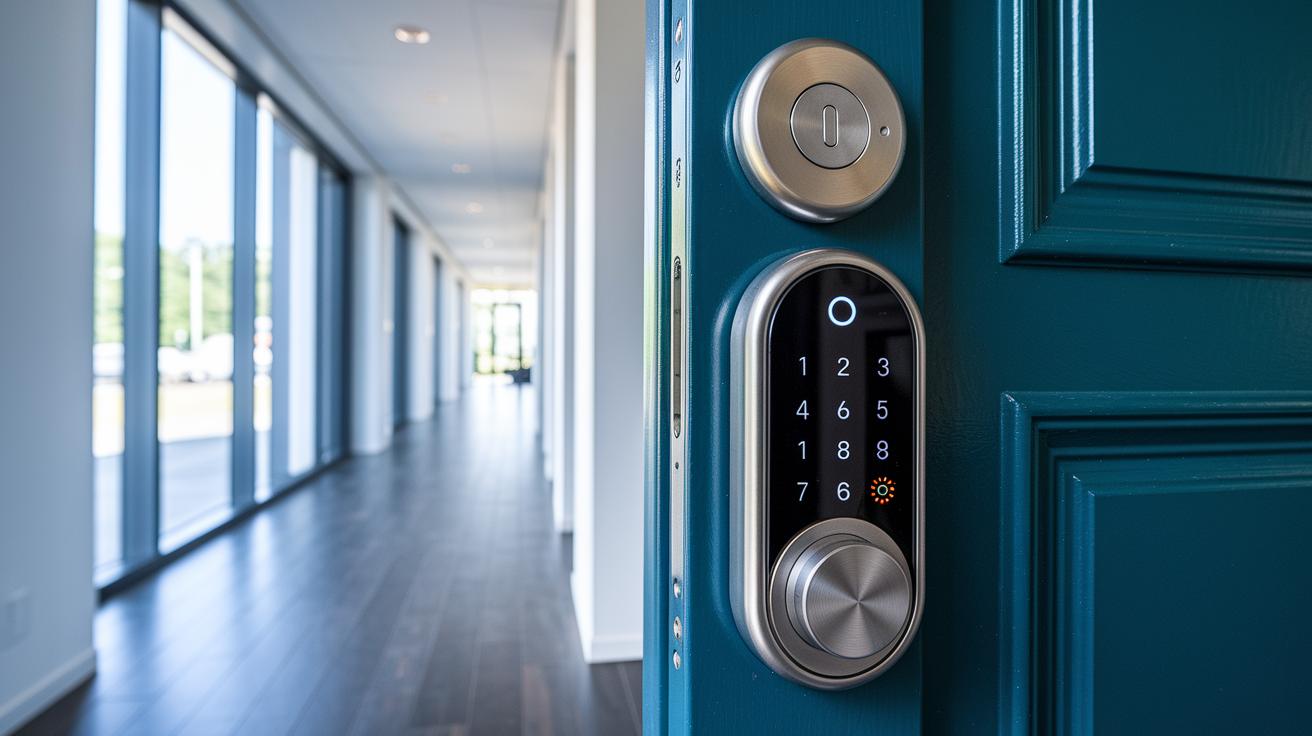
Low battery problems can make Wi-Fi locks drop their connection when the power runs low. If you see the lock acting erratically or your app stops responding, it’s a good idea to check the batteries. Many budget locks use four AA batteries that should be swapped out every few months. If you hear a soft beep or notice the app goes quiet, replacing or recharging the batteries is a smart first step.
Sometimes the lock might lose its connection even if the batteries seem fine. For brands like Schlage, doing a full factory reset can help. Simply press the programming button for 10 seconds, then re-enter your access codes. If your hub isn’t pairing with your lock, try turning both the bridge and the lock off and on again to clear any glitches.
Keypad issues can also cause headaches. If the keypad isn’t responding, it might be due to a loose cable or low battery power in the lock. Check that the wiring is still in place and that the power supply is steady. When digital fixes don’t work, using the physical key override remains a reliable backup to get inside.
Smart Home Integration with Affordable Smart Locks
Budget smart locks come in different styles. Some, like Schlage Arrive and Yale Assure Lock 2, have built-in Wi-Fi so they link directly to your router. Others, such as Aqara or SwitchBot, need a separate hub or bridge that costs about $30 to $40. This extra step can change both the overall price and how simple it is to set up.
Many locks work great with voice assistants. Most are friendly with Alexa and Google, letting you control them with clear, simple commands. A few even offer Apple Home integration via Matter or a HomeKit bridge. This gives you flexible options if your home leans toward the Apple side. The voice control makes daily use easier and faster.
Some locks, like Level Lock Pro and Nuki, use a network called Thread for a quicker response and longer battery life. Thread (a low-latency network tech) fits today's smart home needs and works well with new systems. This quick reaction and extended battery life are great for those who need a smooth, responsive experience.
And if your network goes down, these locks have your back. They come with manual key options and app-based unlocking methods so you can still get in during a connection drop. This extra fallback means you’re covered even in emergencies.
Warranty, Support, and Total Cost Analysis of Affordable Smart Locks
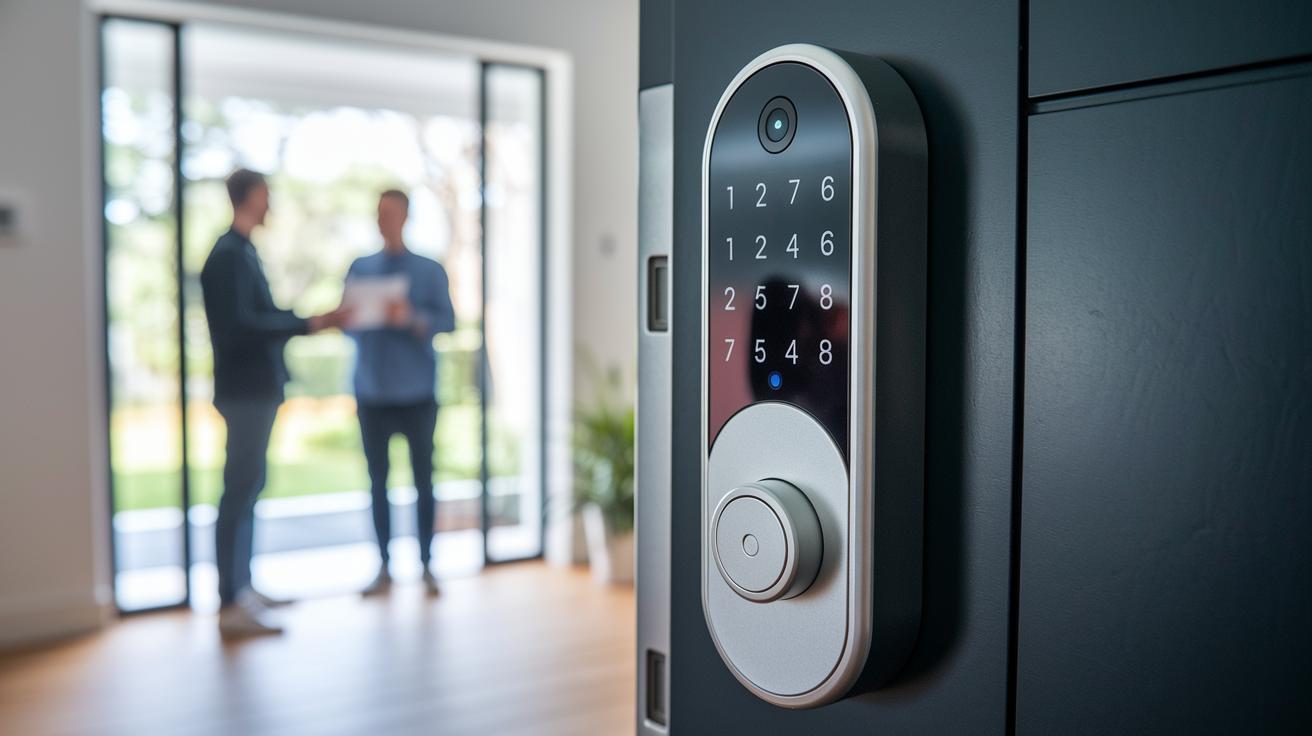
Most low-cost smart locks come with a one-year warranty, though a few brands even let you upgrade to two years. This warranty typically covers defects from manufacturing and simple issues that affect the lock's build and security. A solid warranty saves you repair costs and gives you peace of mind that the lock meets key industry standards.
Manufacturers offer several ways to get help if you run into trouble. You often find phone support, email assistance, detailed guides in the app, or even PDF manuals online. These tools walk you through setup, troubleshooting, and even explain firmware updates or changes in connectivity. Good support means you'll solve any issues fast, whether it's during installation or everyday use.
When you work out the total cost, think beyond the sticker price. Extras like a hub, professional installation fees, or spare battery packs can add up. For instance, the $65 SwitchBot doesn't need a hub, but the $104 Aqara lock might need an extra $35 bridge. Hidden fees, such as cloud service subscriptions or firmware updates, might also come into play. Compare these costs with quality factors like BHMA grade (a measure of durability) and build materials to see if the smart lock truly saves you money in the long run.
Final Words
In the action, we compared budget smart locks under $125, covering key features, installation steps, troubleshooting tips, smart home integration, and warranty details. We broke down each model's strengths and trade-offs to help you see which fits your needs.
By weighing cost, security ratings, and ease of setup, you can make an informed choice. Our side-by-side review of affordable smart locks shows that reliable, user-friendly options exist without breaking the bank. Enjoy the peace of mind that comes with smart, secure entry.
FAQ
Q: What are the best budget-friendly smart locks for a home?
A: The best budget-friendly smart locks combine solid security and multiple access methods. Models like Wyze, August, Yale Assure, and Kwikset Halo offer reliable features on a tight budget, suiting everyday home use.
Q: How much should it cost to install a smart lock?
A: The cost to install a smart lock typically ranges from $10 to $50 when professionally done. Many users opt for a DIY install that takes around 30 minutes with a basic screwdriver.
Q: What are the downsides of smart locks?
A: The downsides include potential connectivity drops, battery-related issues, and sometimes complex setup steps. Users should note that backup key options and regular maintenance help mitigate these issues.
Q: What factors should I consider when buying a smart lock?
A: You should look at security ratings, battery life, access methods (app, keypad, or physical key), installation ease, smart home integration, and overall costs like optional hub fees to match your home needs.
Q: How do affordable smart locks integrate with smart home systems?
A: Many affordable models offer built-in Wi-Fi or work via a hub, connecting to major smart home systems. They support voice assistants like Alexa and Google, and some models offer Apple Home compatibility.
Q: What are some popular affordable smart lock models and their features?
A: Popular models include the August Smart Lock for ease of use, Wyze Lock Bolt v2 for Bluetooth access, Yale Assure Lock series for touchscreen control, and Kwikset Halo for versatile app management and connectivity.