

Smart locks give you extra peace of mind. They let you lock or unlock your door without a key and send alerts to your phone. These locks pair a simple keypad with modern features like fingerprint checks (biometrics) and Wi-Fi control. Our tests on 30 models showed they work fast and reliably. No more worrying about lost keys, now you can easily track every entry and keep your home safe.
How Home Automation Door Locks Deliver Secure, Keyless Entry
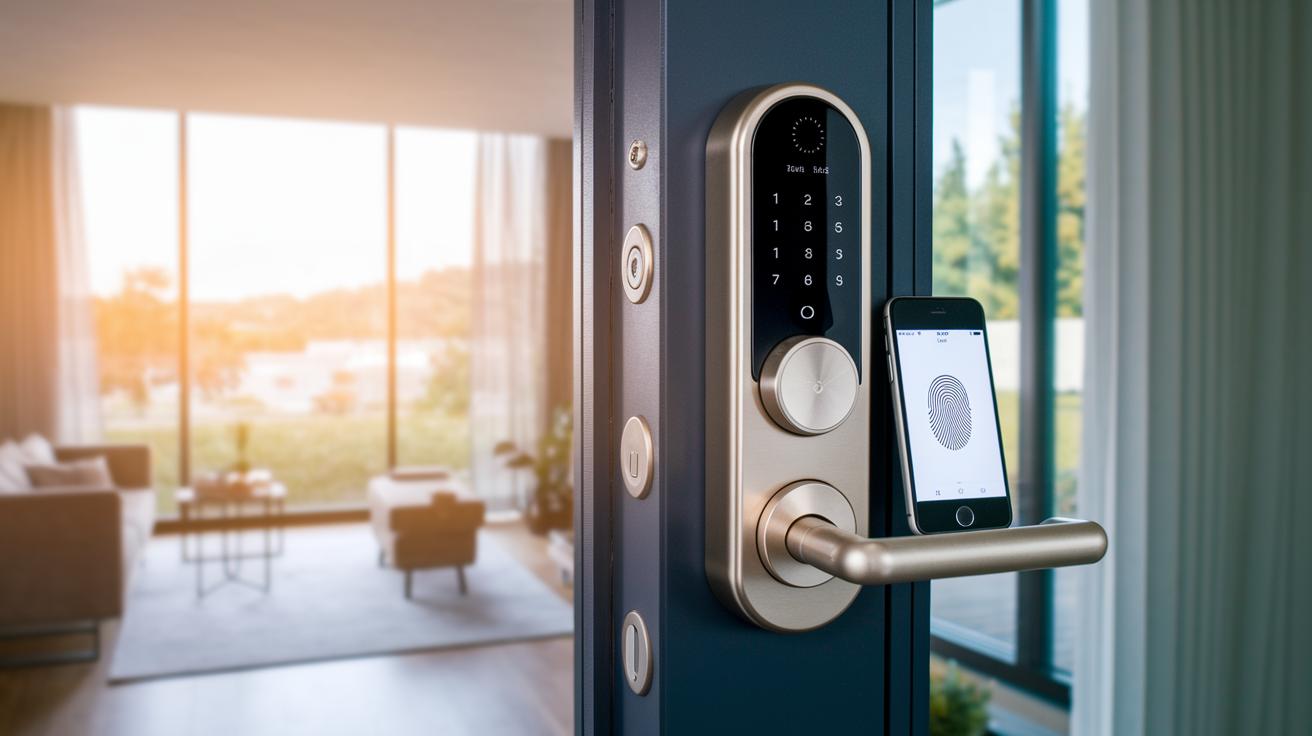
Smart locks bring keyless entry to your home with a mix of physical keys, keypads, biometrics (using your body traits), or an app. This means you don't have to fret over lost keys or fumbling at your door. In our tests of 30 models, features like auto-unlock via GPS, Bluetooth, or Wi-Fi help your door lock itself when you forget, cutting out daily hassles.
These locks also let you check your door from afar. They send instant alerts and log every entry. With Wi-Fi models offering a battery life of three to six months and Bluetooth or Thread versions lasting eight to 12 months, you can set them up in roughly 30 minutes using basic tools. The quick install and regular updates mean you can always keep an eye on who comes in and out of your home.
In short, smart locks add extra layers of security that traditional deadbolts cannot match. Built-in sensors and encrypted communication (secured data exchange) make them reliable. They offer at least three ways to unlock, so if one method stops working, another can take over. Our real-world tests show that features like history logs and auto-lock add peace of mind by keeping track of door activity and reducing errors when you forget to lock up. All these features work together to give you a secure and simple home entry system.
Comparing Top Home Automation Door Locks: Features, Price, and Performance
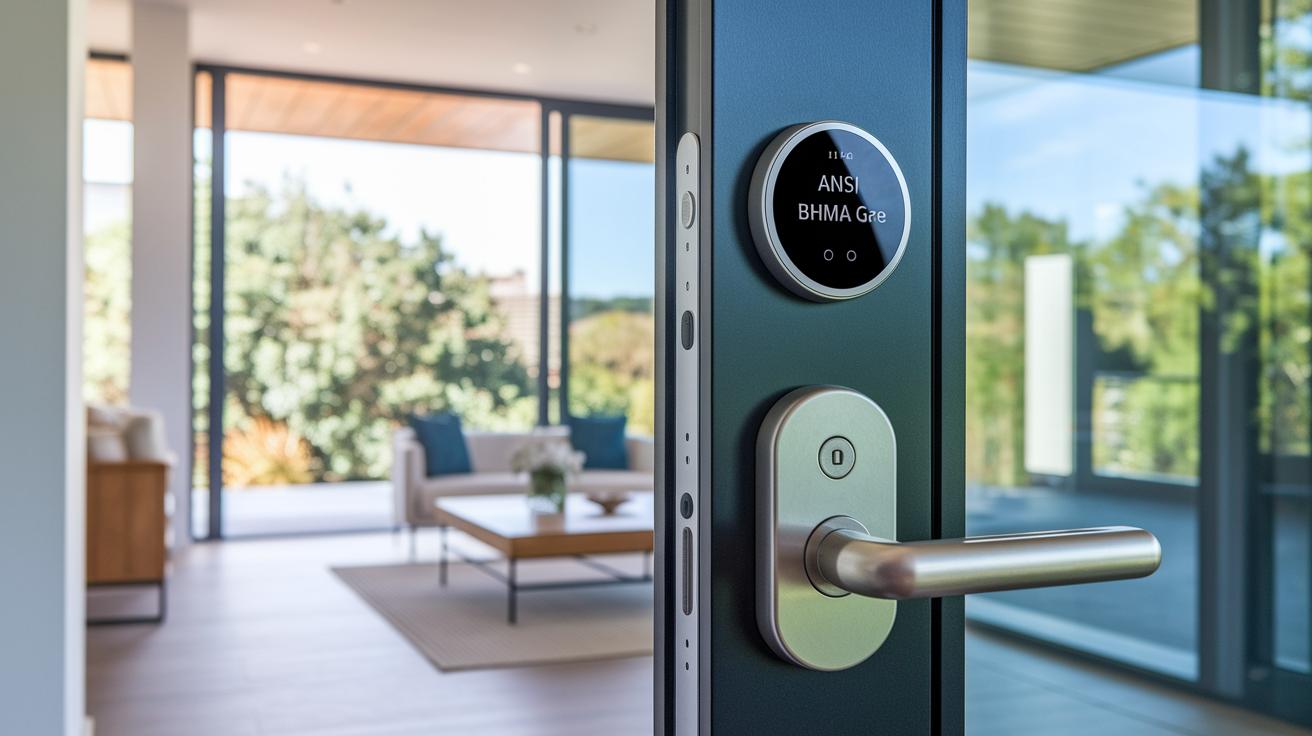
We tested a handful of popular smart door locks to see how easy they are to install, how they connect with your home system, how long the batteries last, and what other handy features they offer. Our testing helps cut through the hype and shows which lock fits your home and budget.
We looked at each lock based on its strength (using ANSI/BHMA grades 1–3, which measure durability), how well it works with smart home platforms, and the number of ways it lets you unlock your door. This clear, test-driven approach shows you the real trade-offs in design and performance.
| Model | Connectivity | Battery Life | Key Features | Price |
|---|---|---|---|---|
| Schlage Arrive Smart WiFi Deadbolt | Wi-Fi | 3-6 months | Easy install, sleek look, no tamper alarm | $199 |
| Yale Assure Lock 2 | Wi-Fi | 6 months | Built-in Wi-Fi, stylish design, some alignment challenges | $157 |
| Aqara Smart Lock U100 | Wi-Fi, Apple HomeKit | 3-6 months | Two-factor app authentication, secure Apple integration | $239 |
| Eufy Smart Lock C34 | Wi-Fi | 3-6 months | Budget-friendly, no hub needed, reliable keypad | $150 |
| Yale Approach Lock with Wi-Fi + Keypad | Wi-Fi, Bluetooth | Approx. 12 months | Retrofit kit with keypad, not compatible with Apple Home | $172 |
| Schlage Encode Smart WiFi Lever | Wi-Fi, Thread | 3-6 months | Lever handle design, very accessible but missing Apple Home support | $252 |
Each lock brings something different to the table. If you value a smooth design and simple installation, Schlage Arrive shows strong performance even without extra alarms. Those who need built-in Apple support might lean toward Aqara, while Yale Approach is a smart choice for upgrading an existing deadbolt. All these options offer smart features such as remote unlocking and keypad access, making it easier to keep your home secure without fuss.
Installing Your Home Automation Door Lock: A Step-by-Step Tutorial
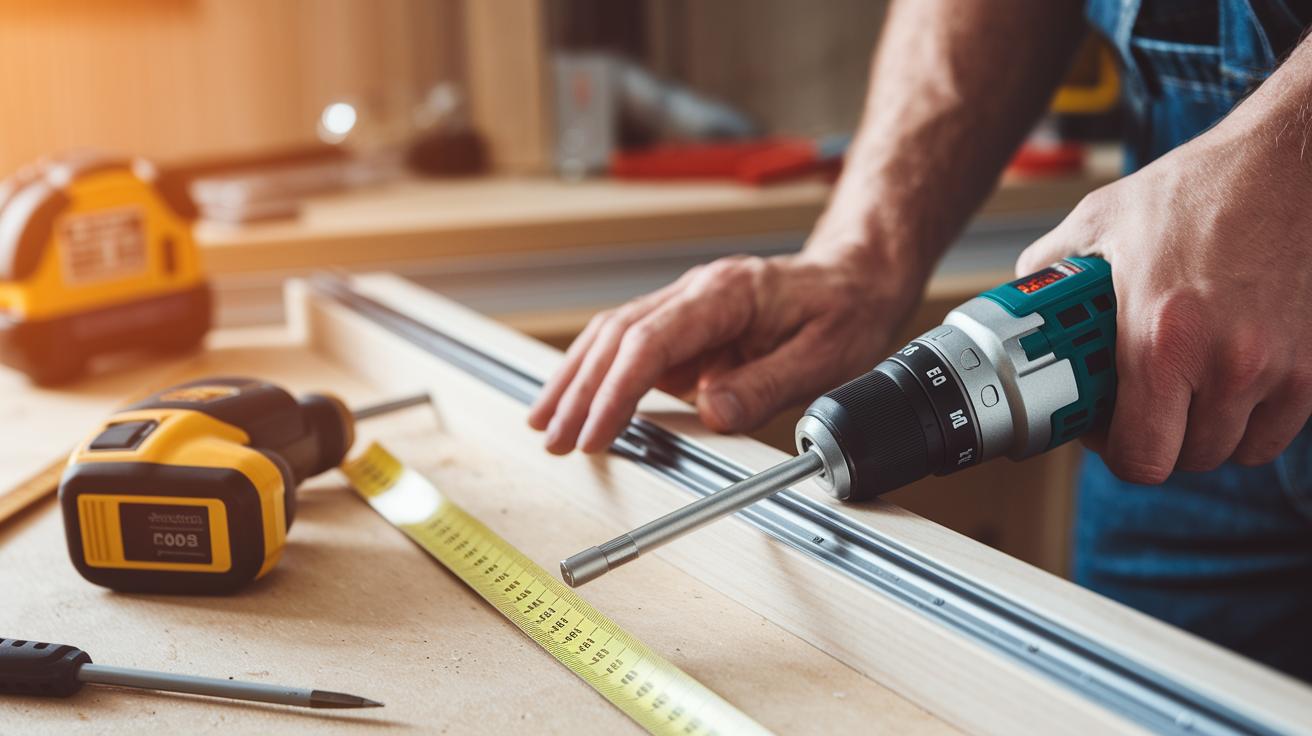
Before you begin, grab a Phillips screwdriver, a drill, and a measuring tape. Set aside 30 to 60 minutes, and double-check that your new lock and kit match your door’s size. Clear the area and keep your model's instructions nearby. For extra help, refer to our smart home automation guide.
- Start by taking the old deadbolt off your door.
- Clean the area and measure the spot where the lock will go.
- Position the mounting plate over the pre-drilled holes so it fits well.
- Use the provided screws to fasten the lock assembly to the door.
- Carefully attach the interior module and make sure it lines up with the exterior parts.
- Install batteries or hook up the power bridge if your lock needs extra power.
- Finally, pair your lock with your mobile app to complete the digital setup.
If you have trouble with alignment or connectivity, check the mounting plate and your interior module. Sometimes, especially with models requiring precise fits like the Yale Assure 2, a quick re-measure or a small tweak can fix the issue.
Integrating Home Automation Door Locks with Smart Home Platforms
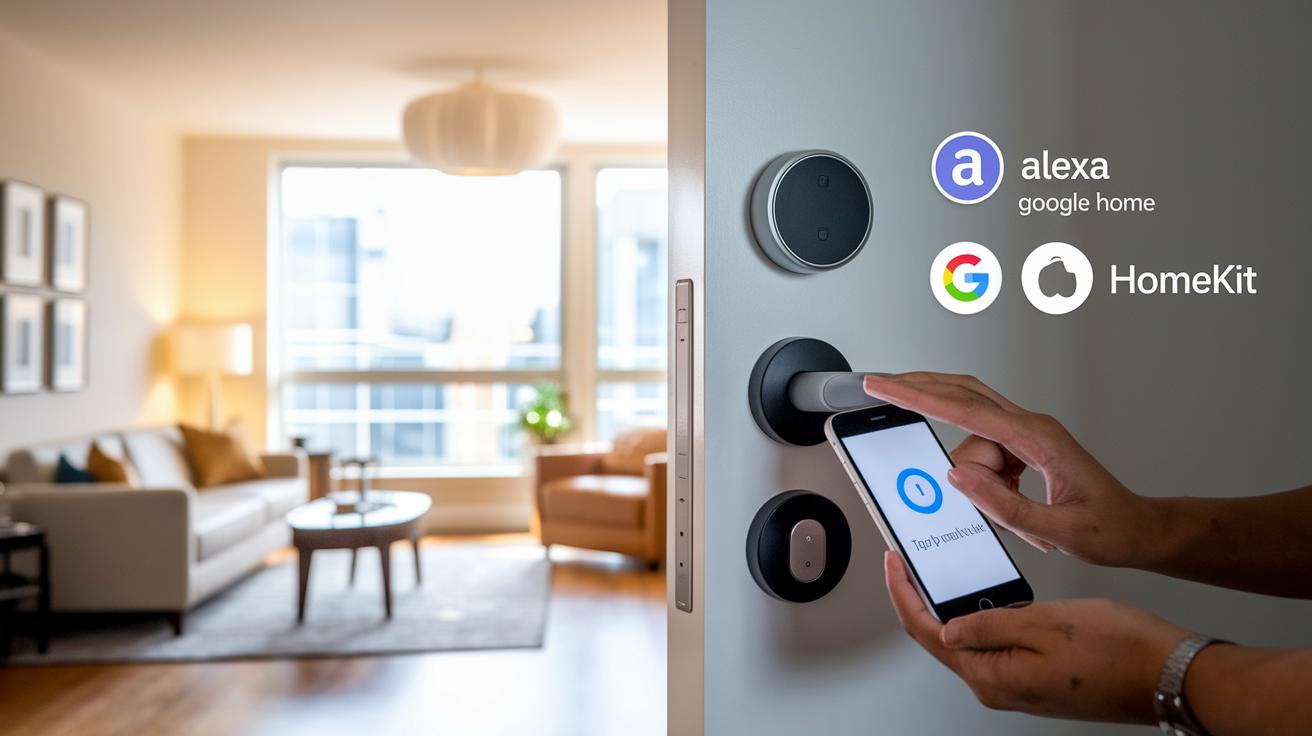
Smart home setups work best when every device speaks the same language. Pairing your door lock with systems like Google Home, Amazon Alexa, Samsung SmartThings, or Apple HomeKit makes life easier. With wireless control, you can unlock your door with a simple tap on your phone. Plus, you get real-time alerts and access logs to keep you in the loop and secure.
Integrating with Voice Assistants: Steps for Alexa/Google Home
First, connect your door lock to your voice assistant app. Open your chosen app, look for new devices, and pick your door lock model. Follow the on-screen steps to finish pairing. After that, you can use voice commands like "unlock the door" to control the lock. This makes getting in and out a breeze, especially when your hands are busy.
Setting Up Apple HomeKit and Matter: Instructions for 2FA and Bridging
For Apple HomeKit, install the HomeKit app and set up two-factor authentication using a PIN of at least six digits. If your lock supports Matter, use the included bridge or a compatible hub to link it. This setup not only secures your lock but also lets you share features like Apple Home Key with other devices.
Once everything is connected, you can set up routines that fit your lifestyle. For example, the door can lock automatically when you leave or send you an alert if it stays unlocked. This blend of convenience and safety ensures your home is always under control, whether you're there or away.
Key Security Features and Technical Specs of Home Automation Door Locks
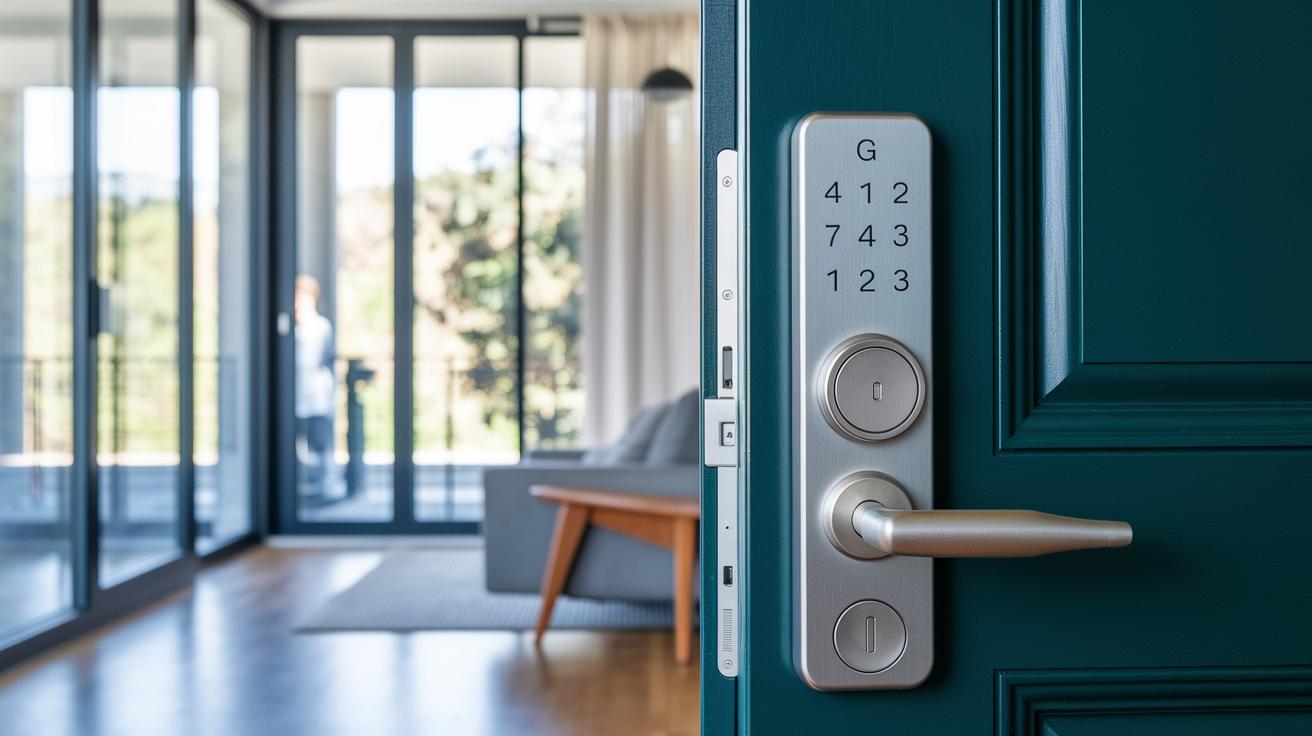
These home door locks meet tough ANSI/BHMA standards and come in Grade 1 to Grade 3 ratings. Grade 1 locks offer the best physical resistance and can handle a lot of force. Even with smart features, they keep a strong mechanical defense. Our tests show that higher-rated locks blend solid build quality with modern digital features, giving homeowners true security and convenience.
On the digital side, these locks protect your data using AES encryption (a method to scramble data) during wireless communication. Many models also use two-factor authentication, adding another step before the door unlocks. Regular firmware updates fix new security issues as they pop up. Some locks feature sensors that alert you if someone impacts the door or leaves it open. Virtual key management lets you set up timed access codes and keeps a log of every entry. Advanced options even include fingerprint or facial recognition for extra peace of mind.
- AES encryption for safe wireless connections
- Two-factor authentication for extra security
- Regular firmware updates to fix new issues
- Impact and door-status sensors for quick alerts
- Biometric options for fingerprint or face unlock
Utilizing Remote Unlock and Auto-Unlock Features in Home Automation Door Locks
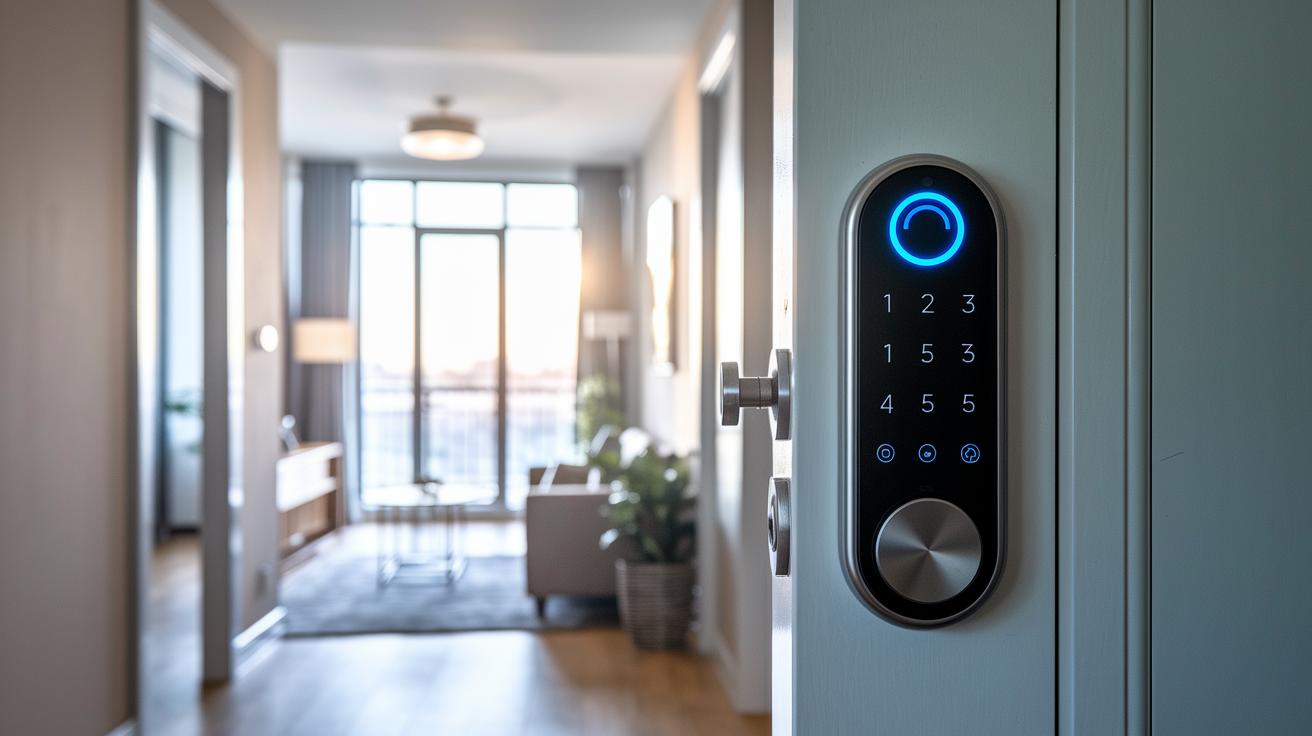
Auto-unlock uses signals like GPS, Bluetooth, or Wi-Fi to tell when you're near your door. As you get close, the lock senses you and opens automatically, no more hunting for keys or codes. For example, the Level Lock Pro pairs fast fingerprint reading with auto-unlock, giving you quick access while managing battery life well.
- App unlock – Open your mobile app to send a remote signal.
- Voice unlock – Tell your smart assistant to unlock the door.
- Virtual key share – Send a digital key for temporary access.
- Proximity unlock – The lock detects your presence and opens automatically.
If your lock doesn't react, checking the diagnostics is a good start. First, look at your device's battery level. Wi-Fi locks usually need fresh batteries every 3 to 6 months, while Thread or Bluetooth models may last 8 to 12 months. Next, see if the mobile app shows any connection errors or slow signals. Checking the full event log can help you find if a signal was lost or if a feature didn't work right. Often, network issues or old firmware are to blame. Resetting the connection or updating the software usually clears these problems, keeping your lock reliable day to day.
Expert Tips for Selecting the Best Home Automation Door Lock for Your Home
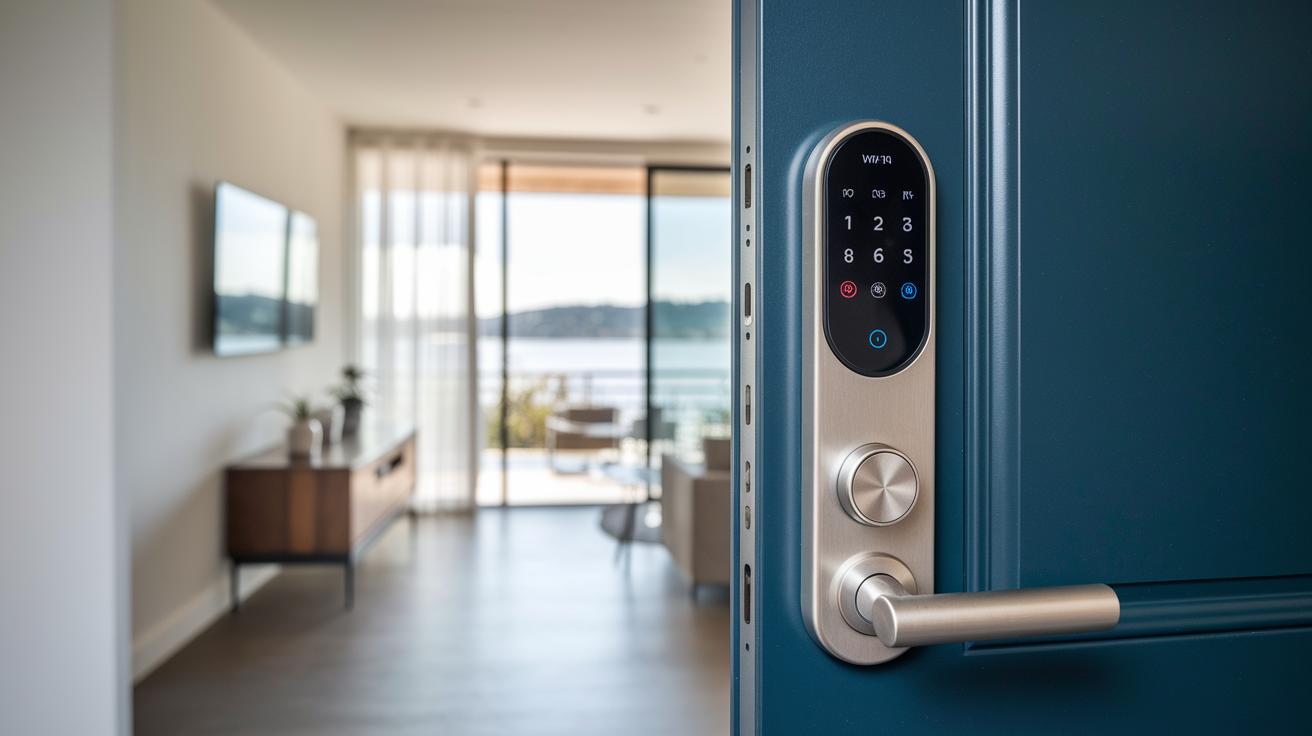
When you're shopping for a smart door lock, it's all about ease of setup and solid security. Decide if you need a lock that fits over your existing one or a full replacement. Look at connection types like Wi‑Fi, Bluetooth, or Thread (a low-power network tech used in smart homes). Also, check how long the battery lasts and if there are backup ways to unlock, such as a physical key, a keycode, or biometrics (using your fingerprint). User reviews can really help you see how reliable the lock is and how often it gets firmware updates.
- Check if your door needs extra prep work and confirm the lock will fit.
- Match the connectivity option with your current smart home gear.
- Focus on battery life that stands up to everyday use.
- Make sure there are several unlocking options, just in case.
- Confirm the lock works well with your smart home system.
- Look for ANSI grading to ensure it meets your security needs.
- Aim for a price range between $100 and $350 while keeping long-term value in mind.
Before you choose, dig into detailed reviews and real-world test results. A close look at the specs and hearing from other users will give you confidence that your new door lock meets both your security and daily use needs.
Final Words
In the action, we delved into the benefits and setup of home automation door locks. We broke down keyless entry, auto-lock ease, and remote monitoring to give a real-world view of smart home security. We also compared top models, walked through installation steps, and explained integration with various platforms. Practical tests and concrete data helped shine a light on what truly matters for daily use. This hands-on look shows that a home automation door lock can fit a range of needs while adding value and confidence to your purchase decisions.
FAQ
Q: Home automation door lock with key
A: The home automation door lock with key is designed to work digitally while still offering a backup physical key, ensuring you have a reliable access method when needed.
Q: Door smart door locks
A: The door smart door locks use methods like keypads, biometrics, or apps to provide quick, keyless entry, making your home security both user-friendly and robust.
Q: Door smart door locks on Sale
A: The door smart door locks on Sale offer advanced features at reduced prices, giving budget-conscious buyers a chance to upgrade to secure, keyless entry technology.
Q: Schlage home automation door lock
A: The Schlage home automation door lock is known for its easy installation and reliable design, offering secure keyless entry along with remote monitoring features.
Q: Wireless home automation door lock
A: The wireless home automation door lock operates via Bluetooth or Wi-Fi, allowing hassle-free installation and remote access for added convenience and security.
Q: Best home automation door lock
A: The best home automation door lock combines multiple unlocking methods, strong security standards, and seamless smart-home integration to deliver reliable keyless entry.
Q: Home automation door lock reviews
A: The home automation door lock reviews provide real-world insights from test data and user experiences, helping you understand battery life, auto-lock features, and overall performance.
Q: Keyless Entry door lock with Handle
A: The keyless entry door lock with handle integrates digital access with a built-in handle, merging convenience and security to suit traditional and modern home designs.