

Ever wondered why your home doesn't feel smart yet? Imagine a screen that lets you control your lights, heating, locks, and more with just a tap or a simple voice command. A smart home control panel puts all your devices in one place, cutting through the clutter. It makes everyday tasks easier and gives your space a fresh, modern feel. With new features on the horizon, this device paves the way to a simpler, more efficient way of living.
Smart Home Control Panels Explained
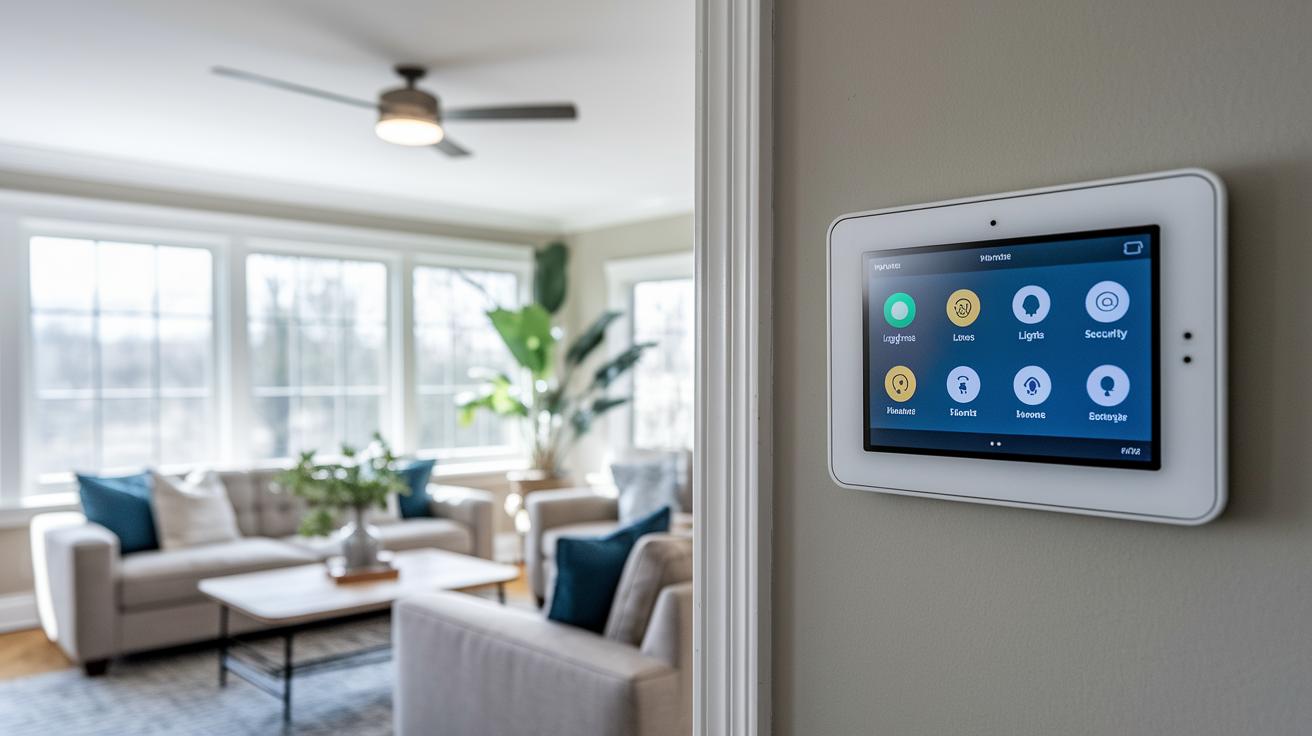
A smart home control panel is a touchscreen device that serves as your home's hub. It lets you easily manage your lights, heating, security cameras, and entertainment systems all from one spot. In simple terms, it brings all your IoT (Internet of Things) gadgets together for easy control.
These panels come in different styles. You might install a wall-mounted unit that stays fixed for quick access, or you might prefer a counter-top version that works like a tablet. Many people even use an iPad or another tablet because they work well without needing heavy hardware.
Market trends show big changes coming by 2025. Brands like Aqara, Shelly, and Apple are expected to drive new features such as improved voice control and energy monitoring. These upgrades aim to make operating your devices even smoother and more efficient.
For anyone with a smart home, the control panel is more than just a gadget. It puts everything in one place, making your home management simpler and more modern. Have you ever thought how far we've come from early smart systems that could only control one device at a time?
Key Features to Look for in a Smart Home Control Panel
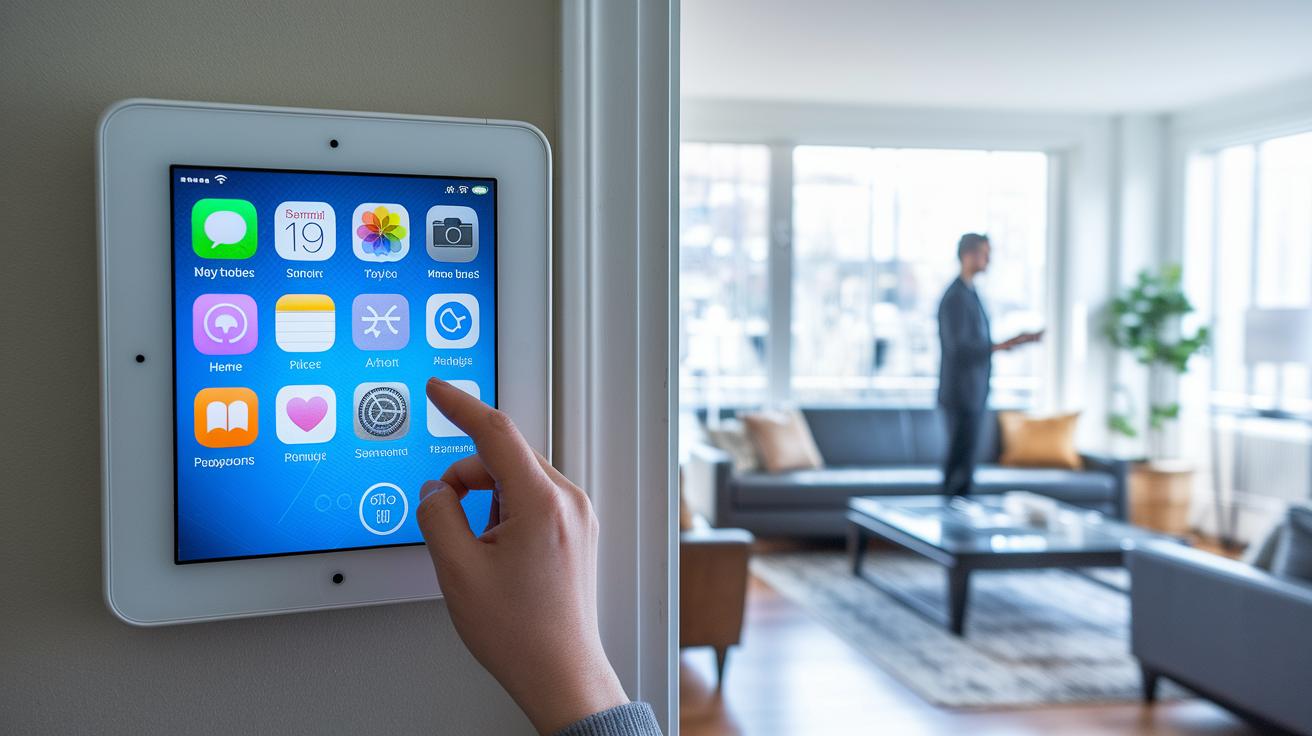
Smart home control panels make daily living easier with clear, bright screens. They use a smooth touch screen (a screen that you tap or swipe) to control devices like lights, locks, and thermostats in one spot. Many panels also let you use voice commands with Amazon Alexa or Google Assistant so your hands stay free. You can even rearrange icons to put your favorite devices front and center.
Here are some of the must-have features:
- Easy-to-use touch screen for smooth navigation.
- Voice commands for hands-free control.
- Central management that links all your smart devices.
- A display that shows real-time status.
- Support for protocols like Zigbee, Z-Wave, and Wi-Fi.
- Encrypted communication to keep things safe.
- Real-time energy monitoring of power use.
- Reliable Wi-Fi connection for constant updates.
- Mobile access to control your home on the go.
- App-driven routines and live notifications.
Also, look for panels with built-in energy tracking and live alerts. These features help you keep an eye on performance and quickly spot any issues.
Most panels offer automatic or manual firmware updates to stay secure. With these key features, your smart home will be modern, efficient, and ready for everyday tasks.
How to Install and Set Up a Smart Home Control Panel
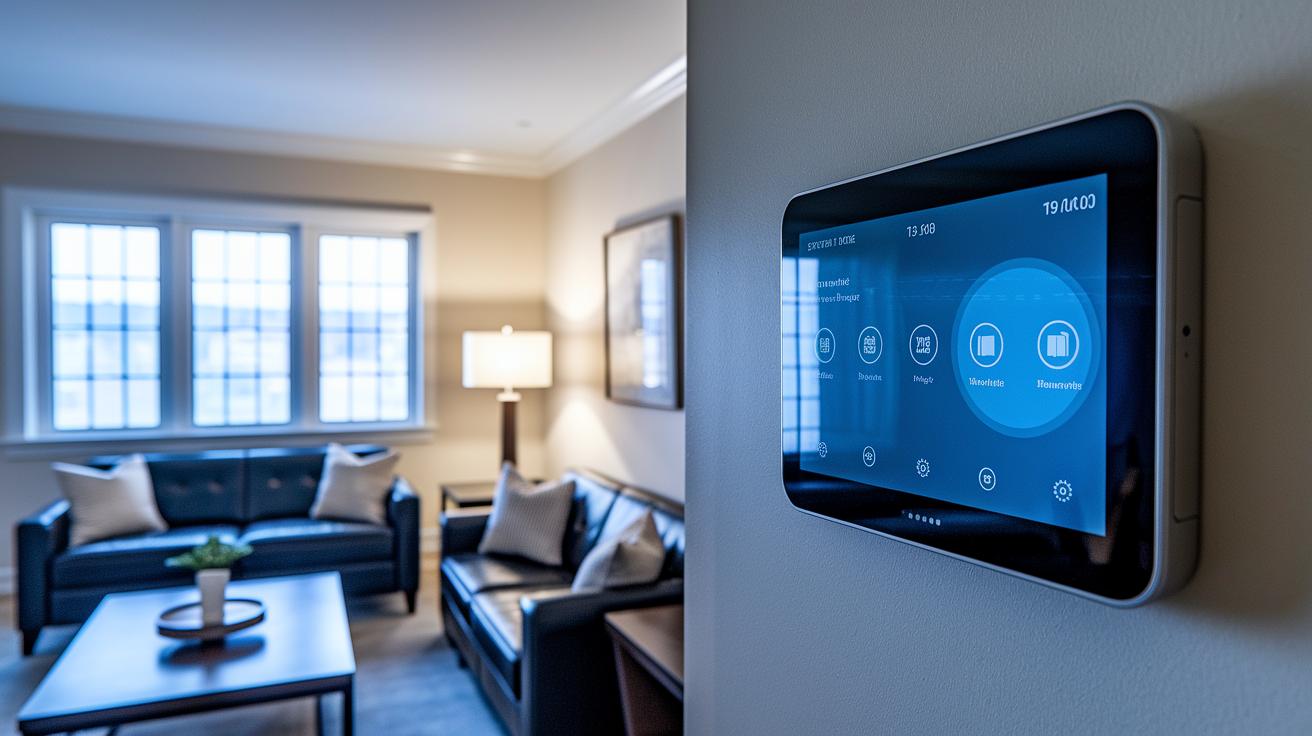
Setting up a smart home control panel is a hands-on process that makes everyday living easier and adds a modern touch to your space. First, pick a panel that fits your smart home system and works with your type of screen. With the right choice, you get a plug-and-play setup that makes automation simple. Here’s how to start:
- Pick a panel that works with your smart gadgets and screen type.
- Mount or place the device and plug it into power.
- Connect the panel to your home Wi-Fi or Ethernet network and update its firmware.
- Link your smart devices using the panel’s easy interface.
- Create custom rules or scenes to run tasks automatically.
Hardware Installation
When it comes to the hardware, decide whether a wall mount or a counter-top setup fits your needs. Wall-mounted panels free up space and offer a fixed view, while counter-top models add flexibility and can be moved if needed. Make sure your panel is close to an outlet or another reliable power source. Once it’s powered on, connect the device to your network using Wi-Fi or an Ethernet cable. This step is key to making remote control and updates work smoothly.
Software Configuration
Next up is the software setup. Begin by pairing your smart devices, like lights, thermostats, or cameras, through the panel’s clear and simple interface. This turns your panel into the central hub for your smart home. If you’re into hands-free control, set up the voice assistant options. Finally, design custom scenes that adjust things like the lighting and temperature on a set schedule. Keeping up with regular firmware updates keeps your system secure and ready for new features.
Comparing Popular Smart Home Control Panel Options
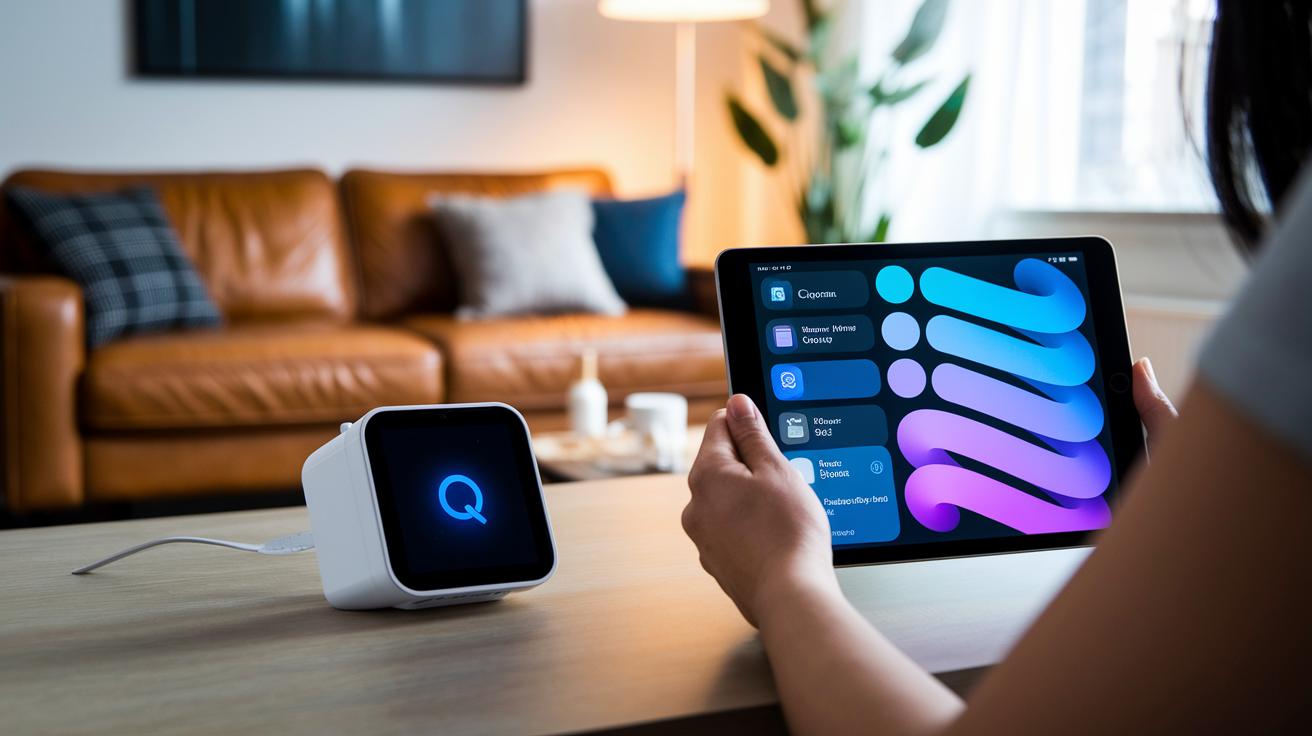
Smart home control panels come in many styles and price points. Devices like the Aqara Hub M2 and Shelly Panel work within built-in systems like Zigbee and Wi-Fi. They offer secure, quick control and a simple way to manage your home.
You also have the option to create your own setup using tablets. For example, the iPad Mini runs HomeKit and works well with Siri. Generic Android tablets let you use open-source apps for tough cross-platform tasks. Both options give you touch control and the freedom to adjust your setup as your needs change.
| Panel Model | Mount Type | Ecosystem | Price Range | Key Feature |
|---|---|---|---|---|
| Aqara Hub M2 | Wall-mounted | Zigbee, Wi-Fi | $60–$80 | Multi-protocol integration |
| Shelly Panel (DIY) | Counter-top | Wi-Fi | $50–$70 | Touchscreen with custom firmware |
| Apple iPad Mini (HomeKit) | Wall or desk | HomeKit | $250+ | Deep Siri integration |
| Android Tablet (Generic) | Desk or wall | Open-source apps | $80–$150 | Cross-platform control |
This table makes it easy to compare how each option mounts and what systems they work with. If you want a setup that fits with your current devices and lifestyle, choose the one that best matches your needs and enjoy a clear, easy smart home experience.
smart home control panel: Simple & Bright Living
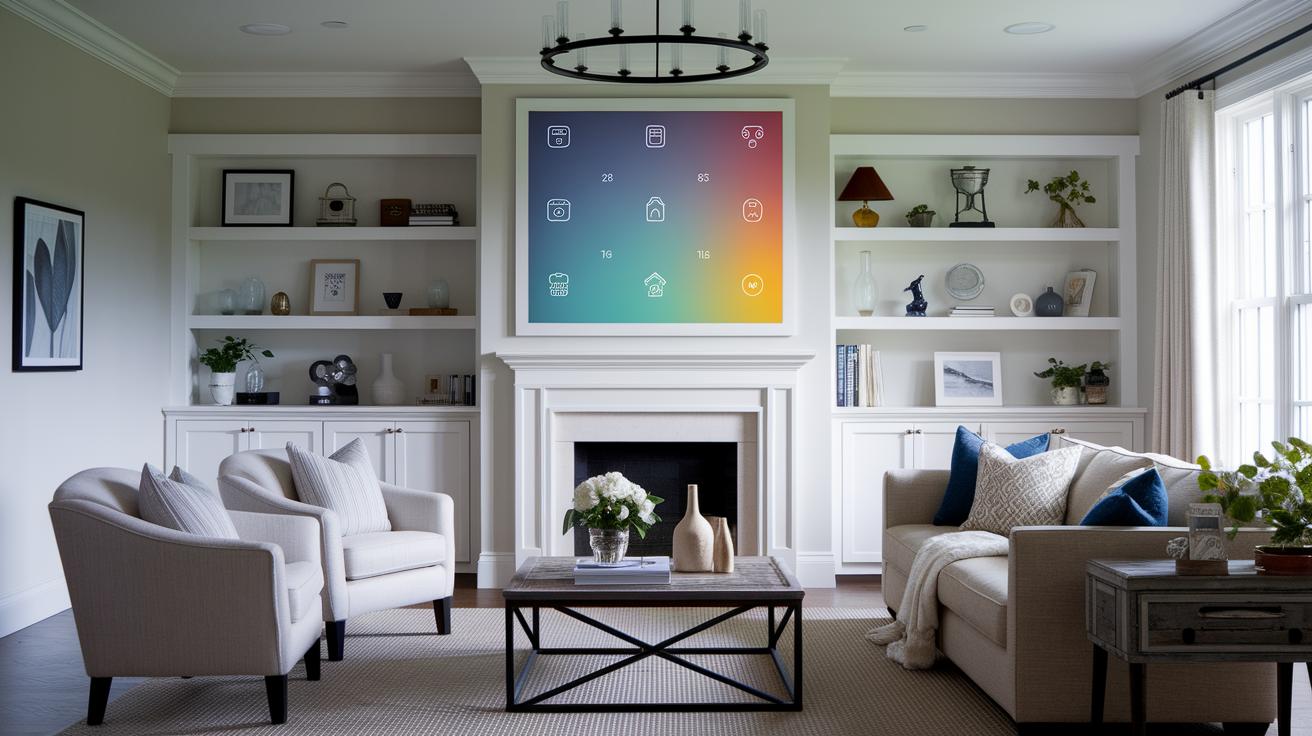
Make your smart home control panel work for you every day. Most panels let you move icons around and change color themes so your dashboard fits your style. With a custom layout, you can set up your dashboard to match your routine. For example, placing your most-used controls at the top speeds up everyday tasks. Many users even say that a custom setup cuts their task time in half.
Custom scenes add more power to your control panel. You can set up an "Evening Mode" that dims lights and adjusts the thermostat with one tap. Some panels even show animated visuals so you can tell at a glance if a door is open or closed.
A smart, context-aware interface makes your system even easier to use. Sensors or time data can guide what shows up on your panel. This smart filtering keeps things clear and helps you focus on what matters most.
Key personalization options include:
- Rearranging icons
- Customizing color themes
- Creating automation scenes
- Using sensor-driven layouts
By tailoring your control panel, you build a system that feels personal and efficient. This makes managing your smart home both brighter and simpler.
Integrating Voice Assistants and Remote Access with Your Smart Home Control Panel
Smart home control panels help you manage your home using your voice. You can simply speak commands to turn on lights, adjust the temperature, or check your security cameras. When you connect your panel to Amazon Alexa or Google Assistant, it becomes a voice-driven hub for your home. Just say, "Alexa, start evening mode," and your lights and thermostat adjust automatically. Even when you're busy, hands-free control keeps you in charge.
Voice command integration
Linking your panel to Alexa or Google Assistant is a snap. Most panels guide you step-by-step through the setup. Once connected, you can set up routines where one command triggers multiple actions. Imagine saying a single word to dim your lights, lock your door, and lower your speakers. This simple setup makes daily tasks easier and saves you time.
Remote and mobile access
Your smart home control panel works both at home and when you're away. Pairing it with an iPad or tablet that uses a cloud-based app turns it into a mobile control center. By creating a cloud account and using a secure app, you can manage your home from anywhere. This lets you check your home's status and receive live alerts even when you're out. Some panels even use secure VPN tunnels (safe, private networks) to protect your commands on the internet. Whether you're at home or on the go, you're always in control.
Ensuring Security and Updates for Your Smart Home Control Panel
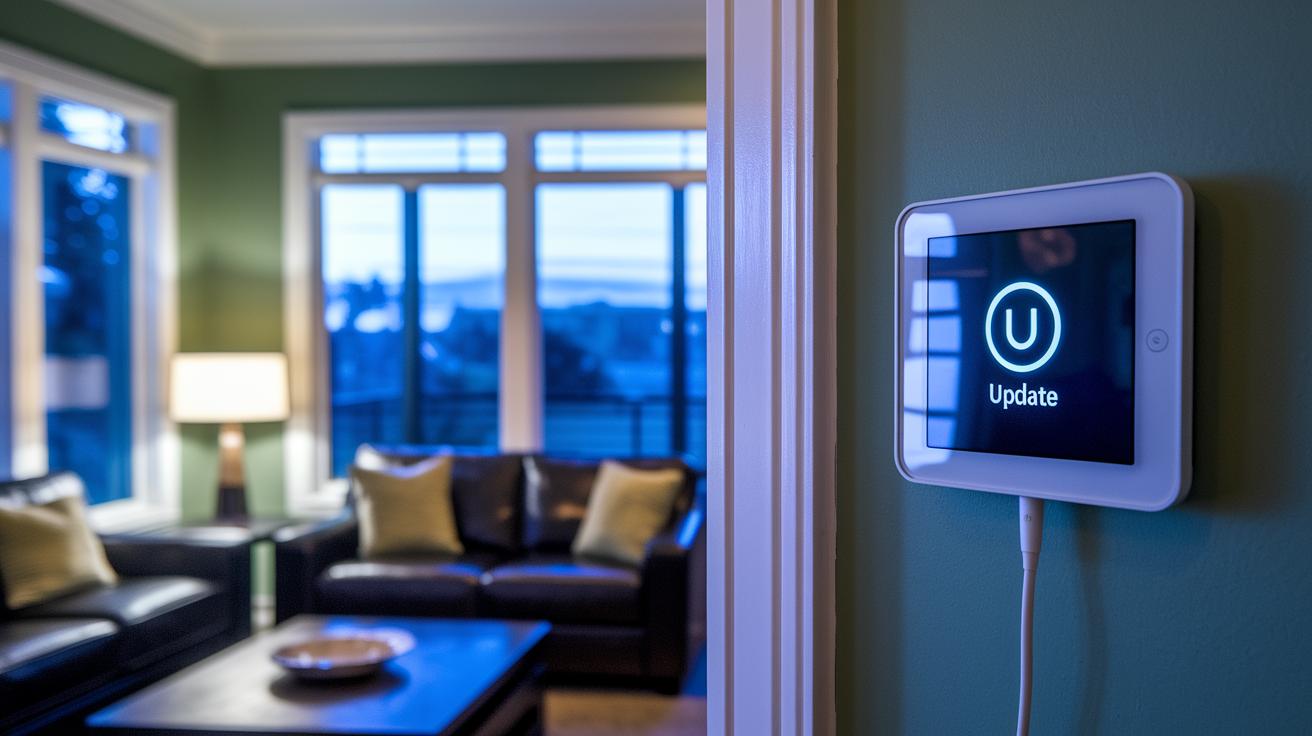
Regular firmware updates keep your smart home control panel safe and current. These updates fix bugs and add new features so you can count on your device every day.
Many panels now offer one-click or scheduled updates. This makes it simple to keep your operating system secure without extra hassle.
Smart panels use encryption (like HTTPS or MQTT over TLS) to guard your data. Every command, from turning on lights to setting the thermostat, travels through a secure channel. Picture it as a digital lock on your home's control hub.
Some panels go a step further with predictive automation. They learn your habits and adjust settings before you even ask. For example, if you always change the temperature in the evening, the panel can set the right climate in advance.
By combining robust firmware updates with secure IoT connections, these systems offer both protection and smart management. Regular updates and smart adjustments help keep your home safe and efficient every day.
Smart Home Control Panel: Simple & Bright Living
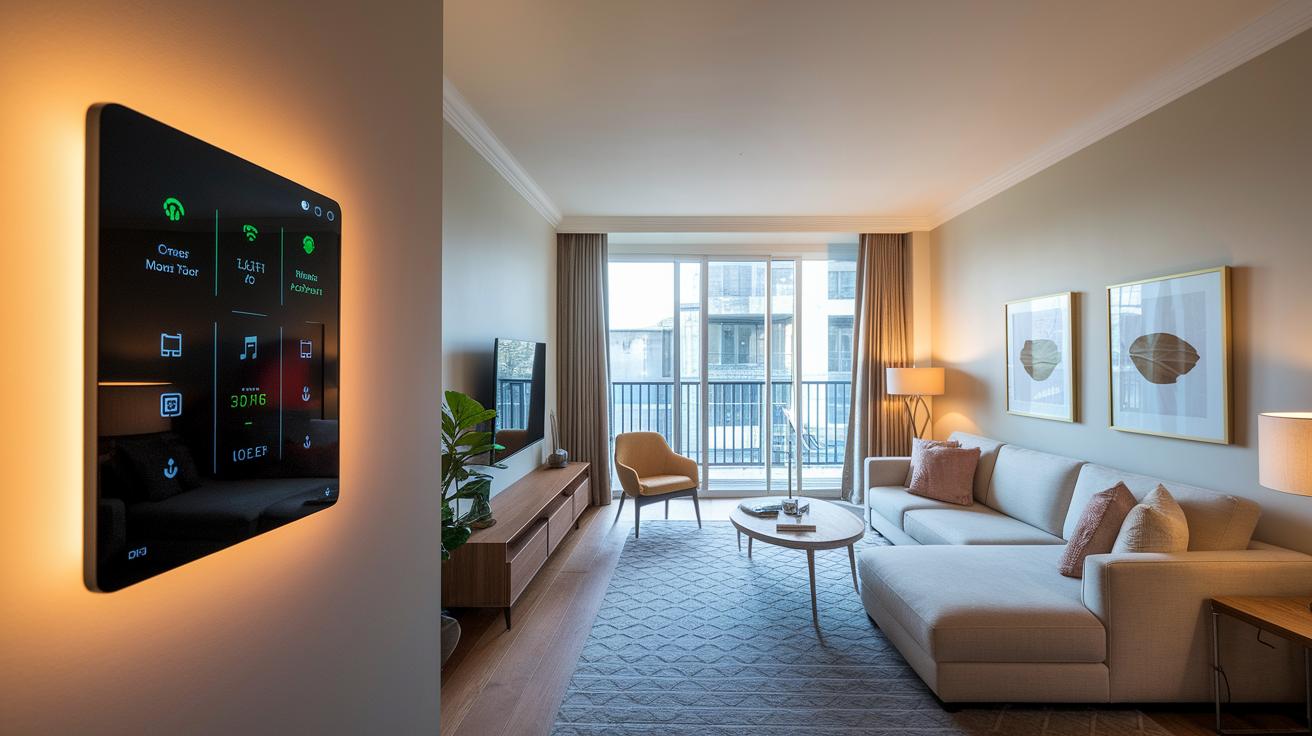
A wall-mounted panel in your living room handles the lights, audio, and window shades. With one tap, it dims the lights for your movie and sets the sound system. It also shows live updates on energy use so you know what's happening.
In your kitchen, a countertop unit controls task lighting, smart appliances, and recipe timers. Its built-in sensors help you switch easily from cooking to cleaning. Imagine cooking dinner while the panel gives you step-by-step instructions and adjusts the light to suit your needs.
In the bedroom, a voice-activated tablet manages the temperature and blinds. It offers different night modes to create the perfect sleep setup. Just speak a few words, and you can set the mood for a great night's rest.
Outside or in the garage, weatherproof modules control garden lights and keep an eye on your security system. Their real-time sensors alert you immediately to any changes, making your outdoor space both safe and inviting.
Budgeting and Pricing: Smart Home Control Panel Cost Considerations
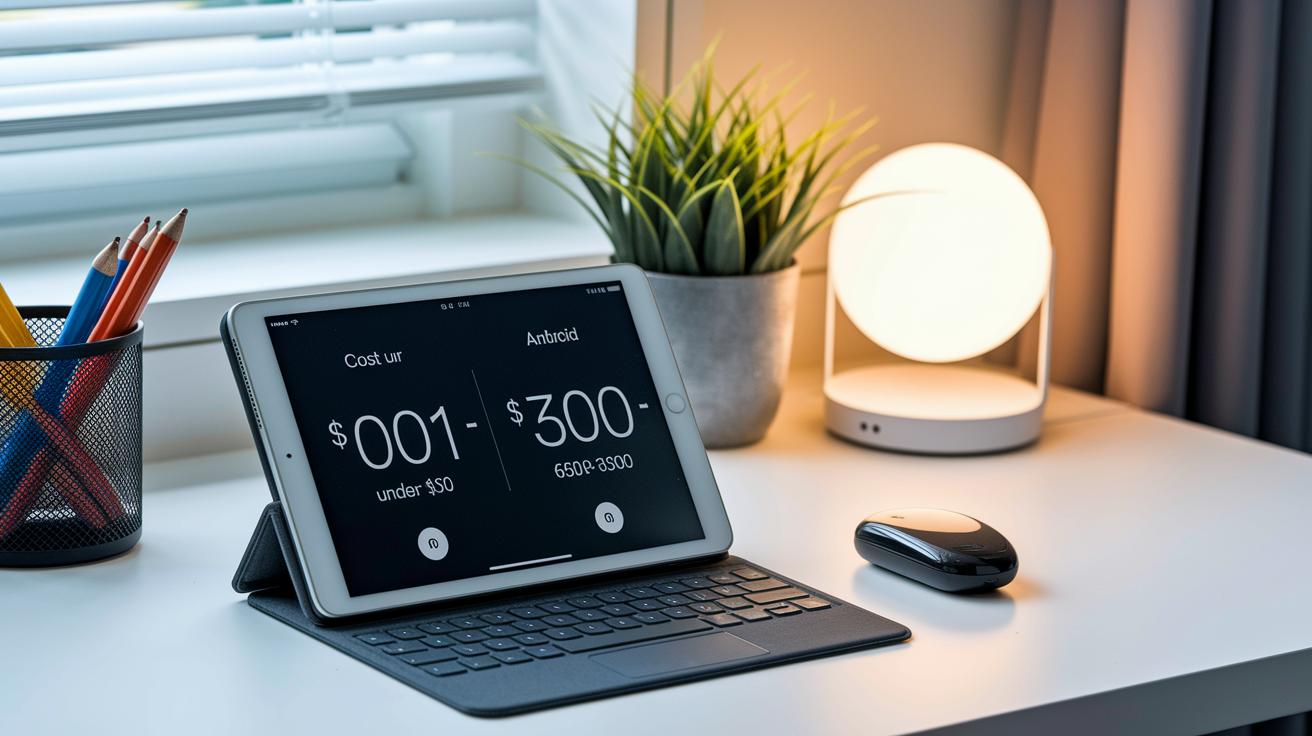
When setting up your smart home control panel, start by checking the hardware costs. You can pick a used tablet or a basic Android board for under $100. These budget-friendly devices work as the main controller for your smart home without a big upfront hit. On the flip side, branded panels typically range from $60 to more than $300. The higher prices cover better build quality, clearer screens, and tighter integration with other systems.
Keep an eye on extra costs too. Accessories might push your budget higher, especially with deals like "buy one switch, get one free" through special codes. Also, some systems have monthly fees. Services for cloud connectivity or extra data crunching can run about $5 to $10 per month. These fees help boost remote access, secure your data, and keep your system running smoothly.
Future Trends in Smart Home Control Panel Technology
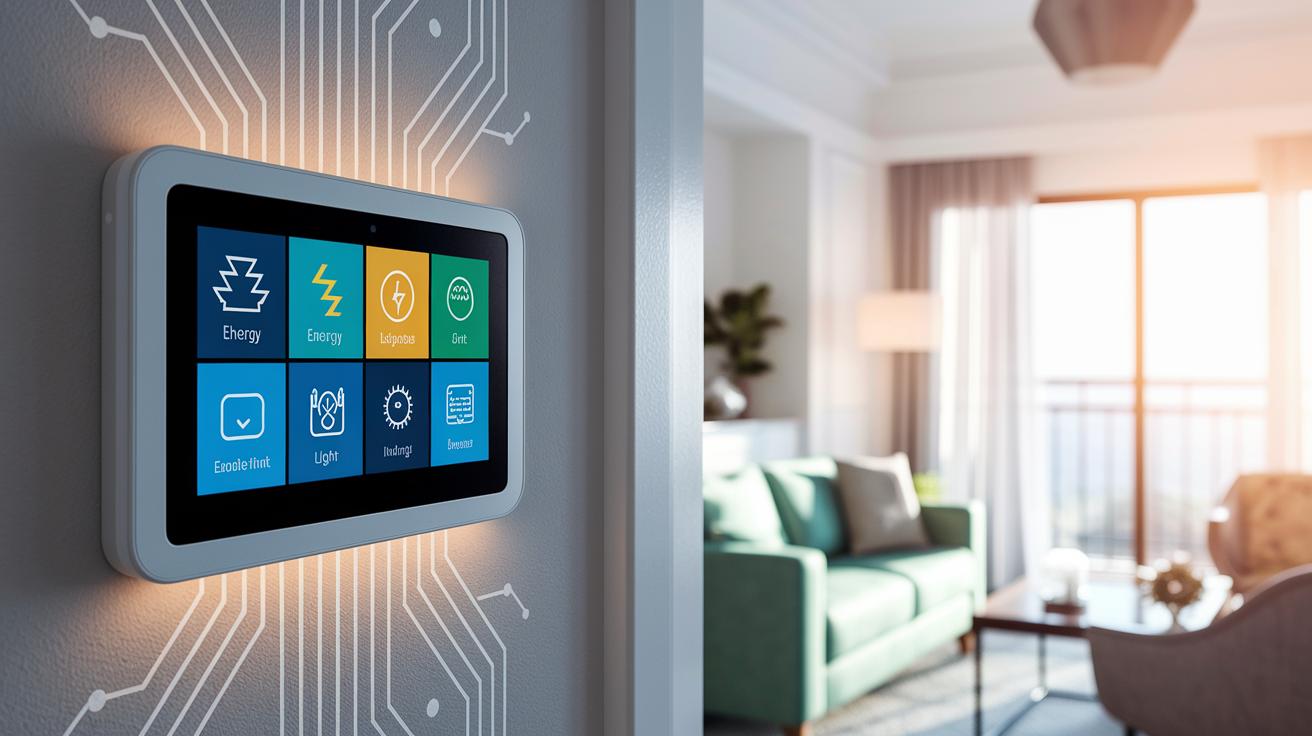
Smart home panels are about to change daily life with new digital features that make home tech work faster for you. Analysts say that by 2025, these panels will use edge computing (processing done locally) to handle commands right at home. That means quicker response times whether you're tweaking the lights or adjusting the temperature.
Rumors hint that companies like Apple might introduce their own panels with built-in speakers and AI (computer programs that learn and predict) to set up your home based on your habits. Imagine a control panel that hears you and even predicts your needs, perhaps lowering the lights when you start a movie or tweaking the climate when someone enters the room.
Cloud dashboards will get smarter too. They are set to become context-aware, meaning they pull in data from various sensors (like motion or temperature) to show you just the right controls when needed. This blend of sensor data, known as sensor fusion, could make home automation effortless.
These innovations signal a big step forward in how our devices interact. It's a move toward a home setup that feels natural and intuitive. Have you ever thought about how a smarter control panel could simplify your daily routine?
Final Words
In the action, we broke down smart home control panels by covering key features, installation steps, and practical comparisons. We saw how these panels serve as a central hub for lighting, temperature, security, and more. Short guides on pairing devices and updating firmware offer clear steps for setup and customization.
We also explored different models and pricing options. This guide helps you pinpoint what fits your needs so you can enjoy a smart home control panel that truly works for you and makes everyday tasks simpler.
FAQ
Smart home control panel tablet
The smart home control panel tablet is a touchscreen device that lets you manage your lights, thermostat, and other gadgets, turning your tablet into a central hub for home control.
Smart home control panel Google
The smart home control panel Google integrates with Google Assistant, allowing you to use voice commands and a user-friendly interface to control various smart devices at home.
Smart home control panel installation
The smart home control panel installation involves mounting the unit or placing it on a flat surface, connecting it to power and your network, and then pairing it with your existing smart devices.
Smart home control panel app
The smart home control panel app provides a mobile interface that lets you remotely manage your smart devices, configure settings, and create automation routines for a more convenient home experience.
Smart Home control panel Home Assistant
The smart Home control panel Home Assistant refers to using the open-source Home Assistant platform on a central touchscreen, which connects and manages your smart devices through a customizable interface.
Smart home control panel Android
The smart home control panel Android typically uses an Android tablet as the hub, letting you control smart home features through compatible apps and offering flexibility in managing your connected devices.
Smart home control panel poe
The smart home control panel poe leverages Power over Ethernet (PoE) technology to both power the device and transmit data using a single cable, which simplifies installation and reduces clutter.
Smart home control panel Alexa
The smart home control panel Alexa works seamlessly with Amazon Alexa, enabling hands-free voice commands and a streamlined interface that makes managing your smart home devices effortless.
What is a smart home control panel?
A smart home control panel is a centralized touchscreen hub that lets you control lighting, temperature, security cameras, and more, providing one interface to manage all your smart home gadgets.
What is the best smart home device?
The best smart home device depends on your needs, but a control panel is great for centralized management, offering a unified interface to easily monitor and control a range of smart home systems.
What are the disadvantages of a smart home?
The disadvantages of a smart home include higher initial costs, potential security risks if updates are missed, and compatibility issues that may arise with devices from different manufacturers.
Can a smart home panel control my security?
A smart home panel can control your security by interfacing with cameras, sensors, and alarms, providing real-time notifications and centralized monitoring to help keep your home safe.