

Ever feel like you're spending more time managing your gadgets than relaxing? A home automation controller ties your devices together so everything works as one. It links your lights, thermostats, cameras, and more with a simple tap on a clear dashboard or an easy app. This controller not only makes smart living easier, it also helps keep your home safe. In short, it gives you control and convenience, turning daily routines into smooth, stress-free experiences.
Choosing the Right Home Automation Controller: Features and Considerations
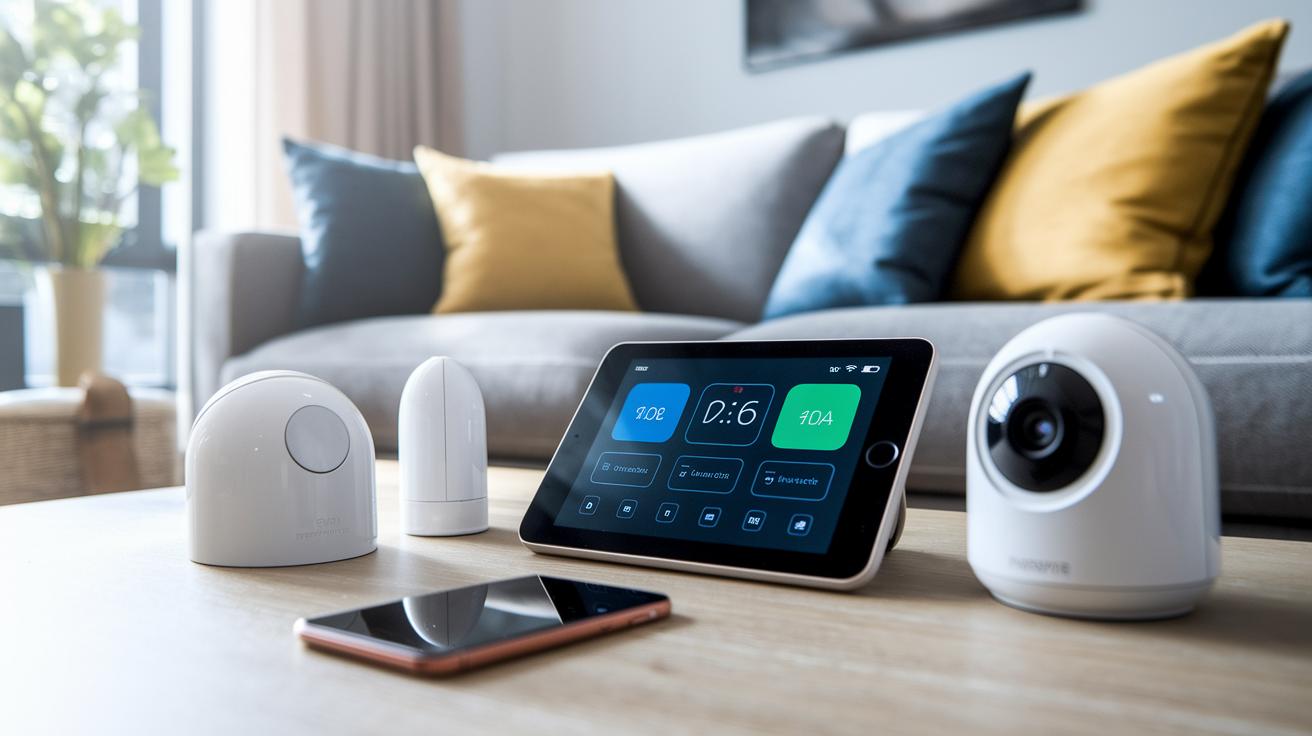
A home automation controller is the central hub for your smart home. It links devices like lights, thermostats, cameras, and voice assistants using communication methods such as Z-Wave, Zigbee, Wi-Fi, and Bluetooth (these are ways devices talk to each other). The controller sends commands to get your gadgets to work when you need them.
Look for a controller with a clear dashboard or touchscreen that gives you a quick look at all your connected devices. A simple mobile app lets you adjust settings and check device status from anywhere. You can even set up custom routines to automate tasks; for example, saying "Good night" might dim the lights and start calming music.
Security is a must. Choose a controller that uses strong encryption (like AES-128) to keep your commands safe from hackers.
These modern controllers are built for DIY installation, which can save you money by avoiding ongoing fees. With step-by-step instructions, you can connect the controller to your network, install the companion app, and add smart devices as you go. This cost-effective design lets you grow your system at your own pace while balancing features with your budget.
Product Comparison of Top Home Automation Controllers
Setting up a smart home starts with a solid controller. This device is the hub that makes sure your smart devices talk to one another. Each option comes with its own set of protocols and features to suit different needs.
Home Assistant is an open-source platform that runs on your local network. It uses almost no cloud resources and supports over 1,000 integrations, including Matter. Think of it as your quiet command center that keeps all your devices in sync.
Samsung SmartThings connects using Z-Wave, Zigbee, Bluetooth, and Wi-Fi. It acts as a sturdy hub that brings together devices from many brands. Many users appreciate its ability to bridge different networks seamlessly.
Amazon Echo puts a twist on smart control with its Alexa-powered voice assistant. With a built-in Zigbee radio, you can control devices by voice. It’s a smooth choice if you prefer hands-free commands and quick routines.
Apple HomePod is designed for those who love the HomeKit ecosystem. It protects your privacy and offers a clear interface on iOS and iPadOS. This controller is ideal if you are already using other Apple products.
For those watching their budget, the Wink Hub offers a cost-effective solution. It is compatible with major smart home brands and supports key protocols without a big price tag. It’s perfect for setting up the basics without breaking the bank.
| Controller | Protocols | Key strength | Price range |
|---|---|---|---|
| Home Assistant | Matter, Z-Wave, Zigbee, Wi-Fi, Bluetooth | Open-source, local control, 1,000+ integrations | $0-$100 (with Raspberry Pi) |
| Samsung SmartThings | Z-Wave, Zigbee, Bluetooth, Wi-Fi | Sturdy hub with multi-protocol support | $100-$150 |
| Amazon Echo | Zigbee, Wi-Fi, Bluetooth | Voice assistant and quick control | $50-$150 |
| Apple HomePod | Wi-Fi, Bluetooth | Strong privacy focus and HomeKit integration | $200-$300 |
| Wink Hub | Z-Wave, Zigbee, Wi-Fi, Bluetooth | Budget-friendly with broad device support | $100-$200 |
Home automation controller empowers efficient smart living
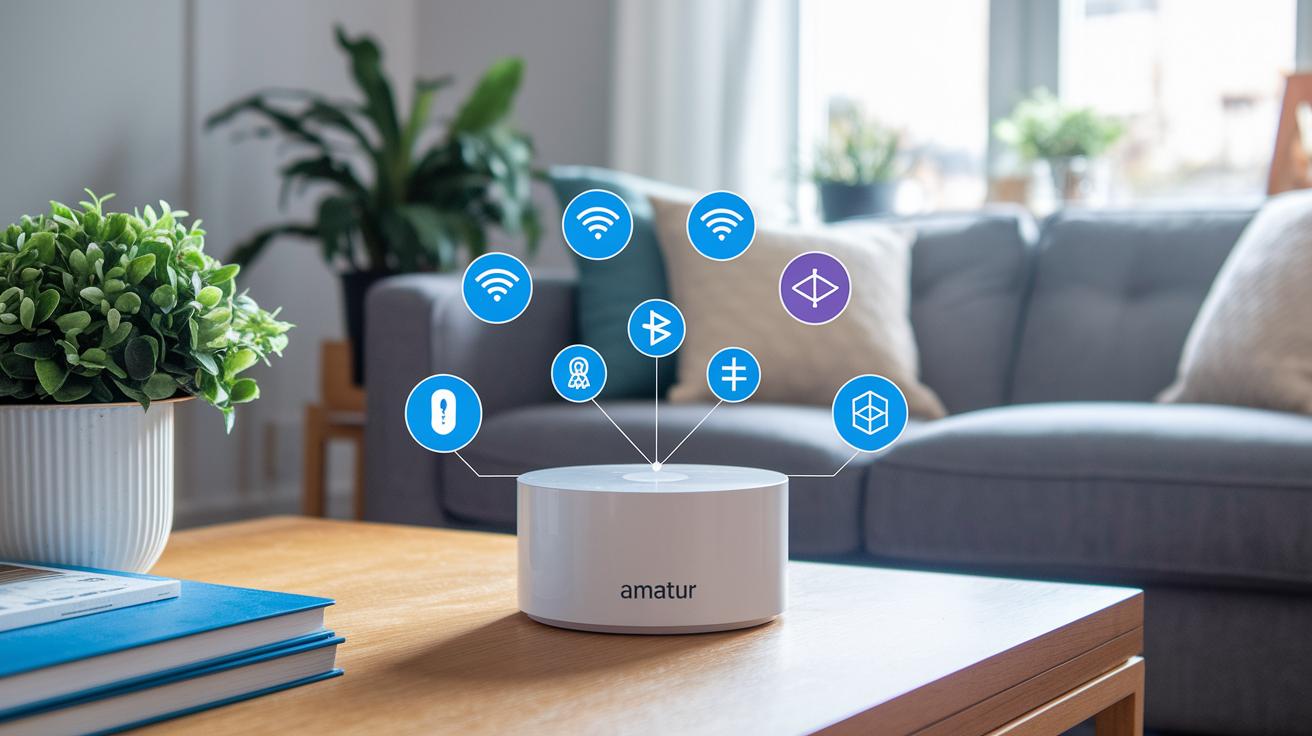
Smart homes need to use different ways to talk to each other. Controllers work with Z-Wave, Zigbee, Wi-Fi, Bluetooth, Thread, and Matter. Each one has its own pluses. For instance, Z-Wave uses little power and covers a good distance, while Zigbee responds quickly without using much energy. Wi-Fi and Bluetooth shine when you need fast data or easy pairing. Thread and Matter help devices from different makers work together with ease.
Multi-protocol hubs, like the Aqara G5 Pro, handle Matter, Thread, and Zigbee all at once. Imagine you add new smart lights that use Matter and still keep your older Zigbee sensors. All of it is managed from one controller. This mix lets you pick many different devices and grow your system over time.
Older systems like X10 still show up but can be slow and less secure compared to the new tech. If you’re on a tight budget, many people even turn a Raspberry Pi into a bridge for platforms like Home Assistant. This DIY trick lets you mix different protocols without spending a lot on fancy hubs.
Double-checking that your devices work together and knowing what each protocol does is key to running a smooth, efficient smart home.
DIY Setup for Home Automation Controllers
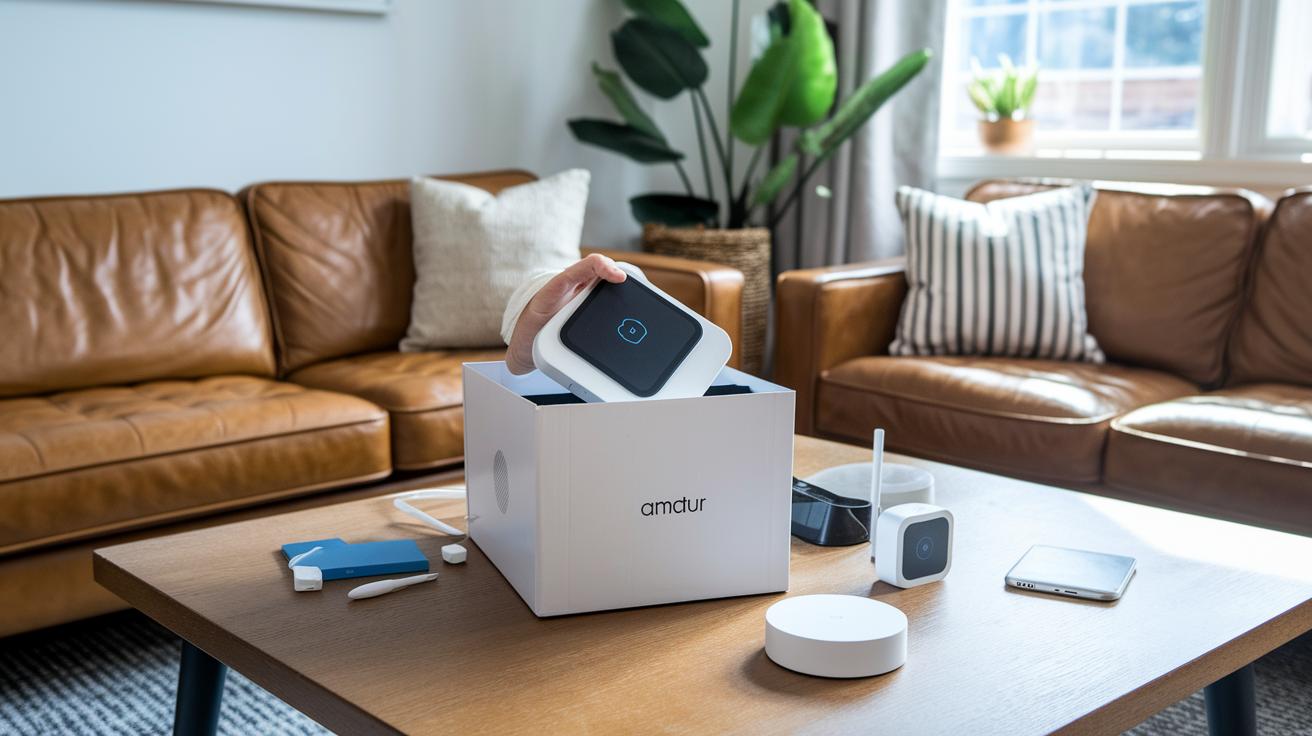
Getting your home automation controller up and running on your own is a practical, hands-on project. Whether you choose a dedicated hub, a voice assistant, or a software option like Home Assistant running on a Raspberry Pi (a small, affordable computer), the setup is simple and cost-effective. A DIY installation lets you keep the hardware cost separate from any recurring fees. Plus, you can adjust your setup as your smart home needs grow.
Here are five clear steps to follow:
- Unbox the controller: Take the device out of its packaging and check that every component is there.
- Connect to your home network: Use Wi-Fi or an Ethernet cable (a wired connection) to link your controller with your smart devices.
- Install the companion app: Download the app from the manufacturer on your phone or computer to serve as your control panel.
- Discover and add smart devices: Use the app to find and connect devices like lights, thermostats, and security cameras.
- Set up automation routines: Create schedules and actions, like turning on lights at sunset or adjusting the thermostat when it's time for bed.
Each of these steps helps you test your system and make sure everything is working smoothly. With this guide, you'll build a flexible smart control hub that can grow and change with your home.
home automation controller empowers efficient smart living
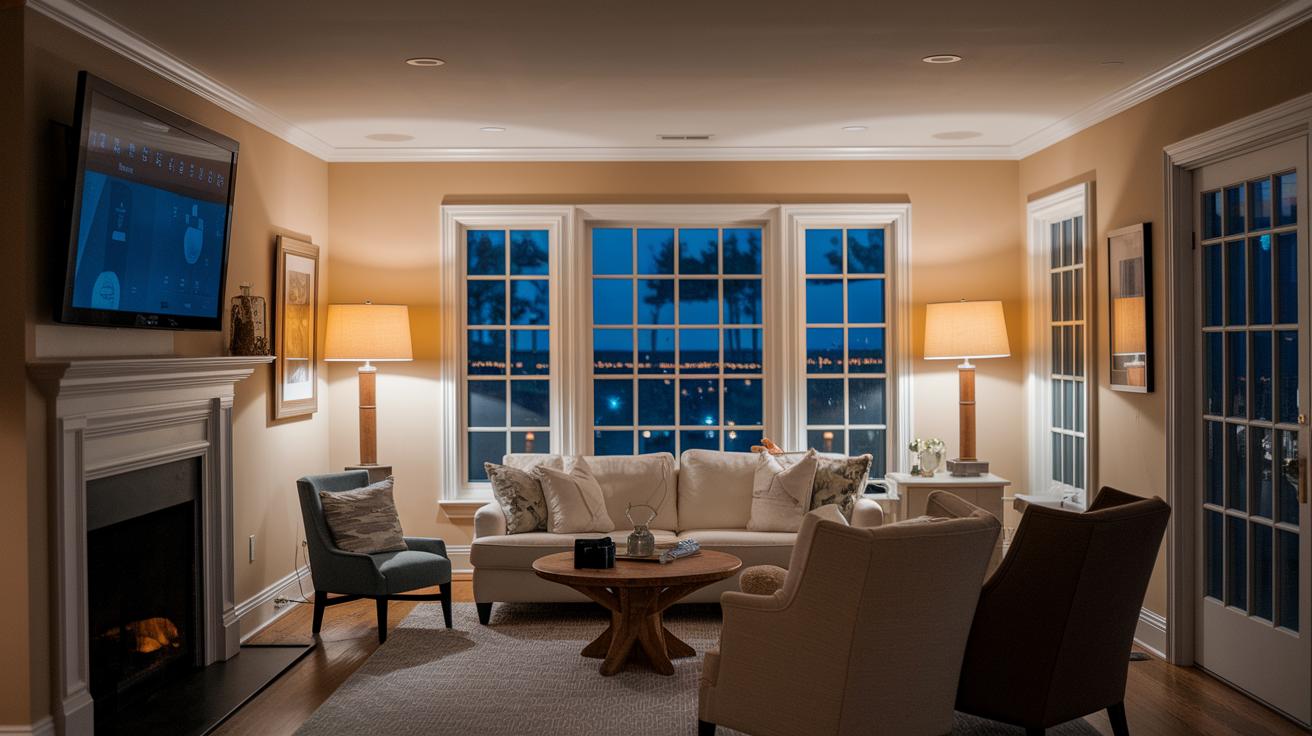
Scene-based automation lets you control several devices with one simple command. Imagine saying "movie mode" and seeing your lights dim, the thermostat adjust, and your surround sound kick in. You can even set a lighting scene that changes brightness and adds a cozy color tone.
Sensor-driven routines offer even more ease. Devices like motion detectors, door sensors, and environmental monitors act on their own. Picture walking into a room and having the lights turn on or a window opening starting a fan. One sensor, for example, can send your phone an alert if it picks up unexpected movement at night.
Voice commands also help simplify your day. With tools like Alexa Routines or HomeKit Scenes, you can build setups that work when you speak. Plus, scheduling features let you set time-based tasks such as adjusting the thermostat each night or turning on lights at dawn. These features make managing your home smoother and smarter.
Troubleshooting and Firmware Tips for Home Automation Controllers
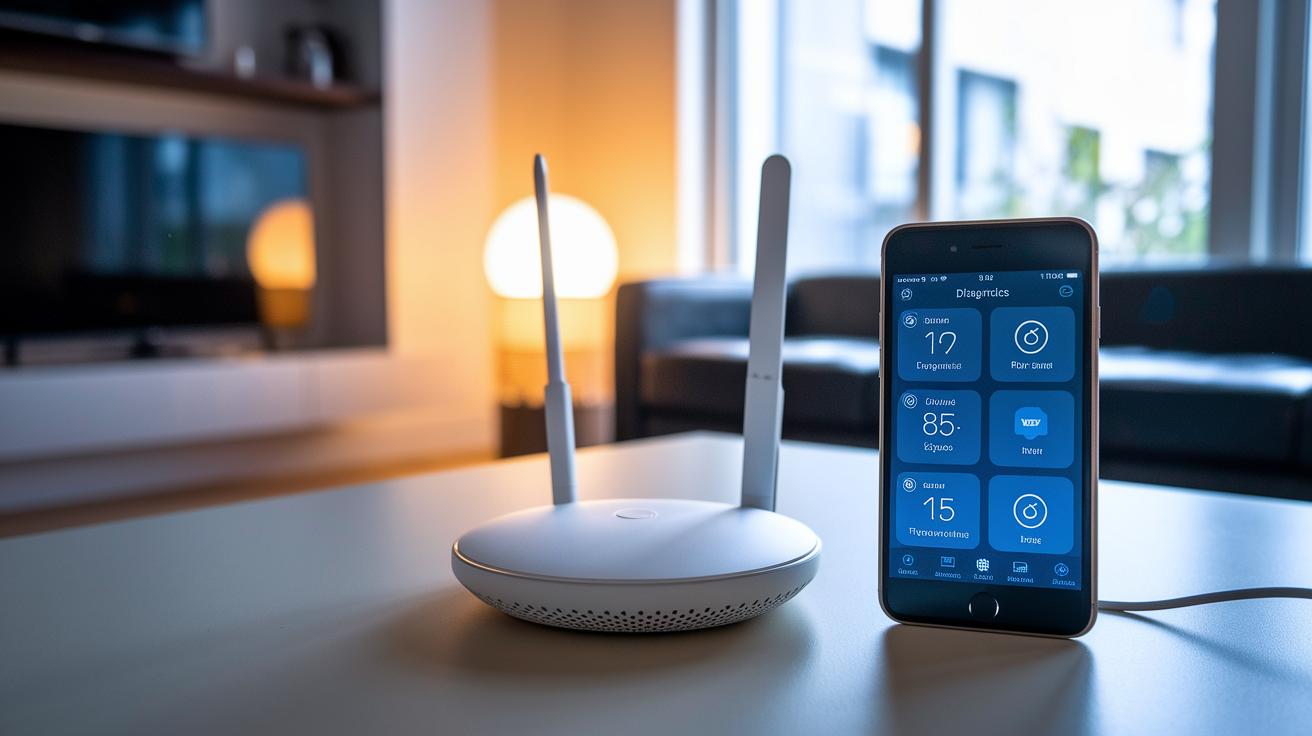
Always keep your firmware up to date. New updates fix bugs, improve device compatibility, and patch security holes so your controller stays safe and works with the latest smart devices.
If your controller isn’t acting right, try turning your hub and router off and on again. This simple reset often clears glitches and restores lost connections. Next, check your network strength using your mobile app’s diagnostics. It will show if your Wi-Fi is weak, if there’s interference, or if some devices are offline. For instance, if a light bulb doesn’t respond, the app might reveal a weak signal or a firmware mismatch.
When setting up your system, ensure all devices run firmware that matches your controller. Always back up your settings before doing major updates and test the restore process ahead of time. This step can help prevent data loss or long downtimes.
Also, secure your command channels by using TLS 1.2+ (a secure connection method) and AES-128 encryption. Follow these steps to keep your home automation controller running reliably and securely.
Final Words
In the action, we broke down the key features, reviewed top devices, and looked at DIY setup for your home automation controller. We compared protocols and troubleshooting tips, helping you see how each option fits.
This article gives you a clear guide to managing smart devices. Enjoy building a system that works for you, saves time, and maximizes product value. Happy automating!
FAQ
What is a home automation controller app?
The home automation controller app lets users manage smart devices like lights, thermostats, and cameras through one central interface via a smartphone or tablet, providing simple setup and secure remote control.
What is the best home automation controller or professional system?
The best home automation controllers support multiple protocols such as Zigbee, Z-Wave, and Wi‑Fi, offering intuitive interfaces, flexible routines, and robust security—ideal for both DIY enthusiasts and professional installations.
What are wireless home automation controllers and control panels?
Wireless home automation controllers and control panels connect your smart devices using Wi‑Fi, Bluetooth, or Zigbee. They offer centralized control without the clutter of wires and make managing your smart home straightforward.
What are some popular home automation devices and brands like Control4, Brilliant Home Technology, Crestron, Schneider, Nest, and Legrand?
Popular brands such as Control4, Brilliant Home Technology, Crestron Electronics, Schneider Electric, Nest Labs, and Legrand offer a wide selection of smart devices known for their reliability, ease of use, and specialized features that suit various home automation needs.