

Not happy with your TV sound? A soundbar can boost your audio with crisp, clear sound. At first, setting it up might seem tough.
In this guide, we share simple, hands-on steps to connect your TV to your soundbar and choose the right cables for steady sound. We also explain how to adjust your TV settings so you hear every word and deep bass note clearly.
By the end, you'll have a sound system that works smoothly and without hassle.
Essential Soundbar Installation Tips for a Hassle-Free Setup
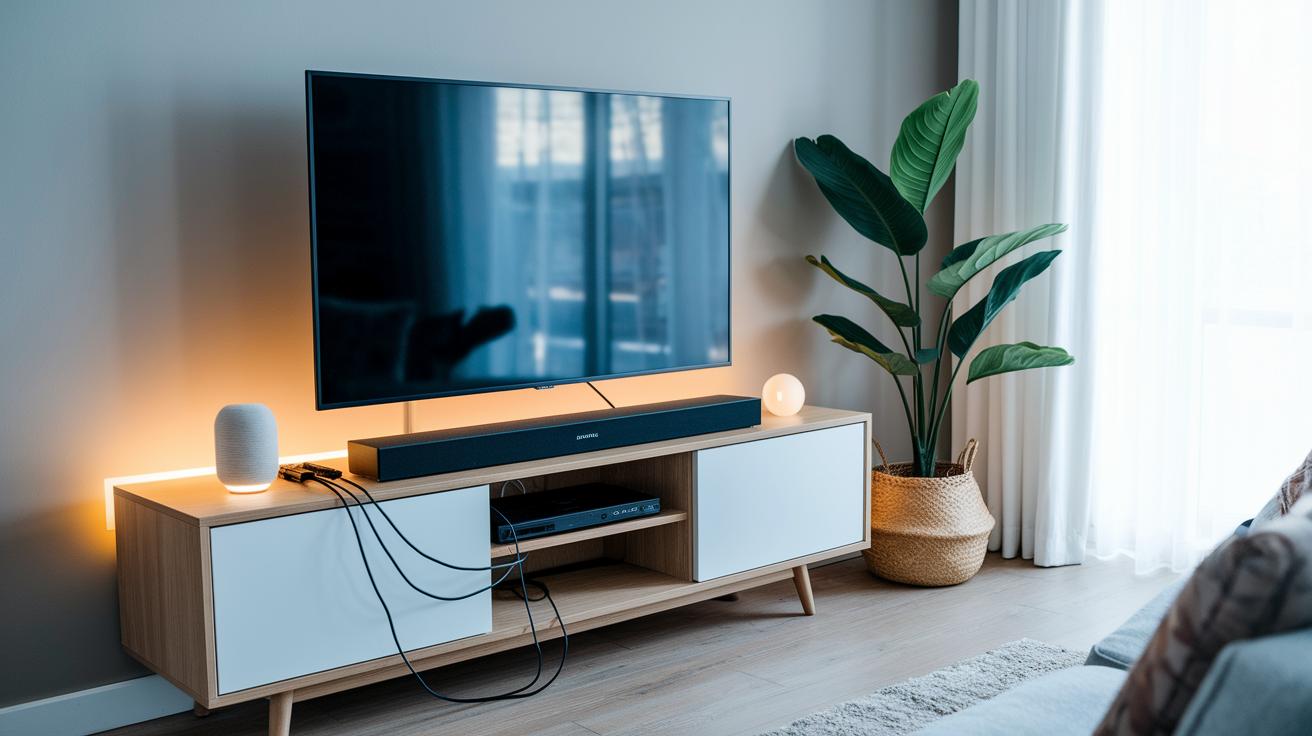
Start by checking that your TV and soundbar use matching audio ports. Make sure both support the same connection types like HDMI ARC (Audio Return Channel), eARC, optical, or AUX. This simple check helps you get rich audio that beats the built-in TV speakers by far.
Next, pick the right cable for top-notch sound. Use high-speed HDMI cables when dealing with full bandwidth, especially with eARC. A certified cable means fewer issues, steady data flow for both basic PCM output (plain audio signals) and surround sound formats. A good cable stops signal drops so you always get the best audio.
Finally, set your TV to send sound to the soundbar instead of its speakers. Change the audio setting to ARC, eARC, or whatever your system supports. This makes sure the sound comes through clearly, with dialogue and bass crisp and detailed. Follow these steps and check all connections twice for a smooth, worry-free setup.
Soundbar Placement Advice for Optimal Audio Performance
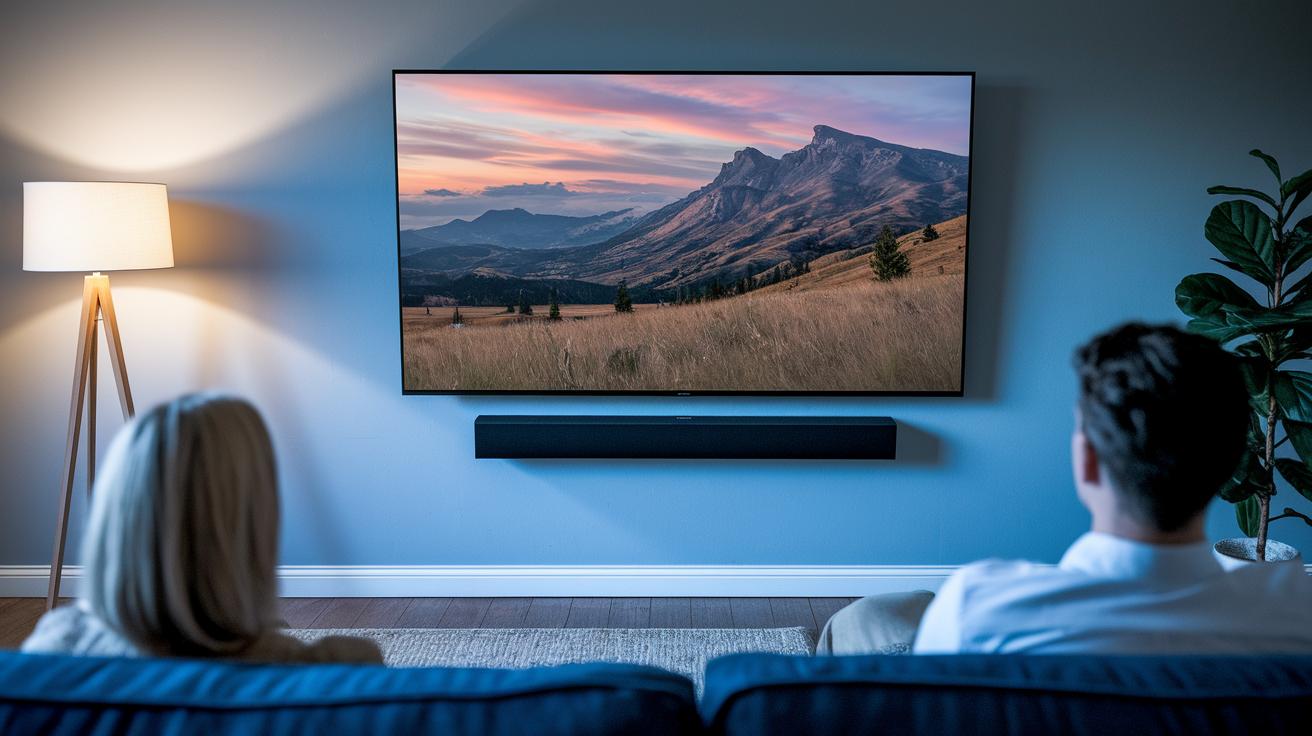
Clear dialogue and immersive sound start with the right placement of your soundbar. Below are five simple tips to help you set up your audio for the best performance:
-
Place your soundbar directly below your TV.
Keeping it aligned with the screen makes sure dialogue and action match perfectly. Off-center placements can leave speech feeling out of sync with what you see. -
Mount the soundbar at your ear level.
This setup helps sound hit you naturally. If the bar is too high or too low, you might have to raise the volume or tweak the equalizer, which can hurt clarity. -
Leave a gap of 3 to 6 inches on each side.
Extra space stops sound from bouncing off nearby surfaces. For example, placing the soundbar too close to a wall can cause echoes that muddle speech and effects. -
Avoid tucking the soundbar inside cabinets or tight spaces.
When the soundbar is caged in, its sound can get muffled. Keeping it free from barriers helps it deliver a full, natural range. -
Consider your room’s acoustics.
Hard surfaces reflect sound while soft items like carpets and drapes absorb it. Choose a spot that cuts down on unwanted reflections so every note and line of dialogue stays clear.
Soundbar Cable Management Ideas to Keep Your Setup Tidy

Start by neatly tucking cables behind your TV with adhesive cable channels or raceways. These small tools hide messy wires and give your setup a clean, professional look. For instance, run your main HDMI and power cords along the wall edge using a raceway, ensuring they stay organized and untangled. Use low-profile clips or ties to secure any loose cables so they don't slip out of place. Also, label both ends of your cables; it makes swapping or troubleshooting much easier later on.
If your building codes allow, hide extra wires inside the wall or behind large furniture. This approach cuts down on clutter and keeps your soundbar the star of the show. Additionally, consider bracket mounting or wall accessory options if you need more room for routing cables. These tricks keep your setup neat and support both functionality and style.
Soundbar Wireless Connection Guide and Bluetooth Audio Pairing
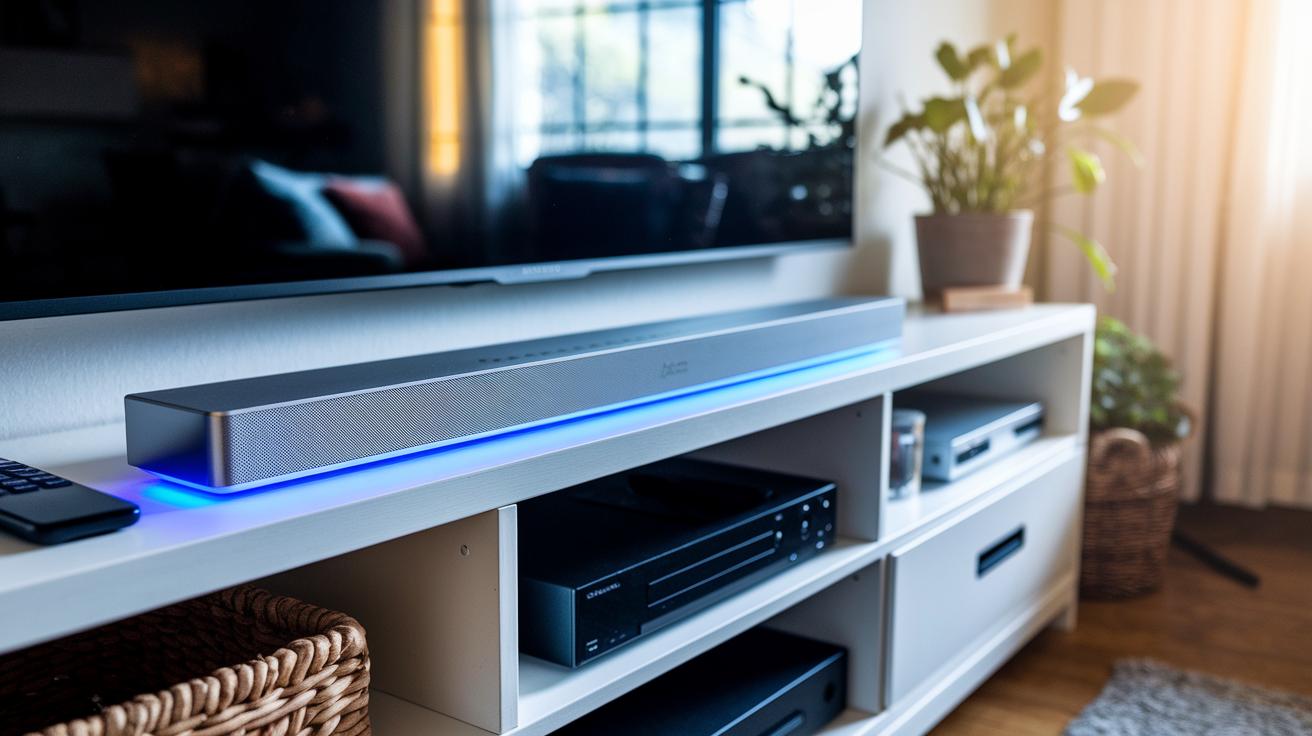
Start by activating Bluetooth pairing mode on your soundbar. Press and hold the Bluetooth button until you see a flashing LED. This tells you the soundbar is ready to pair. Next, open the Bluetooth settings on your phone or tablet and choose your soundbar from the list. If a message pops up asking to connect, just tap to confirm.
For soundbars that connect via Wi-Fi, launch the manufacturer’s app. Follow the on-screen prompts to add your soundbar to your home network and set up multi-room audio. When asked, enter your Wi-Fi password. Also, keep your router at least 5 feet away from the soundbar to cut down on interference and help maintain a steady connection.
If you like to tweak settings further, check out the additional features in the app for linking with other smart devices. This extra setup might let you use voice commands or automatically adjust the volume based on what’s happening in your room.
Soundbar Subwoofer Placement Table for Enhanced Bass Response
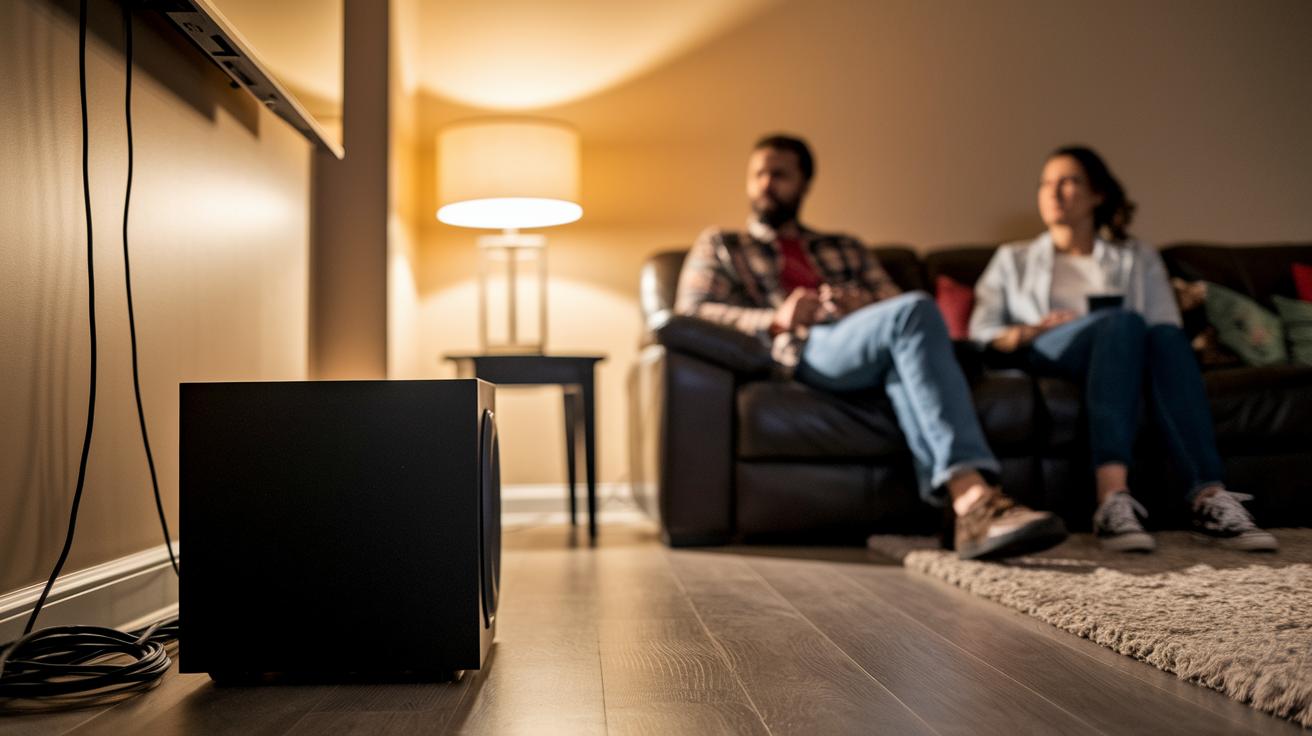
Getting your subwoofer in the right spot can change your home theater sound in a big way. The subwoofer's location affects how deep and clear the bass feels, making music and movies come alive. If you set it in a room corner, low sounds get a boost that feels loud and boomy, perfect for action scenes. But be careful; too much bass in one area might drown out soft sounds, so you might need to balance it with your other speakers.
Placing the subwoofer along a wall usually gives you steady, controlled bass. This space works well if you want strong low-end sounds without losing clear dialogue. On the other hand, centering the subwoofer in the room gives you bass that is true to the original sound. This method usually produces less volume, but it stops the bass from becoming too heavy or overwhelming.
Below is a table that shows common places to put your subwoofer along with the sound effects they create. It should help you decide which spot suits your room and listening style best.
| Position | Bass Effect |
|---|---|
| Corner of Room | Loud, boomy bass ideal for movies |
| Along Wall | Balanced, controlled low end |
| Center of Room | Accurate but lower output |
Try these different placements and see which one brings the best surround sound and richer audio feel to your room.
Soundbar Audio Calibration Guide and Output Configuration Strategies
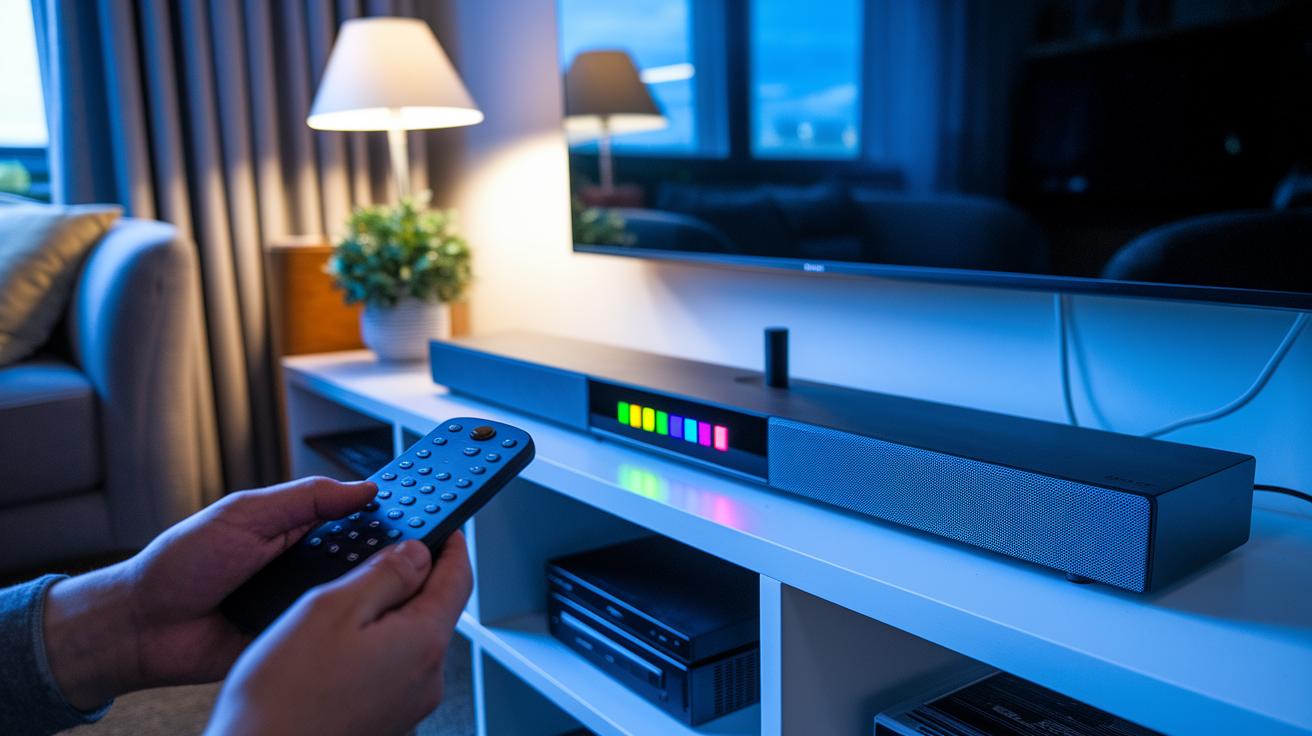
Getting your sound just right begins with a proper calibration. Most soundbars include an automatic mic that helps fine-tune the sound. Place the mic at your usual listening spot. Then press the calibration button on your remote or access it through the soundbar’s menu to start the auto-EQ sequence. As the system runs, you’ll see test tones for each channel, left, center, right, and subwoofer, on the display. When the levels look balanced, save the profile so your soundbar can adjust automatically every time. For instance, you might see instructions like: "Press and hold the calibration button until the LED flashes, then follow the on-screen prompts until the routine finishes."
Using the Built-In Calibration Microphone
Set up the calibration mic right where you sit. Start the auto-EQ mode and let the soundbar assess your room’s acoustics. When the screen shows each channel’s level, make sure dialogue comes through clearly while the bass stays balanced. Save this profile, and you are set for the future. This automated method reduces manual errors and adapts fast if you change your room layout.
Manual Output Configuration
If you want more control, manual adjustments can give you the perfect sound. Tweak each speaker on its own, front, center, and rear, to ensure they work together without drowning out dialogue or bass. You may need to add a delay on the rear speakers so the audio matches the on-screen action. Finally, fine-tune the treble, mids, and bass using test tones or calibration tracks. This hands-on approach lets you match the sound exactly to your room and personal listening style.
Troubleshooting Soundbar Installation Issues to Avoid Common Pitfalls
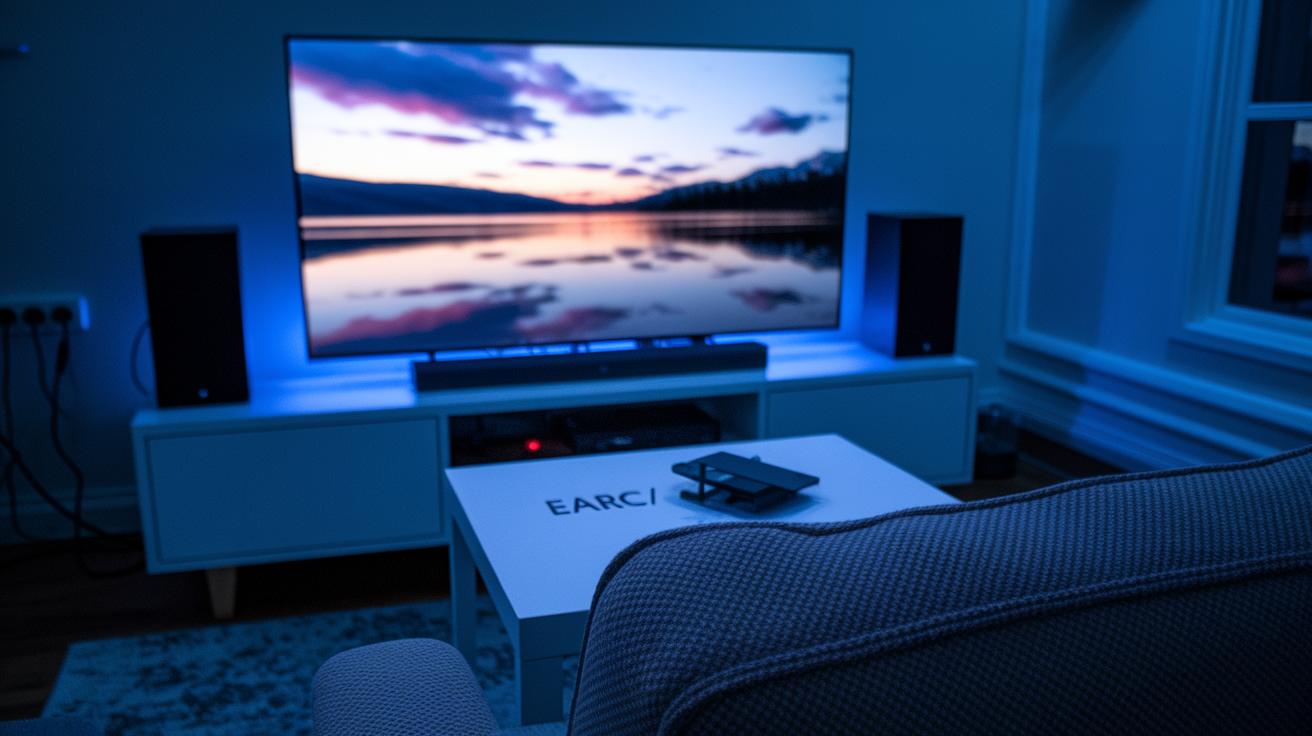
If your soundbar isn’t giving any sound, start by checking your TV’s audio output. Set your TV to ARC or eARC mode instead of using its built-in speakers, and make sure all cables are tightly connected. This simple check often fixes the problem and gets your sound back.
If you find that Atmos isn’t working, first confirm that both your TV and soundbar support Dolby Atmos (a surround sound technology that creates an immersive audio experience) and that you’re using an eARC-capable cable. Then, inspect your TV’s settings to ensure it sends out Atmos audio. This step keeps your movie nights and music sessions sounding rich and full.
When your remote control stops working, try replacing its batteries right away. If that doesn’t help, re-pair the remote with the soundbar using Bluetooth or the device’s companion app. This usually solves the issue, so you can control everything smoothly again.
If you notice that the soundbar isn’t receiving the correct audio format, take another look at your TV’s audio settings. Switching the output from PCM (a basic audio format) to Dolby Digital can solve this issue. Aligning the settings on both devices leads to better sound quality and a more reliable setup.
Soundbar Firmware Update Steps and Maintenance Guidelines
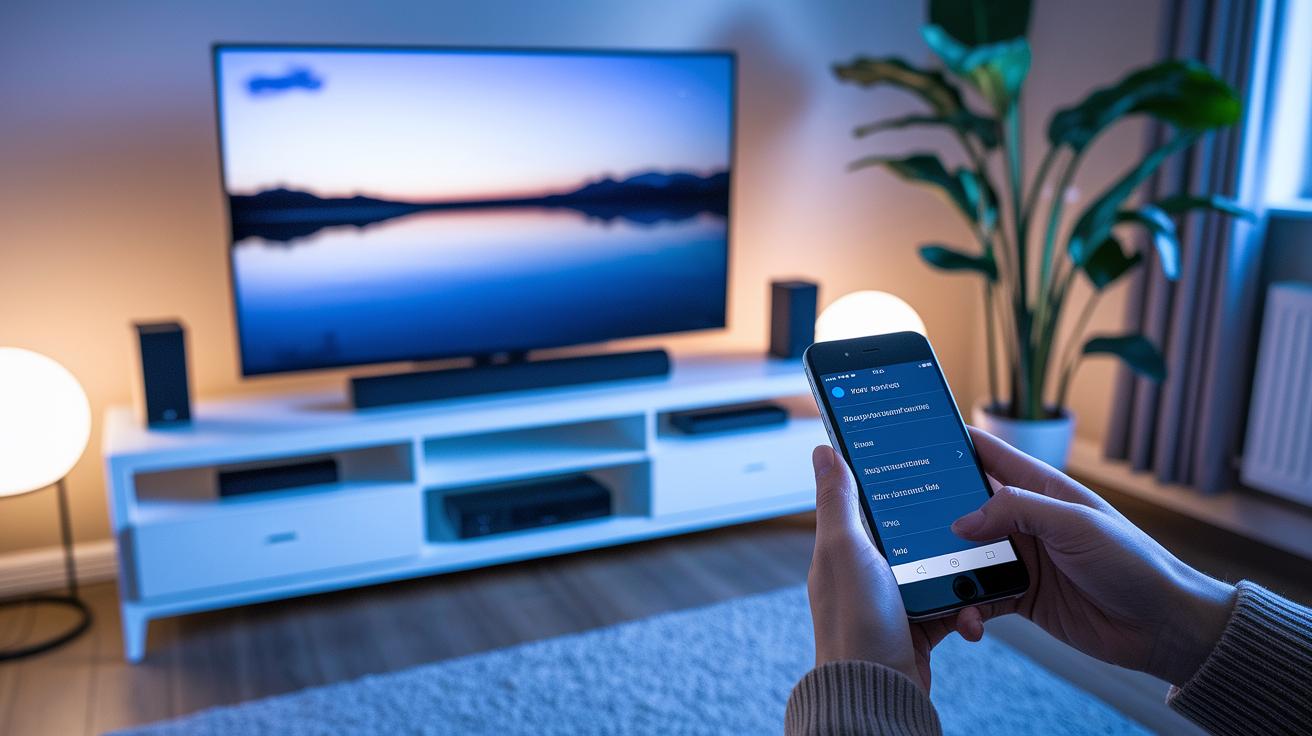
Every month, check your manufacturer’s app or support site for new firmware updates. A strong Wi-Fi signal is a must to keep update files from getting messed up. Once the update finishes, restart your soundbar and TV so you can enjoy new features and bug fixes. You might see a message like "Update complete, please reboot your device," which means everything went smoothly.
Every three months, take a moment to review your soundbar settings. Also, clean out the vents to get rid of dust that could hurt sound quality or stop the system from cooling well. This kind of regular care helps catch small issues before they grow into big problems, so you always get the best sound when you watch or listen.
Final Words
In the action, we break down soundbar installation tips that cover compatibility checks, the right cable selections, and proper device placement for immersive sound.
We also tackled cable management ideas, wireless setup and Bluetooth pairing, and calibration methods for clear, balanced audio.
Our guide offers quick troubleshooting fixes and firmware update steps to keep your system running smoothly.
Each section builds a practical roadmap to save you time and costly mistakes, enabling you to get the best setup quickly and confidently.
FAQ
What are the best soundbar installation tips, including for Samsung and Dolby Atmos models?
The best soundbar installation tips focus on checking compatibility, choosing the right HDMI port (ARC/eARC), and positioning the bar properly. Whether it’s a Samsung or Dolby Atmos model, careful cable selection and clear instructions help a smooth setup.
How do I install a soundbar on a wall?
Installing a soundbar on the wall requires using the correct mounting hardware and brackets. Secure the bar at eye level, make sure wires are neatly managed, and follow the manufacturer’s guide for proper alignment.
How do I connect a Dolby audio soundbar via Bluetooth or to my phone?
To connect your Dolby audio soundbar via Bluetooth, activate its pairing mode until the LED flashes. Then, open your phone’s Bluetooth settings, select the soundbar’s name, and complete the pairing process.
How do I set up my soundbar in the living room?
For a living room setup, center the soundbar below your TV at ear level with enough clearance on each side to reduce reflections. Use quality cables, and connect via HDMI ARC for best audio performance.
How do I connect my soundbar to a TV using HDMI?
Connect your soundbar to the TV’s HDMI ARC or eARC port using a high-speed HDMI cable. This ensures that full-featured audio formats, including surround formats, are transmitted without loss.
How should a soundbar be positioned for optimal performance?
The soundbar should be centered underneath your TV at ear level. Leave 3–6 inches of space on each side to minimize wall reflections and ensure clear dialogue and balanced sound.
What is the best way to set up a soundbar?
The best way to set up a soundbar involves verifying compatibility between devices, selecting the proper cables and ports, positioning at ear level, and fine-tuning audio settings for a balanced, immersive sound experience.
Are soundbars difficult to install?
Soundbars are generally user-friendly and designed for easy installation. Most come with clear instructions and require only basic tools, making setup straightforward and hassle-free.
How can I get the best sound from my soundbar?
Achieve the best sound by positioning the soundbar properly, using quality cables, and adjusting settings to suit your room’s acoustics. Calibrating the system will help balance dialogue, bass, and overall output.