

Ever thought your thermostat could do more? Smart thermostats can cut your energy bill by about 25%. You can set the temperature through an app, and the system learns your routine to adjust on its own. It mixes classic home warmth with modern controls so you save money and enjoy hands-on comfort. In this guide, we take a close look at how these devices work, how they manage energy, and why they might be the smart change your home needs.
Smart home thermostat Elevates Modern Comfort
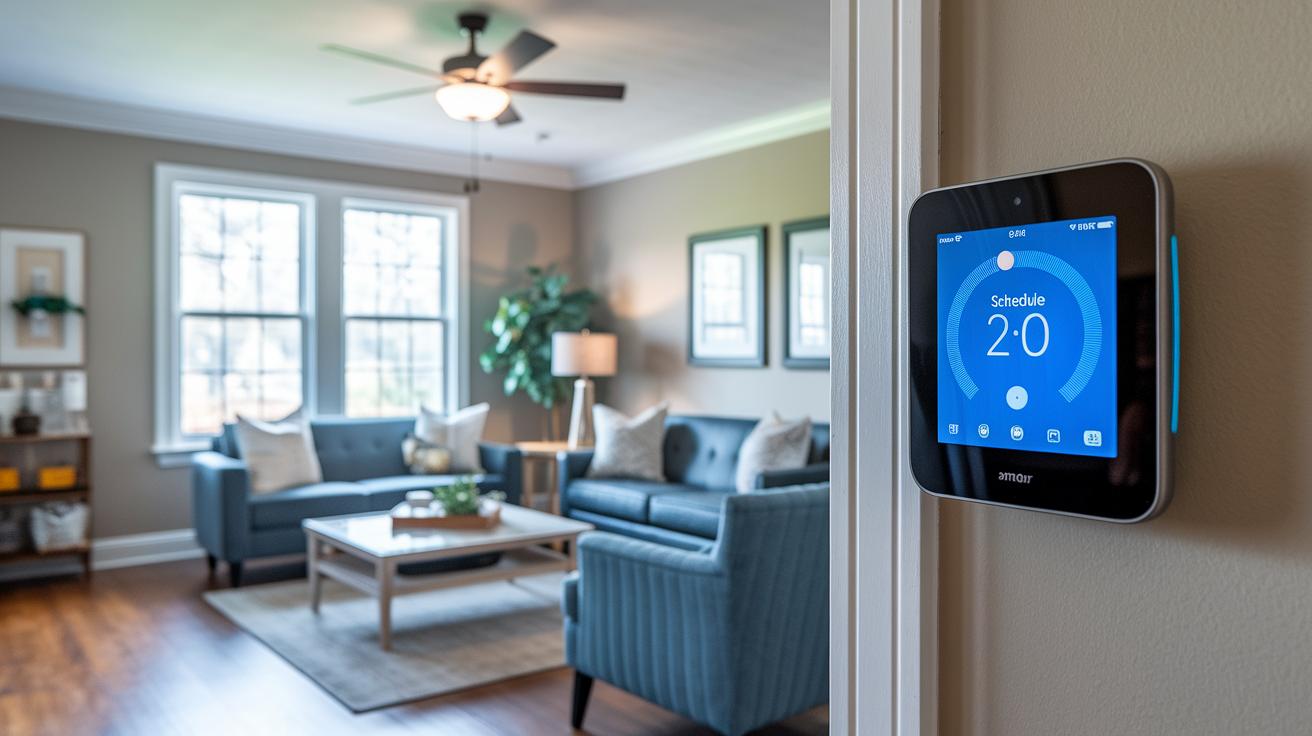
Smart home thermostats change the way we manage heating and cooling at home. They let you set daily schedules and adjust temperatures through a simple app. Some models even use sensors to tell when someone is home, which helps cut energy use. For instance, the Ecobee Smart Thermostat Premium ($200) not only controls temperature but also comes with built-in Alexa and extra sensors.
These devices can lower your energy bill by 8–26% with smart controls. They use geofencing (a virtual boundary that triggers actions when you are near) to adjust settings as you approach home. The Nest Learning Thermostat (4th Gen) ($280) learns your habits over time, while the Amazon Smart Thermostat ($80) offers easy Alexa controls.
Many smart thermostats also work with systems like Apple HomeKit, IFTTT, SmartThings, and Matter. This means you can connect them with other smart devices. For example, you might set your air purifier to start when your heater comes on, helping keep your home at a comfy temperature all year.
By combining digital controls with traditional heating, smart thermostats offer consistent comfort and clear energy savings. One test even noted, "Program temperature control keeps rooms perfectly balanced, never too hot or too cold." With clear energy dashboards and apps that are easy to use, these devices let you manage your home's climate quickly and efficiently.
In short, using a smart thermostat makes modern energy management simple and saves you money right away.
Comparison of Top Smart Home Thermostat Models
Below is a simple table comparing six smart thermostats. It shows their prices, main features, pros, and cons side by side.
| Model | Price | Key features | Pros | Cons |
|---|---|---|---|---|
| Ecobee Premium | $200 | Built-in Alexa, remote sensors, air quality monitor, energy reports | Great scheduling, strong sensor network, smart speaker functions | Costs more than simple models |
| Nest Learning Thermostat 4th Gen | $280 | AI-driven schedule (learns your routine), remote sensors, energy reports | Smart automation, stylish design, good energy control | High price and sometimes glitches with automated scheduling |
| Amazon Smart Thermostat | $80 | Alexa controls, basic settings, simple app | Easy on the wallet, smooth Alexa use, works with many HVAC systems | Makes a clicking sound during use |
| Sensi Touch 2 | $169 | Responsive touchscreen, easy to use, supports sensors in multiple rooms | Clear display, simple controls, dependable sensors | Lacks some smart features found in higher-priced models |
| Honeywell Home T10 Pro+ | $192 | Dual-zone control, remote sensor, whole-house management, energy feedback | Works well in larger homes, straightforward setup, efficient control | Screen size and layout might feel small for some |
| Sinope TH1123WF | $110 | Line-voltage support (for electric heat systems), energy reporting | Designed for electric heating, good price | Not for gas or oil systems |
These details help you pick a thermostat that fits your budget and needs. For example, if you want a smart thermostat that works with remote sensors and voice commands, try the Ecobee Premium even though it costs a bit more. On the other hand, the Amazon Smart Thermostat is a good choice if you're watching your budget and need simple Alexa controls. The Nest learning model uses AI to adjust to your routine, while the Sensi Touch 2 and Honeywell Home T10 Pro+ are noted for their ease of use and good zone management. All these models meet ENERGY STAR criteria and bring clear energy reports to help you run your home heating and cooling efficiently.
Installation and Setup of Your Smart Home Thermostat
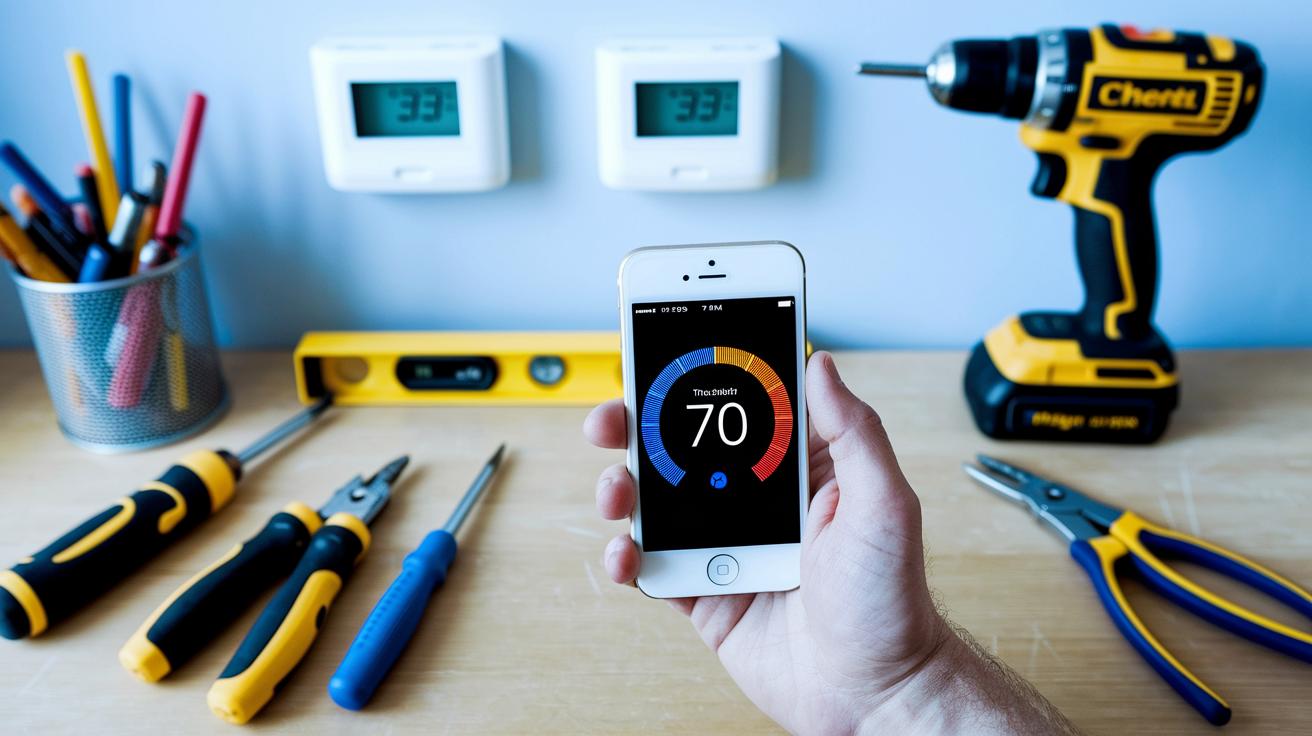
Installing your smart thermostat is a simple DIY project when you follow these steps. First, gather your tools: a screwdriver, drill, level, and pliers. Check your existing wires and know your HVAC type (like gas, electric, or forced air). If your setup doesn't have a common wire, you may need a C-wire adapter to power the thermostat correctly.
Start by carefully removing your old thermostat and labeling each wire with tape. This step helps you keep track of the connections and avoids mistakes later on. Next, use your drill and level to mount the new thermostat bracket firmly on the wall.
Now, connect the wires following the terminals shown in the manual. Tighten each connection with your screwdriver, then attach the thermostat face to the bracket. Once you finish the wiring, power up the system and run a firmware update to load the latest software. Check the thermostat’s digital menu to make sure your HVAC is recognized properly and follow the calibration prompts for accurate readings.
If you want to link your thermostat with other smart devices, check out the smart home automation guidelines on our site right after installation. This ensures your thermostat works well with all your connected devices and helps keep your home energy efficient.
Smart Home Thermostat Energy Efficiency and Cost Savings
Smart thermostats can lower your heating and cooling bills by 8-26%. They come with features like eco mode (which sets energy-saving temperatures), programmable schedules, presence sensing, and geofencing (using your location to adjust settings). In one test, a thermostat shifted to eco mode when no one was home, saving energy and cutting costs.
Real-time energy dashboards let you see where your energy goes all day. You get a clear report on energy use, so you can quickly tell which settings cut waste. ENERGY STAR models can also qualify for local rebates, giving you an extra boost in savings. Often, the cost of the thermostat pays off in less than two years.
These devices work hard all the time. They automatically adjust the temperature based on your routine and room use. Imagine it lowers the heat when you're out and warms up just before you return. This steady, small reduction in energy use helps lower your monthly bills. Together, the eco mode and detailed energy tracking make these thermostats a practical choice for any energy-conscious homeowner.
Integrating Your Smart Home Thermostat with Voice Assistants and IoT
Smart thermostats now connect easily to Alexa, Google Assistant, and Siri via HomeKit. For example, the Ecobee Premium has a built-in Alexa speaker. This means you can say, "Alexa, set the temperature to 72," and your HVAC system adjusts right away.
The Amazon thermostat dives deep into Alexa integration. You can check current settings, change temperatures, or kick off pre-set routines just by talking. Nest pairs natively with Google Assistant, so it listens to your commands without extra steps. Plus, you can use platforms like SmartThings, IFTTT, and Matter to tie everything together for a smooth IoT experience.
Getting started is simple. First, connect your thermostat to your home Wi-Fi and sign into your cloud account. Keep your network details handy for smooth management. Then, use the setup interface on the thermostat to choose your voice assistant. Follow the on-screen prompts to link your account and set up the hub.
Once set up, you can mix scheduled routines with voice commands. This lets you manage your home's climate without lifting a finger. It makes daily temperature changes easy and helps run an energy-smart home.
Troubleshooting and Maintenance Tips for Smart Home Thermostats
Smart thermostats sometimes lose Wi-Fi or give readings that feel off. If your thermostat disconnects, try a simple reboot. I once had mine stop updating; I turned it off and on, and it reconnected in minutes.
If the temperature seems wrong, check the reading with a basic thermometer. Follow your manual to recalibrate the sensor. This quick fix can help the thermostat match the actual room conditions.
Firmware problems can also make the thermostat act strangely. In that case, update the firmware. After one update, I noticed the device became more responsive and the energy reports improved. Updating fixes glitches and often brings new features.
If you still face connection issues, try restoring the network sync. Disconnect and reconnect the device to your network, which can clear minor problems.
It also helps to set up error notifications and use any diagnostic mode your app offers to check the system’s health. Here’s a quick list of steps:
- Reboot the device.
- Run a firmware update.
- Recalibrate sensors.
- Restore network sync.
- Configure error notifications.
- Use diagnostic tools before deciding to reset or contact support.
Future Trends and Innovations in Smart Home Thermostat Technology
Smart home thermostats are about to get a big upgrade. Soon, you’ll see devices using smart AI scheduling and learning control technology. In simple terms, these gadgets will use multiple sensors to check room activity and outdoor weather, then adjust your home's temperature on the fly.
Manufacturers are testing dynamic weather integration. This means your thermostat will automatically tweak heating and cooling based on live weather updates. With self-learning algorithms, the device picks up on your routine so you stay comfortable without needing constant changes.
Better geofencing is also on its way. Future thermostats will sense when you’re close and adjust settings more precisely. They’re planning to use the Matter standard to make sure all your smart devices communicate smoothly. Meanwhile, improved data privacy measures will help keep your personal usage details safe. Some models might even alert you about potential issues before they become serious.
Additionally, companies are exploring how these smart thermostats can connect with home micro-grids and renewable energy sources. In short, the new tech will not only manage your home's climate but also help create a more energy-efficient and eco-friendly environment.
Final Words
In the action, we explored smart home thermostat fundamentals, compared top models with clear pricing and features, and walked through an easy DIY setup. We covered energy-saving benefits, voice assistant integration for smooth control, and quick troubleshooting tips. We even peeked at future trends that will push smart technology further. This guide helps you choose the right smart home thermostat that fits your needs and budget. Enjoy the simplicity and cost savings it brings to your space.
FAQ
What is a smart thermostat or smart home thermostat?
A smart thermostat is a digital device that controls your heating and cooling. It uses programming, sensors, and Wi-Fi to adjust temperatures automatically and help lower energy bills.
What is the best smart home thermostat?
The best smart home thermostat depends on your needs. Top models like Ecobee Smart Thermostat Premium, Nest Learning Thermostat, and Amazon Smart Thermostat offer features such as energy savings, voice control, and easy integration with smart home systems.
How do smart thermostats work without a C wire?
Some smart thermostats manage without a C wire by drawing power from existing wires or using a power adapter. This allows them to operate even if your current wiring lacks a dedicated common wire.
What role do room sensors play in smart thermostats?
Room sensors in smart thermostats help monitor temperature variations across different areas. They provide data that allows the system to balance comfort more precisely by adjusting heating or cooling where it’s needed most.
What are the downsides of smart thermostats?
The downsides of smart thermostats include potential wiring compatibility issues, reliance on Wi-Fi for full features, and possible privacy concerns due to data sharing with cloud services.
Can I replace my regular thermostat with a smart thermostat?
Yes, you can replace a regular thermostat with a smart model. Doing so can improve energy efficiency, allow remote control, and offer advanced scheduling options for better home comfort management.
What features do popular models like Amazon, Ecobee, and Honeywell offer?
Popular models offer voice integration, energy reporting, remote sensors for better room monitoring, and compatibility with smart home platforms like HomeKit, Alexa, and Google Assistant to boost comfort and savings.
What distinguishes the Ecobee SmartThermostat Premium from other models?
The Ecobee SmartThermostat Premium stands out with its built‐in voice control, extra room sensors, and detailed energy reports. It combines convenience and smart features to help improve home comfort and efficiency.
How does the Emerson Sensi Touch Smart Thermostat perform?
The Emerson Sensi Touch Smart Thermostat features a responsive touchscreen, energy usage insights, and a guided installation process. It delivers reliable temperature control and simple setup without sacrificing smart functionality.
What is the Ring Smart Thermostat?
The Ring Smart Thermostat integrates with the Ring ecosystem. It offers remote control and energy tracking while syncing with other smart home devices so you can manage household temperatures easily and securely.