

Ever wonder if your phone’s high scores show the real picture? Mobile benchmarks turn your device’s inner work into simple numbers. They show how well the CPU (the processor that handles tasks) and the GPU (the chip that deals with images) perform in tests. The tests cover everything from quick, single tasks to all the cores working together. Think of it like a car that can reach high speeds on a racetrack but may not perform the same in everyday driving. These numbers offer a peek at raw power, though real-world use might tell a different story.
How do mobile benchmarks work: Smart Metrics

Mobile benchmarks are tests that turn a smartphone's performance into clear numbers. They check how quickly the phone handles tasks by measuring its CPU speed, the teamwork of multiple cores (each core is like a small engine working with others), and the power of its GPU (which uses many tiny cores together).
GeekBench and similar tests run specific tasks to gauge single-core speed, multi-core teamwork, and GPU strength. This gives you a fast look at the phone's power. But note that many tests run when the phone is plugged in and working at full throttle. That setup ignores real-world factors like battery life and heat control. Think of it like a car racing on a track, its top speed may not reflect its pace through everyday city driving.
Manufacturers can also tweak software to boost these numbers, so a high score doesn’t always mean a noticeably faster experience. The tests use strict settings, like keeping the room temperature steady and using full power, to ensure each run is fair and similar.
In the end, these numbers help us see where a phone does well and where it might struggle. They turn technical specs into a language everyone can understand and use to set real-world expectations.
Mobile Benchmark Components: CPU, GPU, Memory, and Power

Mobile benchmarks break a phone's performance into simple, testable parts. We start by checking the CPU's clock speed (how fast it works) and its ability to handle multiple tasks at once. It’s a bit like looking at a car engine’s RPM and torque.
Next, we put the GPU to work by using thousands of tiny cores for graphics tasks. Imagine many helpers painting a picture at the same time, that’s what the GPU does.
We also test memory and storage. Memory bandwidth tells us how quickly data moves through the phone’s RAM, while storage throughput shows how fast the device reads and writes data. Think of it like checking how fast files move from one folder to another.
Battery consumption is another key factor. We run tests to see how much power the phone uses under heavy load, and we track its heat to see how well it cools down during intense tasks.
Here’s a quick look at the seven key components we test:
| Component | What it measures |
|---|---|
| CPU clock speed | How fast the CPU runs |
| Multi-core utilization | How well it handles several tasks at once |
| GPU core count | The number of cores handling graphics |
| Memory bandwidth | Speed of data transfer in RAM |
| Storage throughput | Speed of reading and writing data |
| Battery consumption | How much power is used under load |
| Thermal behavior | How well the device manages heat |
Together, these tests give us a clear view of how a phone will perform in real life.
Mobile Benchmark Testing Procedures and Protocols

We run each benchmark several times to make sure the numbers stay steady. We set the room temperature at 22°C and use full power for each test. This controlled setup stops other factors from changing the results. For example, one test might use the device while it’s plugged in and set to a special performance mode.
We follow a checklist to make sure the device has no extra tasks running in the background. Testing it repeatedly can show small differences from run to run. This helps us spot issues such as thermal throttling (when a device slows down because it overheats). For instance, the Galaxy S4 with an Exynos 5 chip can boost its GPU speed from 480 MHz to 532 MHz when allowed, which shows how tests can be tweaked if conditions are not kept steady.
Some makers, like Intel, use their own benchmark tests that work best with their chips. This can bias the results. Our strict testing rules keep things even. We stick to clear guidelines so that every number we report comes from a fair and honest test.
Mobile Benchmark Synthetic Suites: GeekBench Scoring and Methods

GeekBench runs a set of tests that give scores for single-core, multi-core, and GPU performance. It uses fixed tasks every time so you can easily compare devices. For example, it might run a number crunching task and then assign a score based on how fast the device is. Keep in mind, these tasks don't exactly match everyday phone use.
The tests are built on special methods that check how software handles work. They use clear factors to keep scores steady. Even a small change in settings can affect the score, but GeekBench sets up strict test conditions to reduce this impact. It's worth noting that the software is often tuned for certain chipsets, which means a device might score high because of those tweaks rather than its true everyday performance.
While these tests show speed with one clear number, they don't cover everything. They don't mimic tasks like drawing detailed 3D graphics or juggling many background apps. So even if a device scores high, real-life use might feel different. That’s why these tests are good for quick comparisons but won’t fully predict daily performance.
Real-World Mobile Benchmark Techniques and Applications

Everyday tests show what a device does during normal use. Instead of just offering fake scores, these tests mimic real tasks like editing video, mixing audio, or playing games. When you're watching a trailer or editing a family video, your phone works on more than simple numbers. These tests reveal where the device can excel or fall short.
For instance, LumaFusion runs a test that renders 4K video and converts it (transcoding). This replicates an editing workflow you might use on your own projects. Audio Evolution’s Podcast Render mixes WAV and MP3 files over an hour, showing how the phone handles long audio sessions with different file types. Google Photos is also used to trim a three-minute ultra-high definition video at 100 Mbps down to two minutes, which gives a clear idea of how fast the device processes demanding video tasks.
RAR Lab compression and Photo Mate R3 batch editing simulate everyday document and photo tasks. These tests check how well the phone deals with compressing files and making bulk changes to images, tasks many users do every day. Meanwhile, a gaming test using Alien Isolation pushes the frame rate above 60 fps, even when tracking isn’t perfect, showing the GPU (graphics processing unit) limits. Along with these, battery tests are run during video streaming, gaming, and even charging cycles to show realistic battery life.
| Test | Application | Purpose |
|---|---|---|
| 4K video rendering | LumaFusion | Simulate heavy editing tasks |
| Podcast render | Audio Evolution | Mix long audio files over time |
| Video trim | Google Photos | Test processing of high bitrate videos |
| File compression | RAR Lab | Imitate document and data compression |
| Batch photo editing | Photo Mate R3 | Check multi-image processing abilities |
| Gaming performance | Alien Isolation | Stress test graphics and frame rate |
These hands-on tests bridge the gap between lab scores and what you actually see in daily use.
Interpreting and Comparing Mobile Benchmark Results

Benchmark scores are a lot like school report cards. They give you numbers to rank devices, but not all the details are clear. For example, a phone might excel in single-core speed but slow down (thermal throttling, meaning it heats up and loses power) during long, heavy tasks.
Often, tests roll numbers into one impressive score. Claims like "the iPhone 5s is twice as fast" may sound great but miss daily issues like smooth multitasking or reliable camera use. Even if a phone scores well, it might fall short on battery life during long calls or struggle with different networks.
So, it's important to look past a single score. Check several factors such as multi-core performance and graphics speed. This helps you see if the device can handle tasks like video editing or gaming stress. It’s like comparing cars, a powerful engine matters, but fuel efficiency and comfort count too.
Also, some tests run while the device is plugged in to get full power. These tests can boost the numbers, making the phone seem better than it is under everyday conditions. Only by weighing all these factors can you get a real picture of a phone's performance and choose the one that fits your needs.
Best Practices and Limitations in Mobile Benchmark Evaluation
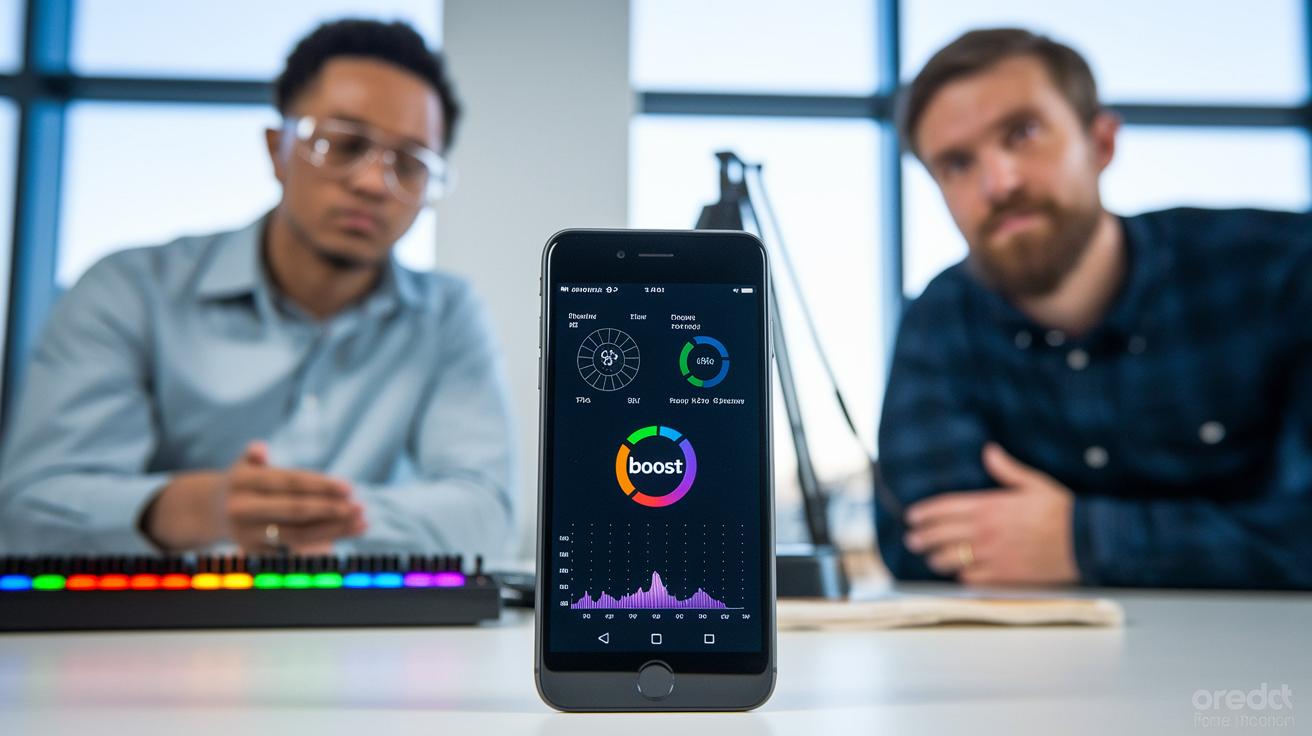
Sometimes device makers adjust drivers or allow certain apps (whitelisting) to boost benchmark scores. For example, a phone might use special settings for a whitelisted app, raising its test numbers, even if everyday apps like video streaming run slower.
Benchmark tests give scores for the CPU, GPU, and memory. Yet, these numbers don't always tell the whole story. A boosted GPU clock can improve lab scores but may cause overheating during long gaming sessions.
Running tests many times across different OS versions and real-life scenarios, like video calls with downloads running in the background, helps show where test scores and real-world performance differ.
Here are some best practices:
These methods help us understand how small changes in testing can change the numbers you see, giving a clearer picture of real-world performance.
Final Words
In the action, we broke down mobile benchmarks into clear sections. We looked at how tests gauge CPU and GPU power, checked device metrics, and explained score systems like GeekBench. We also mapped real-world tasks to benchmark results and noted best practices to avoid pitfalls. This guide shows you how do mobile benchmarks work by outlining testing steps and comparing vital performance numbers. Enjoy putting these insights to use with confidence as you choose the right device for your needs.
FAQ
What is a mobile benchmark and how do they calculate performance, including GPU metrics?
Mobile benchmarks gauge a device’s performance by running tests on the CPU, GPU, RAM, and storage. They use repeated trials and algorithms to calculate scores that help rank devices.
How do online and Android benchmark tests compare and where can I find them?
Online and Android benchmark tests run via apps or websites that measure device speed, ranking performance while many share results on platforms like GitHub for community review.
Is a 1 million AnTuTu score considered good?
A 1 million AnTuTu score shows strong performance, but real-world value depends on factors like temperature control and battery life, so use it with other performance metrics.
Can mobile benchmarks be manipulated?
Mobile benchmarks sometimes can be manipulated by tweaking drivers or test settings. Manufacturers may optimize apps to boost scores, which is why it’s best to compare multiple tests.
What do benchmark tools like AnTuTu, 3DMark, Geekbench, Geekbench 6, CPU Throttling Test, and PCMark test?
These tools assess aspects like processing speed, graphics capability, thermal behavior, and overall responsiveness. They offer synthetic scores to compare devices but may not reflect everyday performance exactly.