

Ever wonder if your PC can really stay cool under heavy use? Liquid cooling pumps work hard to keep your CPU and GPU safe. They move coolant fast, think of it like a strong, flowing stream, that takes heat away from your chip. A weak pump might let your computer get too hot, which can slow things down. We found that a pump pushing at least 120 liters per hour, with enough strength to push the liquid uphill (head pressure), does a solid job keeping your system cool during long gaming sessions or tough work days.
PC Liquid Cooling Pump: Superior Cooling Power
At the heart of any modern liquid cooling system is the pump. It pushes coolant through CPU and GPU waterblocks and radiators, carrying heat away from key parts. Without it, the whole system could overheat, lowering performance.
A solid pump needs to move at least 120 liters per hour. Think of it like a fast-flowing river, the quicker the water runs, the faster it removes heat from your components.
Another key metric is head pressure, which tells you how high the pump can push the coolant. This is important in setups with multiple radiators or waterblocks placed high up. A pump with strong head pressure stops the system from slowing down when the coolant has to climb.
Built to run hard over long sessions, this pump is reliable enough for both beginners and experienced builders. It keeps the heat moving steadily, which means safer temperatures and a more stable overall system.
Performance Metrics for PC Liquid Cooling Pumps
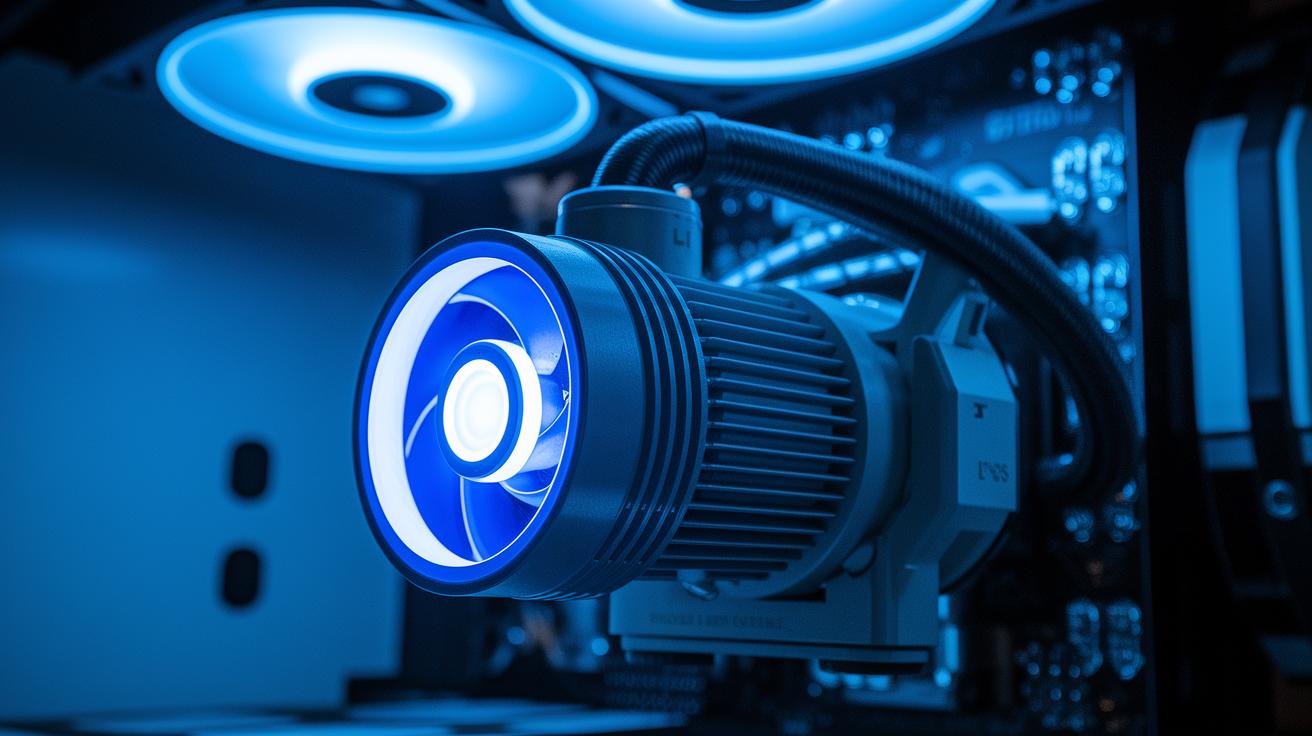
Flow rate (liters per hour) and head pressure (meters of lift) are key markers in testing how well a cooling pump works. Flow rate tells you how much coolant the pump moves, which means a higher number helps carry away more heat. Head pressure shows how high the pump can push the coolant, which is important when your loop has radiators or waterblocks at different heights.
Take the D5 pump for example. It uses a spherical-impeller motor built for 50,000 hours of continuous work. This long-lasting design means it stays strong and quiet even during heavy use.
Speed control matters too. You can set the pump’s speed by changing the voltage or using pulse-width modulation (PWM), which lets you adjust the speed smoothly and precisely. Also, the stall voltage tells you the minimum voltage needed for the pump to start.
Common connectors are the 4-pin Molex (which gives a 12-volt supply) and the SATA connector (delivers up to 4.5 amps). If your pump’s connector doesn’t match your system, you can always use an adapter.
For example, a pump with a flow rate of 1,400 L/h and a head pressure of 3.3 m is built for a tough cooling loop that needs both strong performance and low noise.
Types of PC Liquid Cooling Pumps and Their Use Cases
The D5 pump family is popular with builders who need fast coolant movement paired with steady pressure. These pumps push up to 1,500 L/h and typically work at around 3.3 m head pressure (the height the pump can lift the coolant). Their motor life is solid for long sessions. The D5 Strong runs on a 24 V supply for extra oomph when your loop has extra parts in the way, while the standard one uses 12 V. It’s a solid choice for medium-sized loops.
DDC pumps are built for systems with extra flow resistance. Their compact design delivers higher head pressure, about 4 m, to overcome tougher restrictions like multiple water blocks or stacked radiators. Keep in mind these pumps can be a bit louder, so proper airflow is key to keep them cool.
The Aquastream series from Aquacomputer comes in several models, like Standard, Advanced, Ultra, and the standout Ultimate version. The Ultimate pump even has an OLED display and a SATA power option. It includes easy-to-use software that lets you monitor and adjust pump settings on the fly. It’s a top pick if you want a pump with a high-tech edge.
Other options are available too. The Phobya DC12 Series offers three performance levels to suit different loop needs. The Alphacool DC-LT series even bundles the pump with reservoirs for an all-in-one setup. Meanwhile, the XSPC X4 and X20 models are designed to work with specific reservoir setups for niche cooling solutions.
| Pump Type | Flow Rate (L/h) | Head Pressure (m) | Noise (dB) |
|---|---|---|---|
| D5 Standard | 1,400 | 3.3 | 15 |
| DDC 12V | 1,000 | 4.0 | 25 |
| Aquastream Ultimate | 1,300 | 3.5 | 20 |
| Phobya DC12 High | 1,200 | 3.0 | 18 |
Installation & Compatibility of PC Liquid Cooling Pumps
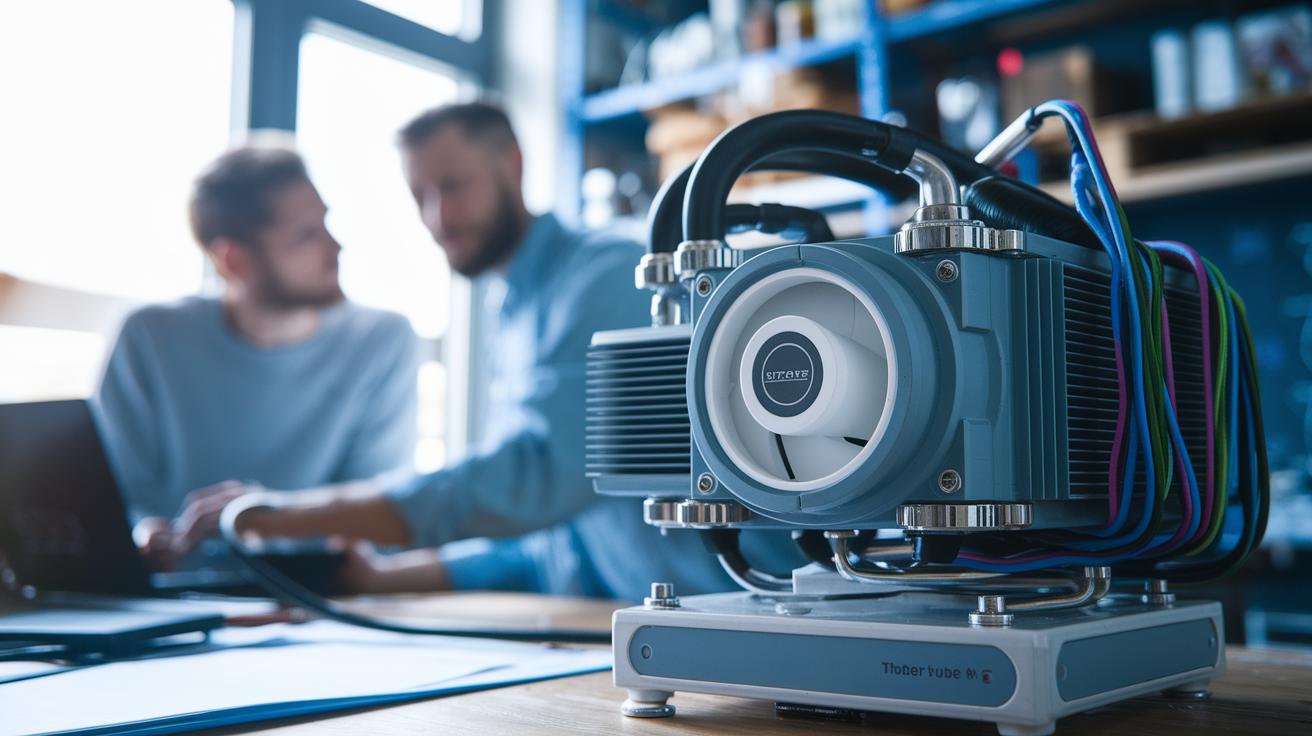
When setting up your pump, it's important to check its size, hole pattern, and how it sits. Pick a spot that leaves enough room for your other parts. Many D5 pumps snap onto reservoir bases or use special brackets. These setups keep the loop tidy and help the coolant flow right. But if you have a DDC pump, make sure there’s plenty of air around it so it stays cool.
Every bend in waterblocks, radiators, filters, or tubing can add resistance. More twists mean higher pressure is needed for the coolant to move smoothly. In short, plan your loop carefully and notice any parts that might slow down the flow.
Many pumps now come as part of a reservoir combo. Confirm that your pump’s port fits your reservoir’s setup. This match makes the installation easier and cuts down on the chance of leaks. A handy tip: measure your space and check that cable lengths and connector clearances work with your build. Also, verify the reservoir has the right inlet or outlet sizes for your pump.
Keeping these points in mind will help all your cooling components work together smoothly and efficiently.
Maintenance Tips & Troubleshooting for PC Liquid Cooling Pumps
Keep your pump in good shape with regular upkeep. If you hear extra noise or see the flow slowing, it might mean the bearings are wearing or air is stuck inside. A sudden drop in pressure after you add new parts may call for cleaning or even replacing the impeller (the spinning part that moves the liquid).
Change the coolant every 6 to 12 months. This helps stop algae, corrosion, and damage to the o-rings (rubber rings that seal parts). Regular coolant changes keep heat moving away from your PC and help the pump last longer. Always check the voltage and make sure the power connectors are tight. If your pump seems to stall or run slowly, it might be a connection or voltage problem.
Set up a schedule for quick checks and tests. Look for small changes in how the pump runs that could hint at early issues. Using simple tools and noting the numbers can catch problems before they grow. Keeping a log of your pump’s behavior makes troubleshooting easier.
Regular care and careful checks not only extend the pump’s life but also keep your whole system running smoothly.
Buying Guide & Product Recommendations for PC Liquid Cooling Pumps
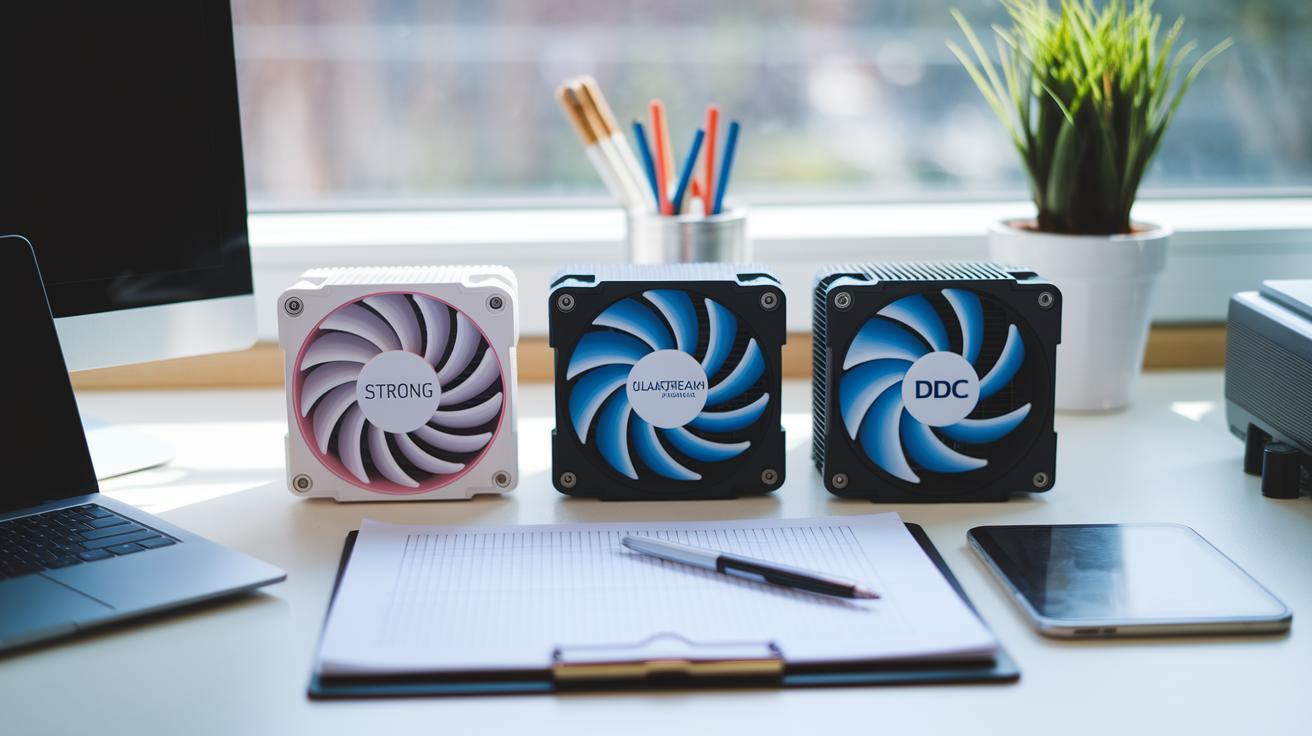
When choosing a pump, start by matching its features to your needs and budget. For those building custom loops, the D5 Strong is a solid choice at about $100. It is built to last and stays quiet during use. Basic D5 models cost between $85 and $100 and deliver steady, reliable performance.
If you want extra features, give the Aquastream Ultimate a look. It is priced around $160 and comes with an OLED display that shows real-time data. The supportive software makes it simple to adjust settings on the fly. For smaller or compact systems, the DDC models, usually around $60, offer the performance you need. Keep in mind, though, these may need extra effort to reduce noise.
Pump prices cover a range. You can find specialty models at $50 to $70 for streamlined builds. Mid-tier options, like the Aquastream Advanced, run about $120 to $140 and blend strong performance with easy controls. Some users even prefer a pump-reservoir kit. Bundled kits can cut down on compatibility worries and help simplify your setup, while standalone pumps let you upgrade parts individually later.
A good strategy is to write down your loop's basic needs. Then, check out lab test reviews and compare the figures from circulation engine tests. Think about long-term maintenance and how easy it will be to upgrade. With a careful look at test data and real-world use, you can pick a pump that works for your build today and in the future.
Final Words
In the action, this guide broke down everything from core functionality and performance metrics to pump types and installation details. We explored how the pc liquid cooling pump moves coolant across your waterblocks and radiators. The article provided clear insights into maintenance and troubleshooting to keep your loop running smoothly. We’ve lined up real-world advice to help you pick a pump that fits your build and budget. Enjoy the process, and feel confident as you upgrade your cooling system.
FAQ
Frequently Asked Questions
Q: What is a PC water cooling pump and reservoir combo?
A: A PC water cooling pump and reservoir combo combines the pump with a fluid reservoir to simplify loop design, saving space while ensuring steady coolant circulation for effective heat transfer across your CPU and GPU blocks.
Q: What is the typical price range for a PC liquid cooling pump?
A: A PC liquid cooling pump can cost anywhere from about $50 to $160. Prices vary by model features, such as build quality, monitoring capabilities, and compatibility with custom loops.
Q: What are the main types of water cooling pumps for PCs?
A: Water cooling pumps come in several types, including D5 pumps known for high flow, compact DDC pumps offering strong head pressure, and advanced models like the Aquastream series with digital controls for enhanced monitoring.
Q: Which PC liquid cooling pump is considered the best?
A: The best PC liquid cooling pump depends on your needs. Many DIY builders favor D5 models for high flow and reliability, while others opt for advanced systems like Aquastream for added monitoring and control options.
Q: What are the key features of the PC Water Cooling Pump D5 series?
A: The D5 pump series features high flow rates (up to 1,500 L/h), solid head pressure around 3.3 meters, long motor life, and multiple voltage options, making it a robust choice for many custom liquid cooling pipelines.
Q: Can a water cooling pump be used for an ice bath?
A: A water cooling pump can sometimes be adapted for an ice bath, although it is primarily designed for PC loops. Modifications may be required to handle lower temperatures safely and maintain effective circulation.
Q: Is liquid cooling for a PC a good idea?
A: Liquid cooling for a PC is generally a good idea for maintaining lower component temperatures, especially under heavy loads. It can provide quieter operation and improved performance compared to traditional air cooling.
Q: Should an AIO pump run at 100% continuously?
A: Running an AIO pump at 100% constantly isn’t necessary. Most systems offer adjustable speeds to balance cooling performance and noise, ensuring the pump runs effectively without excessive wear or disturbance.
Q: What type of fluid should be used in PC water cooling?
A: The best fluid for PC water cooling is a mix of distilled water and additives, such as biocides and anti-corrosion agents, to ensure optimal heat transfer, longevity, and reduced risk of algae or corrosion buildup.
Q: Is an AIO pump truly a liquid cooling solution?
A: An AIO pump is indeed a liquid cooling solution. It works by circulating liquid coolant through a sealed loop, ensuring heat is effectively moved away from critical components like the CPU under demanding conditions.