

Ever had your smart fridge glitch when you least expect it? Much like a computer, smart appliances need a bit of routine care to keep running well.
Skipping updates or a good cleaning can lead to strange glitches or even security issues. We know these devices are at the heart of your smart home, so it’s important to handle them with care.
In this guide, we share easy, hands-on tips to keep your devices updated and free from buildup. Stick around and see how a few simple habits can boost performance and keep your smart home running smoothly every day.
Maintenance for Smart Appliances: Schedule Firmware and System Software Updates
When your smart appliances aren’t updated, you lose important security patches, bug fixes, and useful new features. This can make them act strangely, become more exposed to threats, or even misbehave unexpectedly. Believe it or not, our smart devices are really like mini computers that need regular care.
Manual updates mean you have to log into the device settings or check the update section in your mobile app. On the other hand, automatic updates handle everything behind the scenes, so you never miss a crucial fix. This hands-off approach keeps your devices secure without interrupting your day.
We suggest setting up a quarterly update routine to keep things running smoothly. First, check if your appliance can send automatic update notifications. If you prefer to update manually, mark a reminder every three months on your calendar to review and install any new firmware. Then, use your mobile app to confirm that the update has been applied correctly. Finally, follow any extra instructions in your device's guide to complete all automated test cycles, ensuring your smart home system stays protected for another quarter.
Maintenance for Smart Appliances: Clean Sensors, Filters, and Internal Components
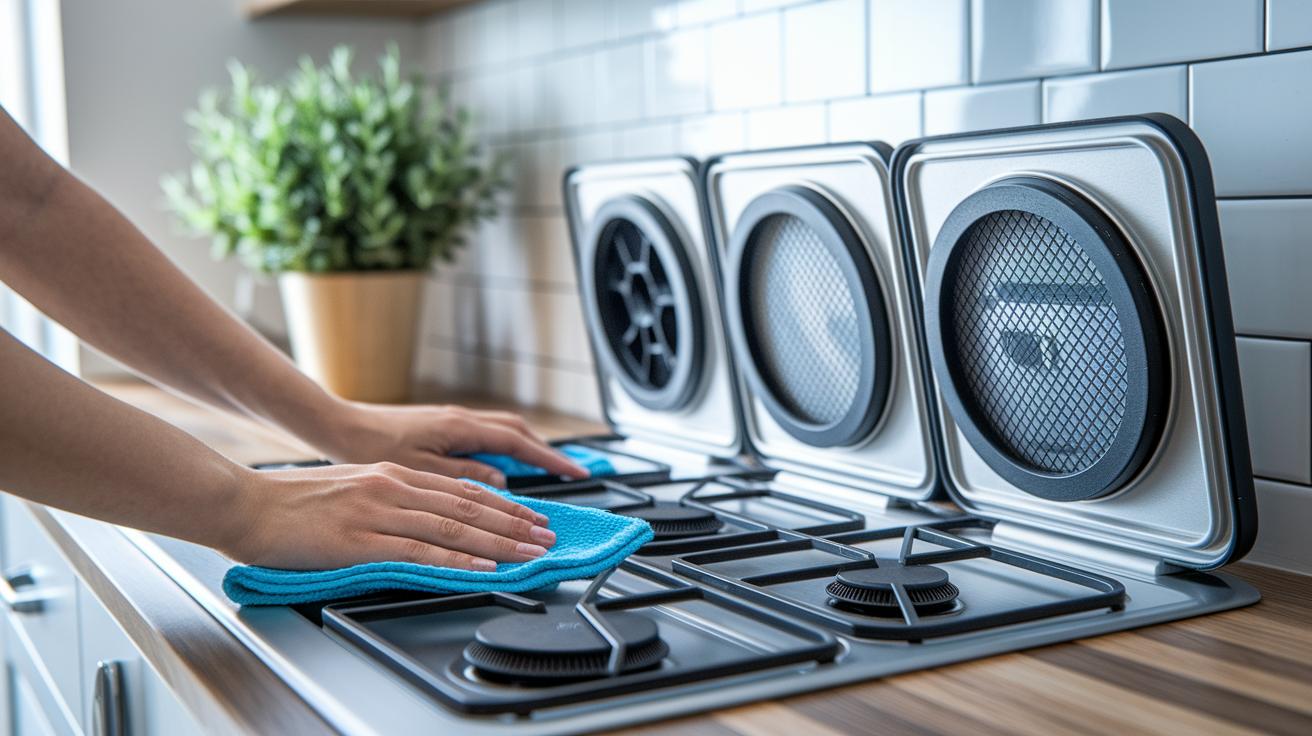
Keeping your smart appliances clean is key to making sure they work well. Dust and debris can block sensors and cause cycle errors or unexpected shutdowns. Regular cleaning helps your appliance run smoothly and safely. When sensors and filters are well taken care of, refrigerators, washers, dishwashers, and dryers can work at their best without extra strain or risks.
- Turn off and unplug the appliance.
- Remove any access panels or filter assemblies.
- Dust off the parts with a soft brush or a microfiber cloth.
- Run the built-in self-cleaning cycle if your appliance has one.
- Use special brushes on coils or spray arms when needed.
- Put all the parts back securely.
- Turn the appliance on and run a test cycle to check its performance.
Different appliances need cleaning at different times. For example, you should clean refrigerator coils twice a year to keep the compressor from working too hard. Leaving the washing machine door slightly open after use helps avoid mold. Dishwashers benefit from a monthly clean to clear out grease and limescale. And dryer lint traps should be emptied after every load to keep airflow strong and reduce fire risks. Stick to these routines to keep your smart appliances running reliably for a long time.
Smart Appliance Maintenance: Monitor Energy Usage and Optimize Performance
Keeping an eye on energy use is a smart way to spot unusual patterns early. It helps you catch long running cycles or sudden power spikes that can waste energy and boost your bills.
Most smart appliances show real-time energy data on a built-in screen or in an app. Just open the app or check the display and look for the energy section. You’ll see numbers that tell you how long cycles take and how much power they use. If you notice any alerts, they may point to issues such as worn parts or software glitches that force the appliance to work harder than needed. When this happens, it helps to check the settings or run a diagnostic check. This approach lets you spot inefficiencies before they turn into bigger problems. By understanding these numbers, you know when it’s time to tweak settings or perform a maintenance check to keep your appliance running at its best.
You can also adjust cycle settings based on the data you collect. For example, shorten long cycles, choose eco-friendly modes when they’re available, or run tasks during off-peak hours. These simple changes cut power use, lower running costs, and help keep your appliance operating smoothly.
Smart Appliance Maintenance: Schedule Inspections and Calibrate Sensors

We suggest a professional checkup every six to twelve months to keep your appliances running smoothly. A skilled technician will test pressure valves and flow rates (how quickly fluids move) and verify sensor outputs to ensure everything stays within specs. They also fine-tune temperature and humidity sensors in your oven or fridge to lock in accurate cooking and cooling.
Inspecting gaskets, seals, and moving parts during these visits helps stop small issues from growing into big ones. This hands-on approach keeps leaks at bay and prevents uneven wear, helping your appliances stay efficient longer.
Accurate sensor readings matter. When sensors are calibrated properly, your devices perform as they should while wasting less energy.
Book your inspections regularly and pick technicians who offer clear, practical advice on sensor calibration. This routine check not only prevents surprises but also extends the lifespan of your smart appliances.
Smart Appliance Maintenance Tips: Boost Performance Now
When your smart appliance starts acting up, begin with the basics. First, check the Wi-Fi strength, restart the device, and look up any error codes in the manual. These steps help you decide if issues like dropped connections, frozen screens, or sudden shutdowns are just minor hiccups or something more serious.
| Issue | Possible Cause | Basic Fix |
|---|---|---|
| Connectivity drop | Weak Wi-Fi signal | Move the device or restart the router |
| Frozen touchscreen | Software hiccup | Power cycle the device |
| Error code displayed | Firmware snag | Check the user manual |
| Unresponsive controls | Interface overload | Try a soft reset |
| Persistent malfunction | Corrupted settings | Do a factory reset (warning: this erases custom settings) |
If these simple steps don’t fix the problem and issues keep coming back, it might be time to seek professional help. Sometimes a quick reset or power cycle just isn’t enough, especially if a deeper hardware issue is causing the problem. Use the error codes in your manual to check if a component is stressed or damaged. A factory reset can clear stubborn issues, but remember it will remove your personal settings. When basic troubleshooting fails, contacting a technician is a wise choice. They can use special tools to inspect the inner parts, stop small glitches from turning into major problems, and help you avoid costly repairs later.
Smart Appliance Maintenance: Use Apps and Automated Alerts for Upkeep
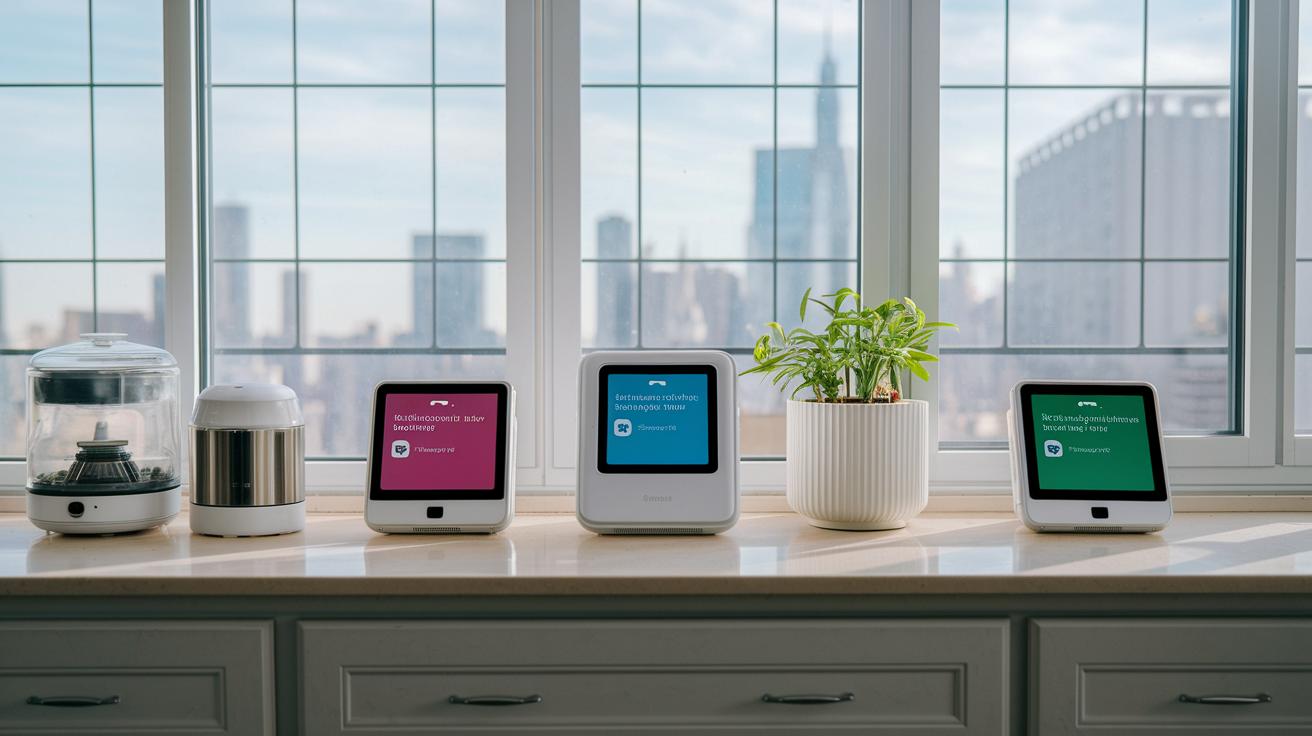
Keeping your appliances in top shape is easier with digital tools. Many brands offer apps that automatically remind you about routine maintenance and let you know when new firmware is available (firmware: the software that controls the appliance). These apps link with your calendar, so you never miss a filter change or scheduled check.
The apps also let you run remote diagnostics and request service with a single tap. This simple setup helps you catch problems early. As a result, your appliances run smoother and last longer, with less hassle for you.
- Turn on push notifications to get instant alerts for filter changes and self-cleaning cycles.
- Sync reminders for updates and inspections with your personal calendar so all events line up in one place.
- Set up regular self-checks through the app to keep an eye on performance.
- Arrange alerts for scheduled professional service visits to ensure expert maintenance happens on time.
Final Words
In the action, we covered keeping smart appliances safe and efficient. We broke down firmware and software updates, hands-on cleaning routines, energy monitoring, sensor calibration, error troubleshooting, and digital upkeep tools.
Following smart appliance maintenance tips can keep your devices running smoothly. It helps you save on energy costs, avoid errors, and ensure a hassle-free experience. Stick with these practical steps to enjoy reliable, worry‑free performance every day.