

Ever wondered how top-notch processors stay cool when things get intense? Direct-to-chip liquid cooling runs a special coolant over the hottest spots on your CPU and GPU. This system is different from air cooling (using fans and heatsinks) which can struggle when the heat rises. It handles heavy loads without slowing things down, perfect for data centers and overclockers. In this post, we break down how smart engineering meets tough thermal challenges to keep your gear running at its best.
Understanding Direct-to-chip liquid cooling: key benefits and applications
Direct-to-chip liquid cooling runs coolant directly over the hottest spots on a processor, such as the cores of CPUs and GPUs. Cold plates sit on top of these chips to pull heat away fast, which keeps the parts cool even when the work is heavy.
This method beats traditional air cooling by a wide margin. Regular air coolers often can’t handle the heavy heat from strong processors, leading to hot spots and even slowing down the hardware. In fact, liquid cooling can be up to 3,000 times more effective. This means servers can pack in more power and work steadily for longer periods. Have you ever noticed that high-performance GPUs can get so hot that standard fans just can’t keep up?
Direct-to-chip cooling shines in modern data centers and high-powered computing. It works great for tasks like AI training, where constant, high-speed processing is crucial. Overclockers who push their hardware to the limit also benefit from the lower temperatures. Plus, when servers are tightly packed, this cooling method boosts energy efficiency and system reliability, keeping everything running smoothly under tough conditions.
direct-to-chip liquid cooling: Fueling Peak Performance
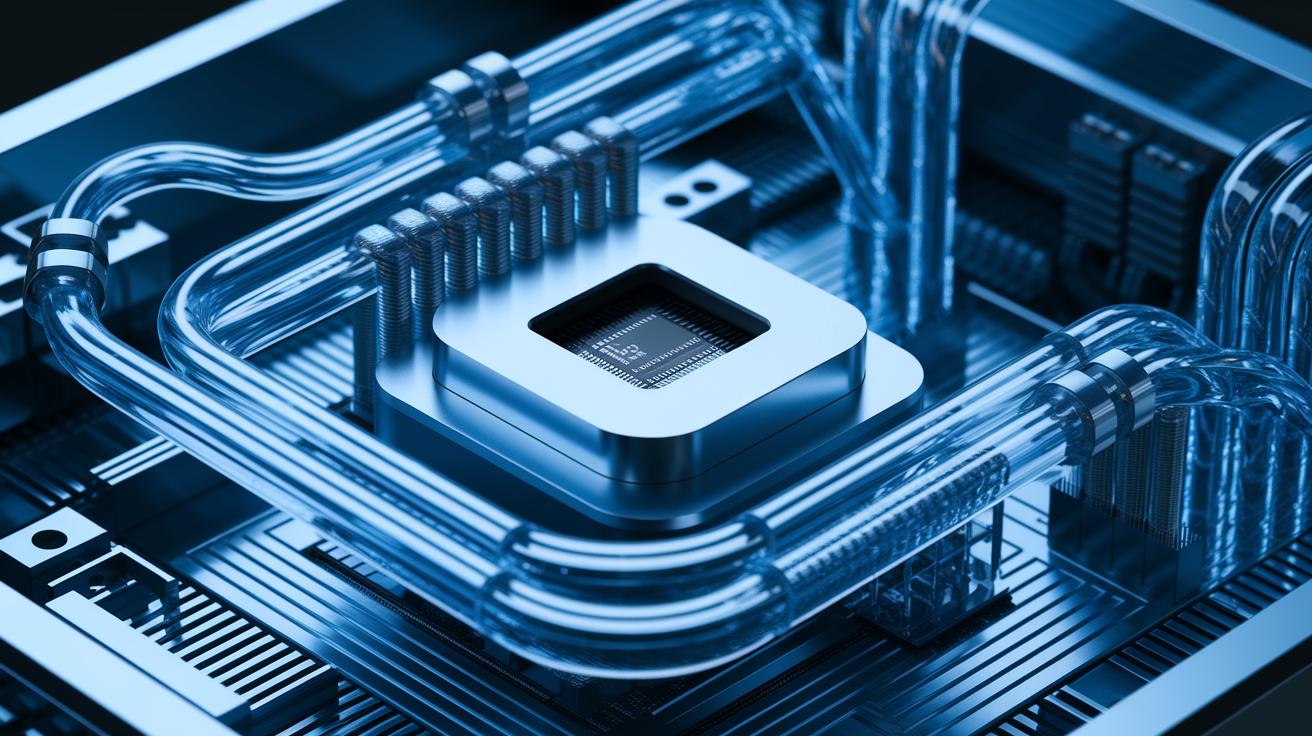
Direct-to-chip cooling systems use smart engineering to handle the high heat modern processors create. They attach cold plates directly to the CPU and GPU chips to remove heat right at the source. The system uses a continuous flow of liquid coolant to move heat away before it affects performance. This cooling method is key in high-performance setups, making sure all parts stay within safe temperature limits.
The design brings together several parts that work in sync to keep systems running smoothly. Key components include:
- Cold plates on the CPU/GPU chips to absorb heat directly
- A closed-loop pump that circulates water-based or non-conductive (dielectric) coolant
- Tubing and manifolds that channel the coolant through the system
- A heat rejection unit (radiator) to expel the captured heat
- Sensors, a reservoir, and pressure regulators to maintain stability
Each part plays an important role. The cold plates and pump quickly remove intense heat, while the tubing, radiator, and sensors help control and monitor temperature. This teamwork creates a reliable and efficient cooling system, essential for keeping demanding hardware cool and running at its best.
Comparing Single-Phase and Two-Phase Direct-to-Chip Liquid Cooling
We looked at two main types of direct-to-chip cooling. Single-phase cooling uses only liquid coolant, which keeps things simple and gives you steady heat transfer. Two-phase cooling uses a special refrigerant that turns into a gas when it hits a hot chip. This change absorbs up to 70% of the heat before the refrigerant turns back into liquid in a heat rejection unit. That boost in efficiency comes with a more complex design.
| Feature | Single-phase | Two-phase |
|---|---|---|
| Efficiency | Steady heat transfer | Absorbs up to 70% of heat through vaporization |
| Simplicity | Simple liquid-only flow | More parts because of the phase change |
| Maintenance | Lower upkeep | Needs regular checks for stable phase change |
If you’re after a reliable and low-maintenance system, single-phase cooling fits well for smaller setups. On the other hand, two-phase cooling is great for heavy-duty tasks like AI training or dense server setups. It might need more care, but its high efficiency could save you energy and handle bigger loads in the long run.
Direct-to-Chip Liquid Cooling Installation and Hardware Compatibility

Before you begin, check that your data center can support the new cooling system. Make sure there is enough space in your server racks for the pump, reservoir, and heat rejection unit. Also, verify that your hardware has the right mounting kit (for Intel, AMD, or NVIDIA) for on-die cooling. This ensures your cooling circuit fits smoothly into your overall setup.
Next, attach the cold plates to the CPU and GPU integrated heat spreaders (IHS). Place them carefully so that pressure is spread evenly over the chip. Secure the manifold and tubing tightly to keep the coolant flowing without interruption. Arrange the pump and reservoir so that the liquid circulates consistently through the system. Here, good placement makes a big difference in how well the cooling works.
Now, set up the heat exchanger. Decide whether to use an air-cooled radiator or a water-cooled heat rejection unit based on your space and performance needs. Follow the detailed guidelines to position the unit where it can best remove heat. Proper setup of this part keeps your server cool even under heavy loads.
Finally, turn on the system and run a few tests. Start with a leak check to catch any loose connections. Fill the system with coolant and ensure it is clean. Calibrate all sensors and check that the flow rate is steady. Run a thermal load test to mimic high-demand workloads, just to be sure the system can handle what’s coming.
direct-to-chip liquid cooling: Fueling Peak Performance
Direct-to-chip cooling works up to 3,000 times better than traditional air cooling. This means data centers can pack 2 to 3 times more computing power into each rack. Our tests show that even during heavy use, chips stay cool and hotspots are kept to a minimum. Imagine a server that handles intense processing tasks while safely keeping its temperature, our benchmarks back up those real-world benefits.
Real-world testing reveals that overall power usage for cooling drops by 20-30%. This efficiency saves energy, cuts down on CO₂ emissions, and lowers cooling bills. For example, a facility with a power usage effectiveness (PUE) of 1.5 might see that number fall to around 1.2. This change brings significant savings and a lighter environmental footprint.
Troubleshooting and Maintenance for Direct-to-Chip Liquid Cooling
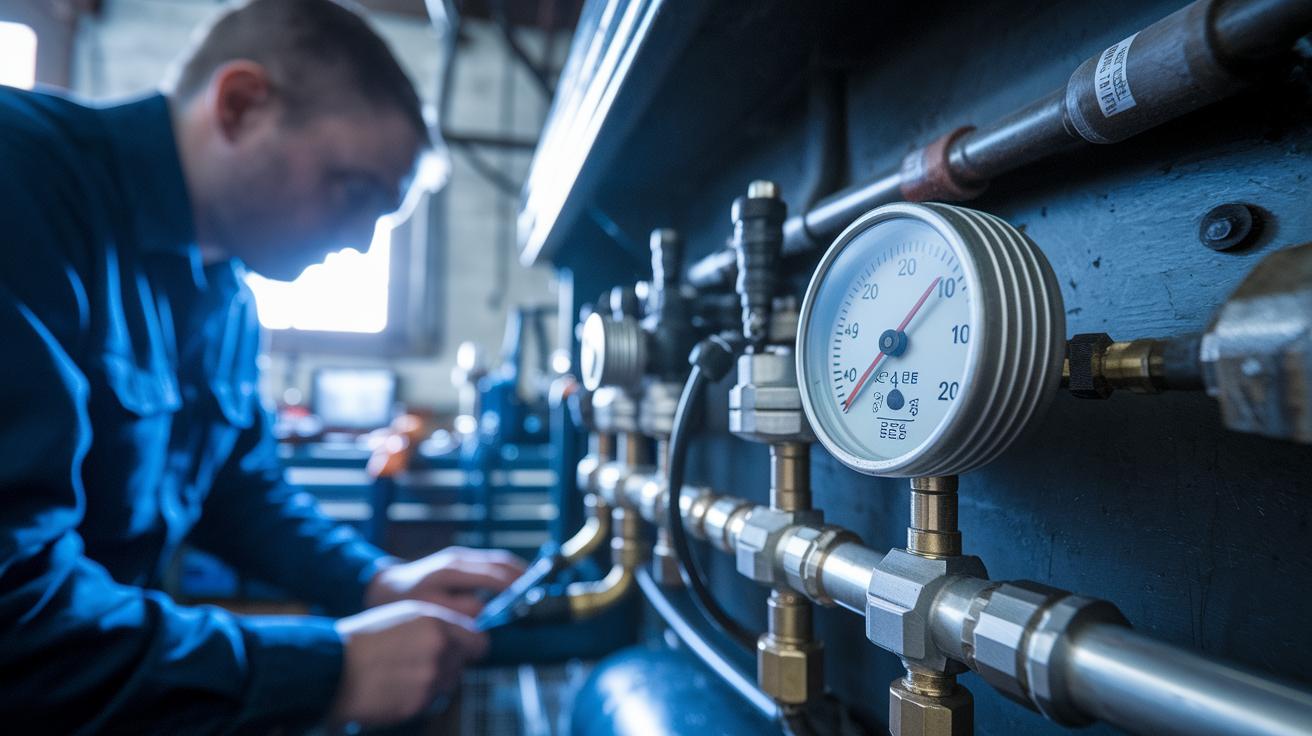
For daily and weekly care, start by giving a close look at your system. Check the coolant pressure, inspect fittings for leaks, and watch out for condensation or worn-out tubing. Make sure your pressure gauges and flow meters read steady numbers. For instance, a small drop in pressure might be the first sign of a leak before it grows into a bigger problem.
Next, run diagnostics to catch issues early. Use calibrated pressure testers and thermal sensors to check that the readings are correct. Sensors can drift over time, which means they might report the wrong temperature. If you see a sensor showing high temperatures when the workload is low, it could be time for recalibration.
Finally, plan regular coolant service and watch component lifespans. Do an annual coolant change, test your pump’s performance, and look for any blockages in the manifold. Keep an eye on the coolant’s color and any particles that might build up. This regular upkeep can help prevent pump failures and keep the cooling system working reliably for a long time.
Future Trends and Innovations in Direct-to-Chip Liquid Cooling
Hardware is evolving fast. Today, many setups mix immersion cooling (where liquid surrounds the hardware) with direct-to-chip loops that cool specific chips. New modular designs make it simple to use pre-installed two-phase cooling (using a liquid that changes to gas to remove heat) in advanced cabinets. Eco-friendly refrigerants are gaining traction as data centers work to cut CO₂ while staying powerful. These cooling systems support heavy AI tasks and dense server racks. For example, a modular unit can be switched out quickly so IT teams can change cooling needs without redoing the whole system.
Software is adding smart features to cooling. Real-time monitoring now uses IoT sensors (small devices that send data over the internet) to keep track of temperature and pressure nonstop. Predictive analytics look at past numbers to spot patterns, while adaptive loop control tweaks the coolant flow based on live heat data. These moves help save energy, streamline maintenance, and cut downtime during heavy tasks.
Final Words
In the action, we walked through how direct-to-chip liquid cooling redefines heat management by addressing flaws in air-cooling methods. We broke down its key components, compared cooling approaches, and showed you how to install and keep your system in top shape.
Our review showcased real-world performance and energy savings data while flagging common issues to watch out for.
Direct-to-chip liquid cooling stands as a solid choice to boost efficiency and reliability. The way ahead is bright for high-performance computing!
FAQ
Frequently Asked Questions
What is the difference between direct-to-chip liquid cooling and immersion cooling?
Direct-to-chip liquid cooling transfers heat using cold plates mounted directly on components, while immersion cooling submerges entire electronics in a special fluid. Each method targets heat removal in its own way.
What does a direct-to-chip liquid cooling PDF or diagram typically show?
A DTC cooling PDF or diagram usually illustrates the system layout, coolant flow pathways, and connection points. This visual guide helps users understand component placement and installation steps.
Which companies offer direct-to-chip liquid cooling solutions?
Direct-to-chip cooling is provided by many top vendors in the data center and high-performance computing sectors. These companies offer designs tested in real-world applications.
How is direct-to-chip liquid cooling used in data centers?
Data centers use direct-to-chip cooling to manage high heat loads. This approach improves compute density and reduces thermal hotspots by cooling the chips directly.
What is two-phase direct-to-chip liquid cooling?
Two-phase DTC cooling uses a refrigerant that evaporates on the chip surface, absorbing most of the heat before condensing in a heat rejection unit. It achieves high efficiency under heavy thermal loads.
What does Vertiv’s direct-to-chip liquid cooling solution offer?
Vertiv’s DTC cooling solution delivers solid temperature control, efficient heat removal, and reliable performance in demanding cooling environments, making it ideal for advanced data centers.
What factors influence the price of direct-to-chip liquid cooling systems?
The price depends on factors such as system complexity, component quality, and integration requirements. Higher performance and scale can drive costs upward.
What liquid is typically used in direct-to-chip liquid cooling?
These systems typically use water-based coolants or dielectric fluids. The chosen liquid absorbs heat well and is safe to use near electronic components.
What is DTC liquid cooling?
DTC liquid cooling, short for direct-to-chip liquid cooling, directly cools chips using cold plates. This method offers improved cooling efficiency and chip performance over traditional air-cooling methods.