

Ever thought your door could respond to you? Smart locks for Google Home let you use simple voice commands and your phone to control who gets in. You can check if your door is locked from anywhere or ask it to open when you need it. This handy tech boosts home security and makes daily tasks easier. In this post, we explain how smart locks can secure your home and simplify managing your connected devices.
Why Smart Locks for Google Home Are Essential for Connected Homes
Smart locks for Google Home offer real ease and added security for your home. They let you unlock your door with a simple voice command, like "Hey Google, unlock my door," or through the Google Home app. This setup means you can check if your door is locked right from your phone. The Google Nest x Yale Smart Lock even turns off the Nest Secure Alarm when you get home.
These locks work in several ways. You can use a keypad, a fingerprint scanner (which reads your fingerprint), or the smartphone app. This variety is handy if speaking to your device isn’t the best option. And if your Wi-Fi goes down, an offline keypad still gets you in. Regular firmware updates add strength and make it easier to use.
Integration with the Google Nest system makes managing your home simple. Voice commands via your smart speaker add to the smooth control. In short, smart locks for Google Home are a solid choice for modern homes, giving you quick access, strong security, and full control over your connected space.
Essential Compatibility Requirements for Google Home Smart Locks
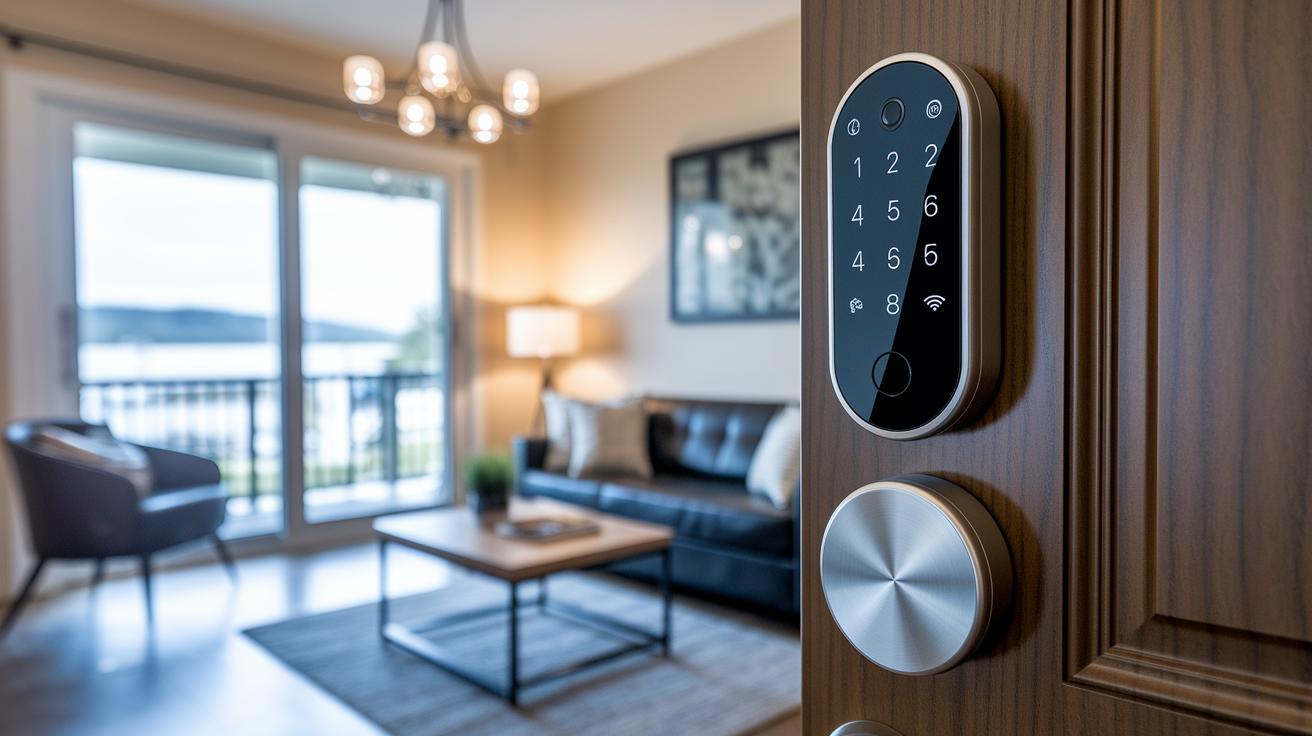
Picking the right smart lock to work with Google Home is all about checking the details first. Many makers offer locks with keyless entry and digital deadbolt security (a digital way to secure your door) that make daily life more convenient. For instance, the August Smart Lock (3rd Gen) works well but needs an extra bridge to let you control it remotely with your phone. That means more hardware and extra setup if you want full remote control.
Some locks, like the Schlage Encode Plus and Schlage Arrive, come with built-in Wi-Fi so you don’t need a hub. This makes them easier to install and quicker to use. On the other hand, the Google Nest x Yale Smart Lock only works in the Nest system. It might limit your options if you don’t use Nest devices, but it offers smooth compatibility for those already in the Nest family.
Almost all smart locks have a backup mode, like a keypad, so you can still get in if Wi-Fi or Bluetooth isn’t working. This is important during network outages. Also, be sure to check if the lock supports regular firmware updates (small software fixes that enhance security and performance). Lastly, have a look at the battery life. Most smart locks run between 6 and 9 months on a typical use, which helps keep your home secure without much fuss.
Review these points closely to make sure your smart lock fits well with your connected home setup.
Step-by-Step Setup of Smart Locks with Google Home
Start by gathering your tools, a Phillips-head screwdriver and the batteries your lock needs. Most setups take about one hour.
-
If your lock has an old deadbolt, take it off. For a lock like the August Smart Lock (4th Gen), you can just mount it over the deadbolt without any drilling.
-
Put in the batteries, watching the positive and negative ends. Check the lock’s display or app for any backup power alerts that tell you when batteries need replacing.
-
Power up your smart lock. Press its test button to make sure the sensors and any backup keypad work correctly.
-
Open the Google Home app on your smartphone. Tap "Add device" and scan the QR code on your lock, then follow the on-screen prompts. This links your lock with Google Home for easy remote control.
-
Finally, verify that the lock gets automatic firmware updates over Wi-Fi. Test it by using voice commands and the app to lock and unlock the door.
Following these steps gives you a smart, secure entry system that works with Google Home.
Top Smart Locks for Google Home: Detailed Reviews and Comparisons
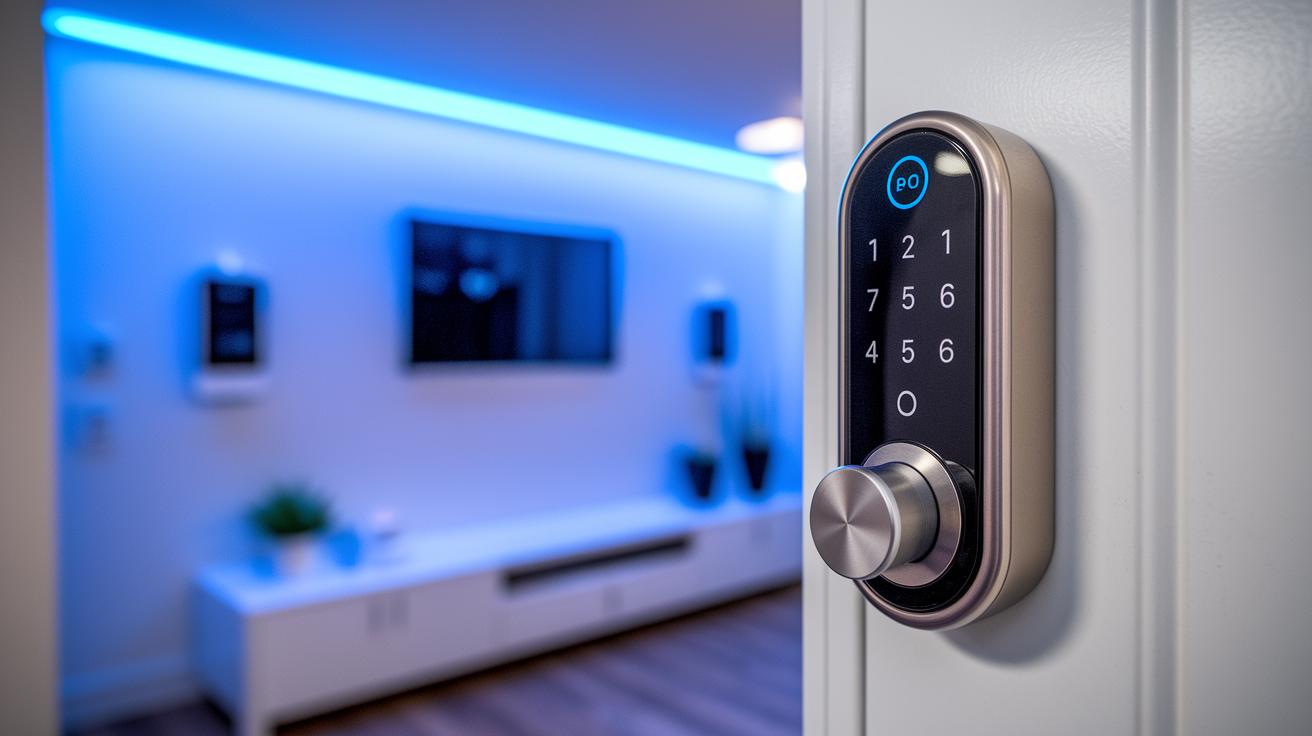
If you want to boost your home security, we've compared eight smart locks that work with Google Home. We looked at each one for price, connectivity, and special features. We even tested how well they work with common smart home setups.
| Model | Price | Standout Features |
|---|---|---|
| Yale Assure Lock 2 | $176 | Secure setup, broad compatibility |
| Schlage Arrive Smart WiFi Deadbolt | N/A | Built-in Wi-Fi; no tamper alarm or door sensor |
| August Wi-Fi Smart Lock (4th Gen) | $148 | Retrofit design; needs a bridge for full remote control |
| Schlage Encode Plus | $214 | Wi-Fi built in; holds 100 access codes with custom alerts |
| Kwikset Halo Wi-Fi | N/A | Holds up to 250 codes; features scheduling and remote deletion |
| Lockly Vision Elite | $348 | Fingerprint scanner and scrambled PIN pad |
| Eufy Smart Lock C34 | $150 | Hub-free Wi-Fi with larger indoor design |
| Google Nest x Yale | $279 | Auto-disables Nest Secure alarm; premium pricing |
This table makes it easy to see the differences. You can quickly spot which lock offers modern connectivity and manages guest access. For example, the Yale Assure Lock 2 is a breeze to set up and very secure. Meanwhile, the Schlage Encode Plus is a great choice if you need many access codes and flexible alerts. And the Kwikset Halo Wi-Fi may be best for households that need to manage guest access with ease. Each lock has its own trade-offs to fit a smart, connected home.
Smart locks for google home: boost your security
Smart locks that work with Google Home keep your home safe using encrypted signals (codes that scramble your info). When you say, "lock the door," your command is sent securely so outsiders can't sneak a peek.
Many locks also come with extra safety features. Some models sound a tamper alarm if someone tries to force entry, while others log every lock and unlock event. For instance, you might get an instant alert on the Google Home app when your door is used. This quick feedback helps you catch unusual activity right away.
Privacy stays at the forefront, too. You can add two-factor authentication (an extra check beyond your password) for more security. Some models, like the Lockly Vision Elite, use fingerprint sensors and scrambled PIN pads to ensure only you get in. Plus, door-status sensors help prevent the door from auto-locking and leaving you locked out.
Did you know smart locks can send real-time alerts directly to your phone? That means you get immediate notice of any activity at your door, adding an extra layer of peace of mind.
Troubleshooting and Maintenance for Google Home Smart Locks
If your smart lock loses battery power too quickly, it might be stuck trying to reconnect. Check if it is constantly reaching out to Wi-Fi or a bridge. The Google Home app will alert you when the battery is low, so keep an eye on those warnings.
For locks like the August Smart Lock, re-establishing the bridge connection is important if remote features stop working. Try pairing the device again. If it still doesn’t respond, a factory reset can clear old settings and give it a fresh start.
Also, be sure that firmware updates are turned on so your lock gets the latest fixes. When the network goes down, make sure the offline keypad is still available.
Quick fixes include:
- Restarting the lock and its bridge
- Running a factory reset if pairing fails
- Checking and replacing batteries using the in-app guides
Regular maintenance helps your smart lock work smoothly over time.
Cost, Performance, and Reliability Insights for Smart Locks with Google Home
When choosing a smart lock, look at both the upfront price and how long it lasts. For instance, the Yale Assure Lock 2 runs on batteries for about 6 to 9 months and proved steady during a six-month test. This lets you see its energy use against the cost.
If you are on a budget, options like the Eufy Smart Lock C34 or the August Smart Lock (3rd Gen) come in under $150. They work well but sometimes lose their connection, which can waste battery power. On the other hand, premium options like those in the Lockly or Level series cost over $300 and bring extra features such as fingerprint scanners or video support. This means you must decide if you need long-lasting reliability or want to save upfront.
Some brands, like Schlage, offer up to 3 years of warranty support. This extra guarantee builds trust when judging a lock's long-term performance. Tracking studies show that connection problems might shorten battery life. So, watch for these issues and see how they affect daily use. In the end, the best choice is one that balances a fair price with steady performance, especially when the smart lock is a key part of your connected home.
Final Words
In the action, the guide shows how smart locks for google home bring easy access and better security. The post walks you through setup, compatibility checks, and troubleshooting tips.
We broke down product comparisons, cost versus performance, and real-time security features. Clear steps and tested fixes help you decide wisely and set up your smart home with confidence. Enjoy safer entry and a smoother home automation experience.
FAQ
What are the best smart locks for Google Home?
The best smart locks for Google Home include options like Yale Assure series, Nest x Yale, and select Schlage models. They offer remote control, keyless entry, and smooth integration with Google Assistant.
How do smart locks work with the Google Home app?
The Google Home app lets you control smart locks via voice commands and remote access. It provides real-time lock status, allowing you to manage access and send lock/unlock commands from anywhere.
Do Google Home smart locks offer key-based options?
Google Home smart locks sometimes pair keyless entry with physical key backups. Models such as specific Yale or Schlage versions include touchscreen keypads or traditional key options for added flexibility.
What Yale and Nest lock models integrate well with the system?
Yale and Nest models, like Nest x Yale and Yale smart locks with Matter, integrate seamlessly with the Nest ecosystem. They disable alarms on arrival and provide smooth, connected home automation.
Are there Google door locks that include a camera?
Some Google-compatible door locks feature built-in cameras. These units let you view visitors remotely while managing door access, enhancing home security with both visual monitoring and smart lock functions.
What are the downsides of smart locks?
Smart locks can face downsides such as potential battery drain, connectivity issues, and sometimes a reliance on hubs or bridges. Users should weigh these factors against the convenience of remote control.
Is Google Smart Lock being discontinued?
Google Smart Lock continues to be supported as part of Google’s smart home lineup. It remains an active feature for managing access and works with voice commands and app-controlled systems.
Are Schlage locks compatible with Google Home?
Schlage locks like the Encode Plus are compatible with Google Home. They offer direct remote access and integration with the Google Home app, though some models might require specific setup steps during pairing.
How do I connect my smart lock to Google Home?
To connect your smart lock to Google Home, open the Google Home app, select “Add device,” scan the lock’s QR code, and follow the prompts. This process pairs your lock for remote and voice control.
What options exist for Yale smart locks with touchscreen and keypad features?
Yale offers several models with touchscreen and keypad options, such as the Assure Lock series. These locks combine Wi-Fi or Bluetooth connectivity with physical keypads for secure and user-friendly entry.