

Have you ever thought your phone could capture nature's hidden details? Mobile macro photography lets you zoom in on everyday objects to reveal textures that might otherwise go unseen.
This guide shows you how to use your phone's close-up mode and built-in digital tools to snap clear pictures of small things. We share easy steps to help keep your phone steady and your focus sharp. Even beginners can start getting great shots with a little practice.
Get ready to explore the small world in a whole new light.
Mobile Macro Photography Tips: Quick-Start Guide to Stunning Close-Ups
Today’s smartphones often come with a macro mode that lets you snap close-ups from just 2 to 5 cm away. This feature makes it easy to capture tiny textures and fine details. If your phone lacks a dedicated macro mode, try using the standard wide-angle lens and zoom in digitally, similar to the iPhone 14's 1x lens trick. I once used this method on a small flower and was surprised by the hidden details it revealed.
Macro mode or digital zoom tricks open up macro photography to everyone. Taking your time is key to keeping the depth of field right and the image sharp. A gentle press on the trigger, using the volume-down button on connected headphones or setting a timer (3 or 10 seconds), helps reduce shake and keeps your subject clear.
- Activate macro mode or use the 1x lens trick
- Hold your phone steady or press the volume-down button
- Stay 2–5 cm away from your subject
- Adjust exposure using tap-to-focus or manual mode
- Use soft, even lighting to mesh with your subject
A solid setup means choosing a spot with gentle, even light, whether from natural sources or a small LED light. Lock in your focus with a tap and tweak the exposure for bright, detailed shots. With steady hands or a trigger setup and proper lighting, even a basic phone camera can capture impressive close-ups that bring out subtle textures and vivid colors.
Mobile Macro Photography Tips: Gear and Lens Attachment Recommendations
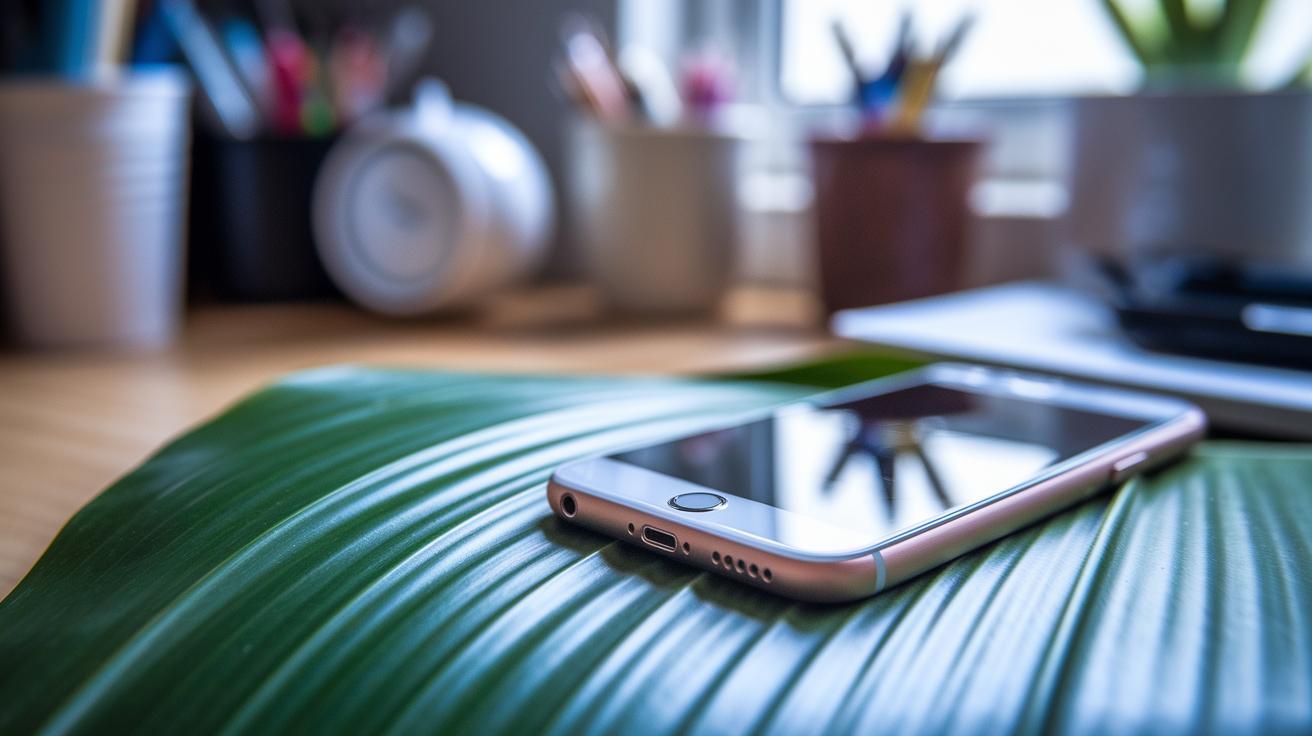
Using external lenses on your smartphone is an easy and affordable way to capture crisp macro photos. These clip-on lenses allow you to get close to your subject while increasing magnification from 10× to 25×. You'll see more detail and texture, making them a hit with both casual snappers and new macro enthusiasts. Plus, they let you try new angles without spending a lot on expensive cameras.
| Lens Model | Magnification | Price | Compatibility |
|---|---|---|---|
| Aukey PL-B3 | 15× | $15 | Most smartphones |
| Xenvo Pro | 12× | $20 | Many phone cameras |
| Sandmarc Macro | 18× | $60 | iOS & Android |
| DIY Macro Hack | 10× | $10 | Universal |
For best results, use a strong clip or clamp to secure your lens firmly. Align the lens right over your phone's camera and adjust the mount so it sits flush with the edge. This careful setup helps keep your macro shots sharp and clear.
Mobile Macro Photography Tips: Mastering Lighting Techniques
When shooting outdoors, natural light can make even the tiniest subjects come alive. Use the sun to light your scene, but watch out for strong shadows that may hide details. A small reflector can bounce extra light into dark spots. Even a slight tilt of your phone can neatly capture a flower petal's soft texture without burning the rest of the shot.
Indoor macro shooting calls for a controlled light setup. A ring LED light offers a smooth, even glow that reveals fine textures right away. If you have mini LED panels you can control with your smartphone, you can adjust brightness and color balance to mimic outdoor light. This gear works great for small objects like leaves and keeps unwanted shadows at bay.
When you don't have pro lighting gear, try some DIY hacks. For example, use tracing paper as a diffuser to soften harsh light and create a gentle gradient on your subject. Bounce cards, simple tools that reflect light onto darker areas, can also boost color accuracy. Play around with these methods until you get light that softly touches your subject without overexposing highlights or deepening shadows.
Mobile Macro Photography Tips: Focusing, Composition & Exposure
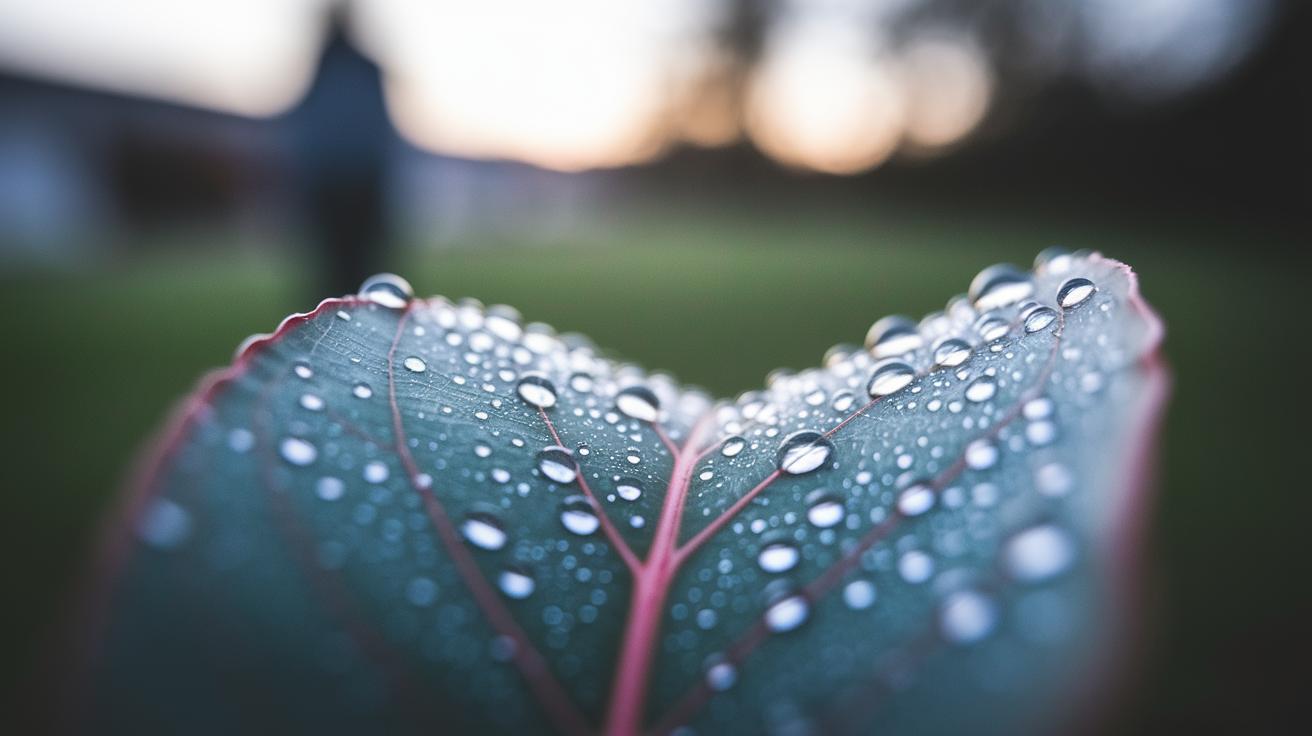
Macro Focusing Techniques
Macro photography has a very short depth of field, which means only a tiny part of the shot is sharp. Start by tapping your screen to set the focus on your subject. Many third-party apps let you switch to manual focus. If available, use focus peaking (a tool that highlights the in-focus areas) so you know every detail is clear. Keep your subject about 2 to 5 cm away from the lens and adjust your position until the shot looks crisp. Imagine shooting a dewy leaf, the right focus makes each droplet pop.
Macro Composition Tips
A strong composition is just as important as sharp focus. Use the rule of thirds by tapping on an off-center point, which guides the viewer's eye naturally. Leave some blank space so the image isn’t too busy. Keep experimenting with different angles and make sure your subject fills the frame. Think of it as setting up a small scene that highlights texture and shape without any clutter.
Macro Exposure Adjustments
Getting the right exposure is key to showing all the fine details without losing contrast. Lock your exposure or use exposure compensation to stop bright spots from washing out. Many phones offer exposure bracketing, which captures several shots with different brightness levels so you can choose the best one later. These adjustments help keep your close-up images balanced and naturally detailed.
Mobile Macro Photography Tips: Post-Processing & Editing Essentials
Editing your close-up shots can reveal hidden textures and details that make macro photos truly engaging. For example, apps like Snapseed and Lightroom Mobile let you easily adjust clarity, sharpness, and white balance (the color temperature of your shot). These tweaks help bring out each detail without going overboard.
It helps to know what you want to highlight before you start editing. In Instagram, for instance, sliding the Lux control by about 50 to 100 points and applying a gentle sharpen can quickly enhance your photo. Small, well-thought-out adjustments keep the image natural and avoid a too-processed look.
| Adjustment | Value |
|---|---|
| Clarity | +10 |
| Sharpness | +15 |
| White balance | Fine-tune |
| Contrast | Minimal boost |
Focus stacking is another smart trick to use. With apps like Photoshop Express, you can take several photos at different focus points and blend the sharp parts into one image. This technique boosts depth and clarity, especially when you move the focus slightly between shots. Experiment with focus stacking to see a real difference in your close-up photos.
Mobile Macro Photography Tips: Advanced Techniques & Troubleshooting
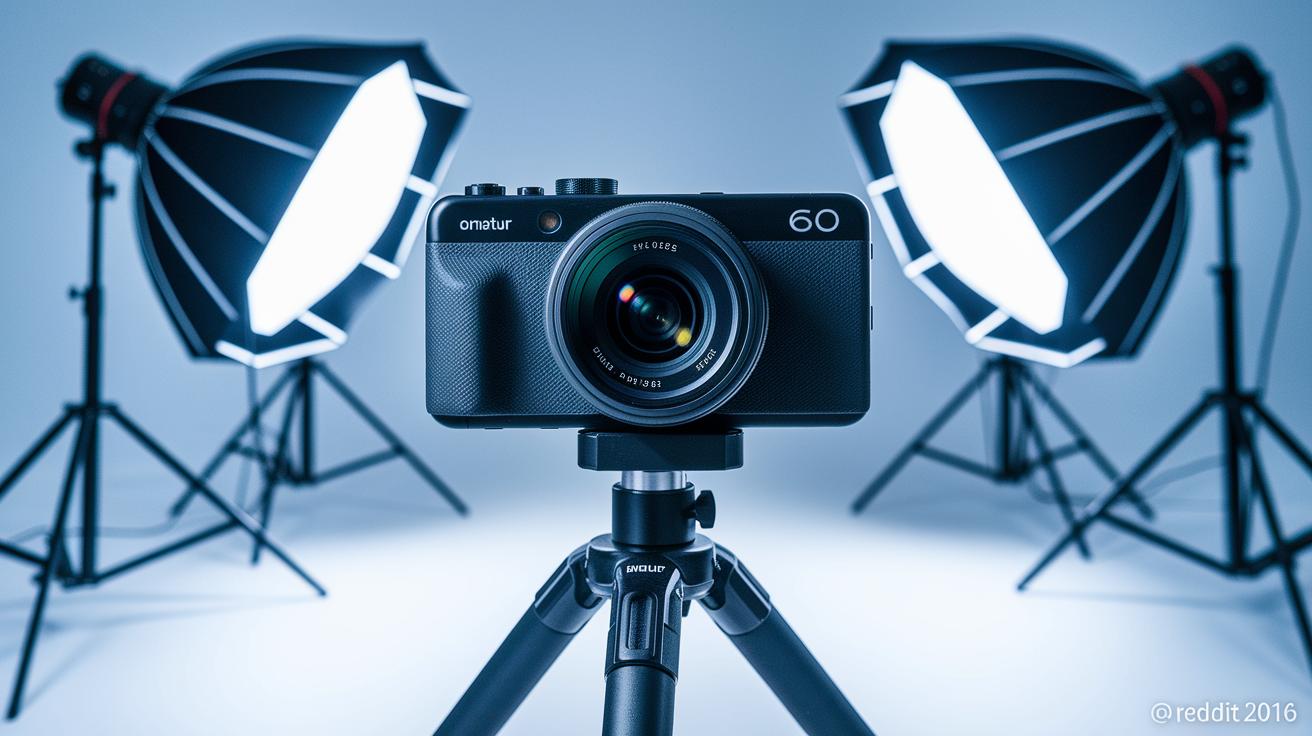
Camera shake is a common issue when shooting macro photos. To fix this, use a tripod or stand to keep your phone steady. A remote trigger, like using the volume-down button on your connected headphones, lets you take pictures without touching the screen. This simple trick helps reduce blur when you’re snapping close-up details.
If your shot suffers from inconsistent focus or a shallow depth of field, don’t worry. Try using manual exposure settings in your camera app to adjust the brightness just right. Focus peaking (a feature that highlights the sharp areas) shows you exactly what’s in focus, so you can tweak it until every detail is clear. Exposure bracketing lets you take several photos at different brightness levels, giving you the best option to choose from.
For a creative twist, experiment with some filter hacks. A thin coat of Vaseline on a clear filter can give your subject a soft, artistic glow. Meanwhile, a polarizing clip-on filter cuts through glare and controls reflections. These methods add a fun, artistic edge while solving common macro challenges on your phone.
Don’t be afraid to play with different angles and lighting. Try side lighting for texture, backlighting for dramatic silhouettes, or diffused light to ease harsh shadows. Experimenting with various setups might just uncover a unique look that makes your close-up shots stand out.
Final Words
In the action, we explored mobile macro photography tips that push your phone’s camera to capture close-ups with real detail. The guide walked you through using built-in macro modes and simple hacks like the 1x lens trick to achieve crisp shots. We also touched on gear attachments, creative lighting setups, precise focus, smart composition, and efficient editing steps. Each tip builds on the last to help you nail your macro shots and have fun while getting the perfect close-up. Enjoy your next creative shoot!
FAQ
Q: What are popular mobile macro photography tips from Reddit?
A: The mobile macro photography advice shared on Reddit highlights using built-in macro modes or creative lens hacks, steadying your phone with a volume trigger, and employing soft lighting to capture detailed close-ups.
Q: What are the best mobile macro photography tips for beginners?
A: The mobile macro photography tips for beginners focus on using built-in macro modes or a 1x lens hack, keeping a 2–5 cm distance from your subject, and using a volume-down shutter for stability.
Q: How does macro photography work on an iPhone?
A: The macro photography with iPhone involves using the native macro mode for sharp close-ups or the 1x lens hack when macro mode isn’t available, along with steady hand techniques and proper exposure settings.
Q: How can I take macro photos with my phone without a macro lens?
A: The macro photography without a dedicated macro lens relies on digital zoom hacks, using steady hand practices or a volume button trigger, and fine-tuning focus to capture clear, detailed close-ups.
Q: How do I capture macro photos using an Android phone?
A: The macro photography on Android suggests activating any available native macro mode or digital zoom, maintaining a 2–5 cm subject distance, and ensuring adequate lighting and focus for detailed images.
Q: What are the best budget tips for mobile macro photography?
A: The best budget macro photography tips recommend using affordable clip-on lenses or DIY lens hacks, ensuring proper alignment and lighting to achieve crisp, detailed close-ups without a high price tag.