

Smart speakers do more than play music, they can change your home with a simple command. When you speak, your lights adjust, the thermostat sets the perfect temperature, and even your security system syncs up.
Imagine your devices working together like a well-practiced team that makes your daily routines smoother. In this post, we show how integrating smart speakers turns your house into a smart hub that listens and reacts to your needs.
Smart Speaker Smart Home Integration Boosts Smart Living
Smart speakers do a lot more than just play music. They come with built-in voice assistants that let you control your lights, thermostat, and even security system, all with a simple command. They always listen for a wake word, so you can say something like, "Turn on the living room lights," and the system instantly responds.
This smart home setup works best when all your gadgets talk to each other easily. When every device syncs well, your daily routines run like a well-organized team. Picture this: you walk into a room and the lights, temperature, and even your favorite tunes adjust to your mood without you lifting a finger. Strong network standards keep everything connected reliably.
Many smart speakers use helpers like Alexa, Siri, or Google Assistant, and they often need a few extra setup steps. For example, the Apple HomePod requires an iOS device to get started, which is key to turning your home smart. There’s also Home Assistant (an open-source automation tool) that works with both Amazon Alexa and Google Assistant, so you can control many devices from one place.
For a quick look into smart homes, check out what is a smart home. It shows how a good design makes your home truly smart.
Configuring Voice Setup on Smart Speakers for Home Automation
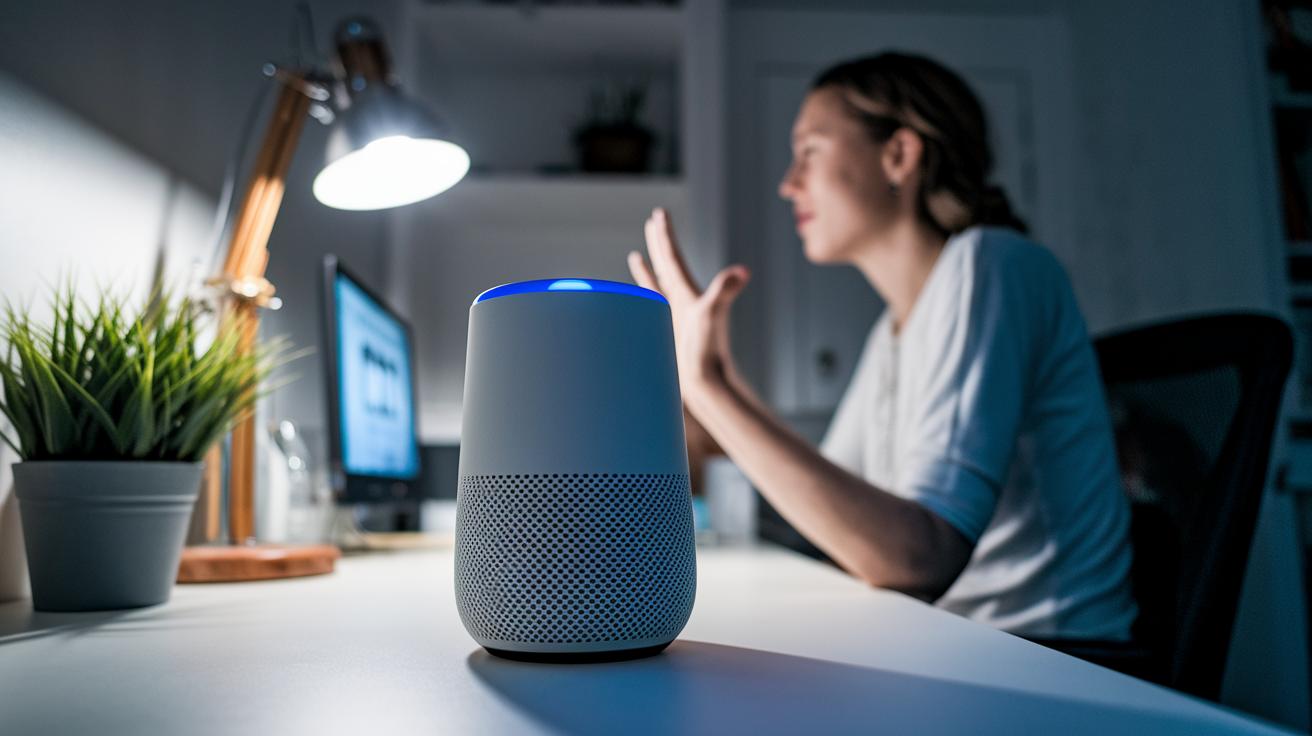
Getting your smart speakers to catch your voice correctly makes your home run smoother. When the speakers are properly calibrated, they can control lights, thermostats, and security devices with ease, even if there is background noise. You need to adjust the mic sensitivity so the speakers pick up your voice clearly.
The Home Assistant Voice Preview Edition focuses on privacy and sharp response. It lets you set precise voice thresholds, meaning only your voice will trigger a response. Think of it as having a personal guard that only listens to you.
Devices like the ReSpeaker XMOS XVF3800 take things further. This speaker covers a full 360° and can pick up your commands from up to 5 meters away. It uses beamforming (a way to focus on your voice), noise suppression, and echo cancellation to catch your words, even when the room is busy. So if you say, "Turn on the hallway lights," it hears you clearly.
There are slight differences in setting up each assistant:
| Device | Setup Method |
|---|---|
| Apple HomePod | Pair with an iOS device and follow on-screen prompts |
| Amazon Echo Dot | Quick-pair and use the app for calibration |
| Google Nest Hub | Adjust voice calibration settings in the device setup |
Experiment with how you place your smart speaker and adjust its sensitivity. Place it away from noisy areas and test it with simple commands. This extra time spent on fine-tuning makes sure even quiet instructions are heard, making your smart home easy to control.
Integrating Smart Speakers with Automation Hubs and Platforms
Connecting your smart speakers to an automation hub makes everyday tasks easier. Home Assistant offers open source voice control that works with many devices. You can set up custom voice commands and routines that work with your gadgets. This setup lets you handle everything from one simple screen, which is great if you like a setup that fits you.
Amazon Alexa, Google Assistant, and Apple HomeKit all offer different features. Alexa lets you trigger routines with easy commands. Google Home uses fast routines and smart search to get things done quickly. Apple HomeKit works within the Apple world, so you need an iOS device to get started. Each system supports devices and routines in its own way, so knowing how they differ helps you pick the right mix for your home.
Support for the Matter standard (a rule that helps devices from different makers work together) on some devices keeps your home flexible. With Matter, you can mix devices from different brands without being stuck with one ecosystem.
For those who like DIY projects, ReSpeaker HATs and USB arrays are solid choices. They bring voice control to Raspberry Pi and other custom builds. This lets you experiment with unique automation setups and try out different ways to link your devices.
- Adjust your speaker connection based on your preferred hub
- Test different routines to find the best voice command
- Keep an eye on software updates to keep everything running smoothly
Mixing various platforms and standards can make your smart home both quick to respond and ready for future upgrades.
Creating Advanced Routines and Multi-Device Orchestration with Smart Speakers

With voice routines, you can control your entire home with one simple command. Picture saying "Good morning" and seeing your lights turn on, the thermostat adjust, and your coffee start brewing. Smart speakers do more than play music and set timers. They can act as intercoms too. For example, you might use one in the kitchen to call your family or announce mealtime.
These speakers can also take on detailed tasks. You might ask one to walk you through a recipe or check your sleep using a bedside display. Say, "Set the kitchen to cooking mode," and watch the connected devices spring into action with brighter lights, a recipe podcast, and the perfect room temperature. Routines like these keep a busy home running smoothly.
You build these routines by scheduling commands through your smart home hub. This lets you link office calendars with meeting reminders while dimming the living room lights for video calls. Here’s how to get started:
- List your daily tasks and match them with device actions
- Schedule sequences so devices do not conflict
- Test routines to ensure they recognize your voice commands
Soon, smart speakers will get even more flexible. Devices like Google Gemini for Home will allow two-way conversations, meaning your gadgets can talk to each other and even fix small issues on their own. This shift will see smart speakers grow from basic voice helpers into AI-powered managers that run your digital household. Now, controlling your home can be as simple as saying a few words.
Troubleshooting Smart Speaker Integration in Your Smart Home
If your smart speaker struggles in a noisy room, it might miss your commands. Background sounds make it hard for the microphone (the part that listens) to pick up your voice, particularly when several people talk at once. Try placing your speaker in a quiet spot away from busy areas.
Network problems can also cause issues. If your speaker loses connection or reacts slowly, check your Wi-Fi settings and make sure your router’s firmware is up-to-date. Often, resetting your network and pairing your speaker again clears up these glitches.
When you use more than one assistant, like Alexa and Google Assistant, they may clash if their tasks overlap. To avoid mixed responses, assign each device a clear role and watch out for similar voice commands.
The October 27, 2025 update recommends the ReSpeaker XMOS XVF3800. This model works well even in noisy areas. Keeping your speaker’s firmware current and ensuring proper calibration usually fixes most pairing issues.
- Check mic placement for clear voice capture
- Verify Wi-Fi credentials and update network firmware
- Separate overlapping commands to minimize conflict
Following these simple steps helps your smart speaker hear your commands clearly and keeps your smart home running smoothly.
Top Smart Speakers for Seamless Smart Home Integration
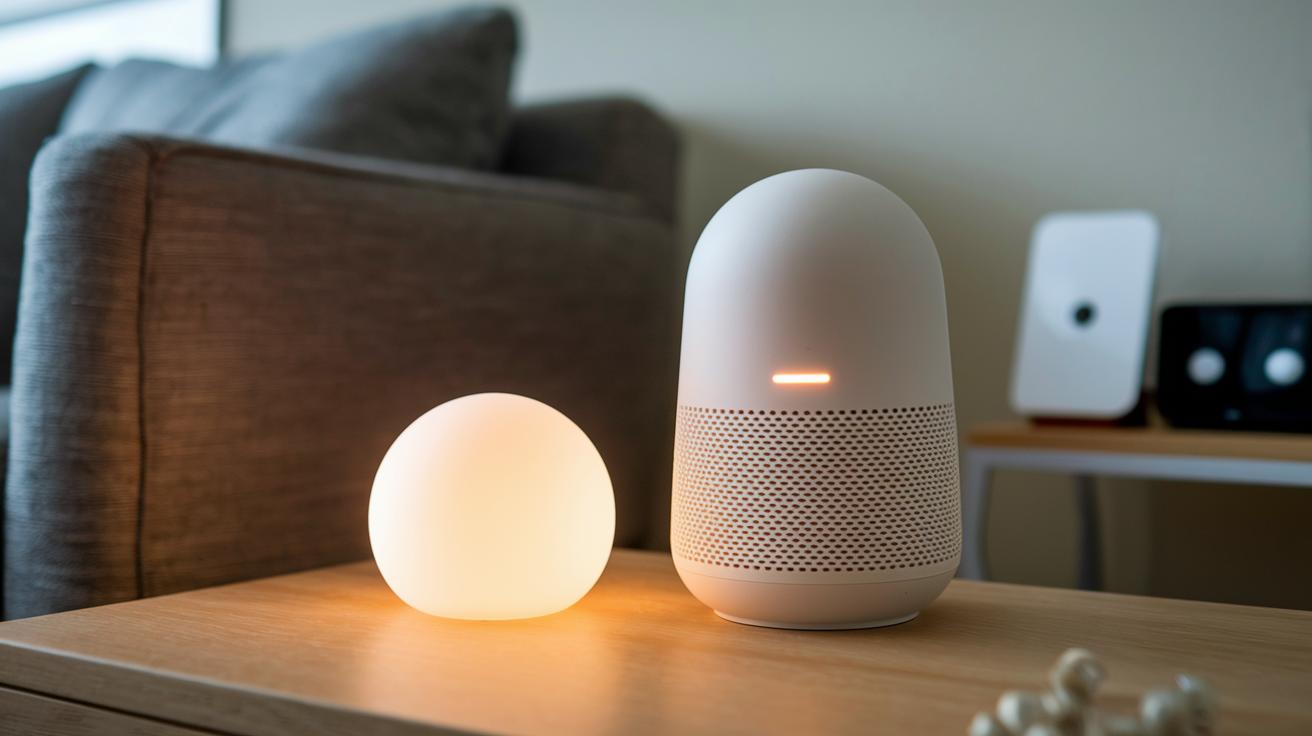
The Sonos Era 100 offers big, open sound and steady streaming in a slim design that fits well in any room. It works smoothly with your home automation systems too, making it a smart choice if you want solid performance without breaking the bank.
The Sonos Era 300 builds on this by adding spatial audio (sound that seems to come from all directions) for a movie-theater feel. Its advanced sound processing fills a room completely, perfect if you're after a more cinematic audio experience.
If you're an Apple fan on a budget, the Apple HomePod Mini delivers clear sound and simple setup. It pairs easily with your iOS devices and adds smart home control in a compact design. For bigger spaces, the Apple HomePod 2 fills rooms with rich, full audio while keeping close ties with Apple’s smart tech.
The Amazon Echo Dot (5th Gen) remains a hit thanks to its balance of low cost and reliable performance. Its mix of good sound quality and Alexa integration makes it handy for everyday use. Meanwhile, the Bang & Olufsen Beosound A1 (2nd Gen) wraps Alexa into a lightweight, stylish design, ideal for those who want both look and function.
The JBL Authentics 300 stands out by supporting both Alexa and Google Assistant. This dual voice control is useful if you use devices from different ecosystems. And if you need a speaker for life on the move, the Sonos Move 2 offers great performance outside the home while staying part of the Sonos family.
Looking ahead, Google Gemini for Home is expected in spring 2026 with more interactive features. Each of these speakers brings a unique advantage, whether it’s a tight budget, preferred tech ecosystem, or the type of control you need. Which one works best for you depends on how you want your smart home to feel.
Final Words
In the action, we broke down smart speaker smart home integration, covering everything from initial voice setup and device linking to troubleshooting common issues. We looked at optimizing routines, syncing devices, and managing different hub platforms.
This guide aimed to give a clear picture of smart speakers’ capabilities and setup tips. By testing and comparing various options, we hope to help you make a smart, low-risk purchase that meets your needs and budget. Enjoy building a smoother, connected home.
FAQ
Q: What is smart speaker smart home integration?
A: The smart speaker smart home integration means linking voice assistants with home devices so you can control lights, thermostats, and more via an app. It is widely discussed in reviews and on forums.
Q: What makes a smart speaker different from a regular speaker?
A: The smart speaker differs from a regular speaker by including a built-in voice assistant. This lets you use voice commands for streaming music, controlling devices, and accessing information hands-free.
Q: What is the best smart speaker for music and smart home integration?
A: The best smart speaker for music and integration offers excellent audio and seamless control over your smart devices. Options like the Sonos Era and Amazon Echo Dot combine rich sound and powerful connectivity.
Q: What are portable smart speakers?
A: The portable smart speakers are compact devices with voice control that allow wireless connectivity. They are designed to be moved easily for use in different rooms or outdoor spaces.
Q: What is the best smart speaker with a screen?
A: The best smart speaker with a screen integrates a touch display with voice control. Devices such as the Google Nest Hub offer visual feedback while handling smart home tasks and interactive information.