

Ever thought your smartphone could do more than just grab quick snapshots? Many of us miss out on taking detailed, creative pictures. With smart apps that let you tweak settings by hand and add neat filters, your phone can work like a real camera. In our guide, we looked at a few top apps that put real camera features and artistic tools right at your fingertips. We tried each one out, checking things like file type options and creative functions, so you can pick the app that best fits your style.
Top Picks for Best Smartphone Camera Apps
Smartphone photography has really evolved. Apps now give you hands-on controls like a real camera and fun filters to boost your photos. Whether you're a pro looking for manual settings or a beginner wanting to improve your shots, you'll find something that fits. We dug into features like manual control settings, file type choices, and creative tools to put together this list. Our picks are based on review scores and what users recommend to help match you with the right tool for your style.
| App Name | Platform(s) | Standout Feature |
|---|---|---|
| Camera+ | iOS | Manual control with JPEG, TIFF, RAW, HEIF |
| ProShot | iOS, Android, Windows | DSLR simulation with auto, program, manual, custom modes |
| Snapseed | iOS, Android | Selective contrast, HDR, Retroux effects |
| Wordswag | iOS, Android | Quick text overlays |
| Hipstamatic | iOS | Film and lens simulations |
| Retro Camera | Android | Vintage filters and scratch effects |
| Prisma | iOS, Android | AI-based artistic presets |
| Diana | iOS, Android | Double exposure creation |
| Waterlogue | iOS, Windows 10 | Converts images into watercolor-style art |
We picked out these apps by testing them and comparing what they had to offer. We focused on features like manual controls, support for different file formats, and creative tools that are easy to use. This quick table lets you see which app shines in a specific area so you can choose one that helps you capture amazing photos.
Essential Features in the Best Smartphone Camera Apps
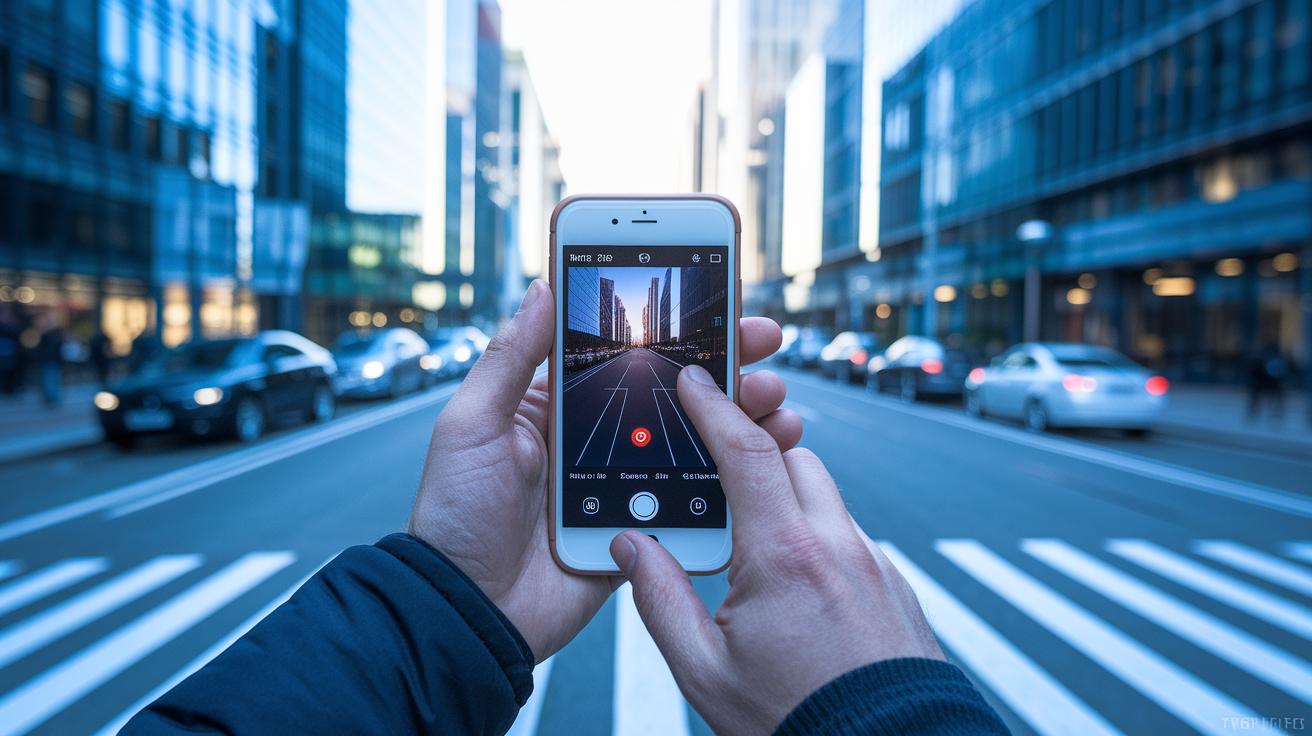
Smartphone camera apps need to have the right tools so you can capture your moments exactly as you imagine. They let you adjust settings like shutter speed (how quickly the sensor records light), ISO (the sensor’s light sensitivity), and focus to get the perfect shot, whether the scene is still or moving.
- Manual controls: Change shutter speed, ISO, and focus on the fly to nail the right exposure.
- RAW file capture support: Save your photos in DNG RAW format (a file that holds more data for later editing) on Android 5.0 and above.
- HDR performance benchmarks: Use high dynamic range modes to balance tricky light situations, as seen in apps like Snapseed and GCam ports.
- Stabilization algorithm comparisons: Enjoy smoother videos and photos with apps like Adobe Lightroom Mobile and ProShot.
- Adaptive light correction methods: Automatically adjust to changing light, similar to what you experience in Open Camera.
- Quick shutter speed controls: Freeze fast-moving subjects with almost no delay.
- Background blur technology: Highlight your subject by softening the background, a feature you’ll find in ProCamera.
These features give you hands-on control to adjust settings as you need. They help ensure your images look great in low light, fast action, or any other shooting scenario.
Comparing Professional vs Beginner-Friendly Camera Apps
Smartphone photographers have a clear choice: you can choose an app that gives you full control over every setting or one that makes snapping a quick, easy shot. It really comes down to your needs.
Professional camera apps
If you want to control every detail, apps like ProShot, Camera FV-5, and Adobe Lightroom Mobile are a solid pick. These tools let you adjust exposure, ISO, white balance, and focus by hand. They even let you take multiple shots with different settings (called bracketing) so you can pick the best one later. Plus, with DNG support (a format that saves all the raw data), you can edit your photos with a lot of detail. Have you ever checked your settings before snapping a photo? Doing so helps make sure you capture the full range of light and dark in each shot.
Beginner-friendly options
If you prefer a simpler approach, apps like VSCO, A Better Camera, Camera MX, and Snapseed might be the way to go. These apps come with preset filters and easy-to-use tweaks that improve your images without a lot of fuss. They offer familiar, film-inspired looks along with basic controls for things like HDR and contrast. This makes them a great choice for casual shooters, content creators, or anyone who wants to get great photos quickly without a steep learning curve.
Advanced Manual Controls and RAW Support for Expert Shooting
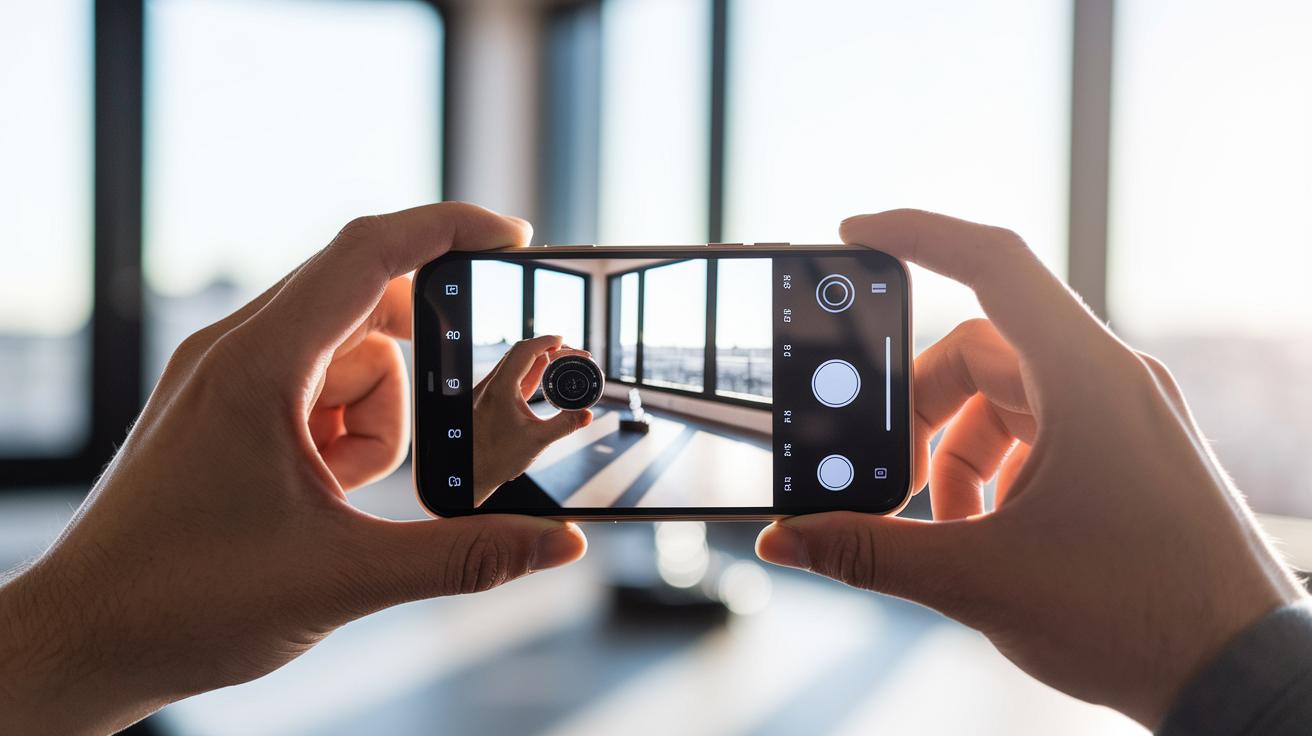
ProShot gives you real DSLR-like control right on your phone. It offers auto, program, manual, and custom modes and lets you adjust ISO, shutter speed, focus, and white balance directly in the app. This means you can set up your shots just the way you want them, even if you're not using a full camera.
Camera+ and ProCamera let you shoot in formats like TIFF and HEIF. Lightroom Mobile even supports DNG RAW capture (a file format that keeps lots of image detail) with tone curves and spot healing. These file types hold more data, making it easier to edit your images later without losing quality.
Camera FV-5 also steps up with fancy exposure bracketing and a built-in histogram that shows how light or dark your scene is. It offers exposure lock and manual focus too, which makes tap-to-focus more precise and helps you capture steady, well-balanced photos even in tough light.
For full access to these tools, you need to enable the Camera2 API. This quick setup unlocks a range of advanced RAW features in several apps. By fine-tuning your settings and picking the right file format, you can boost your photography to a pro level while still enjoying the ease of a smartphone.
Creative Editing and Filter Effects in Smartphone Camera Apps
Snapseed Editing Suite
Snapseed gives you simple tools to adjust your photos exactly how you want. You can tweak contrast, brightness, and add textures like grunge to bring out details in every shot. The app also offers HDR (a tool that helps balance bright and dark areas) and Retroux filters for a richer, dramatic look. With just a few quick changes, a dull photo can come alive with color. We’ve found that each feature is meant to help you shape your vision effortlessly.
Prisma Artistic Filters
Prisma uses smart presets to turn your photos into art. Its filters mimic real painting styles, lending your pictures a unique artistic feel. If you’re looking for a quick way to add an artsy vibe without spending hours editing, Prisma could be the app for you. Imagine turning an ordinary landscape into a scene that feels fit for an art exhibit.
Overlay and Text Tools
For adding text or extra layers, Wordswag and Diana are easy to use. Wordswag offers ready-made text templates that let you quickly label or watermark your photos. On the other hand, Diana allows you to blend two images with fun double-exposure effects. A touch of stylish text can really help a photo stand out on your social feeds.
Specialty Effects
If you’re in the mood for something different, specialty filters give you extra creative choices. Waterlogue, for instance, turns photos into lovely watercolor-style images that look hand-painted. Extra HDR and grunge effects can add mood and texture, making each shot feel unique. These options give photographers a lot of room to experiment and share creative results instantly.
Matching Your Shooting Style to the Perfect Camera App
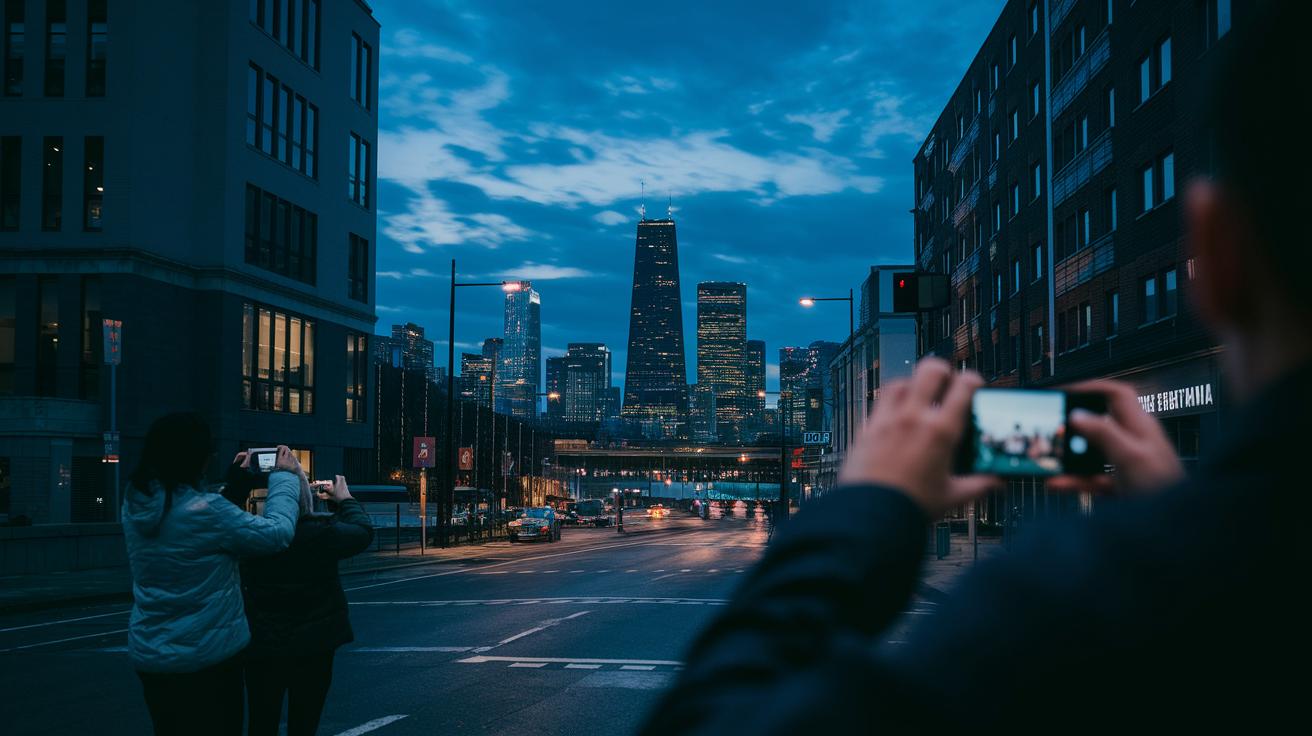
Low-light shots and night scenes need apps that fine-tune your settings and boost image quality. For example, many GCam ports come with a night mode that cleans up images in dim light, making cityscapes and shadowy portraits clear. Social media makers also like apps such as VSCO because they offer built-in sharing and quick editing tips right before you post. These apps adjust the light as you shoot so even tricky lighting shows rich details.
Travelers and photo fans have unique needs that these apps handle well. Open Camera is a strong pick with adaptive light fixes and geotagging (recording where your photo was taken), which helps when you’re capturing travel moments. Meanwhile, experts lean toward apps like ProShot or Camera FV-5. They offer accurate exposure controls and solid RAW support (a file format that holds more image details). With these tools, you can tweak every setting to have complete creative control wherever you go.
Final Words
In the action, we broke down top picks by showing standout features from Camera+ to Waterlogue. We covered essential features like manual controls and RAW support, then compared professional powerhouses with simpler setups for beginners. We also looked at creative editing tools and how each app fits different shooting styles.
Each section helped you compare battery, performance, and ease of use. These insights make it easier to choose the best smartphone camera apps for your needs. Enjoy capturing every moment with confidence.
FAQ
Q: What are the top camera apps recommended on Reddit and free options available for Android?
A: The top camera apps discussed on Reddit include free Android options like ProShot and Snapseed, known for offering manual controls, creative editing, and settings that help you capture quality images.
Q: Which Android camera apps work best for Samsung phones?
A: The best camera apps for Samsung devices offer a blend of ease and advanced features. Apps such as ProShot and Snapseed provide tailored controls that help maximize the image quality on your Samsung phone.
Q: What is the best video camera app for Android?
A: The best video camera app for Android delivers strong stabilization and easy editing tools. Such apps let you record smooth clips and adjust your video after shooting to achieve a professional appearance.
Q: Which app is best for professional photography on Android?
A: The top professional camera apps, like ProShot, offer full manual controls and RAW file capture. These features give you precise settings to capture high-quality images that suit expert photography needs.
Q: Which camera apps are great for creative filters and taking pictures of pictures?
A: The best creative camera apps include Snapseed and Wordswag, which provide beauty filters, text overlays, and other artistic features. They are ideal for capturing creative shots and pictures of printed images.
Q: Which camera apps maximize photo quality on smartphones?
A: Apps that maximize photo quality offer manual settings and RAW support. Popular choices like ProShot and Lightroom Mobile help you create sharper, well-exposed images through detailed controls.