

Have you ever tried taking photos without color? Removing color helps you see bold contrasts and hidden textures. Your smartphone can turn ordinary scenes into art when you work with light and shadow. In this guide, we share easy tips to help you capture every detail. Get ready to see your world in a fresh way and make photos that last.
Mastering the Basics of Mobile Black and White Photography
Smartphones are more than just devices you carry around; they're powerful cameras that let you dive into black and white photography. When you remove color, your phone brings out the structure and texture of every scene. This forces you to see clear contrasts, shapes, and shadows that turn everyday moments into striking images. For example, snapping a shot of an old brick wall in monochrome can unveil the worn details like never before.
Focusing on tone and form makes creating photos much simpler. Without color to distract you, your subject really pops. The play of light and dark tells its own story, highlighting details that might otherwise slip by unnoticed. Have you ever noticed how every line and texture feels more important in black and white? It gives your images a timeless, bold vibe.
- Emphasizes texture
- Controls mood effectively
- Brings out clear shapes
- Keeps composition simple
- Works on any smartphone
Your smartphone can be all you need to make great black and white photos. Modern devices pick up the finer details that work well in monochrome when you know how to boost contrast and texture. Try experimenting with different subjects, lighting, and angles. Even if your phone is your only camera, these techniques can spark new creative ideas. Each shot is a fresh chance to focus on mood, form, and a unique artistic view.
High-Contrast Shooting Techniques for Mobile Black and White Photography

Using strong contrast can make your black and white photos really stand out. Your phone’s settings can boost shadows and highlights, turning a simple scene into something dramatic. This method plays on light and dark differences so that textures and shapes become clear.
Here are some quick ideas to try:
- Monochrome preview: Use the live black and white view to check the balance of tones as you frame your shot.
- RAW capture: Shoot in RAW format (a file type that keeps a lot of detail) so you can adjust it later.
- ISO boost: In low light, raise the ISO (a setting that controls how sensitive your camera is to light) to add a cool grainy look.
- Silhouette framing: Place your subject in front of bright light to capture a striking outline.
- Backlighting: Shoot with the light behind your subject to deepen shadows and create mood.
- Side-lighting: Light your subject from the side to bring out more texture and depth.
Trying these tips can really lift your mobile photography. Experiment with your phone’s settings and see how different lighting makes a difference. Have you ever noticed how natural light in the early morning or late afternoon adds a special, cinematic touch? It turns your photos into bold, artful statements.
Composition Strategies for Captivating Mobile Black and White Images
Black and white photos shine when you focus on what really matters. Without color, lines and shadows step up to tell the story. Smart composition keeps your subject in the spotlight and makes your scene feel balanced and inviting.
- Rule of thirds: Place your subject off center to create a natural, lively image.
- Leading lines: Use paths or edges in the scene to guide the eye toward your subject.
- Minimalism: Stick with one strong point or use groups of 1, 3, or 5 elements to make an impact.
- Symmetrical balance: Frame two subjects in a mirror-like layout to bring a sense of calm.
- Off-center focal points: Shift the main element away from the center to add visual interest.
- Motion blur: Add a bit of blur to suggest movement and give the photo a creative twist.
- Texture emphasis: Highlight surfaces and patterns to reveal details that color might hide.
Trying these tips can make your mobile photos feel more alive. Each choice builds a story where form, depth, and contrast work together to draw viewers in.
Natural Lighting Tips for Mobile Black and White Photography
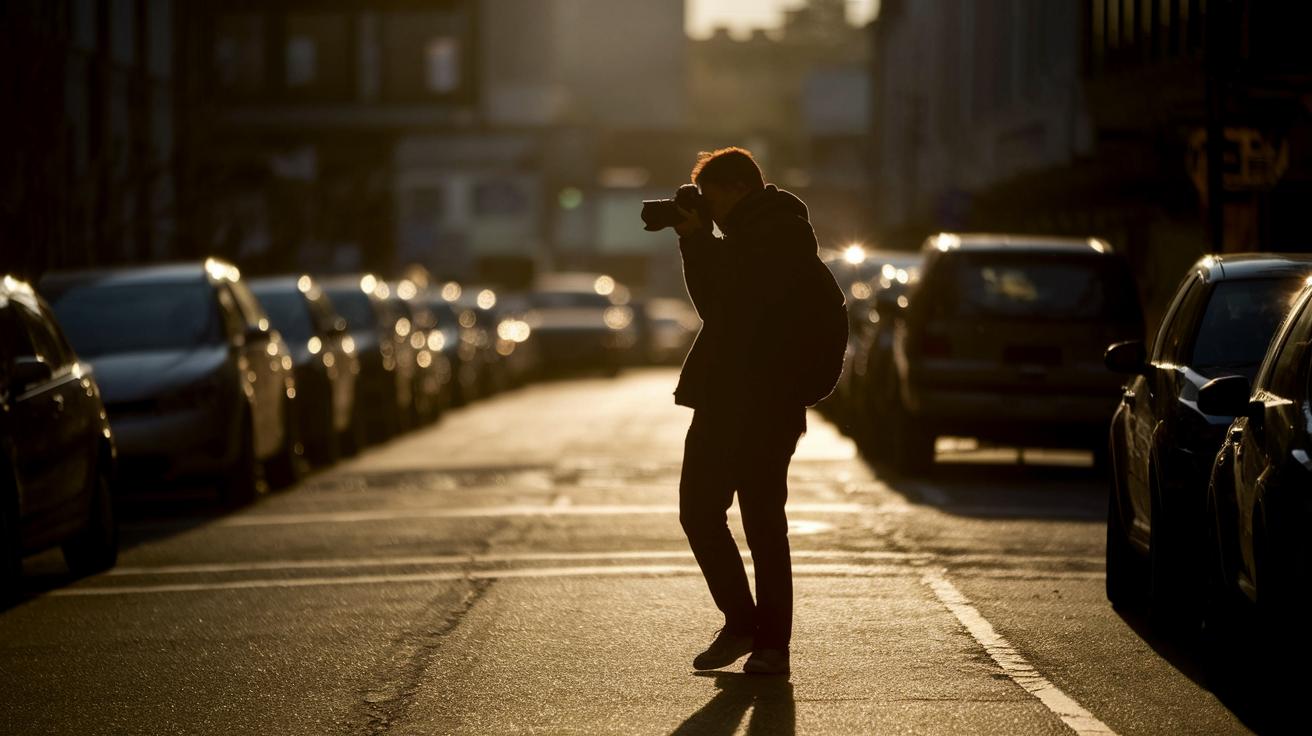
Choosing the right natural light can change an everyday photo into striking black and white art. Natural light boosts textures and shows clear shadows and shapes. Your phone will capture a different mood depending on whether you shoot at dawn, noon, or dusk.
| Lighting Condition | Best Time | Effect on Contrast | Camera Tip |
|---|---|---|---|
| Golden Hour | Early morning/late afternoon | Creates deep contrasts with warm tones | Use natural shadows for extra depth |
| Midday | Noon | Generates harsh highlights that separate shapes | Adjust exposure to soften bright areas |
| Blue Hour | Just after sunset/before sunrise | Offers soft shadows and cool tones | Try manual settings for a creative touch |
Match the light to what you want to show in your shot. For a dramatic look, try shooting during the golden hour. It brings out rich textures and soft highlights that work well in black and white. Noon light highlights strong edges and shapes, which is great for abstract photos. The blue hour gives you subtle light where shadows gently form a quiet backdrop. Experiment with these times on your mobile camera to see how each one changes your photo's feel.
Editing App Recommendations and Workflow for Mobile Black and White Photos
Editing your photos can take a good shot and make it truly stand out. By adjusting settings after you take the picture, you can fix the tone, bring back lost detail, and boost the contrast to create a dramatic, film-like feel. This kind of post-processing turns a simple capture into a work of art.
Step-by-step editing in Snapseed
Start by opening your RAW file in Snapseed. This gives you all the detail you could want. First, choose a black and white filter to remove color and let the contrast shine through. Next, slide the contrast control to highlight the difference between light and dark. Adjust the structure tool (which sharpens texture) so you can see every detail clearly. A little grain adds that classic film look that many photographers love. It’s all about tuning each setting until the image feels just right.
Using Lightroom Mobile for presets
Lightroom Mobile is a smart choice when you’re in a hurry. Import your photo and apply a monochrome preset for a fast start. Then, fine-tune the preset by adjusting the tonal curve. This step balances the shadows, midtones, and highlights so your picture keeps its dynamic range. You can also play with the contrast slider to ensure the details remain crisp. When you’re satisfied, export the image. And if you ever need more control, Lightroom’s sync feature means you can finish editing on your desktop later.
- Adjust exposure to set the right light balance.
- Tweak contrast to lift the tones.
- Recover highlights to keep the bright spots clear.
- Lift shadows to reveal details hidden in dark areas.
- Enhance texture so each detail stands out.
- Fine-tune grain to add an authentic film feel.
- Export your final image with all your edits saved.
Save your presets once you nail the perfect settings. That way, you can quickly apply your signature look to future shots with minimal fuss.
Advanced Mobile Black and White Photography Techniques
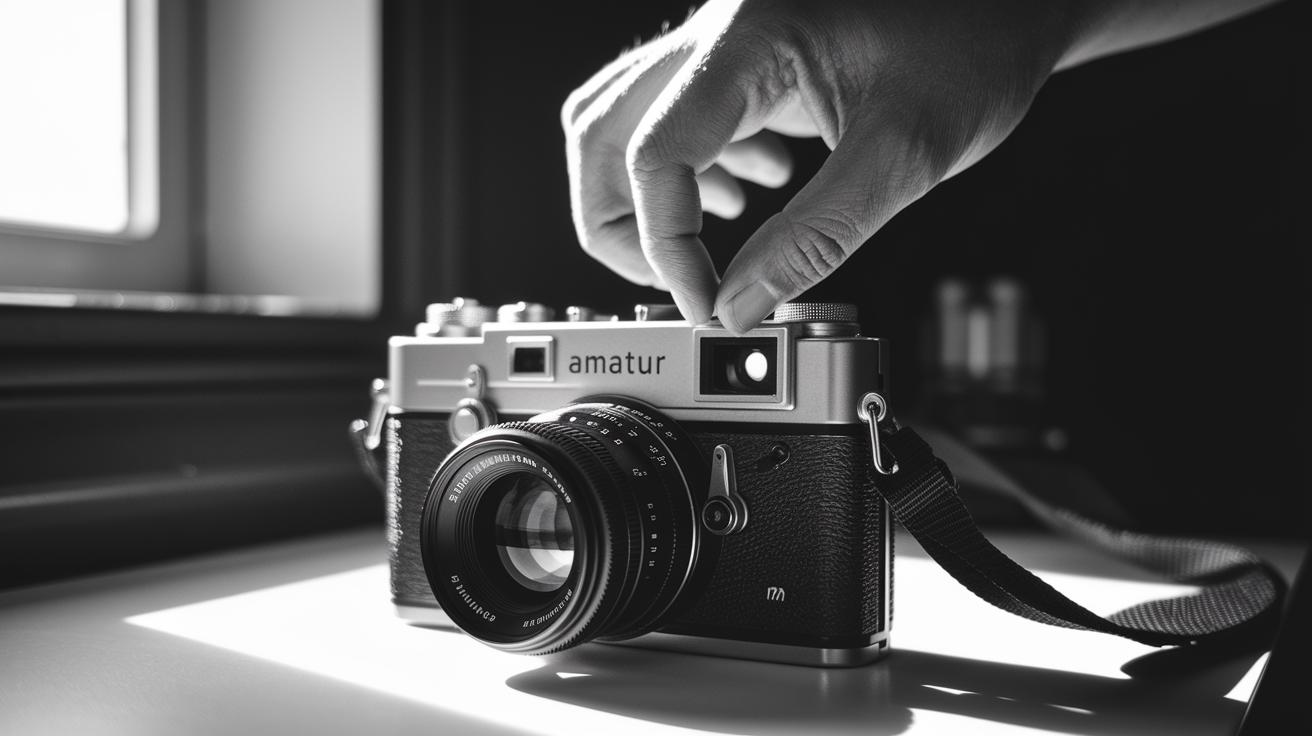
Manual exposure control gives you real power over your black and white shots. When you capture photos in RAW format (which saves all details from your camera), you have plenty of room to tweak highlights and shadows later. Try adjusting the exposure manually to keep bright spots from blowing out or to bring out hidden details in the shadows. This approach lets you fine-tune what your phone captures. In fact, by combining several shots taken at different exposures, a technique called exposure bracketing, you can overcome sensor limits and create images with a rich range of light and dark areas.
These tricks help your photos get a classic, film-like vibe while keeping every detail sharp. Experiment with different settings to add drama without losing texture. For example, you might try:
- Exposure bracketing
- Boosting ISO selectively (this makes the image grainier)
- Adding a creative grain overlay
Practice using manual mode often. The more you experiment, the easier it becomes to capture striking black and white images that truly show off the mood and texture of your scene.
Developing Creative Vision in Mobile Black and White Photography
Creating your own style in black and white photography means looking deeper than the surface. Your smartphone becomes your tool to zoom in on textures, city streets, and nature's patterns to tell a personal story. Try adding digital noise if you want that classic film feel, or use reflections and shadows to pop your subject against its background. Turn what seems like a limit into a guide, and you'll see your unique vision take shape with each click.
- Urban street series
- Texture close-ups
- Silhouette portraits
- Shadow pattern study
- Vintage-inspired scenes
It helps to look back at your old photos as you go. Compare them with your newer shots to see how your style grows over time. Every project – whether it's a quiet street corner or a bustling market scene – adds a new chapter to your creative journey. Every experiment shows you how to turn the constraints of mobile photography into real strengths that make your work stand out.
Quick On-the-Go Mobile Black and White Photography Tips

When you see a perfect moment for a bold black and white shot, your phone is all you need. No extra gear or fancy tools are required. A few tweaks can make your photos clear, focused, and full of life. Here are six simple tips to help you capture memorable monochrome images on the fly.
- Grid overlay: Turn on grid lines to keep your horizon steady.
- AE-LF lock: Tap to lock focus and brightness before you shoot.
- Stable posture: Hold your phone firmly or lean against something to avoid blur.
- Burst mode: Use burst mode to snap several quick shots of fast-moving scenes.
- Simple framing: Plan a basic composition quickly to capture the scene as it is.
- Instant preview: Check your live preview to see changes before taking the shot.
Final Words
In the action, we covered mobile black and white photography tips that take you from the basics to advanced techniques. We broke down contrast methods, smart composition, natural lighting, and editing workflows, all to help you capture striking moments using just your smartphone.
This guide offers practical ideas and quick on-the-go tips that make shooting simpler and more fun. Keep experimenting and let your inner artist shine.
FAQ
What are the best mobile black and white photography tips?
The best mobile black and white photography tips involve focusing on tonal contrast, experimenting with natural light, and using your phone’s dedicated monochrome mode. They help highlight textures and shapes in your images.
How do I take black and white photos on my smartphone, including Android, Samsung, and Google Pixel?
The process for taking black and white photos on your smartphone starts with selecting the monochrome mode or applying B&W filters. Adjust settings like contrast and exposure, then refine your image in an editing app.
What is the 20 60 20 rule in photography?
The 20 60 20 rule in photography describes a balanced tonal distribution, dividing highlights, midtones, and shadows into 20%, 60%, and 20%, respectively, to create natural depth and visual balance in your shots.
What is the 3:1 rule in photography?
The 3:1 rule in photography is a guideline for composing images by maintaining a 3:1 ratio between the main subject and its background, creating a balanced and pleasing frame.
What is the secret to black-and-white photography?
The secret to black-and-white photography lies in emphasizing contrast, light, and texture. Focusing on these elements helps you create powerful, mood-driven images that feel both timeless and dramatic.
Which is the best phone for black and white photography?
The best phone for black and white photography offers advanced manual controls, RAW capture, and a dedicated monochrome mode to bring out details in light and shadow. All modern devices deliver strong results.