

Have you ever dreamed that your home could obey your voice? Smart speakers with Bluetooth do more than just deliver your favorite tracks. They let you adjust lights and temperature, too. These devices hook up to your phone, tablet, or PC with a steady Bluetooth 5.0 link that fills your room with clear sound.
In this guide, we show how these speakers pair with your gadgets to make everyday tasks feel effortless. Stick with us to learn how this tech can truly change your home life.
smart speakers bluetooth: Stellar Sound, Effortless Sync
Smart speakers with Bluetooth do more than just play your favorite tunes. They come with built-in mics and voice assistants (like Alexa, Google Assistant, and Siri) so you can control music, check the weather, or even ask for a recipe without reaching for your phone. Bluetooth connects your phone, tablet, or PC to stream music up to about 30 feet away. With Bluetooth 5.0, the connection feels steadier and might cover a bit more space, letting you enjoy clear sound throughout your home.
These smart speakers also act as the hub for your smart home. Some models work with a smart home hub (a central device to control gadgets), so you can adjust lighting, temperature, or security using just your voice. This mix of wireless streaming and simple, hands-free commands makes everyday tasks a breeze. Have you ever noticed how handy it is to control everything with just a few words? That's the power of Bluetooth smart speakers in a modern home.
Step-by-Step Bluetooth Pairing Guide for Smart Speakers
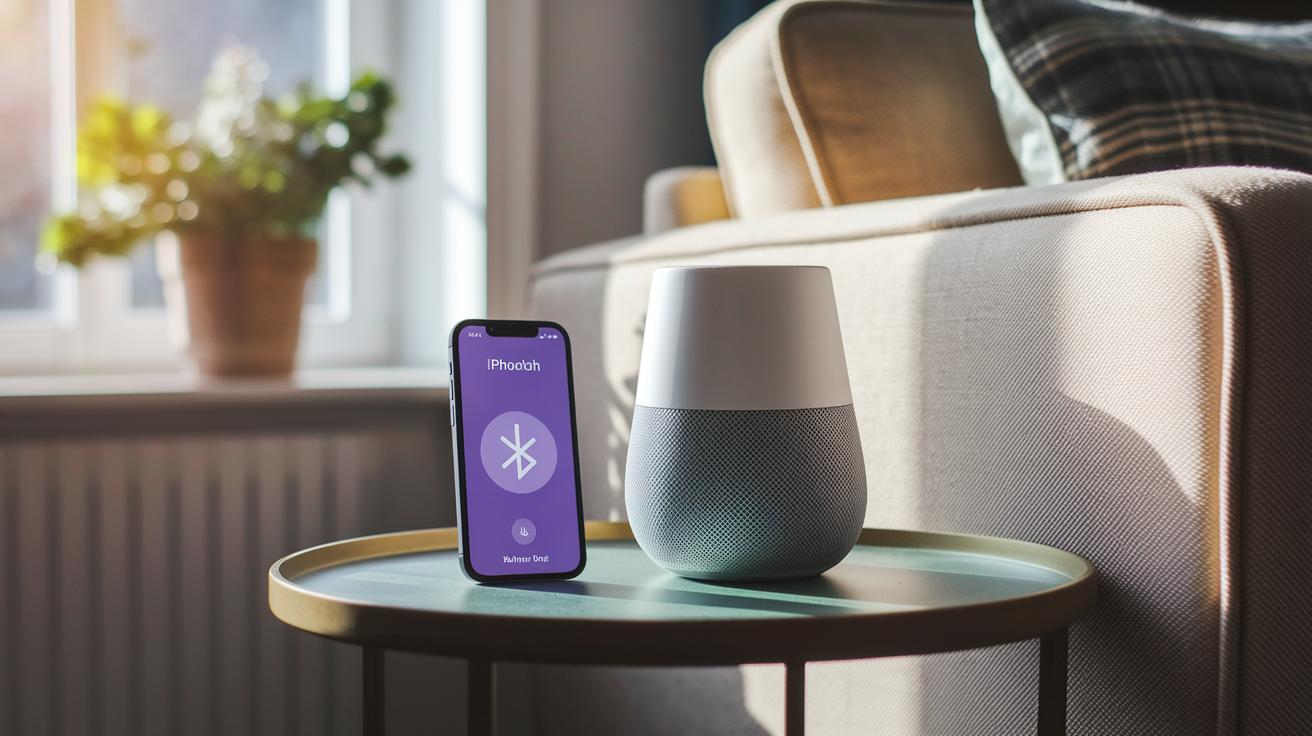
Pairing your smart speaker with Bluetooth is simple and fast. Each device uses its own method, but the main idea is the same. For example, your Amazon Echo appears in the Alexa app, Apple HomePod pairs in the Home app, and Google Nest works with the Google Home app. In short, you can set up wireless streaming and enjoy voice commands in minutes.
Follow these six easy steps to connect your Bluetooth-enabled smart speaker:
- Tell your speaker to pair by saying "pair Bluetooth" or by choosing the pairing option in its app. For instance, say "Alexa, pair Bluetooth" to put your Echo in pairing mode.
- Open the Bluetooth settings on your phone or tablet.
- Tap the speaker's name, like Echo Dot Max.
- If a PIN or code shows up, confirm it.
- Play a song or sound to check that the audio works.
- If it doesn't, restart your phone and speaker, then try again.
Taking a brief pause between steps helps make sure the speaker is ready. Using the right app for your device keeps things smooth. This guide works well for Amazon, Apple, and Google speakers alike. Give it a try and soon you'll enjoy a reliable connection and easy, hands-free control over your smart home.
Top Bluetooth-Enabled Smart Speakers Compared
The table below shows the main features we tested for these speakers. We looked at sound balance, connection quality, and design style to help you pick the right one.
| Model | Bluetooth Version | Range | Price | Voice Assistant |
|---|---|---|---|---|
| Amazon Echo Dot Max | 5.0 | 30 ft | $100 | Alexa |
| Amazon Echo Pop Kids | 5.0 | 30 ft | $59 | Alexa |
| Apple HomePod (2nd Gen) | 5.0 | 30 ft | $299 | Siri |
| Google Nest Audio | 5.0 | 30 ft | $100 | Google Assistant |
| Sonos Era 300 | 5.0 | 30 ft | $379 | Integrated |
| Sonos Move 2 | 5.0 | 30 ft | $499 | Integrated |
The Echo Dot Max stands out with a clear, balanced sound and robust connection thanks to its built-in Thread and Zigbee antennas. It’s a smart pick for home setups. We liked its value and consistent performance, though it has fewer manual controls than some might want.
The Echo Pop Kids is built with fun in mind. Its soft silicone cover and bright colors make it eye-catching, and it even comes with a six-month kid-friendly content subscription. It sounds good and feels safe, but it may not match the audio depth found in models aimed at adults.
Apple’s HomePod (2nd Gen) delivers rich bass and clear highs. It works seamlessly with Siri, especially in an Apple-centric setup. However, it foregoes an aux input, which might be a downside for some users.
For those who prefer Google, the Nest Audio offers crisp highs and a well-balanced sound at an affordable price. It easily handles voice commands with Google Assistant, making it a practical and accessible choice.
The Sonos Era 300 brings an exciting twist with immersive spatial audio and support for Dolby Atmos. It pairs well with other Sonos speakers, which can help create a great home theater feel.
Lastly, the Sonos Move 2 is designed for life on the move. Its longer battery life and tough design make it perfect for outdoor listening. While its price is higher, it offers a rugged solution if you need sound that travels with you.
Troubleshooting Bluetooth Connection Issues in Smart Speakers
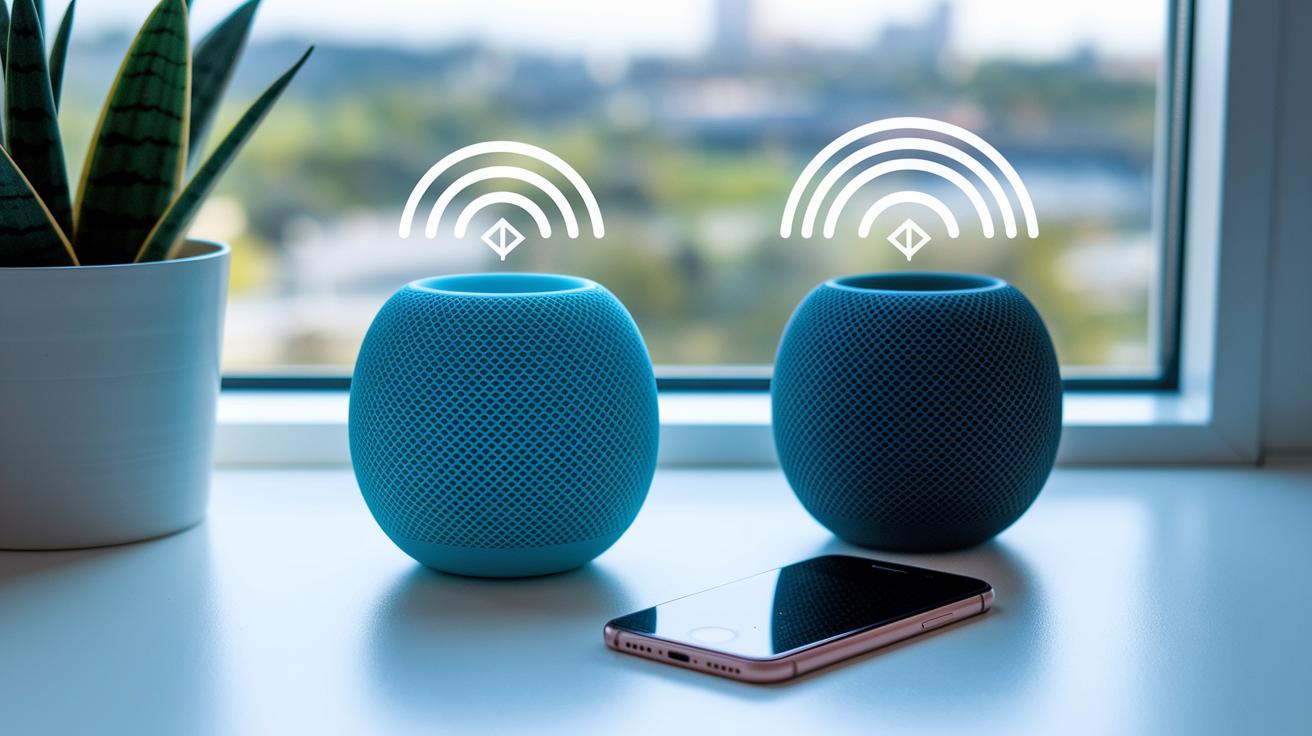
Bluetooth problems can spoil your music and voice control. You might hear weak sound, see a slow pairing, or face sudden dropouts. This often happens when the speaker is too far away or when the Wi-Fi channel on 2.4 GHz creates interference. Outdated software can also cause delays and unexpected disconnects, so keeping your software updated is important.
When issues pop up, first check if your speaker and device are close together. Sometimes, simply moving them within 15 feet can solve the problem. It also helps to dismiss any network interference and clear any old Bluetooth settings on your device.
- Place your speaker and device within 15 feet.
- Update the speaker’s firmware through its official app.
- Turn off and then turn on both your router and speaker.
- Reset your Bluetooth settings and re-pair your devices.
- Ask your assistant with a phrase like “Hey Google, troubleshoot Bluetooth.”
These steps should help clear up common issues so you can get back to enjoying smooth, uninterrupted audio.
Advanced Bluetooth Performance and Multi-Zone Audio with Smart Speakers
To keep your music in sync, all your speakers need to share the same Wi-Fi and Bluetooth mesh network. Take the Sonos Era 300, for example. It uses Trueplay tuning (a method for optimizing sound in your space) and switches to Bluetooth if needed. This means your system keeps playing even if one connection dips. Bluetooth 5.0 and LE Audio help cut down on delays so your tunes line up nicely in every room.
Tweaking your network setup can really help. Shifting your Wi-Fi to a 5 GHz channel eases congestion, letting Bluetooth signals sail through more smoothly. If walls or long distances are blocking your signals, try a Bluetooth repeater or a mesh hub. These tools boost your signal range and keep your audio playing without interruption.
When setting up audio across different zones, a few small steps can make a big difference. Check that each speaker’s firmware is up to date and that they’re all hooked to the same network source. This ensures they work well together in your smart home setup. Pairing your speakers with reliable smart home devices adds an extra layer of steadiness to your system.
Simple tweaks and the right gear let you enjoy seamless, synchronized streaming in every room.
Final Words
In the action, we broke down Bluetooth basics and how it boosts smart speakers. We guided you through a pairing process, compared top devices, and tackled common issues. We even covered advanced setups for syncing audio across rooms. This article gives you practical, test-driven insights on using smart speakers bluetooth. Follow the tips to enjoy smooth audio streaming and a hassle-free setup. Keep testing and fine-tuning your system, and watch your wireless audio experience improve every day.
FAQ
What are the best smart speakers with Bluetooth?
The best smart speakers with Bluetooth combine voice control with wireless ease. They let you stream music, control smart-home devices, and enjoy hands-free commands all in one compact design.
How do smart speakers use a Bluetooth app?
The smart speakers use a Bluetooth app to manage pairing and settings. The app lets you start pairing, update firmware, and adjust audio options for smoother performance.
Are there portable smart speakers with Bluetooth?
The portable smart speakers with Bluetooth are designed for on-the-go use. They offer battery power, compact size, and strong wireless streaming for outdoor or travel needs.
What smart speakers with Bluetooth are available on Amazon?
Smart speakers on Amazon with Bluetooth include models like the Echo series. They provide voice control, easy pairing, and robust connectivity for smart home setups and music playback.
Which smart speaker offers the best sound quality?
The smart speaker with top sound quality blends rich bass and clear highs. Models like the Apple HomePod and Sonos Era 300 stand out, each offering detailed audio that suits different tastes.
What about Google smart speakers?
Google smart speakers feature the Google Assistant and deliver balanced sound with clear vocals. They integrate well with smart-home setups and provide responsive, everyday voice assistance.
Which portable smart speakers work best with Bluetooth?
The best portable smart speakers with Bluetooth offer long battery life and strong connectivity. They are built for reliable streaming and clear sound even when you move from room to room.
Do Bluetooth speakers work wirelessly with TVs?
Bluetooth speakers for TV use provide wireless audio streaming and are easy to set up. They let you enjoy a cord-free sound experience, though syncing settings may vary by TV model.
What is the difference between a smart speaker and a Bluetooth speaker?
The difference is that smart speakers include built-in voice assistants and can control smart-home devices, while Bluetooth speakers focus solely on wireless audio playback without voice interaction.
Which smart speaker is the best to buy?
The best smart speaker to buy depends on your needs and budget. Choices like the Amazon Echo, Apple HomePod, and Google Nest Audio offer a range of smart features and quality sound.
What are the disadvantages of smart speakers?
The disadvantages of smart speakers include privacy concerns, occasional pairing issues, and reliance on internet connectivity. They may also require regular firmware updates to run smoothly.
Is it worth getting a smart speaker?
It is worth getting a smart speaker if you value hands-free control and wireless streaming. They add convenience for everyday tasks, though you should weigh privacy concerns and budget before purchasing.