

Have you ever thought about how your lights can change your day? Smart home lighting does more than simply light up a room. It uses wireless technology (sending signals using radio waves) and easy-to-use phone apps so you can control your lights from anywhere.
Imagine coming home to a soft glow that helps you unwind after a long day, or seeing a burst of color that fits the mood when you’re ready for dinner with your family. This simple upgrade makes your home work better for you, bringing a smart, personal touch to modern living.
Smart home lighting Elevates Modern Living
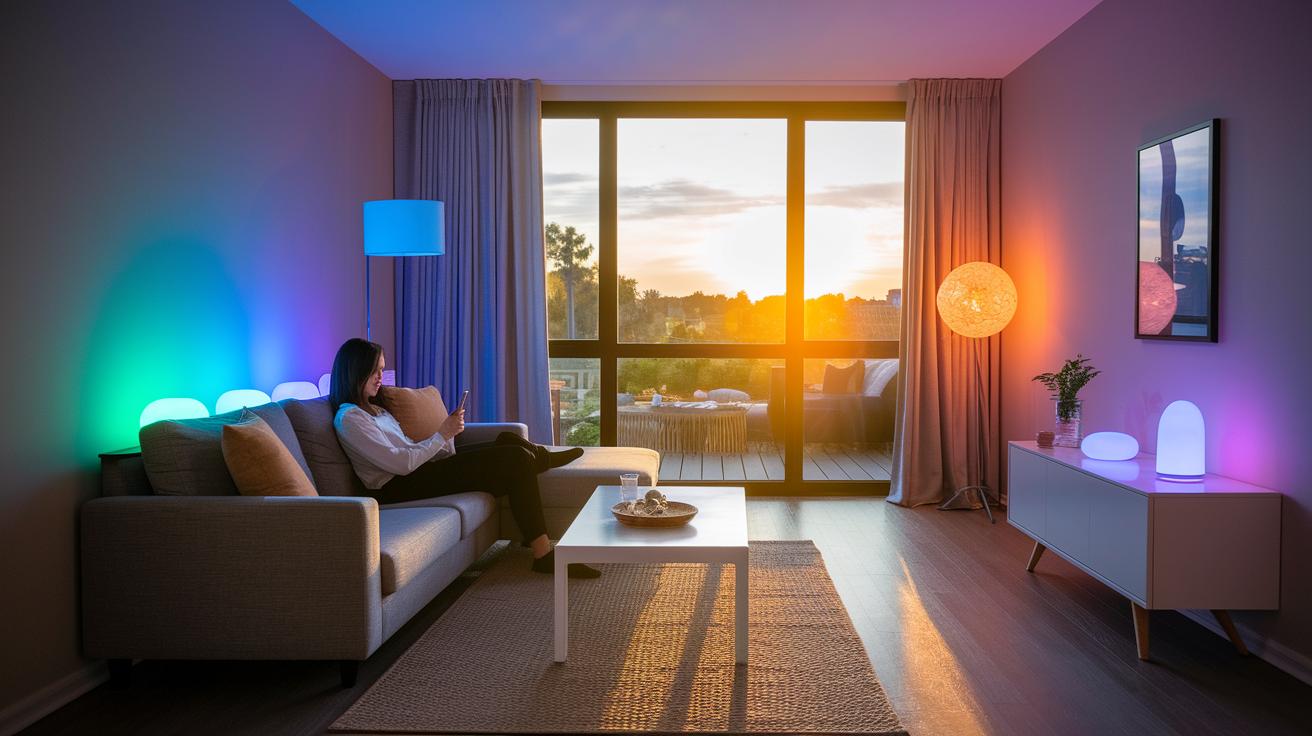
Smart home lighting changes your space in a big way. It uses wireless tech and simple phone apps to let you control your lights no matter where you are. You can tweak the brightness, change the color, or set a timer to make your home feel just right. Picture coming home to a warm glow or winding down with a calm light.
The system offers handy features like remote control, dimming, and color changes. It even works with natural events like sunrise or sunset. It pairs easily with Google Home, Apple HomeKit, Samsung SmartThings, and Amazon Alexa. In other words, a quick tap or voice command is all it takes to set the mood. Some setups even use sensors that turn lights on when someone enters a room.
Smart lighting lets you program your lights to match your day. They can turn on automatically at set times, adjust brightness to the room’s natural light, and shift colors for a special mood. This not only saves energy but also makes your home feel naturally in tune with your life. Whether you’re setting the scene for a family meal or a quiet evening, smart lighting adds a practical and stylish touch to modern living.
Comparing Smart Bulbs and Smart Switches in Home Lighting
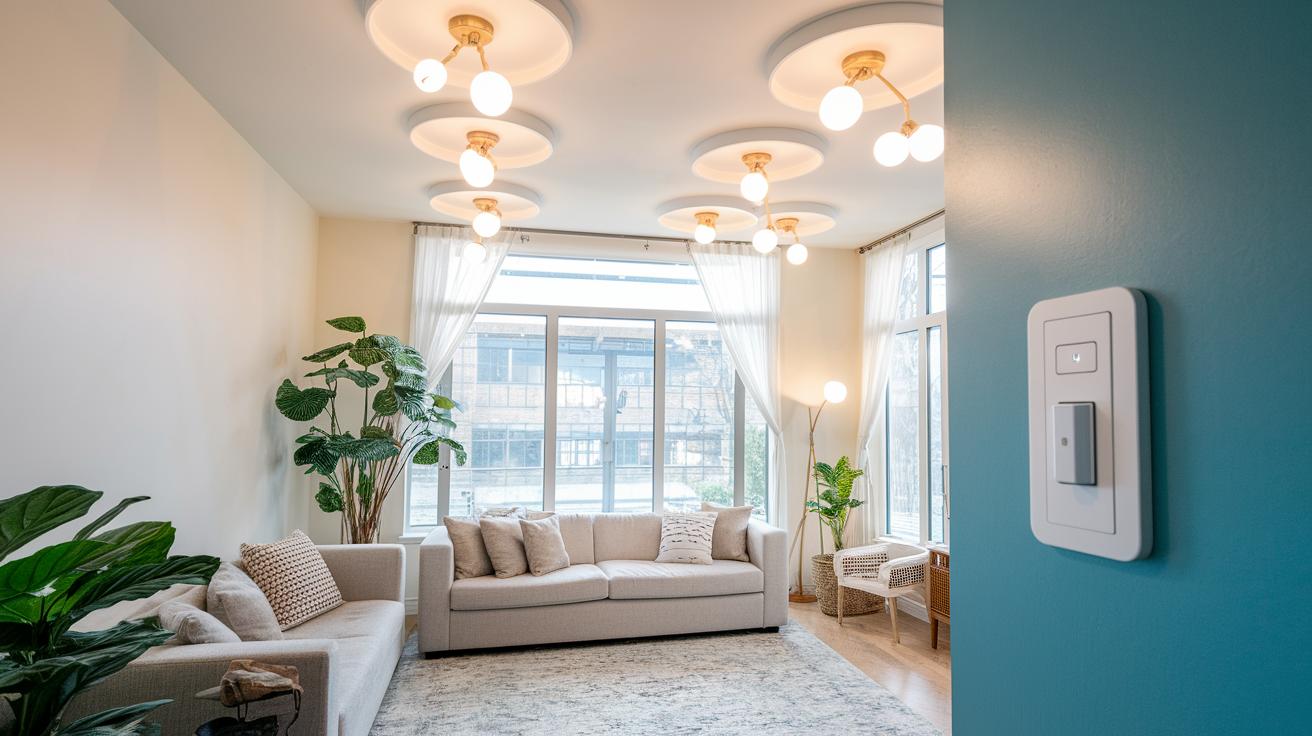
Setting up smart lighting means choosing the system that fits your home best. You can either swap your regular bulbs for smart ones or replace your wall switches with smart switches. Both change how you control your lights and how they handle power.
Smart bulbs look and work like regular LED bulbs. They can be very cheap, around $5 each, and fit right into your existing socket. They work with voice control via systems like Alexa, Google Home, HomeKit, and SmartThings. But remember, if you flip the wall switch off, the bulb loses power and you can’t control it remotely.
Smart switches keep the lights powered at all times, even when you use the switch on the wall. They might need extra wiring, like a neutral wire (a wire that completes the circuit), and setting them up can be trickier. Brands like Lutron Caseta and Leviton Decora Smart Wi-Fi Switches are built to keep the circuit live, which helps with consistent automation and reliable performance.
For many homes, a mix of both can work well. Smart plugs offer an easy add-on for lamps and other fixtures that aren’t hardwired. This lets you create a flexible smart lighting system that fits your needs without a full home overhaul.
Top Smart Home Lighting Products for 2025
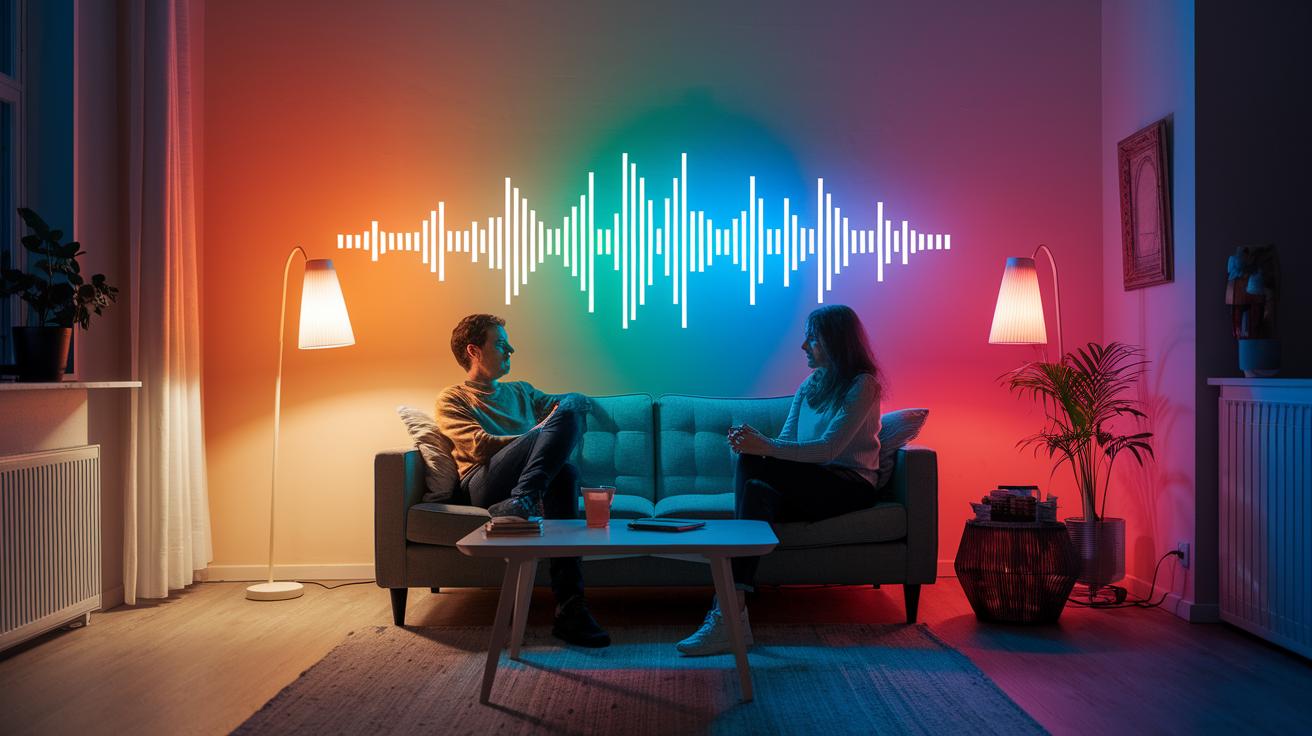
Smart home lighting is changing how we brighten our homes. These LED systems use very little power while adding style to your space. In 2025, smart lighting does more than light up a room. They can sync with music, know when you are near (geofencing), and even let you change colors to match your mood.
One option is the Philips Hue White and Color Ambiance Bulb. It costs around $55 and needs a bridge (a hub that connects smart devices) to work. Then there's the Sengled Smart Bulb, priced at $7.50, which works with Bluetooth, Wi-Fi, Zigbee, and Z-Wave. The Wyze A19 Dimmable is available for $8.50 and offers both tunable white and full-color options. It delivers between 30 and 1100 lumens over Wi-Fi without needing a hub. You can also check out the Tapo Smart Wi-Fi Light Bulb, Multicolor for $11, and the LIFX Color BR30 Bulb for $27.
These bulbs work well with Alexa, Google Home, and HomeKit. That makes them a smart pick for any modern home.
| Product | Price | Key Features |
|---|---|---|
| Philips Hue White and Color Ambiance Bulb | $55 | Requires bridge, 16 million hues, voice control |
| Sengled Smart Bulb | $7.50 | Bluetooth, Wi-Fi, Zigbee, Z-Wave support |
| Wyze A19 Dimmable | $8.50 | Tunable white/full color, 30–1100 lumens, Wi-Fi |
| Tapo Smart Wi-Fi Light Bulb, Multicolor | $11 | Multicolor options, direct Wi-Fi connection |
| LIFX Color BR30 Bulb | $27 | High brightness, energy saving, app control |
These picks show that smart lighting today is about more than saving energy. They help match your daily routine with adjustable scenes and custom designs. You can set lighting moods with a tap or your voice. With options that suit any room and budget, there is a smart lighting solution for everyone. Enjoy the benefits of modern light control and bring a new vibe to your home.
Step-by-Step Installation and Setup of Smart Home Lighting
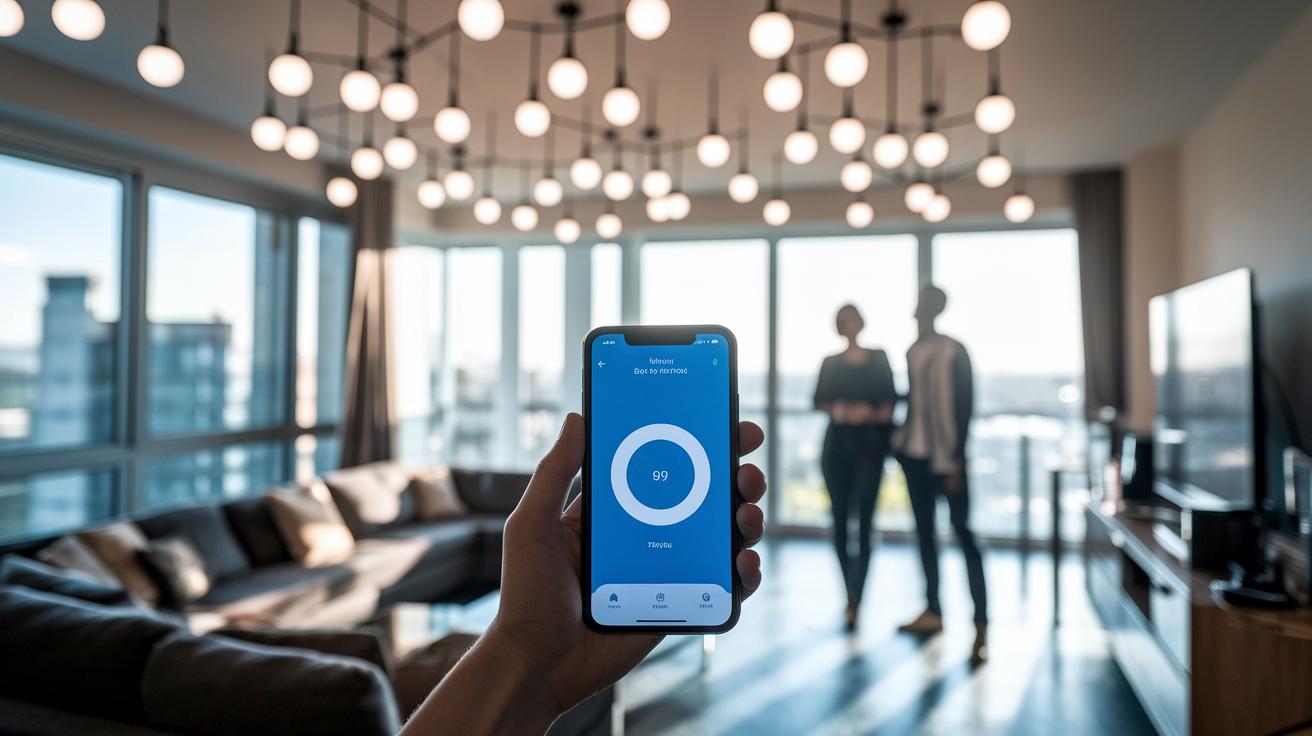
Setting up smart lighting is easier than you think. It does take a few extra steps compared to regular bulbs, but the control you gain is well worth it. First, get your bulbs and switches ready by using the vendor’s app and following some simple wiring tips.
- Turn off the power at the circuit breaker. Screw in your smart bulbs, but leave the wall switch ON to keep them powered.
- Launch the vendor’s app and follow the prompts to hook your bulbs up to your home Wi-Fi.
- Scan for nearby smart bulbs and switches to add them to the app and make sure each device is recognized.
- For smart switches, check that you have a neutral wire available. Remove the wall plate and connect the wiring as directed.
- Pair your smart switches with the app or hub. Test each one to see that they control the lights properly.
- Lock in your setup by creating scenes and schedules in the app. For example, set a morning routine with gradually brightening light or an evening mode with dim, warm light.
By following these steps, you’ll have a smooth installation process. Now your smart lighting is ready to use, letting you set timers, adjust brightness when needed, or even control with voice assistants. Enjoy turning your regular lighting into a flexible, easy-to-use part of your home.
Integrating Smart Home Lighting with Hubs and Voice Assistants
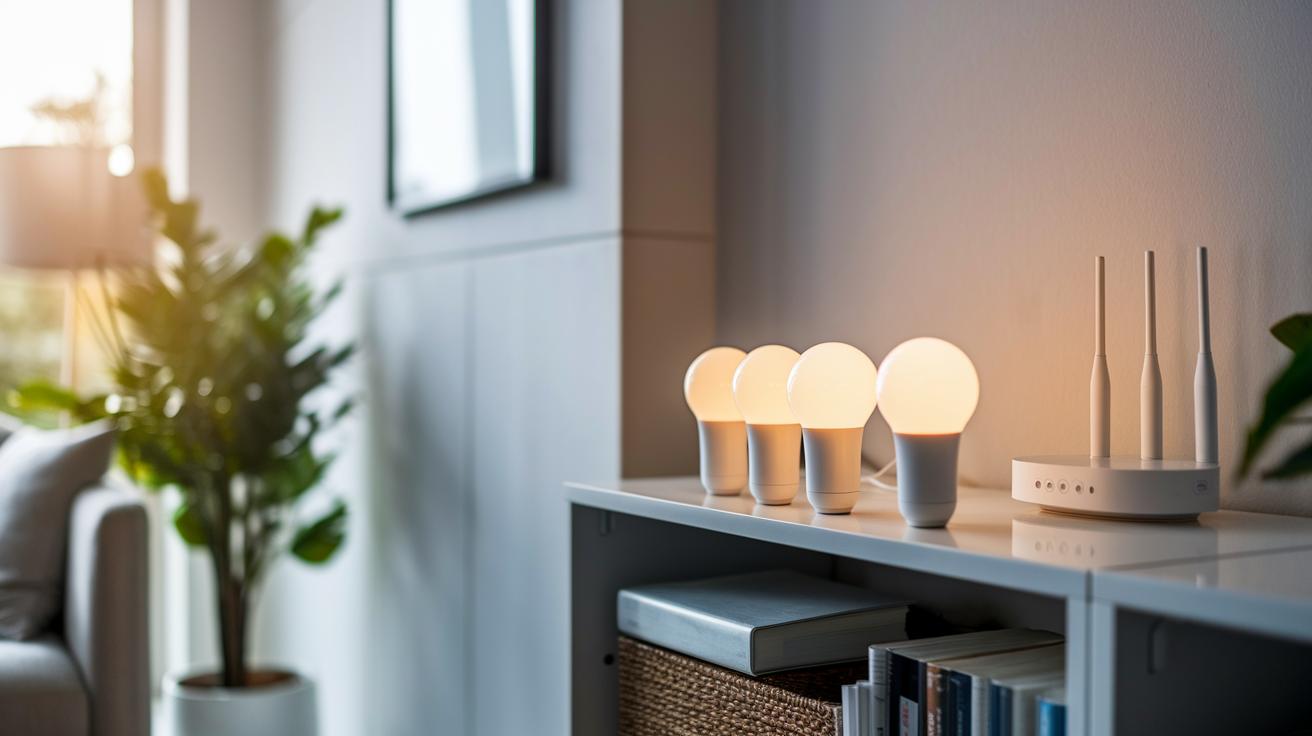
Smart hubs are the go-to spot for linking all your smart lighting devices. They allow your lights to work together on one network. Popular hubs like Philips Hue Bridge, Sengled Hub, or Samsung SmartThings use Wi-Fi, Bluetooth Mesh, Zigbee, Z-Wave, and Thread (a way for gadgets to communicate) to connect your devices. This setup keeps everything in sync, simplifies control, and gears you up for Matter support soon. It also helps run your lights more smoothly, saves power, and makes setting up multi-room scenes a breeze.
Pairing your smart lights with a hub is an important first step. Hubs tie together different systems so that even devices that use different protocols can talk to each other. The process is guided by a friendly app that walks you through connecting bulbs, switches, and smart plugs without the tech headache. This hands-on approach means you can easily adjust brightness and scene transitions while avoiding issues from mismatched protocols.
Once your devices are paired, adding voice assistant control makes the setup even better. Tools like Alexa, Google Assistant, and Siri link to your hub through built-in features or simple settings. With voice commands, you can change colors, dim lights, or activate scenes using just your voice. This turns your home into a quick and responsive lighting system that listens when you speak.
Energy Efficiency and Savings with Smart Home Lighting
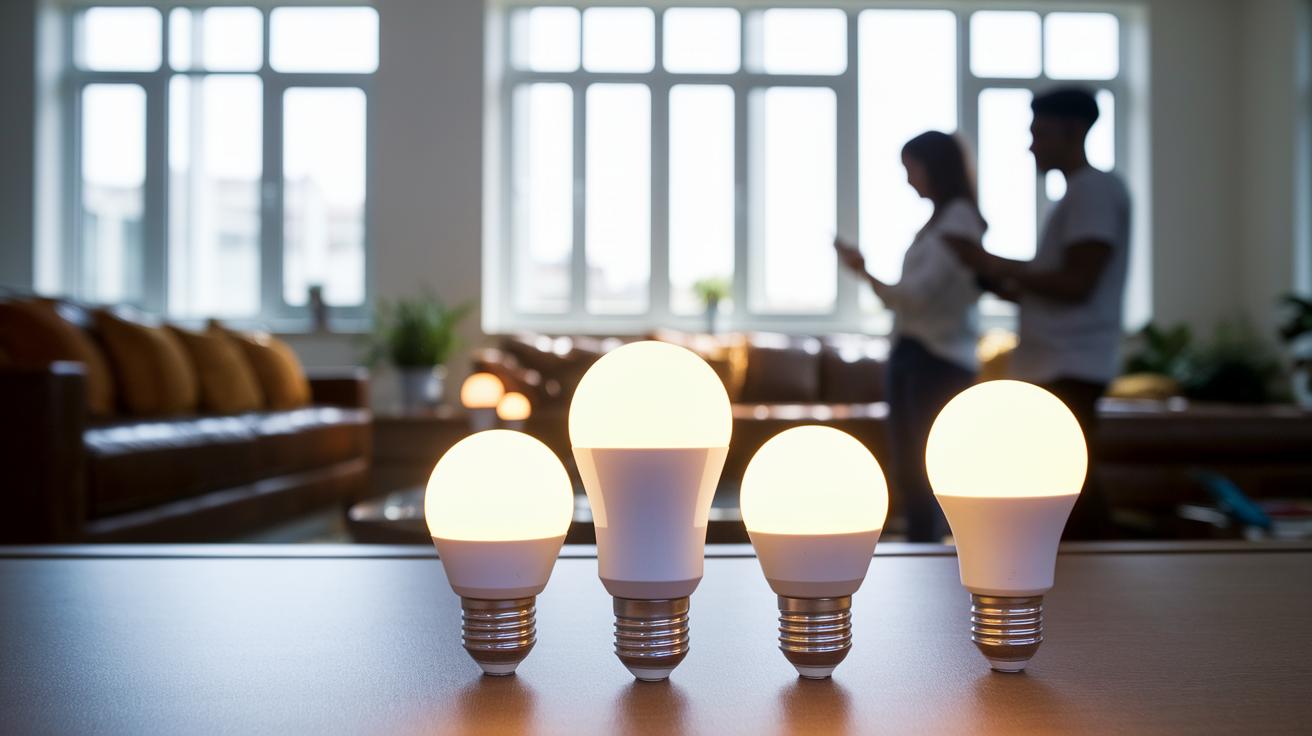
LED smart bulbs use 70-90% less energy than old incandescent bulbs and can last over 25,000 hours. They only draw about 8-10 watts compared to the 60 watts drawn by regular bulbs. This low energy use cuts your bills over time and means you don't need to replace them as often, reducing waste and hassle. Switching to these bulbs lights up your home with much less power than before.
Smart features like scheduling, geo-fencing (using your phone's location) and circadian rhythm modes help cut energy waste even more. For example, you can set lights to turn off when a room is empty or adjust brightness based on the time of day. Some systems also simulate occupancy to boost home security without costing extra. These functions show why smart lights are a popular choice among energy savers.
Using these energy-saving setups is not only great for the planet but also helps lower your monthly bills. With less power used and smart automation, your yearly costs drop significantly, making smart home lighting a smart buy for eco-minded homeowners and anyone looking to reduce expenses.
Custom Ambiance and Creative Design with Smart Home Lighting
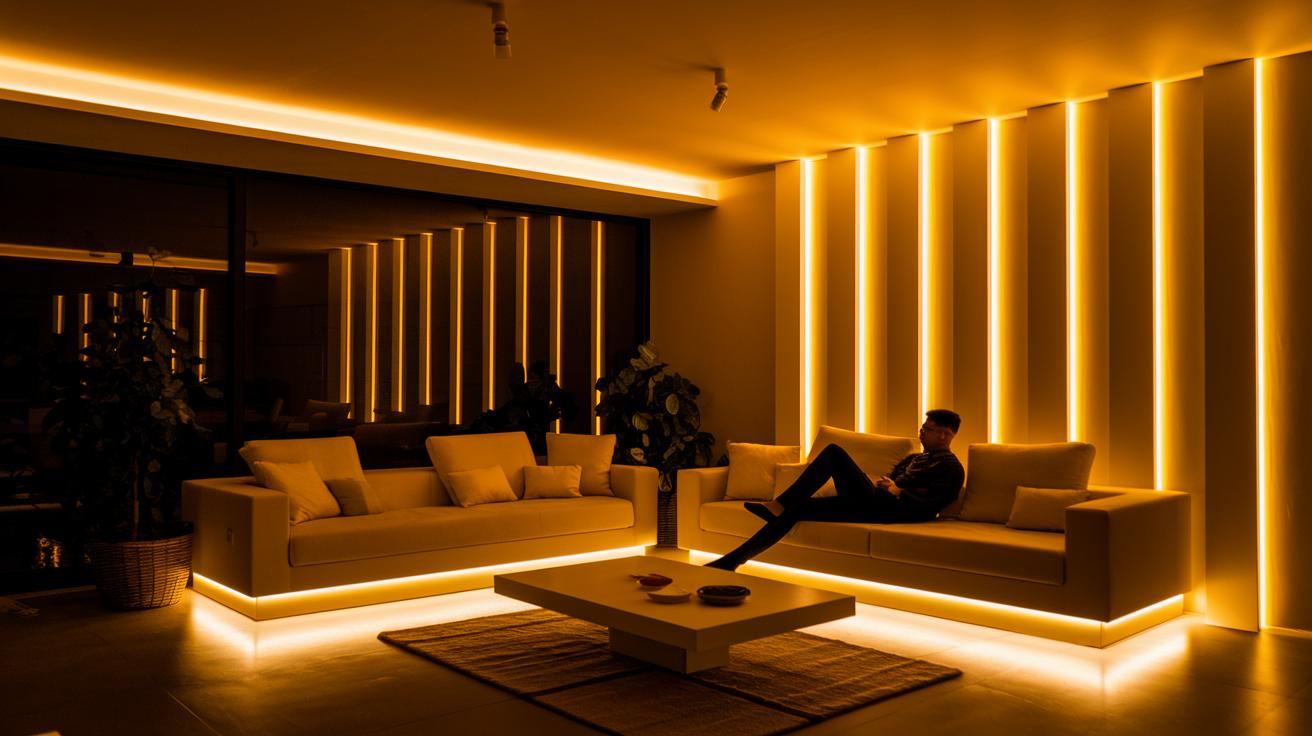
Smart bulbs and LED strips let you set the mood with ease. You can choose from a warm 2000 K glow (a soft, inviting light) to a cool 6500 K shine (a crisp, daylight feel). With a palette of up to 16 million colors, you can tailor each room’s lighting to fit your needs. Imagine relaxing in a living room lit by a gentle amber hue or switching to a bright, white light for a lively gathering. A single tap can turn your space from a cozy haven into an energizing workspace.
LED strips and panels add even more creative flair. Models like the Wyze Light Strip Pro or Moonside Lamp One offer animated effects and music sync. This means your lights can pulse with your favorite tunes or slowly blend between colors. Such dynamic lighting helps bring your home to life by making every light feel like a part of your design.
Preset ambiance modes make it simple to adjust your lighting scene. Labels like relax, focus, or party allow for quick changes to suit your mood. Decorative options such as string lights or accent panels enhance the layers in your room, mixing function and style to create a space that feels both unique and inviting.
Troubleshooting Common Issues in Smart Home Lighting
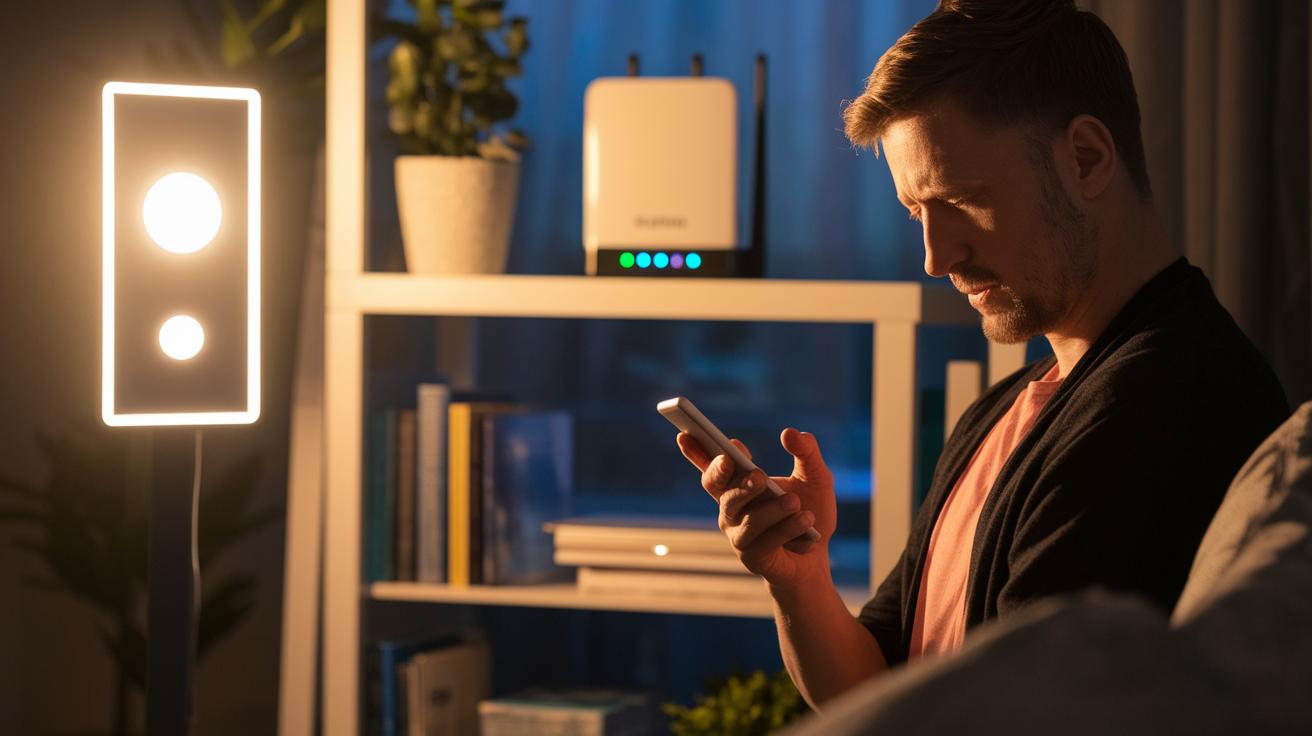
Smart home lighting can sometimes give you trouble. Lights might go off unexpectedly, and devices may have a hard time pairing or talking to each other. Often, weak Wi-Fi, power dips, or mixed-up wireless signals are to blame.
Unstable power or a shaky network can make your lights unresponsive. If a smart bulb loses connection, first check your Wi-Fi strength and make sure the wall switch is on. Restarting your router and the bulb often clears up any sensor issues with brightness control.
Sometimes firmware (the software inside your device) mismatches or pairing fails. Updating the firmware through the manufacturer’s app usually fixes the problem. If that doesn’t work, resetting the device to its factory settings can help re-establish a clean connection. This keeps auto-brightness and sensor controls working as they should.
Regular maintenance is key. Check your switch positions, update your firmware regularly, and try to balance your network load if you spot interference. Simple steps like these help your smart lights run smoothly day in and day out.
Final Words
In the action, we explored smart home lighting systems that boost your home experience. Our overview looked at how these systems improve energy efficiency, create custom moods, and even save money. We broke down the differences between bulbs and switches and showed how simple setup can lead to smooth voice assistant integration. The guide offered clear tips on installation and troubleshooting to enhance your everyday life. Smart home lighting makes your space both practical and bright. Enjoy the benefits and upgrade your home with confidence.
FAQ
What is a smart lighting system for a home?
The smart lighting system for a home connects bulbs, switches, and apps to give you remote control, scheduling, and voice support. It lets you adjust brightness, color, and power use from anywhere.
What are the best smart home lights?
The best smart home lights offer energy efficiency, wireless control, and easy integration with voice assistants like Alexa and Google. They support scheduling, dimming, and a variety of colors to suit your needs.
What are the disadvantages of smart lighting?
The disadvantages of smart lighting include reliance on a stable network, compatibility issues among different brands, occasional firmware hiccups, and a higher initial cost compared to traditional lighting.
Do you need an electrician to install smart lights?
The need for an electrician depends on the setup. Smart bulbs usually install like regular ones, while smart switches might require wiring changes that could benefit from a professional’s help.
What is a smart home lighting system project?
A smart home lighting system project involves planning and installing connected devices that let you control and automate your lights with an app or voice commands, adding convenience and saving energy.
How does wireless smart home lighting work?
Wireless smart home lighting works by using radio signals to connect your bulbs and switches to your network. This setup lets you control and automate your lights without extra wiring.
What are smart ceiling light fixtures?
Smart ceiling light fixtures incorporate smart technology into ceiling setups, providing wireless control over brightness and color. They combine modern design with practical home automation features.
How does smart lighting improve the bedroom atmosphere?
Smart lighting improves the bedroom atmosphere by letting you adjust brightness and color temperatures to create relaxing or energizing scenes. It also supports routines to help improve your sleep cycle.
What makes the best smart home light switches?
The best smart home light switches deliver constant power for automation and work seamlessly with mobile apps. They integrate with major systems to offer reliable control and an easy setup experience.
What is the role of a smart lighting app?
A smart lighting app acts as your control hub, letting you schedule, adjust brightness and color, and set scenes. It simplifies managing your lights from your smartphone or tablet.
What is a Smart Lighting Ring?
A Smart Lighting Ring is a control device that allows you to adjust your smart lights directly. It offers tactile controls for brightness and color, providing an alternative to using a smartphone app.